Introduction
This manual provides detailed instructions for the installation, operation, and maintenance of your SSYING 1080P Battery Home Security Camera System. Please read this manual thoroughly before use and retain it for future reference.
Продукт өзгөчөлүктөрү
- 1080P HD видео чечилиши
- Wire-Free Design for Flexible Placement
- IP65 Weatherproof Rating for Outdoor Use
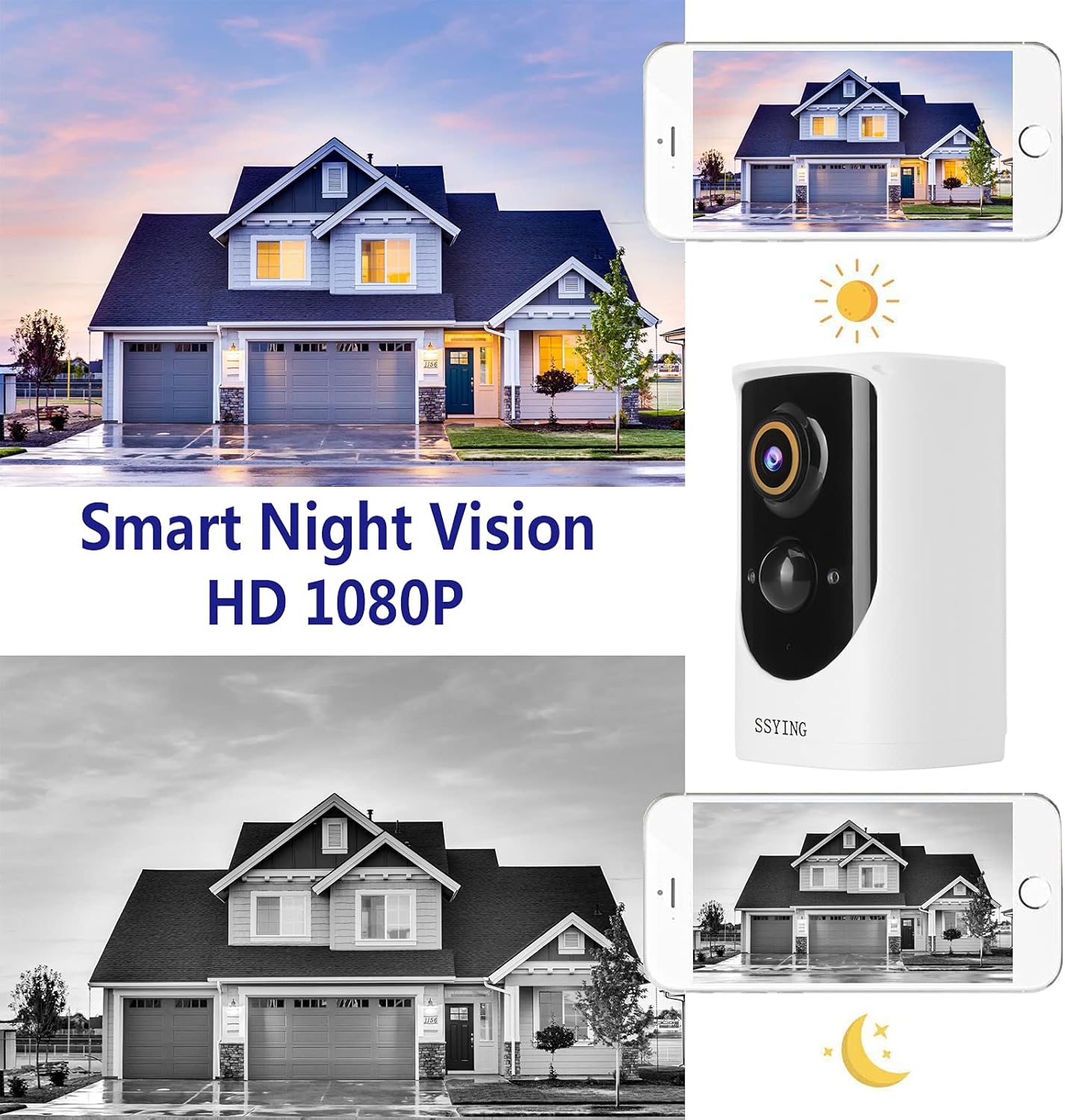
- HD Night Vision (Infrared)
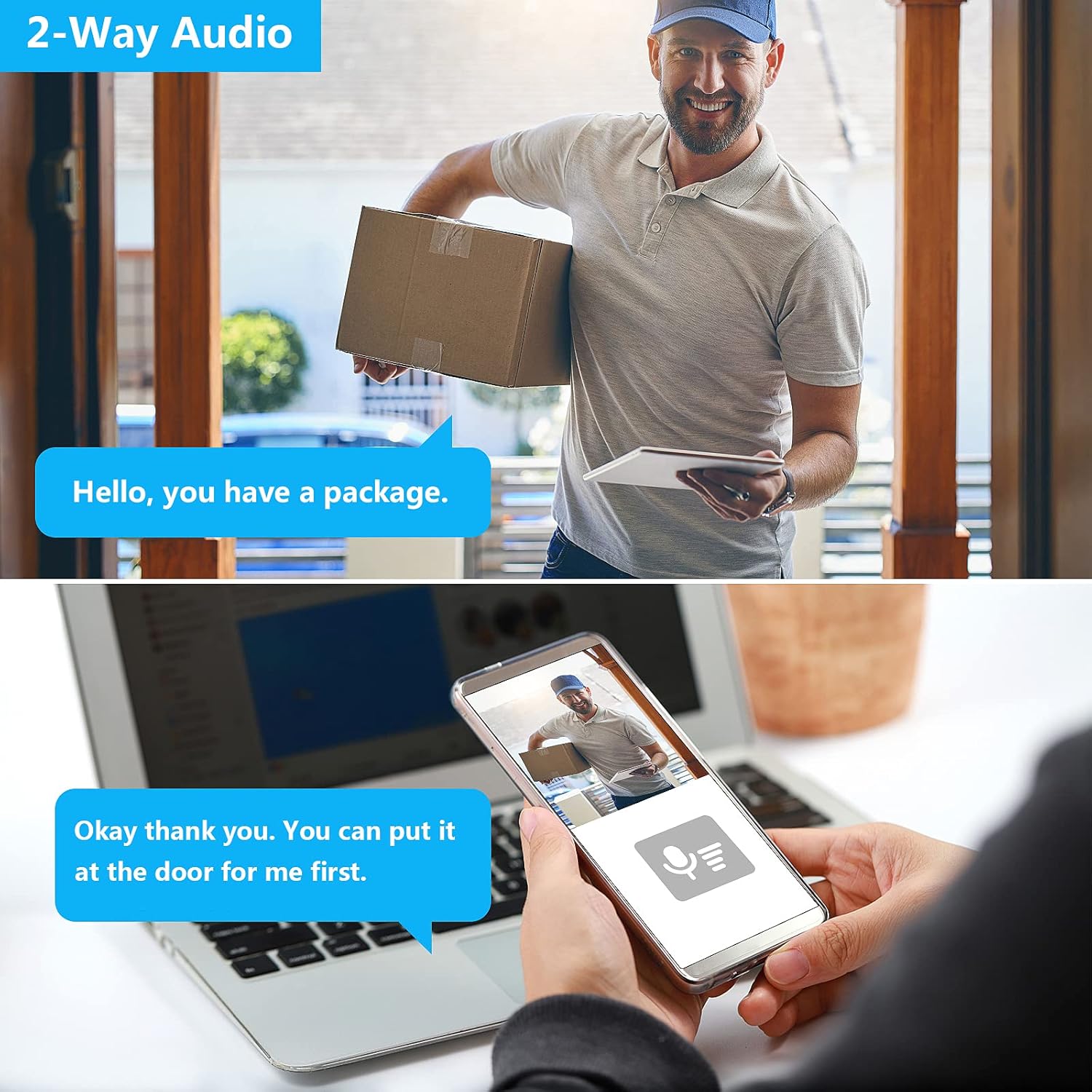
- Эки тараптуу аудио байланыш
- PIR Motion Detection with Instant Mobile Notifications
- Батарея кубаты
- Wide-Angle Camera Lens
- iOS жана Android түзмөктөрүн колдойт

Пакеттин мазмуну
Бардык компоненттердин бар экенин жана жакшы абалда экенин текшериңиз:
- SSYING 1080P Battery Camera
- Кронштейн орнотуу
- USB заряддоо кабели
- Бурамалар жана дубал анкерлери
- User Manual
Орнотуу колдонмосу
1. Камераны заряддоо
Before initial use, fully charge the camera battery using the provided USB cable. A full charge ensures optimal performance and battery life.
2. Колдонмону жүктөп алуу жана аккаунтту каттоо
Download the official SSYING app from the App Store (iOS) or Google Play Store (Android). Register for an account and log in.
3. Pairing the Camera with the App
- Камераны күйгүзүңүз.
- Follow the in-app instructions to add a new device. This typically involves scanning a QR code on the camera or connecting to a temporary Wi-Fi hotspot created by the camera.
- Connect the camera to your home 2.4GHz Wi-Fi network. Note: 5GHz Wi-Fi is not supported.
- Туташкандан кийин, камера колдонмоңуздун түзмөктөр тизмесинде пайда болот.

4. Орнотуу
The camera can be mounted on a wall or ceiling, or simply placed on a flat surface.
Дубалга/Шыпка орнотуу
- Каалаган нерсени камсыз кылган ылайыктуу жерди тандаңыз viewing angle and strong Wi-Fi signal.
- Бургулоо тешиктерин белгилөө үчүн монтаждык кронштейнди шаблон катары колдонуңуз.
- Тешиктерди бургула жана зарыл болсо, дубал анкерлерин салгыла.
- Монтаждык кронштейнди бурамалар менен бекитиңиз.
- Attach the camera to the mounting bracket and adjust the angle.


Иштөө нускамалары
Live View
Open the SSYING app and select your camera to view the live feed. You can pinch to zoom and pan the view.
Эки тараптуу аудио
Түз эфирде view, tap the microphone icon in the app to speak through the camera's speaker. Tap again to end. This allows for direct communication with visitors.
Кыймылды аныктоо жана эскертүүлөр
The camera uses a Passive Infrared (PIR) sensor to detect motion. When motion is detected, the camera will record a video clip and send an instant notification to your smartphone.
You can adjust motion sensitivity and set detection zones within the app settings.
Түнкү көрүнүш
Камера аз жарык шарттарында инфракызыл түнкү көрүүгө автоматтык түрдө которулуп, кара жана ак түстөгү так видеотасмаларды беретtage.
Cloud Storage
The camera supports cloud storage for recorded events. Refer to the app for details on storage plans and access to recorded footage.
Техникалык тейлөө
Батареяны заряддоо
When the battery level is low, you will receive a notification. Disconnect the camera from its mount and charge it using the USB cable.
Тазалоо
Periodically wipe the camera lens and body with a soft, dry cloth to remove dust and debris. Do not use harsh chemicals.
Аба ырайына каршылык
The IP65 rating ensures protection against dust and water jets. However, avoid submerging the camera in water or exposing it to extreme weather conditions beyond its operating limits.
Проблемаларды чечүү
Камера Wi-Fiга туташпай жатат
- Wi-Fi тармагыңыз 2.4 ГГц экенин текшериңиз. Камера 5 ГГц тармактарды колдоого албайт.
- Камеранын жайгашкан жеринен Wi-Fi сигналынын күчүн текшериңиз.
- Restart your router and the camera, then attempt pairing again.
- Киргизилген Wi-Fi сырсөзү туура экенин текшериңиз.
If issues persist, try moving the camera closer to the router during setup.
No Motion Detection Alerts
- Check the motion detection settings in the app to ensure it's enabled and sensitivity is appropriate.
- Камераны камсыз кылыңыз view тоскоол болбойт.
- Verify app notifications are enabled on your smartphone.
Кыска батареянын иштөө мөөнөтү
- Кыймылды тез-тез аныктоо окуялары же түз эфир view usage can drain the battery faster. Adjust sensitivity or reduce live view убакыт.
- Өтө суук аба ырайы батареянын иштешин начарлатышы мүмкүн.
- Ensure the camera is fully charged each time.
Видеонун сапаты начар
- Check your Wi-Fi connection speed. A weak signal can affect video streaming quality.
- Камера линзасын тазалаңыз.
For further assistance, please contact SSYING customer support.
Техникалык шарттар
| Өзгөчөлүк | Деталь |
|---|---|
| Модел | BACA-422 |
| Video Resolution | 1080P HD |
| Power Source | Батарея менен иштейт (6000mAh) |
| Байланыш | 2.4GHz Wireless WiFi |
| Аба ырайына каршылык | IP65 |
| Түнкү көрүнүш | Инфракызыл |
| Аудио | Эки тараптуу аудио |
| Motion Detection | PIR Кыймыл сенсору |
| Өлчөмдөрү (L x W x Y) | 3.7 x 2.3 x 2.3 дюйм |
| Элемент Салмагы | 14.8 унция |
| Иштөө температурасы | 50°C (122°F) чейин |
Кепилдик жана колдоо
For warranty information and technical support, please refer to the product packaging or contact SSYING customer service through their official webсайт же колдонмодо берилген байланыш маалыматы.


