1. Киришүү
The ThermoPro TP357 is a compact Bluetooth hygrometer and thermometer designed to accurately monitor indoor temperature and humidity levels. With its smart app connectivity, you can receive real-time data, set alerts, and track historical trends, ensuring a comfortable and healthy environment for your home, baby room, office, or other sensitive areas.

The ThermoPro TP357 device shown alongside its companion mobile application. The app displays real-time temperature and humidity readings, along with historical data graphs and comfort level indicators.
2. Пакеттин мазмуну
- 1 x ThermoPro TP357 Bluetooth Hygrometer
- 1 x AAA батарейкасы (алдын ала орнотулган же кошулган)
- 1 x User Manual
3. Продукциянын өзгөчөлүктөрү
- Жогорку тактык: Temperature accurate to ±0.5°C and humidity to ±2%RH.
- Тез жаңылоо ылдамдыгы: Readings updated every 10 seconds for real-time monitoring.
- Кеңейтилген Bluetooth диапазону: Up to 80m (260ft) remote range in open areas.
- Акылдуу колдонмо туташуусу: Monitor data, set alerts, and view historical graphs via the ThermoPro Sensor app.
- Comfort Indicators: Face icons (DRY/COMFORT/WET) provide an easy visual of air conditions.
- реалдуу убакыт эскертүүлөр: Receive phone notifications if temperature or humidity levels fall outside preset ranges.
- Маалыматтарды сактоо: Up to 1 year of free data storage with graphical representation.
- Компакт дизайн: Small and portable with versatile placement options (tabletop, hanging, magnetic).

The ThermoPro TP357 is engineered for high accuracy and a fast refresh rate, ensuring precise and up-to-date temperature and humidity readings for reliable environmental monitoring.

This banner image introduces the ThermoPro Mini Bluetooth Thermo-hygrometer, emphasizing its core functionalities including a comfort indicator, smart app connectivity, alert notifications, and data storage capabilities.
4. Орнотуу
4.1 Батареяны орнотуу
- Locate the battery compartment on the back of the TP357 device.
- Батареянын капкагын ачыңыз.
- Insert one AAA battery, ensuring the correct polarity (+/-).
- Close the battery cover securely. The device display should turn on.
4.2 Колдонмону жүктөп алуу жана орнотуу
Download the "ThermoPro Sensor" app from the App Store (iOS) or Google Play Store (Android). Издөө "ThermoPro Sensor".
4.3 Түзмөктү жупташтыруу
- Смартфонуңузда же планшетиңизде Bluetooth иштетилгенин текшериңиз.
- Open the ThermoPro Sensor app.
- The app will automatically search for and connect to your TP357 device. If multiple devices are present, select your TP357 from the list.
- Once connected, the device's current temperature and humidity readings will appear in the app.
5. Иштөө нускамалары
5.1 Температура жана нымдуулук көрсөткүчтөрү
The TP357 device displays current temperature and humidity on its LCD screen. The ThermoPro Sensor app provides real-time readings, historical data graphs, and comfort level indicators.
5.2 Understanding Comfort Indicators
The device and app display a face icon to indicate comfort levels:
- 😟 Dry: Нымдуулук < 30%
- 🙂 Comfort: Нымдуулук 30% ~ 60%
- 😔 Wet: Нымдуулук > 60%

The ThermoPro TP357 features intuitive face icons that indicate the current air conditions: Dry (<30% humidity), Comfort (30%~60% humidity), and Wet (>60% humidity). This visual cue helps users understand and adjust their environment for optimal comfort.
5.3 Setting Alerts
Within the ThermoPro Sensor app, you can set custom high and low temperature and humidity alert ranges. If the readings go outside these ranges, you will receive a notification on your phone.
- In the app, navigate to the settings for your TP357 device.
- Locate the Temperature Alarm and Humidity Alarm sections.
- Adjust the maximum (Max) and minimum (Min) values for both temperature and humidity as desired.
- Ensure notifications are enabled for the ThermoPro Sensor app in your phone's system settings.

The ThermoPro app allows users to set custom temperature and humidity ranges. If readings fall outside these parameters, the app sends instant notifications to your phone, enabling prompt action to maintain desired environmental conditions, ideal for sensitive areas like a baby's room.
5.4 Маалыматтарды жаздыруу жана экспорттоо
The app automatically records temperature and humidity data for up to one year. You can view this data in graphical format (24 hours, 1 week, 1 year) and export it for further analysis.

The ThermoPro app provides comprehensive data logging, allowing users to view and analyze temperature and humidity trends over a period of up to one year through detailed graphs. This is particularly useful for environments like greenhouses.
6. Орнотуу жана орнотуу
ThermoPro TP357 бир нече жайгаштыруу варианттарын сунуштайт:
- Стол үстү: Use the integrated kickstand to place it on any flat surface.
- Асма тоо: Utilize the hanging hole on the back to mount it on a hook or nail.
- Күчтүү магнит: The device features a strong magnet for attachment to metallic surfaces like refrigerators.

This image demonstrates the extensive 80-meter (260ft) Bluetooth range of the ThermoPro TP357, allowing monitoring from different locations within a home. The device can be placed in a bedroom, living room, or kitchen, with data accessible on a smartphone.
7. Техникалык шарттар
| Параметр | Нарк |
|---|---|
| Модель номери | TP357 |
| Температуранын тактыгы | ±0.5°C |
| Нымдуулуктун тактыгы | ± 2% RH |
| Жаңыртуу ылдамдыгы | 10 секунд |
| Bluetooth диапазону | 80 м (260 фут) чейин тоскоолдуксуз |
| Power Source | 1 x AAA Батарея |
| Продукциянын өлчөмдөрү | 5.55 x 5.54 x 1.75 см |
| Салмагы | 55 г |
8. Кыйынчылыктарды
8.1 Түзмөк колдонмого туташпай жатат
- Смартфонуңузда Bluetooth иштетилгенин текшериңиз.
- Make sure the TP357 device is within the Bluetooth range (80m/260ft unobstructed).
- Check if the battery is properly installed and has sufficient power. Replace if necessary.
- Close and reopen the ThermoPro Sensor app.
- Смартфонуңузду өчүрүп күйгүзүңүз.
8.2 Туура эмес окуулар
- Ensure the device is not placed near heat sources (e.g., direct sunlight, heating vents) or extreme cold sources.
- Avoid placing the device in areas with high airflow or drafts, which can affect readings.
- Allow the device to stabilize for at least 30 minutes after placement in a new environment.
8.3 Батареянын иштөө мөөнөтү кыска
- Ensure you are using a fresh, high-quality AAA alkaline battery.
- Экстремалдуу температуралар батареянын иштешине таасир этиши мүмкүн.
9. Техникалык тейлөө
- Аппаратты жумшак, гamp кездеме. Абразивдүү тазалагычтарды колдонбоңуз же сууга чөмтүрбөңүз.
- Аппаратты колдонбогондо кургак жерде сактаңыз.
- Эгерде түзмөк көпкө чейин колдонулбаса, агып кетүүнүн алдын алуу үчүн батарейканы чыгарып коюңуз.
10. Кепилдик жана колдоо
ThermoPro provides a 3 жылдык кепилдик for the TP357 Bluetooth Hygrometer from the date of purchase. This warranty covers defects in materials and workmanship under normal use.
For technical support, warranty claims, or any questions regarding your ThermoPro product, please contact ThermoPro Customer Service. ThermoPro offers Өмүр бою колдоо with US-based customer service.
You can find contact information and more resources on the official ThermoPro webсайт: www.thermopro.com

ThermoPro offers exceptional value through lifetime customer support, a best-in-class 3-year warranty, and a large community of over 20 million satisfied users worldwide.
11. Кайра иштетүү маалыматы
This product and its accessories (including batteries) should not be disposed of with household waste. Please dispose of them at designated collection points for the recycling of electrical and electronic equipment. Proper disposal helps conserve natural resources and protects human health and the environment.
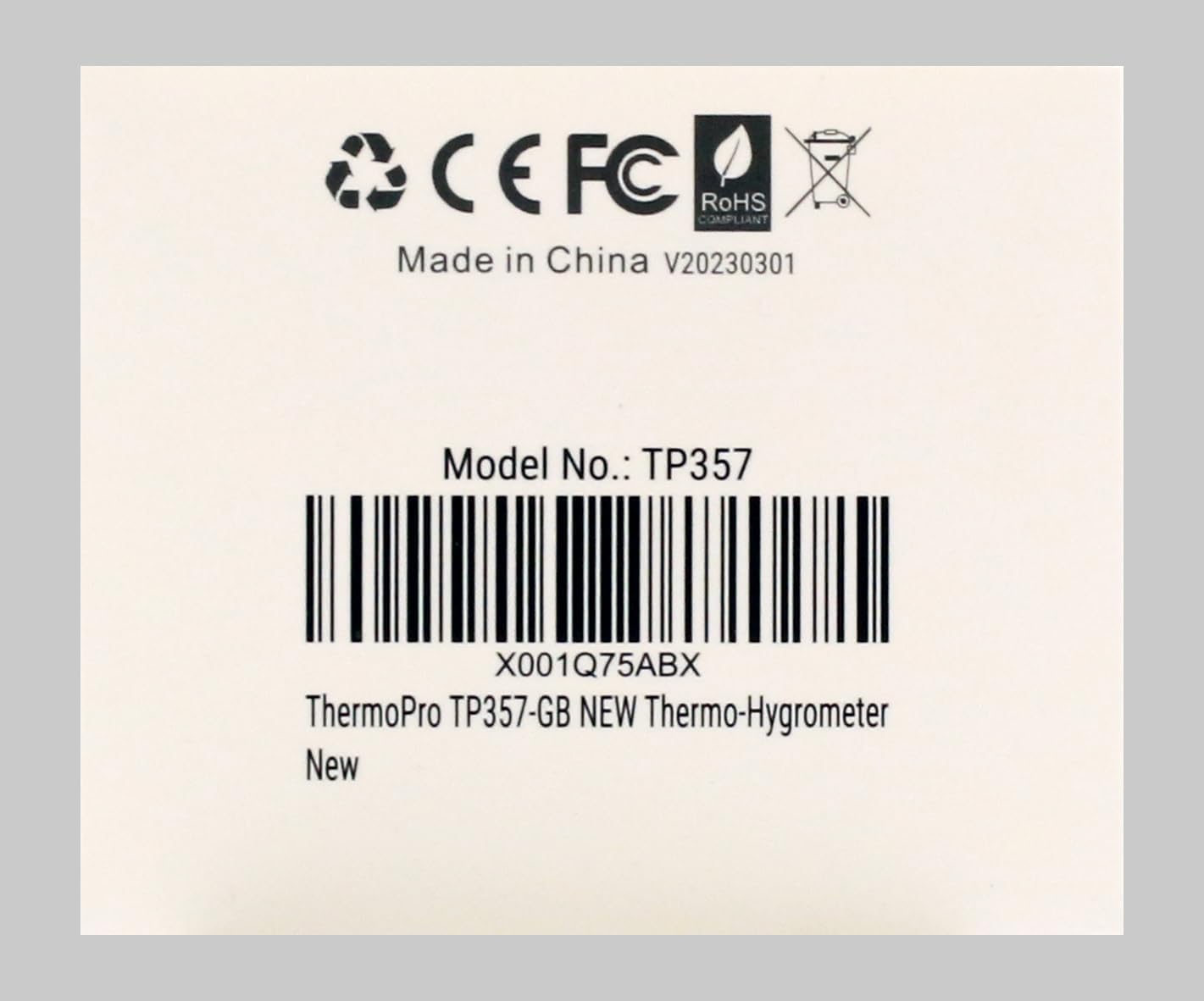
Бул сүрөттө арткы бети көрсөтүлгөн view of the ThermoPro TP357, clearly indicating its model number TP357 and a unique product identifier X001Q75ABX. It also displays regulatory compliance marks such as CE, FCC, and RoHS, confirming adherence to international standards.


