Introduction
This manual provides essential information for setting up, operating, and maintaining your VIZIO 43-Inch M-Series 4K QLED HDR Smart TV. Please read through these instructions carefully to ensure optimal performance and longevity of your television. The VIZIO M-Series TV offers a 4K Ultra HD display with Quantum Color technology, Dolby Vision HDR, and the SmartCast platform for an enhanced viewтажрыйбасы.
Орнотуу колдонмосу
Пакеттен чыгаруу жана жайгаштыруу
Carefully remove the television from its packaging. It is recommended to have two people for safe handling. Place the TV on a stable, flat surface or prepare for wall mounting.

Сүрөт: алдыңкы view of the VIZIO 43-Inch M-Series 4K QLED HDR Smart TV on its included stand.
Стендди бекитүү
If using the included stand, align the stand legs with the designated slots on the bottom of the TV. Secure them with the provided screws. Ensure the stand is firmly attached before placing the TV upright.

Image: Diagram illustrating the dimensions of the VIZIO M-Series TV with the stand attached, including height, width, and depth.
Дубалга орнотуу
For wall mounting, remove the stand legs. Use a VESA-compatible wall mount (sold separately) that supports the TV's weight and size. Follow the wall mount manufacturer's instructions for installation. The TV's slim profile is suitable for wall mounting.

Сүрөт: Side profile of the VIZIO M-Series TV, highlighting its slim design, which is beneficial for wall mounting.
Перифериялык түзүлүштөрдү туташтыруу
Connect your external devices such as cable boxes, gaming consoles, or Blu-ray players to the available HDMI ports. The TV also features USB and Ethernet ports for additional connectivity.

Сүрөт: Арткы view of the VIZIO M-Series TV, displaying the various input ports including HDMI, USB, and Ethernet connections.
Initial Power On and Network Setup
Plug the power cable into the TV and a wall outlet. Follow the on-screen prompts to complete the initial setup, including connecting to your Wi-Fi network. This step is crucial for accessing SmartCast features and streaming content.
VIZIO Smart TV'ңизди иштетүү
Using the Voice Remote
The included voice remote allows for easy navigation and control. Use the dedicated app buttons for quick access to popular streaming services. The voice control feature enables hands-free operation for searching content or adjusting settings.

Image: The VIZIO Smart TV voice remote, featuring dedicated buttons for popular streaming apps like Netflix, Disney+, and Prime Video, along with a microphone button for voice commands.
SmartCast Platform and Apps
The VIZIO SmartCast platform provides access to a wide array of streaming applications and free channels via WatchFree+. Navigate through the intuitive interface to discover movies, shows, and live TV. You can also cast content directly from your mobile devices using Apple AirPlay 2 or Chromecast built-in.
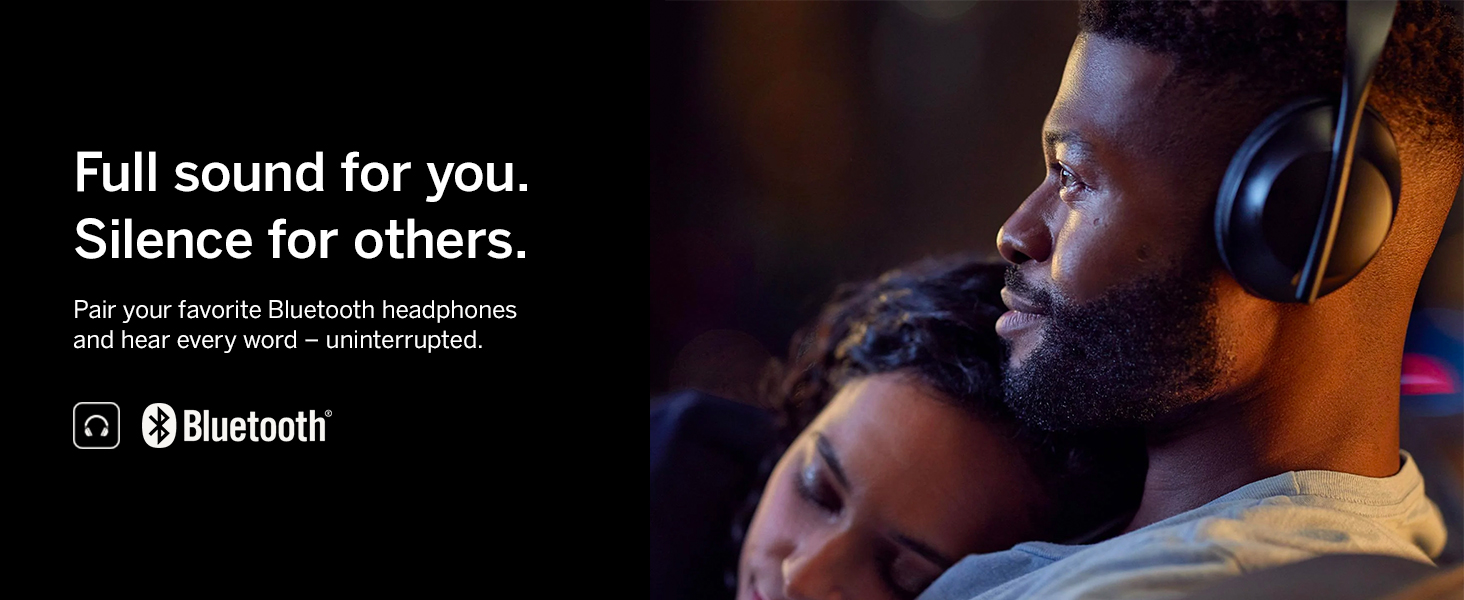
Image: A screenshot of the VIZIO SmartCast interface, showing a grid of streaming applications and trending content, with the VIZIO logo prominently displayed.
Киргизүүнү тандоо
To switch between connected devices or the built-in SmartCast, press the 'INPUT' button on your remote. A menu will appear, allowing you to select the desired source.
Voice Control and Smart Home Integration
Your VIZIO Smart TV is compatible with popular voice assistants like Alexa and Google Assistant, as well as Apple HomeKit. This allows you to control your TV using voice commands through compatible smart home devices.
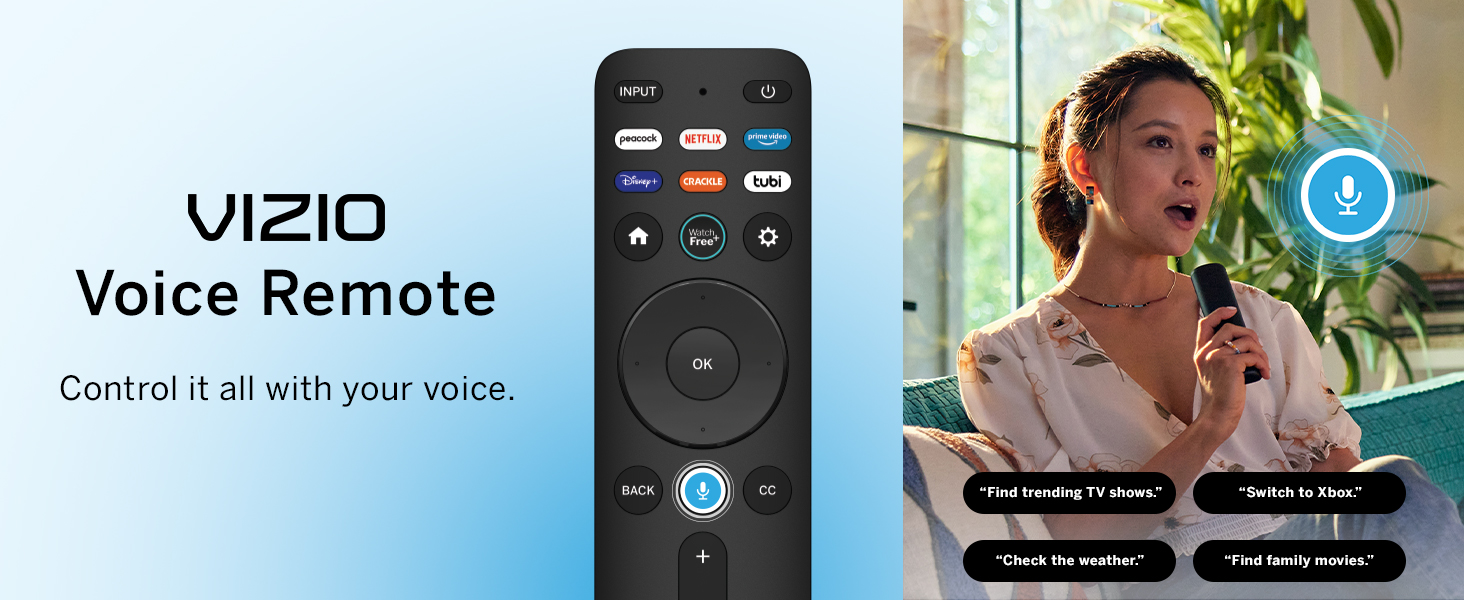
Image: Various smart home voice assistant devices (Alexa, Apple Home, Google Home) shown with the VIZIO TV, indicating compatibility for integrated voice control.
Негизги өзгөчөлүктөрү
4K Ultra HD and Dolby Vision HDR
Experience stunning clarity and detail with 4K Ultra HD resolution, offering over 8 million pixels. Dolby Vision High Dynamic Range (HDR) enhances picture quality with richer contrast, brighter highlights, and a wider color spectrum, bringing content to life.

Image: A split-screen comparison on the VIZIO TV, demonstrating the enhanced detail and contrast provided by Dolby Vision HDR compared to standard SDR.
Quantum Color (QLED)
The M-Series features Quantum Color (QLED) technology, capable of displaying over a billion vibrant colors. This results in a cinematic and true-to-life picture with exceptional color accuracy and depth.

Image: The VIZIO TV showcasing a vibrant, colorful abstract image, illustrating the wide color gamut of Quantum Color technology.
IQ Active Processor and Full Array Backlight
The VIZIO IQ Active processor provides superior picture processing and intelligent 4K upscaling, making HD content look spectacular. The Full Array Backlight system ensures uniform light distribution across the screen, contributing to excellent contrast and picture performance.
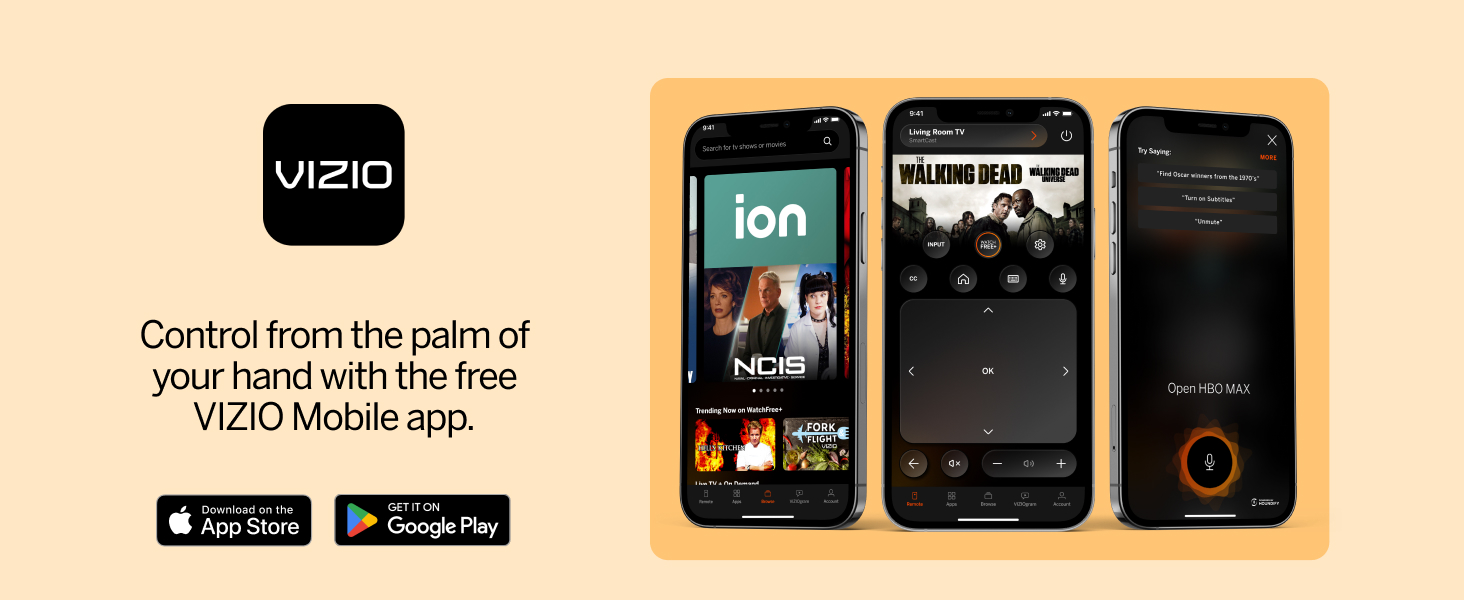
Image: A graphic illustrating the VIZIO IQ Active Processor and the concept of Full Array LED Backlight for enhanced picture quality.
V-Gaming Engine
The V-Gaming Engine, with features like Variable Refresh Rate (VRR) with AMD FreeSync and ultra-low input lag, optimizes your gaming experience. A dedicated gaming menu provides quick access to relevant settings.

Image: A VIZIO TV screen showing a video game, with text highlighting the V-Gaming Engine, fast response time, and dedicated gaming menu.
Video: An official VIZIO video demonstrating the V-Gaming Engine features and benefits for an optimized gaming experience on the TV.
Bluetooth Headphone Capability
Enjoy private listening with the TV's Bluetooth headphone capability. Connect your wireless headphones for an immersive audio experience without disturbing others.

Image: A person wearing Bluetooth headphones, indicating the VIZIO TV's capability to connect wirelessly for private audio listening.
Кароо жана тейлөө
To clean your VIZIO TV, first unplug the power cord. Use a soft, dry microfiber cloth to gently wipe the screen and frame. Avoid using harsh chemicals, abrasive cleaners, or direct spraying of liquids onto the TV. For stubborn smudges, lightly dampen the cloth with water. Ensure the TV is completely dry before plugging it back in.
Жалпы көйгөйлөрдү чечүү
- Кубат жок: Ensure the power cord is securely connected to both the TV and a working electrical outlet. Try plugging another device into the same outlet to confirm it has power.
- Сүрөт жок/Кара экран: Verify that the correct input source is selected. Check all HDMI cable connections. Try restarting the TV by unplugging it for 30 seconds and then plugging it back in.
- Үн жок: Check the TV's volume level and ensure it is not muted. Verify external audio devices (soundbar, receiver) are properly connected and powered on. Check audio settings in the TV menu.
- Тармакка туташуу маселелери: Ensure your Wi-Fi router is on and functioning. Try restarting your router and the TV. Re-enter your Wi-Fi password in the TV's network settings.
- Алыстан жооп бербейт: Пульттагы батарейкаларды алмаштырыңыз. Пульт менен сыналгынын IR сенсорунун ортосунда эч кандай тоскоолдуктар жок экенин текшериңиз.
Техникалык мүнөздөмөлөр
| Модель номери | M43Q6-J04 |
| Screen Size | 43 дюйм |
| Дисплей технологиясы | LCD with Quantum Color (QLED) |
| Резолюция | 4K UHD (3840 x 2160) |
| Жаңыртуу ылдамдыгы | 60 Гц |
| HDR колдоо | Dolby Vision HDR, HDR10+, HLG |
| Процессор | IQ Active Processor |
| Арткы жарык түрү | Full Array Backlight |
| Өзгөчөлүктөр | V-Gaming Engine (VRR, AMD FreeSync), SmartCast, Voice Remote, Bluetooth Headphone, Apple AirPlay 2, Chromecast built-in, Alexa/Google Assistant/Apple HomeKit compatibility |
| Байланыш | HDMI, USB, Ethernet |
| Продукциянын өлчөмдөрү (стенд менен) | 9.4"D x 37.7"W x 24.2"H |
| Элемент Салмагы | 16.7 фунт |

Image: Energy Guide label for the VIZIO M43Q6-J04 television, showing an estimated yearly energy cost of $26.
Кепилдик жана Кардарларды колдоо
Your VIZIO M-Series TV comes with a limited warranty. For detailed warranty information, product registration, or technical assistance, please visit the official VIZIO support webсайтында vizio.com/support. You can also find additional resources and FAQs there.


