Introduction
This manual provides comprehensive instructions for the setup, operation, maintenance, and troubleshooting of your Razer DeathAdder Essential Gaming Mouse. Designed for comfort and high performance, this mouse is equipped with a 6400 DPI optical sensor, 5 programmable buttons, and durable mechanical switches to enhance your gaming and productivity experience.
For optimal performance, please read this manual thoroughly before using the device.
Продукт бүттүview
The Razer DeathAdder Essential is engineered for precision and durability, featuring a classic ergonomic design that fits comfortably in your hand for extended use.
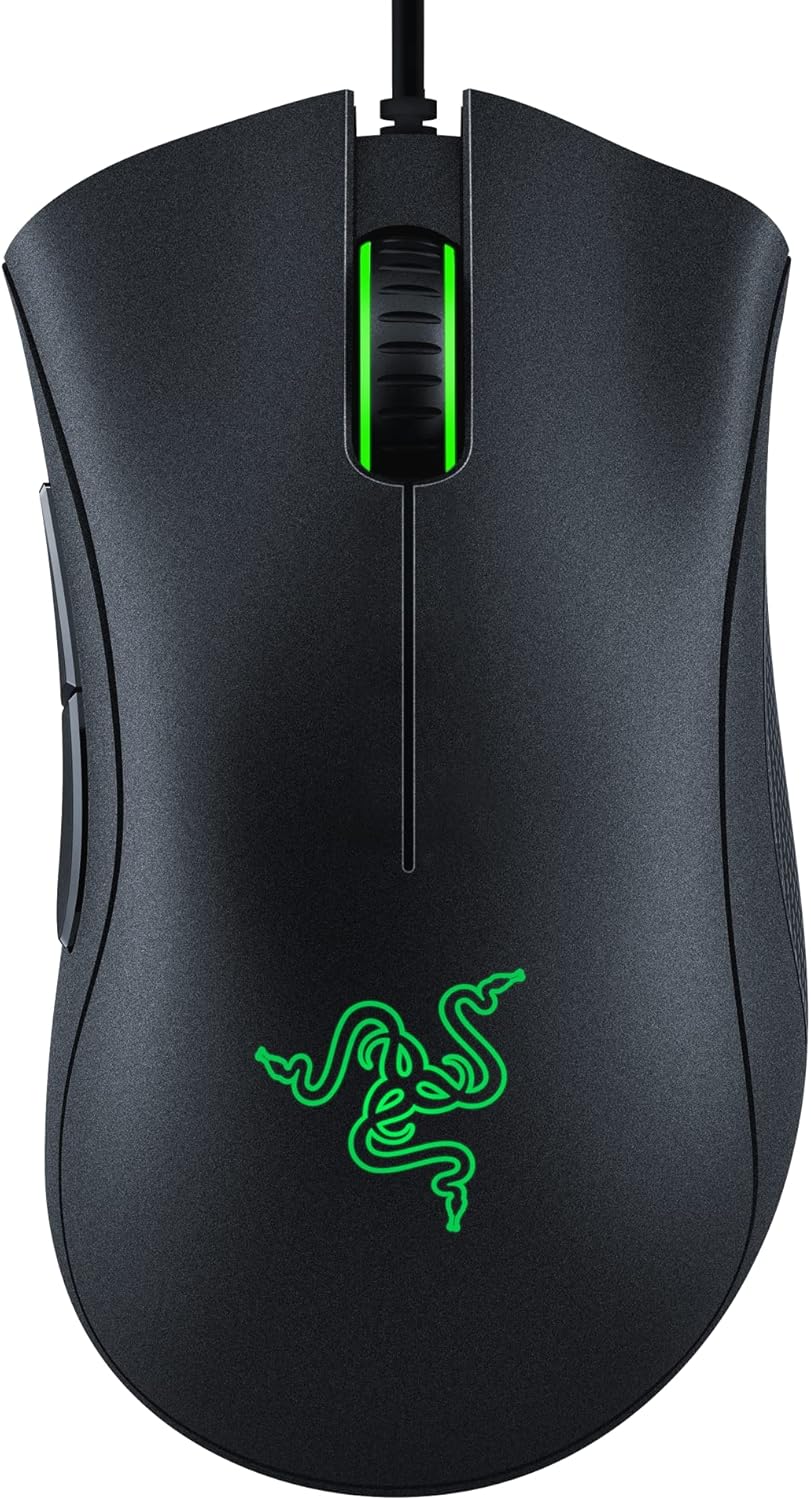
Figure 1: Razer DeathAdder Essential Gaming Mouse (Classic Black)
Негизги өзгөчөлүктөрү:
- High-Precision 6,400 DPI Optical Sensor: Offers on-the-fly sensitivity adjustment through dedicated DPI buttons (reprogrammable) for gaming and creative work.
- Durable Mechanical Switches: Supports up to 10 million clicks, backed by a 2-year warranty, ensuring long lifespan and extreme reliability.
- 5 Программалануучу баскычтар: Allows for button remapping and assignment of complex macro functions through Razer Synapse software.
- Ridged, Rubberized Scroll Wheel: Small, tactile bumps increase grip and allow for more controlled scrolling in high-stakes gaming situations. Features single color green LED lighting.

Figure 2: 6,400 DPI Optical Sensor for Gaming Precision

Figure 3: Durable Mechanical Switches

Figure 4: 5 Programmable Buttons

Figure 5: Rubberized, Textured Scroll Wheel
Орнотуу колдонмосу
Системалык талаптар:
- Акысыз USB порту бар компьютер
- Operating System: Windows, macOS, or Linux
- Internet connection for Razer Synapse software installation (optional, but recommended for customization)
Орнотуу:
- Чычканды туташтыруу: Plug the USB connector of the Razer DeathAdder Essential Gaming Mouse into an available USB port on your computer.
- Драйверди орнотуу: Your operating system will automatically detect and install the necessary drivers for basic functionality.
- Install Razer Synapse (Optional but Recommended):
- To unlock advanced features such as programmable buttons, DPI customization, and macro functions, download and install the Razer Synapse software from the official Razer webсайт (www.razer.com/synapse).
- Follow the on-screen instructions to complete the installation and create a Razer ID if you don't already have one.
Иштөө нускамалары
Негизги операция:
- Чычкандын сол баскычы: Primary action, typically used for selecting items or interacting with software.
- Оң баскычты чыкылдатуу менен чыкылдатыңыз: Secondary action, typically used for context menus or alternative functions.
- Жылдыруу дөңгөлөгү: Used for vertical scrolling. Pressing the scroll wheel acts as a middle-click button.
- Side Buttons (Mouse Button 4 & 5): By default, these buttons often function as "Back" and "Forward" in web browsers. Their functions can be customized via Razer Synapse.
Customizing with Razer Synapse:
Razer Synapse software allows you to personalize your mouse settings to suit your preferences and gaming style.
- Баскычты дайындоо: Remap any of the 5 programmable buttons to perform keyboard functions, mouse functions, multimedia controls, or complex macros.
- DPI жөндөө: Fine-tune the mouse sensitivity (DPI) to your desired level. You can set multiple DPI stages and switch between them on-the-fly using the dedicated DPI buttons (if configured). The optical sensor supports up to 6400 DPI.
- Добуш берүү көрсөткүчү: Adjust the polling rate (how often the mouse reports its position to the computer) for smoother tracking.
- Калибрлөө: Calibrate the sensor to your mouse mat for optimal tracking performance.
Техникалык тейлөө жана кам көрүү
Proper maintenance ensures the longevity and optimal performance of your Razer DeathAdder Essential Gaming Mouse.
- Тазалоо:
- Бир аз жумшак, түксүз кездемени колдонуңуз dampчычкандын бетин сүртүү үчүн суу же жумшак тазалоо эритмеси менен иштетилген.
- Катуу химиялык заттарды, абразивдүү тазалагычтарды же эриткичтерди колдонуудан алыс болуңуз.
- Оптикалык сенсор үчүн кебезди жеңил колдонуңуз dampened with isopropyl alcohol to gently clean the lens. Ensure no liquid enters the sensor opening.
- Баскычтардын жана айланма дөңгөлөктүн айланасындагы чаңды жана таштандыларды тазалоо үчүн кысылган абаны колдонуңуз.
- Сактагыч: Чычканды экстремалдык температурадан жана тике күн нурунан алыс, таза, кургак чөйрөдө сактаңыз.
- Кабелдик башкаруу: Avoid sharp bends or kinks in the mouse cable to prevent damage.
Проблемаларды чечүү
| Көйгөй | Мүмкүн себеп | Чечим |
|---|---|---|
| Чычкан жооп бербей жатат | Бош USB туташуу, туура эмес USB порт, драйвер маселеси. |
|
| Курсор туруксуз же жылмакай көзөмөлдөнбөйт | Dirty optical sensor, unsuitable surface, software interference. |
|
| Программалоочу баскычтар иштебейт | Razer Synapse not installed or configured correctly, software conflict. |
|
| Scroll wheel jittering or unresponsive | Dust/debris in scroll wheel mechanism. |
|
Техникалык шарттар
| Өзгөчөлүк | Деталь |
|---|---|
| Бренд | Razer |
| Модель аты | DeathAdder Essential |
| Элемент моделинин номери | RZ01-03850100-R3U1 |
| Байланыш технологиясы | Зымдуу (USB) |
| Кыймылды аныктоо технологиясы | Оптикалык |
| DPI | 6,400 XNUMX DPI чейин |
| Программалануучу баскычтар | 5 (Hyperesponse) |
| Жашоо мөөнөтүн которуу | 10 миллионго чейин чыкылдатуу |
| Аппараттык платформа | PC |
| Операциялык системанын шайкештиги | Windows, macOS, Linux |
| Элемент Салмагы | 4.6 унция (болжол менен 130 г) |
| Продукциянын өлчөмдөрү (LxWxH) | 5 x 2.43 x 0.1 дюйм (болжол менен 127 x 61.7 x 2.5 мм) |
| Түс | Классикалык кара |
| Power Source | Электр зымдары (USB) |
Кепилдик жана колдоо
The Razer DeathAdder Essential Gaming Mouse comes with a manufacturer's warranty.
- Кепилдик мөөнөтү: The mechanical switches are backed by a 2-year warranty. Please refer to Razer's official website for full warranty terms and conditions for the entire product.
- Техникалык колдоо: For technical assistance, driver downloads, or further information, please visit the official Razer Support page: support.razer.com.
- Продукцияны каттоо: Продуктуңузду дарегине каттаңыз razerid.razer.com to receive product updates and support.


