1. Продукт бүтүп калдыview
The Ratakee Digital Alarm Clock Radio is designed to provide reliable timekeeping, dual alarm functionality, and AM/FM radio reception. It features a large LED display with adjustable brightness for comfortable viewing day and night. This manual provides detailed instructions for setting up and operating your device.

Сүрөт: алдыңкы view of the Ratakee Digital Alarm Clock Radio, displaying the time 12:00 in blue LED digits.
2. Орнотуу
2.1 Кубат туташтыруу
To power the clock radio, plug the AC adapter into any standard 110V wall outlet. The display will illuminate, indicating the unit is receiving power.
2.2 Батареянын резервдик көчүрмөсүн орнотуу
For battery backup, insert two (2) AAA batteries (not included) into the battery compartment located on the bottom of the unit. These batteries will preserve your time and alarm settings during a power outage, but will not power the display or alarm functions.
2.3 Баштапкы убакытты орнотуу
Upon first power-up or after a prolonged power interruption without battery backup, the display may show a default time. Refer to the 'Setting Time' section under 'Operating' for instructions on how to set the current time.
3. Иштөө нускамалары
3.1 Убакытты орнотуу
- басып, кармап туруңуз УБАКЫТТЫ ОРНОТУУ баскычын сааттын цифралары жаркылдай баштаганга чейин басыңыз.
- колдонуу HOUR жана MINUTE убакытты тууралоо үчүн баскычтар.
- Басыңыз УБАКЫТТЫ ОРНОТУУ ырастоо жана убакыт орнотуу режиминен чыгуу үчүн кайра.
3.2 Дисплейдин жарыктыгы (димер)
The clock features a 1.6-inch LED display with adjustable brightness. To adjust the display brightness:
- басыңыз DIMMER button repeatedly to cycle through the 4 available brightness levels. Select the level most comfortable for your environment.

Image: Comparison of the clock display at high and low brightness settings, demonstrating the dimmer function.
3.3 Ойготкучтарды орнотуу (кош ойготкуч)
This clock supports two independent alarms (Alarm 1 and Alarm 2). Each alarm can be set to a beep sound or a radio station.
- басып, кармап туруңуз 1-ДАБЛ or 2-ДАБЛ ойготкуч сааттын цифралары жарк этмейинче басыңыз.
- колдонуу HOUR жана MINUTE каалаган ойготкуч убактысын коюу үчүн баскычтарды басыңыз.
- басыңыз 1-ДАБЛ or 2-ДАБЛ button again to select the alarm source (Beep or Radio). The corresponding icon will appear on the display.
- басыңыз 1-ДАБЛ or 2-ДАБЛ button a third time to confirm and activate the alarm.
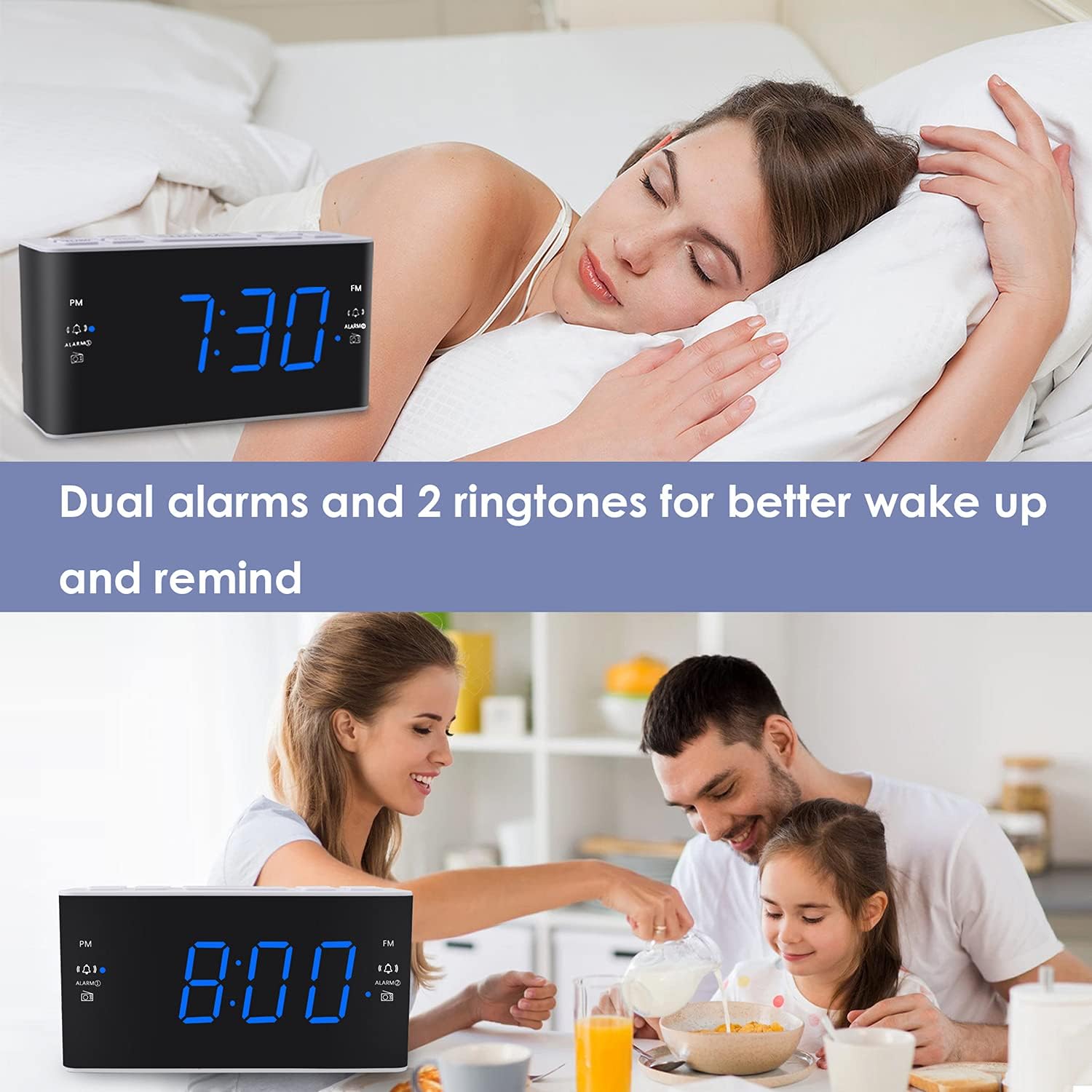
Image: Visual representation of the dual alarm feature, showing the clock used for different wake-up scenarios.
3.4 Тындыруу функциясы
Ойготкуч чыкканда чоң баскычты басыңыз СОЮЗ button on top of the unit to temporarily silence the alarm for 9 minutes. The alarm will sound again after this period. You can repeat the snooze function up to 5 times.
To turn off the alarm completely for 24 hours, press any other button on the clock (e.g., Radio, Time Set, Alarm 1/2) while the alarm is sounding.
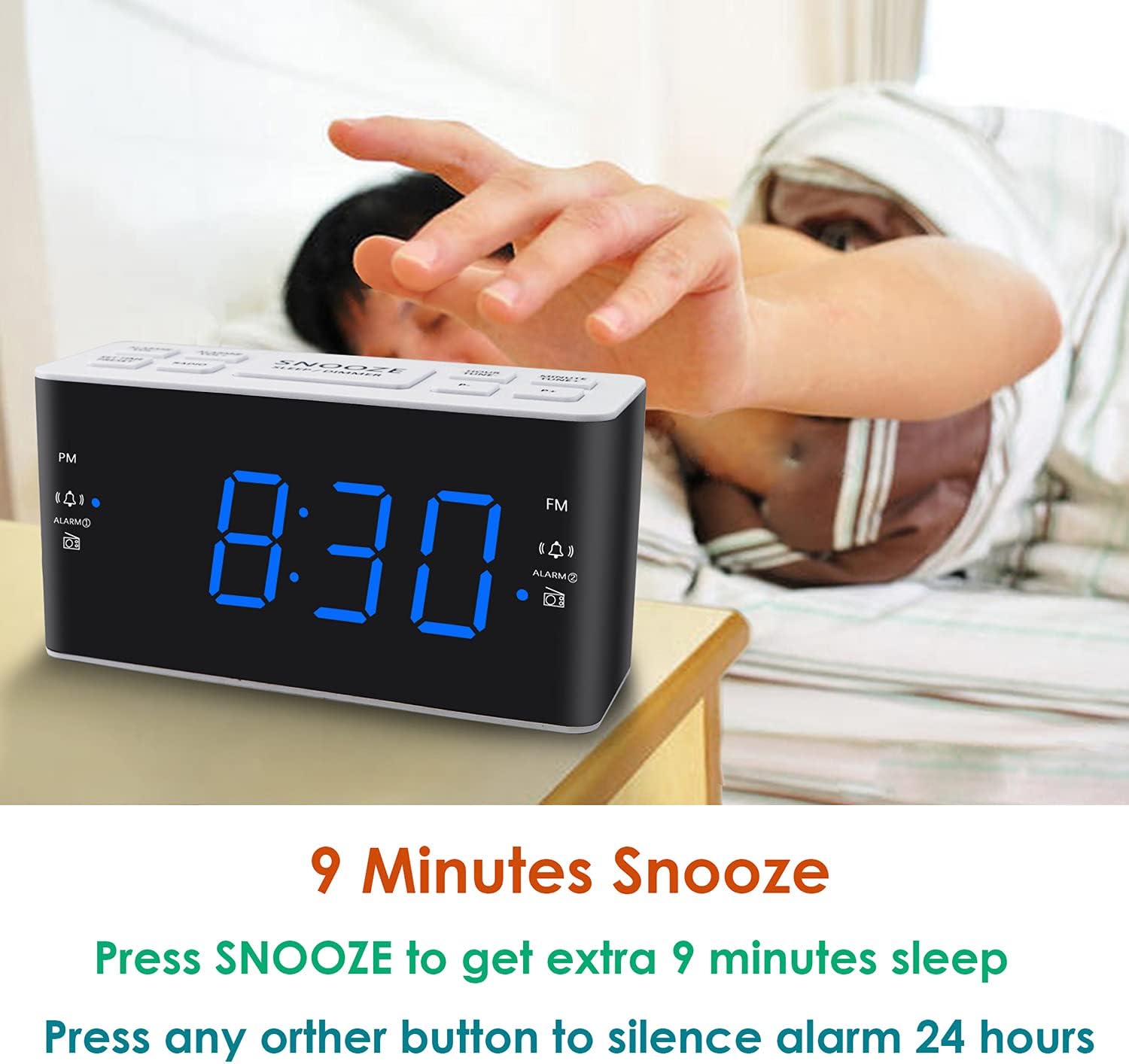
Image: Demonstrates the easy access and function of the snooze button for an additional 9 minutes of sleep.
3.5 AM/FM радиосу
The clock radio features digital tuning for AM and FM bands.
- басыңыз РАДИО радиону күйгүзүү же өчүрүү үчүн баскыч.
- колдонуу TUNE+ жана КОНУН - каалаган жыштыкка кол менен тууралоо үчүн баскычтар.
- Басып кармап туруңуз TUNE+ or КОНУН - кийинки жеткиликтүү станцияны авто-скандоо үчүн.
- Үнүн колдонуп, үнүн жөндөңүз VOL+ жана VOL- buttons (0-15 levels).
3.6 Saving Radio Presets
You can save up to 20 AM stations and 20 FM stations for quick access.
- Каалаган радиостанцияга которуңуз.
- басып, кармап туруңуз АЛДЫН АЛА баскычты алдын ала коюлган сан жарк этмейинче басыңыз.
- колдонуу TUNE+ or КОНУН - каалаган алдын ала коюлган номерди тандоо үчүн баскычтарды басыңыз (P01-P20).
- Басыңыз АЛДЫН АЛА станцияны ырастоо жана сактоо үчүн кайрадан басыңыз.
To recall a saved preset, briefly press the АЛДЫН АЛА button repeatedly to cycle through your saved stations.
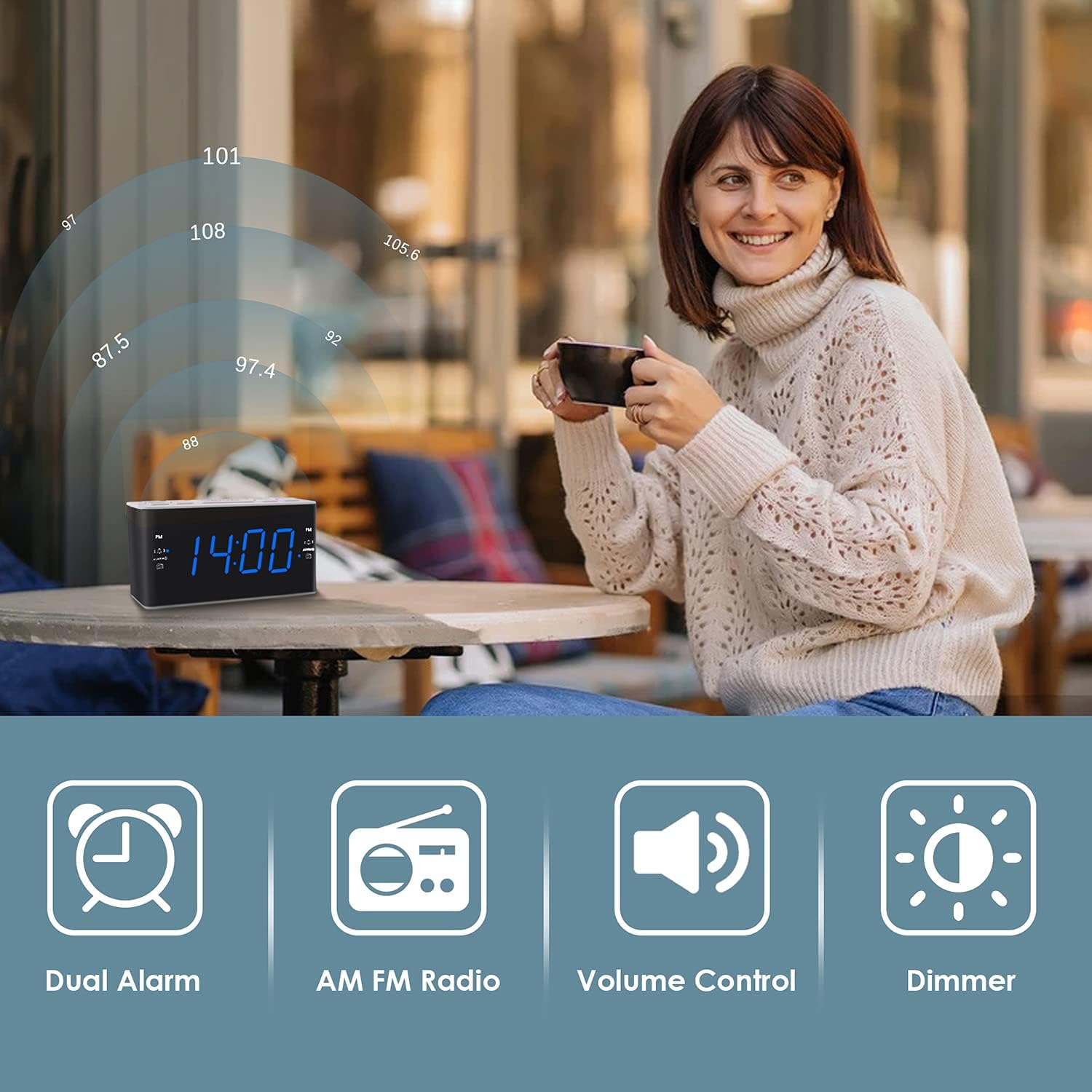
Image: Illustrates the various features of the clock radio, including AM/FM radio functionality.
3.7 Уйку таймери
Уйку таймери сизге радио менен уктап калууга мүмкүндүк берет, ал белгиленген убакыттан кийин автоматтык түрдө өчөт.
- Радио ойноп жатканда, баскычын басыңыз УЙКУ button repeatedly to cycle through the available sleep timer durations (10-90 minutes).
- Радио тандалган убакыт бою ойнотулуп, андан кийин автоматтык түрдө өчөт.
4. Техникалык тейлөө
4.1 Тазалоо
To clean the clock radio, gently wipe the surface with a soft, dry cloth. Do not use abrasive cleaners, waxes, or solvents as they may damage the finish. Ensure the unit is unplugged before cleaning.
4.2 Батареяны алмаштыруу
Эгерде электр энергиясын өчүрүү учурунда саат убакытты же ойготкучтун жөндөөлөрүн жоготсоtage, the AAA backup batteries may need replacement. Replace both batteries simultaneously with new ones, ensuring correct polarity.
5. Кыйынчылыктарды
If you encounter issues with your Ratakee Digital Alarm Clock Radio, please refer to the following common solutions:
- Кубат жок/Дисплей өчүк: Ensure the AC adapter is securely plugged into both the clock and a working wall outlet. Check if the outlet has power.
- Ойготкуч угулбайт: Verify that the alarm is activated (alarm icon visible on display) and the alarm time is correctly set. Check the alarm volume level.
- Радиостатикалык/Начар кабыл алуу: Extend the FM wire antenna fully for better reception. Try repositioning the clock radio to a different location to improve signal strength. For AM reception, rotate the unit to find the best signal.
- Time/Settings Lost After Power Outage: Жаңы AAA батарейкаларынын батареянын камдык бөлүгүнө туура орнотулганын текшериңиз.
Эгер бул чечимдерди колдонууга аракет кылгандан кийин көйгөй чечилбесе, кошумча жардам алуу үчүн кардарларды колдоо бөлүмүнө кайрылыңыз.
6. Техникалык шарттар
| Бренд | Ratakee |
| Модель номери | H249US |
| Түс | Blue LED |
| Продукциянын өлчөмдөрү | 15.49 x 7.87 x 5.59 см |
| Элемент Салмагы | 350 г |
| Материал | Пластик |
| Дисплей түрү | LED |
| Power Source | AC Powered (110V) |
| Батареянын камдык көчүрмөсү | 2 x AAA батарейкалар (киргизилген эмес) |
| FM жыштык диапазону | 87.5-108 МГц |
| AM жыштык диапазону | 520-1710 KHz |
| Өзгөчөлүктөр | Alarm, Brightness Dimmer, Radio |

Image: Product dimensions of the Ratakee Digital Alarm Clock Radio.
7. Кепилдик жана колдоо
Ratakee is committed to providing quality products and customer satisfaction. If you have any questions regarding the operation, setup, or performance of your alarm clock radio, please do not hesitate to contact our customer support team.
In the event that the product is deemed defective, you may be eligible for a hassle-free replacement or refund. For specific inquiries or to report an issue, please reach out to us directly. We are dedicated to assisting you and ensuring a positive experience with your Ratakee product.
