1. Киришүү
Thank you for choosing the Pixio PX259 Prime Gaming Monitor. This manual provides essential information for setting up, operating, and maintaining your monitor to ensure optimal performance and longevity. Please read this manual thoroughly before using the product and retain it for future reference.
The Pixio PX259 Prime is a high-performance 24.5-inch gaming monitor featuring a 280Hz refresh rate, 1ms GTG response time, and a Fast Nano IPS panel, designed to deliver a smooth and immersive gaming experience.
2. Пакеттин мазмуну
Пакетиңизде бардык буюмдар бар экенин текшериңиз:
- Pixio PX259 Prime Monitor
- Монитор стенд (негизги жана моюн)
- DisplayPort кабели
- Power AC адаптери
- Электр кабели
- Колдонуучунун Колдонмосу (бул документ)

Image: The Pixio PX259 Prime monitor showcasing its 24.5-inch screen, 280Hz refresh rate, 1080p FHD resolution, and Fast IPS panel technology.
3. Ассамблея
Мониторуңузду чогултуу үчүн бул кадамдарды аткарыңыз:
- Мониторду жана стенд компоненттерин таңгактан этияттык менен алып салыңыз.
- Монитор панелине стенд мойнуна бекитиңиз. Анын ордуна бекем чыкылдаганын же камтылган болсо, бурамалар менен бекемделгенин текшериңиз.
- Стенд негизин стенд мойнуна бекитиңиз. Баш бармактын бурамасын же аны бекемдөө үчүн негиздин астынан бурагычтарды бекемдеңиз.
- Чогулган мониторду туруктуу, жалпак бетке коюңуз.
4. Байланыш
The Pixio PX259 Prime offers versatile connectivity options. Refer to the image below for port locations.

Сүрөт: Арткы view of the monitor displaying the DC power input, two DisplayPort 1.2 inputs (280Hz), two HDMI 2.0 inputs (240Hz), and an earphone jack.
Түзмөккө туташуу:
- Күч: Connect the power cable to the AC adapter, then plug the adapter into the monitor's DC IN port and a power outlet.
- DisplayPort: For optimal performance (280Hz refresh rate), connect your PC's graphics card to one of the monitor's DisplayPort 1.2 inputs using the provided DisplayPort cable.
- HDMI: Connect your device (e.g., gaming console, PC) to one of the monitor's HDMI 2.0 inputs. Note that HDMI 2.0 supports up to 240Hz.
- Аудио чыгаруу: Connect headphones or external speakers to the earphone jack for audio.
5. Иштөө нускамалары
Күйгүзүү/өчүрүү:
Аны күйгүзүү же өчүрүү үчүн монитордо жайгашкан кубат баскычын басыңыз.
On-Screen Display (OSD) Navigation:
The monitor features a joystick-style button for navigating the OSD menu. Push the joystick in to access the main menu, then move it up, down, left, or right to select and adjust settings.
Негизги орнотуулар:
- Жаңыртуу ылдамдыгы: Ensure your graphics card settings are configured to output at 280Hz (via DisplayPort) or 240Hz (via HDMI) for the smoothest experience.
- Жооп убактысы: The 1ms GTG response time is automatically enabled by the Fast IPS panel.
- AMD FreeSync Premium: Enable FreeSync in your monitor's OSD and your graphics card control panel for tear-free gaming.
- Түс жөндөөлөрү: Adjust brightness, contrast, and color temperature to your preference. The monitor supports 101.34% sRGB for vibrant colors.
- Оюн функциялары: Access built-in crosshairs and other game-specific enhancements through the OSD.
- Көздү сактагыч режими: Activate this mode to reduce blue light emission for comfortable extended viewing.
6. Features Overview
The Pixio PX259 Prime is engineered with features to enhance your gaming and viewтажрыйбасы:
- 280Hz жаңыртуу ылдамдыгы: Provides ultra-smooth motion and reduced input lag, crucial for competitive gaming.
- 1мс GTG жооп берүү убактысы: Minimizes motion blur and ghosting, ensuring crisp visuals during fast-paced action.
- Fast Nano IPS Panel: Combines the wide viewing angles and color accuracy of IPS technology with the rapid response times typically found in TN panels.
- AMD FreeSync Premium: Synchronizes the monitor's refresh rate with your GPU's frame rate, eliminating screen tearing and stuttering.
- Жандуу түстөр: With 101.34% sRGB coverage, experience rich, accurate, and lifelike colors.
- Кош сүйлөөчүлөр: Equipped with integrated speakers for audio output.
- Көздү сактагыч режими: Reduces blue light to minimize eye strain during prolonged use.
- Gaming Ready: Features like customizable crosshairs are available to assist in gameplay.

Image: Monitor displaying a dynamic game scene, highlighting 280Hz Refresh Rate, 1ms (GTG) Response Time, Fast IPS Panel, and AMD FreeSync Premium.

Image: Visual comparison demonstrating the smoothness of 280Hz refresh rate versus a conventional 60Hz display in a gaming context.

Image: Visual comparison illustrating the difference between 4ms and 1ms GTG response time, showing reduced motion blur with 1ms.
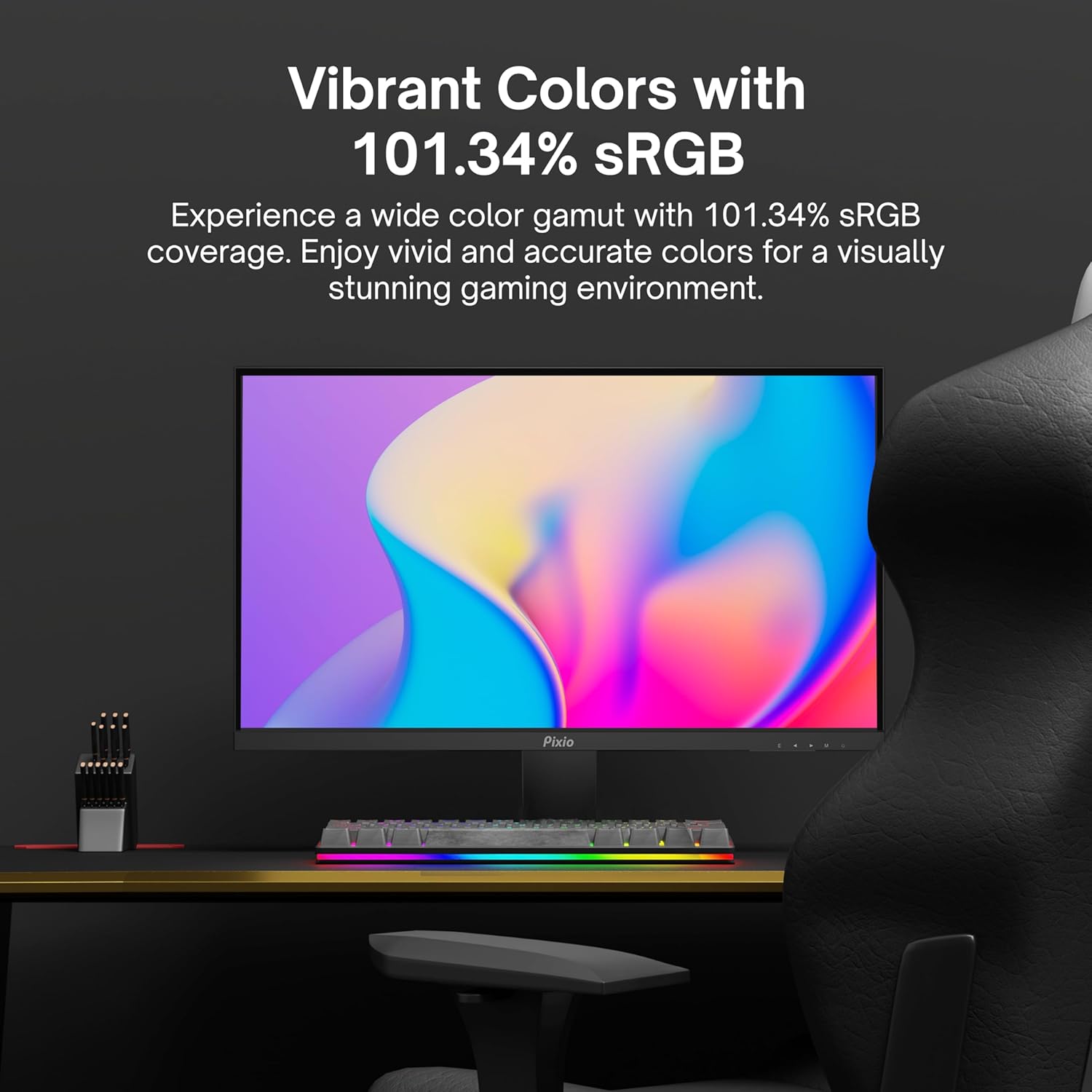
Image: Monitor displaying a colorful game environment, emphasizing the vibrant color reproduction with 101.34% sRGB.
Продукт видеосу бүттүview:
Video: An official product video from Pixio showcasing the PX259 Prime 25-inch 1080p 280Hz Fast IPS 1ms Gaming Monitor, highlighting its features and performance.
7. Техникалык тейлөө
- Экранды тазалоо: Экранды жумшак, түксүз чүпүрөк менен акырын сүртүңүз. өжөр белгилер үчүн, гampen the cloth with a small amount of screen cleaner (non-ammonia based) and wipe carefully.
- Тазалоо Casing: Мониторду сүртүү үчүн жумшак, кургак чүпүрөктү колдонуңуз casinг. Абразивдүү тазалагычтарды же эриткичтерди колдонуудан алыс болуңуз.
- Вентиляция: Ашыкча ысып кетүүнүн алдын алуу үчүн монитордун желдетүү тешиктери жабылбагандыгын текшериңиз.
- Сактагыч: Эгерде мониторду узак убакытка сактап жатсаңыз, аны электр тармагынан сууруп, салкын, кургак жерде, мүмкүн болсо, баштапкы таңгагында сактаңыз.
8. Кыйынчылыктарды
- Кубат жок:
- Кубат кабели мониторго жана иштеген электр розеткасына бекем туташтырылганын текшериңиз.
- Кубат адаптери туура иштеп жатканын текшериңиз.
- Сигнал жок:
- Verify that the video cable (DisplayPort or HDMI) is securely connected to both the monitor and your device.
- Монитордун OSD менюсунда туура киргизүү булагы тандалганын текшериңиз.
- Мүмкүн болсо, башка видео кабель же порт менен сынап көрүңүз.
- Экрандын айрылышы/кекечтениши:
- Enable AMD FreeSync Premium in both the monitor's OSD and your graphics card settings.
- Графикалык драйверлериңиз жаңыртылганын текшериңиз.
- Incorrect Refresh Rate:
- Check your operating system's display settings and your graphics card control panel to set the refresh rate to 280Hz (DisplayPort) or 240Hz (HDMI).
- Ensure you are using a DisplayPort cable for 280Hz.
- Poor Picture Quality/Colors:
- OSD менюсунда жарыктыкты, контрастты жана түс жөндөөлөрүн тууралаңыз.
- Видео кабелдин бузулбагандыгын текшериңиз.
9. Техникалык шарттар
Detailed technical specifications for the Pixio PX259 Prime monitor:
| Өзгөчөлүк | Спецификация |
|---|---|
| Модель номери | PX259 Prime |
| Screen Size | 24.5 Inches (25 Inches equivalent) |
| Панел түрү | Fast Nano IPS |
| Резолюция | FHD 1080p (1920 x 1080 пиксел) |
| Жаңыртуу ылдамдыгы | 280Hz (144Hz Supported) |
| Жооп убактысы | 1ms GTG |
| Аспект катышы | 16:9 |
| Сүрөттүн жарыктыгы | 350 Кандела |
| Adaptive Sync | AMD FreeSync Premium |
| Байланыш | 2x DisplayPort 1.2, 2x HDMI 2.0, Earphone Jack, DC In |
| Продукциянын өлчөмдөрү | 7.09 x 21.98 x 16.52 дюйм |
| Элемент Салмагы | 12.42 фунт |
| VESA шайкештиги | 75x75mm (VESA Ready) |

Image: Diagram showing the dimensions of the Pixio PX259 Prime monitor, including width (21.98 inches), height (16.52 inches), and depth (7.09 inches).
10. Кепилдик жана колдоо
Pixio products are designed for reliability and performance. For specific warranty details, please refer to the warranty card included with your product or visit the official Pixio website. For technical support, troubleshooting assistance, or service inquiries, please contact Pixio customer support through their official channels.
Онлайн ресурстар: For additional information, FAQs, and driver downloads, please visit the Amazonдагы Pixio дүкөнү.


