1. Киришүү
Thank you for choosing the ORSKEY S950 Dash Cam. This manual provides detailed instructions for the proper installation, operation, and maintenance of your new dash camera system. Please read this manual thoroughly before use to ensure optimal performance and longevity of the device.

Image: The ORSKEY S950 Dash Cam, showing the main front unit with a 3-inch IPS screen and the separate rear camera.
2. Продукт бүтүп калдыview
2.1 Пакеттин мазмуну
The ORSKEY S950 Dash Cam package includes the following items:
- ORSKEY S950 Front Dash Camera
- Арткы камера
- Унаа заряддагыч
- Mounting Bracket (Dashboard Mount)
- Арткы камера кабели
- User Manual
- Memory Card (Included components: Memory Card)
2.2 Негизги өзгөчөлүктөрү
The ORSKEY S950 Dash Cam is equipped with advanced features for comprehensive vehicle surveillance:
- 4K Ultra HD Front Recording: Таза жана деталдуу тамак-ашты тартып алатtage.
- 1080P Rear Recording: Кеңири камсыз кылат view унаанын арткы бөлүгүнөн.
- Sony Starvis Sensor: Enhances low-light performance for superior night vision.
- 3 дюймдук IPS экран: Offers a clear and wide viewing angle for playback and settings.
- 170-Degree Wide Field of View: Both front and rear cameras cover multiple lanes.
- Цикл жаздыруу: Эң эски тамак-ашты автоматтык түрдө кайра жазатtagд эстутум картасы толгондо.
- G-сенсор (авариялык кырсык кулпусу): Detects sudden impacts and locks the current video to prevent overwriting.
- Паркинг мониторинги: Унаа токтоп турганда байкоо жүргүзөт (үзгүлтүксүз электр менен камсыздоону талап кылат).
- 128 ГБ чейинки MicroSD карталарын колдоо: Allows for extended recording times.

Image: Visual representation of the ORSKEY S950's powerful functions, including 4K+1080P recording, Sony Sensor, 3" IPS screen, dual 170° FOV, G-Sensor, Loop Recording, Parking Monitoring, Emergency Recording, and Max 128GB support.
3. Орнотуу жана орнотуу
3.1 MicroSD картасын салуу
- Камера өчүрүлгөнүн текшериңиз.
- Locate the MicroSD card slot on the side of the main unit.
- Insert the MicroSD card (Class 10 or higher, up to 128GB) into the slot until it clicks into place.
- Маанилүү: Format the MicroSD card within the dash cam's settings menu before first use and periodically thereafter to ensure stable recording.
3.2 Алдыңкы камераны орнотуу
- Камераны орното турган алдыңкы айнекти тазалаңыз.
- Attach the suction cup mount or adhesive mount to the windshield, ensuring it does not obstruct your view.
- Slide the main dash cam unit onto the mounting bracket until it locks securely.
- Adjust the camera lens angle to ensure it captures the road ahead clearly.
3.3 Арткы камераны орнотуу
- Determine the optimal mounting location for the rear camera, typically on the rear windshield or near the license plate.
- Монтаждоо бетин кылдат тазалаңыз.
- Secure the rear camera using the provided adhesive or screws.
- Route the rear camera cable from the rear of the vehicle to the front dash cam unit. Ensure the cable is tucked away neatly to avoid interference with driving.
- Арткы камеранын кабелин негизги видеорегистратор блогундагы көрсөтүлгөн портко туташтырыңыз.

Image: Illustration of the dual lens dash camera's wide 170° viewing angles for both front and rear, providing comprehensive coverage.
3.4 Кубат туташтыруу
- Унаа кубаттагычты камеранын электр киргизүү портуна туташтырыңыз.
- Унааңыздын кубаттагычынын экинчи учун унааңыздын тамеки күйгүзгүч розеткасына сайыңыз.
- Камера автоматтык түрдө күйөт жана унаанын от алдыруу күйгүзүлгөндө жаздыра баштайт.
4. Иштөө нускамалары
4.1 Негизги операция
- Күйгүзүү/өчүрүү: The camera powers on/off automatically with the vehicle's ignition. You can also manually power on/off by pressing and holding the power button.
- Жаздыруу: Once powered on and with a formatted MicroSD card, the camera will automatically start loop recording. A flashing indicator light usually signifies active recording.
- Экранды күйгүзүү/өчүрүү: The screen can be set to turn off automatically after a set period to avoid distraction while driving. Recording continues in the background.
4.2 Цикл жаздыруу
Loop recording ensures continuous recording by overwriting the oldest unlocked video files when the MicroSD card reaches its capacity. This feature prevents the card from filling up and stopping recording.
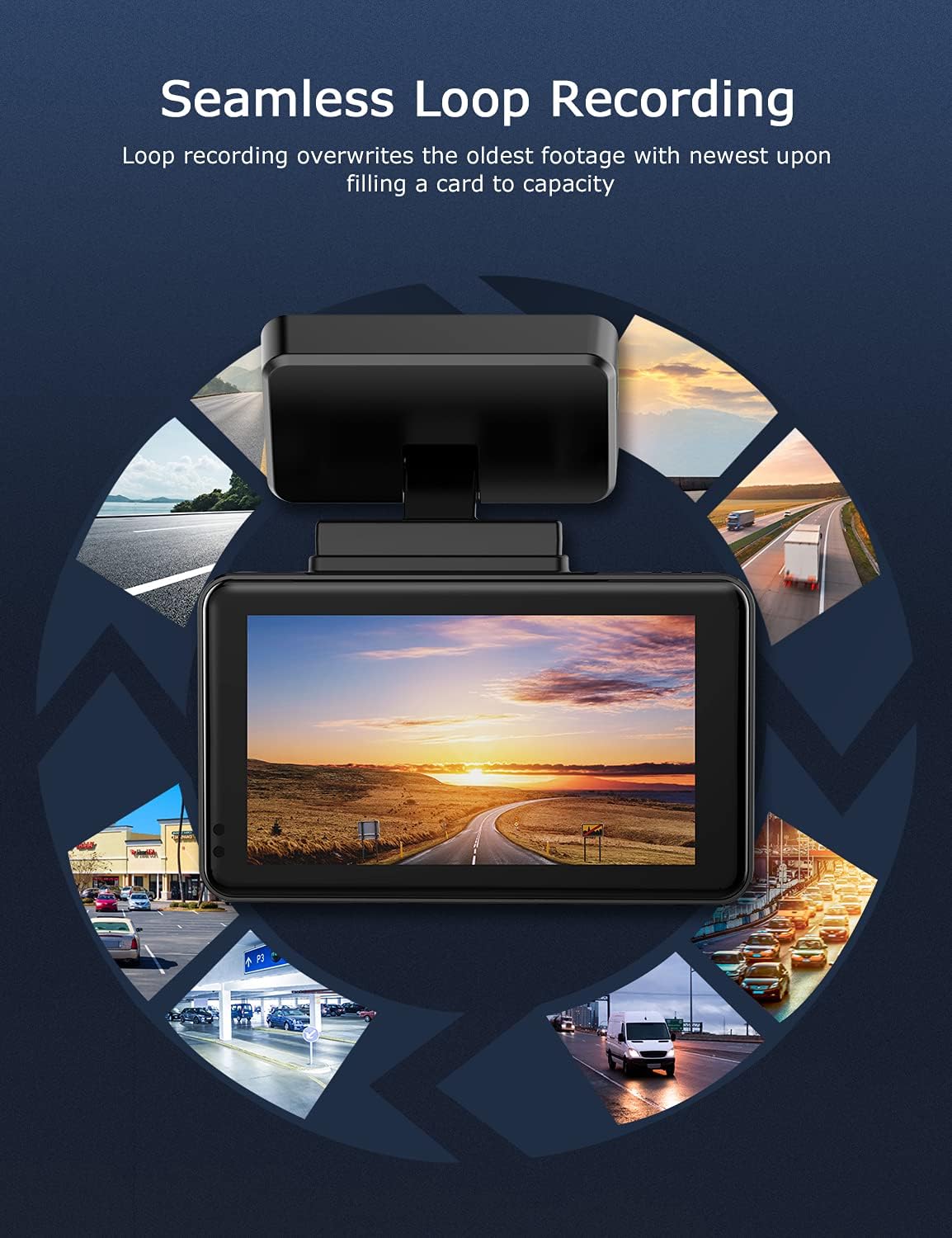
Image: Visual explanation of seamless loop recording, where the dash cam continuously records and overwrites the oldest footage once the memory card is full.
4.3 G-сенсор жана авариялык кулпу
The built-in G-sensor detects sudden acceleration, braking, or collisions. When triggered, it automatically locks the current video segment, protecting it from being overwritten by loop recording. These locked fileс MicroSD картасында өзүнчө папкада сакталат.

Image: Depiction of the Emergency Accident Lock feature, where the G-sensor detects an impact and automatically locks the video footage as important evidence.
4.4 Паркингге мониторинг
When enabled, parking monitoring allows the dash cam to automatically record if it detects a collision or vibration while the vehicle is parked. This feature typically requires a hardwire kit (sold separately) for continuous power supply.
4.5 Түнкү көрүнүш
Equipped with a Sony Starvis Sensor, the ORSKEY S950 provides enhanced night vision capabilities, capturing clear video footagал тургай, аз жарык шарттарда e.
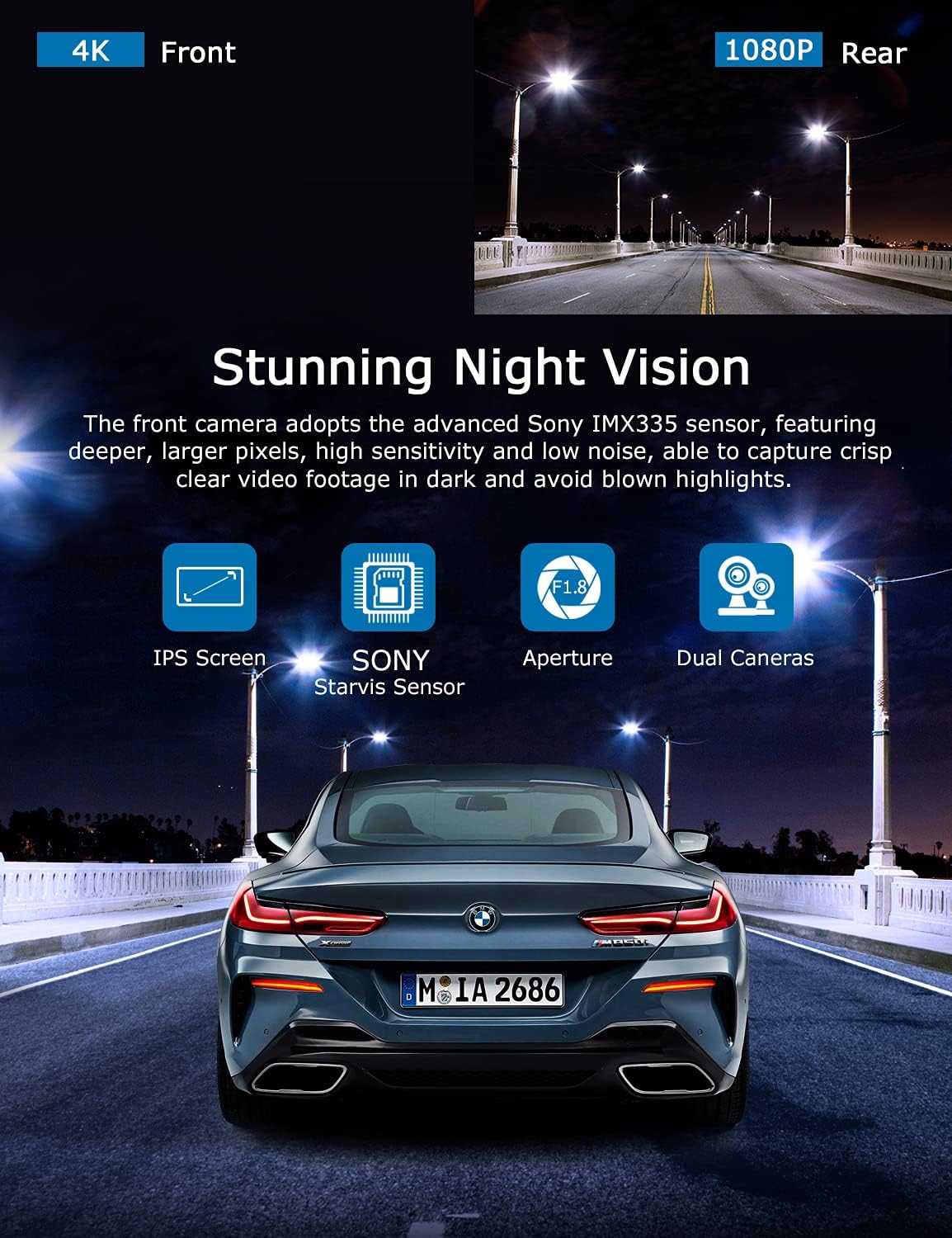
Image: Illustration highlighting the stunning night vision capability of the ORSKEY S950, showing clear footagкараңгы чөйрөдө e.
4.6 Ойнотуу
Кайраview foo жазылганtage:
- Stop recording by pressing the OK button (if currently recording).
- Enter playback mode via the menu options.
- Navigate through video files using the up/down buttons.
- а тандаңыз file жана ойнотуу үчүн OK басыңыз.
- You can also remove the MicroSD card and view fileшайкеш келген медиа ойноткучту колдонуп жаткан компьютерде s.
5. Техникалык тейлөө
- MicroSD картаны форматтоо: Regularly format the MicroSD card (at least once a month) to prevent data corruption and ensure optimal performance. Back up important files форматтоодон мурун.
- Тазалоо: Камера линзасын жана экранын тазалоо үчүн жумшак, кургак чүпүрөктү колдонуңуз. Абразивдүү тазалоочу каражаттарды же эриткичтерди колдонуудан алыс болуңуз.
- Температура: Avoid exposing the dash cam to extreme temperatures for prolonged periods, as this can affect battery life and component integrity.
6. Кыйынчылыктарды
| Көйгөй | Мүмкүн себеп | Чечим |
|---|---|---|
| Камера күйбөйт. | No power supply; faulty charger; dead battery. | Check car charger connection and vehicle's cigarette lighter. Ensure the camera's internal battery is charged. |
| "Card Error" or recording stops. | MicroSD card not formatted, incompatible, or corrupted. | Format the MicroSD card in the camera. Use a high-quality Class 10 (U3 recommended) MicroSD card from a reputable brand. Try a different card. |
| Video playback is laggy or corrupted. | Slow MicroSD card; file system issues; incompatible player. | Ensure you are using a high-speed MicroSD card (V30/U3). Format the card. Try playing videos with a different media player on your computer. |
| Rear camera image is reversed. | Default setting for mirror view. | Check camera settings for a 'Mirror Image' or 'Flip' option for the rear camera. If not available, this may be intended for reverse assistance rather than recording. |
| G-сенсор өтө сезгич/жетиштүү сезимтал эмес. | G-Sensor sensitivity setting. | Adjust the G-Sensor sensitivity level in the camera's settings menu. |
7. Техникалык шарттар
| Өзгөчөлүк | Спецификация |
|---|---|
| Модель номери | S950 |
| Видео тартуунун резолюциясы | 4K (алдыңкы), 1080P (арткы) |
| Screen Size | 3 дюймдук IPS экраны |
| талаасы View | 170 Degrees (Front & Rear) |
| Өзгөчөлүктөр | Loop Recording, Night Vision, G-Sensor, Parking Monitoring |
| Сактоо колдоо | Up to 128GB MicroSD Card (Class 10/U3 recommended) |
| Башкаруу ыкмасы | тийүү |
| Power Source | Car Charger (1 Lithium Polymer battery included) |
| Продукциянын өлчөмдөрү | 21 x 15.5 x 4.5 см; 505 г |
8. Кепилдик жана колдоо
ORSKEY products are designed for reliability and performance. For warranty information, technical support, or any inquiries regarding your ORSKEY S950 Dash Cam, please refer to the contact details provided on the official ORSKEY webсайтына же продуктунун таңгагына караңыз. Кепилдик талаптары үчүн сатып алуунун далили катары сатып алуу дүмүрчөгүңүздү сактап коюңуз.
For further assistance, you may visit the ORSKEY Store on Amazon: ORSKEY Store


