Introduction
This instruction manual provides comprehensive guidance for the Logitech Rally Speaker V-U0048. It covers essential information regarding product setup, operation, maintenance, and troubleshooting to ensure optimal performance and longevity of your device. Please read this manual thoroughly before using the speaker.
Пакеттин мазмуну
Before proceeding with the setup, please verify that all components are present in the package:
- Logitech Rally Speaker V-U0048
- Required Cables (as included with the product)
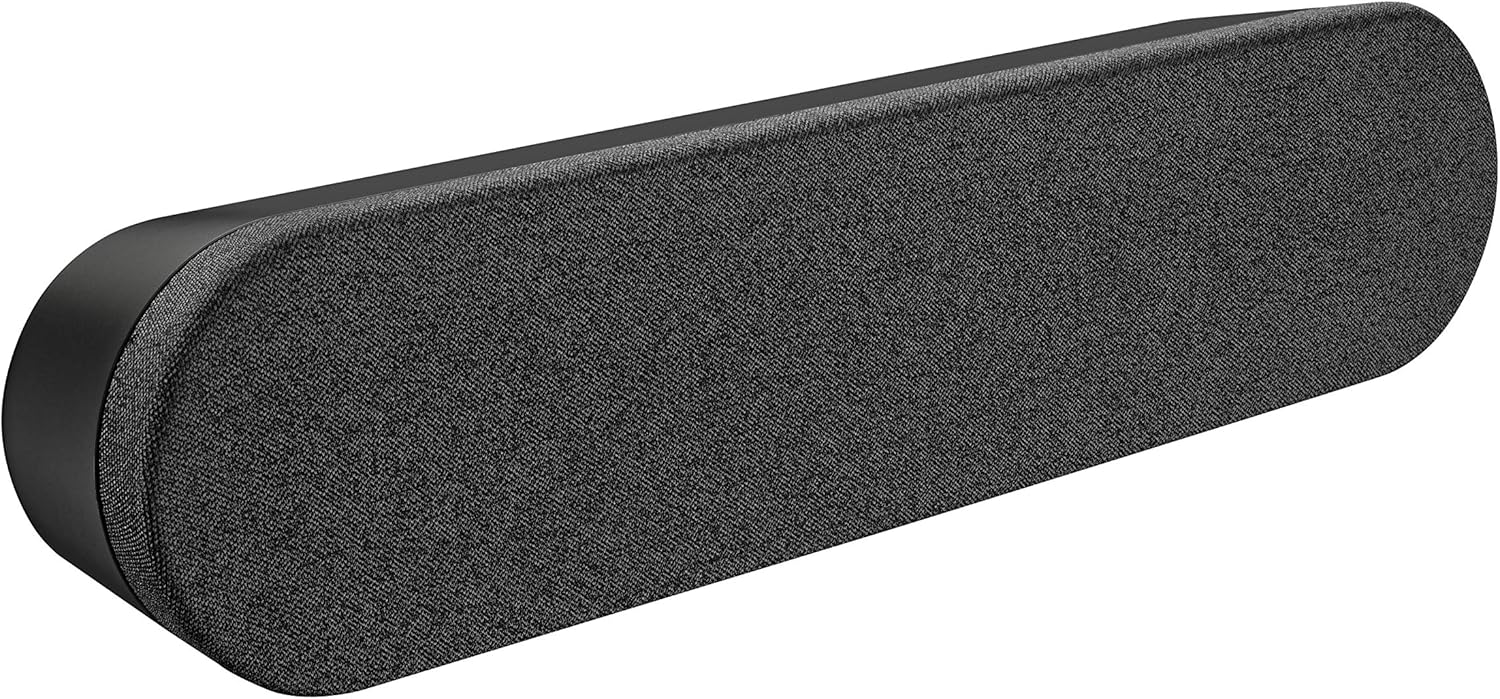
Image: The Logitech Rally Speaker V-U0048, a sleek black soundbar-like speaker designed for clear audio.
Жайгашуу
Follow these steps to set up your Logitech Rally Speaker V-U0048:
- Жайгашкан жери: Position the speaker on a stable, flat surface, such as a tabletop. Ensure there is adequate space around the speaker for proper ventilation and cable management. The speaker is designed for tabletop mounting.
- Кубат туташуу: Connect the power cable to the speaker's power input port. Plug the other end of the power cable into a standard electrical outlet. The speaker is powered by a corded electric source.
- Аудио туташуусу: Connect the speaker to your audio source (computer, smartphone, tablet, or television) using the appropriate auxiliary cables. The speaker supports auxiliary connectivity for stereo audio output.
- System Integration (for conference rooms/offices): For use in conference rooms or office environments, integrate the speaker with your existing video conferencing system or computer setup. The speaker is specifically designed for conference room and office use.

Image: A Logitech Rally Speaker positioned on a shelf alongside a Logitech camera, illustrating a typical setup in a professional environment.

Image: A group of professionals in a conference room, actively participating in a video call, with Logitech Rally equipment, including the speaker, integrated into their setup.
Иштөө нускамалары
The Logitech Rally Speaker V-U0048 features a touch control method for ease of use, primarily managed through the connected source device.
- Күйгүзүү/өчүрүү: The speaker typically powers on automatically when connected to a power source and an active audio input. Refer to your primary audio source device for power control.
- Үндү көзөмөлдөө: Adjust the volume directly from your connected device (computer, smartphone, etc.). The speaker itself does not have dedicated physical volume controls, relying on the source device for audio level management.
- Аудио ойнотуу: Once connected and powered, audio from your source device will be played through the speaker. Ensure your device's audio output is directed to the connected auxiliary port.
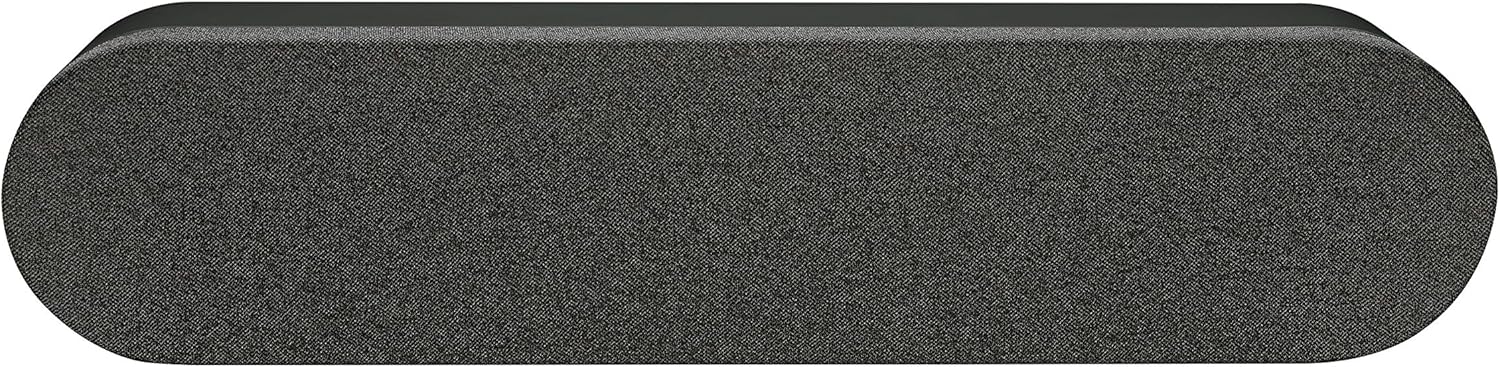
Сүрөт: жогорудан ылдыйга view of the Logitech Rally Speaker, showcasing its sleek design and the fabric grille covering the speaker components.
Техникалык тейлөө
Тийиштүү техникалык тейлөө сиздин динамиктин узак мөөнөттүү иштешин жана оптималдуу иштешин камсыз кылат.
- Тазалоо: Use a soft, dry cloth to clean the exterior of the speaker. Do not use liquid cleaners or abrasive materials, as they may damage the finish.
- Сактагыч: Узак мөөнөткө колдонулбаганда, динамикти салкын, кургак жерде, тике күн нурунан жана экстремалдык температурадан алыс сактаңыз.
- Экологиялык шарттар: The speaker is not waterproof. Avoid exposing it to moisture or liquids.
Проблемаларды чечүү
If you encounter issues with your Logitech Rally Speaker, refer to the following common troubleshooting steps:
| Көйгөй | Мүмкүн себеп | Чечим |
|---|---|---|
| Үн жок |
|
|
| Бузулган Аудио |
|
|
Техникалык шарттар
| Өзгөчөлүк | Деталь |
|---|---|
| Модель аты | Rally Speaker V-U0048 |
| Динамик түрү | Китеп текчеси |
| Байланыш технологиясы | Көмөкчү |
| Аудио чыгаруу режими | Стерео |
| Көлөмдүү үн каналынын конфигурациясы | 2.0 |
| Динамиктин максималдуу чыгаруу күчү | 25 Ватт |
| Power Source | Электр зымдары |
| Башкаруу ыкмасы | тийүү |
| Түс | Кара |
| Монтаж түрү | Столдун үстү |
| Продукциянын өлчөмдөрү | 176.77 x 40.55 x 31.5 inches (Note: These dimensions may refer to packaging or a larger system component. The speaker itself is a compact soundbar-like unit.) |
| Элемент Салмагы | 4.22 фунт |
| Өндүрүүчү | Logitech |
Кепилдик маалымат
The Logitech Rally Speaker V-U0048 comes with a Чектелген Кепилдик. For detailed terms and conditions of the warranty, please refer to the official Logitech website or the warranty card included with your original purchase. This product is renewed, and specific warranty terms for renewed products may apply as per Amazon Renewed Guarantee.
Колдоо
Көбүрөөк жардам, техникалык колдоо же кошумча ресурстарга жетүү үчүн, расмий Logitech колдоо кызматына кайрылыңыз webсайт. Сиз ошондой эле көп берилүүчү суроолорду жана коомдук форумдарды ал жерден таба аласыз.
Logitech Official Webсайт: www.logitech.com


