
Продукт бүттүview
The Amazboost T1 Cell Phone Signal Booster Kit is designed to enhance cellular signal strength for RVs and trucks, ensuring fewer dropped calls, clearer voice quality, faster mobile internet, improved audio and video streaming, and greater hotspot capability, especially in remote areas. It supports all major US carriers and is 5G ready, operating on various frequency bands.

Image: The complete Amazboost T1 Cell Phone Signal Booster Kit, including the booster unit, outdoor antenna, indoor antenna, and connecting cables.
Орнотуу жана орнотуу
Installing the Amazboost T1 is a straightforward process, typically taking around 10 minutes. Follow these steps for optimal performance:
- Install Outdoor Antenna: Mount the external antenna to the roof of your RV or truck. Ensure it has a clear line of sight to the nearest cell tower for best signal reception. The kit includes mounting hardware for secure attachment.
- Кабелдерди туташтыруу: Route the provided 3D-FB cables from the outdoor antenna to the booster unit. Ensure connections are tight and secure.
- Ички антеннаны туташтыруу: Connect the indoor antenna to the booster unit. Position the indoor antenna where you need the boosted signal, typically near your mobile devices.
- Туташуу кубаты: Plug the 12VDC power cord into a power adapter and then into a compatible power outlet in your vehicle. The power adapter also features additional USB ports for charging other devices.
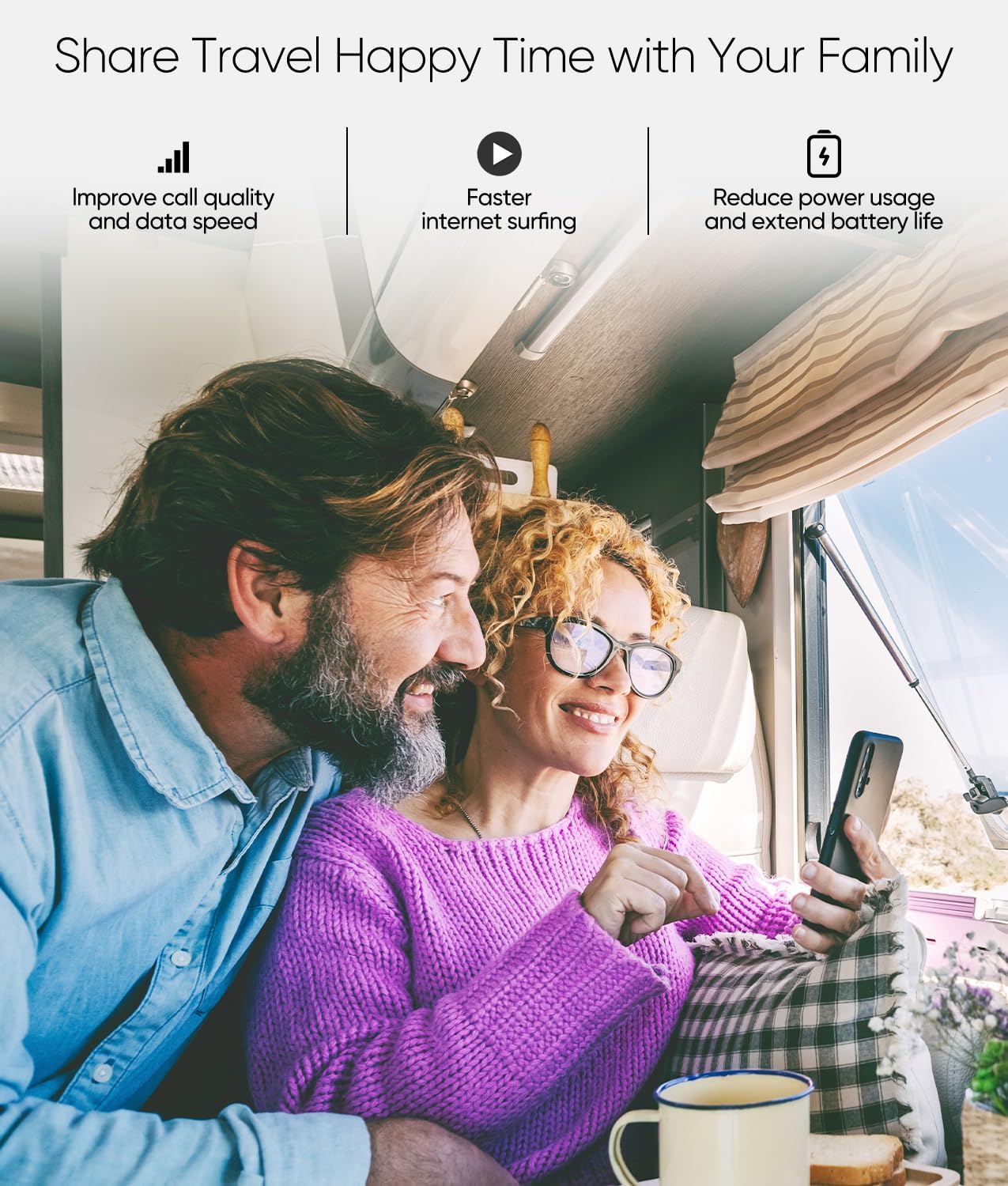
Image: A visual guide illustrating the installation steps for the Amazboost T1 booster on an RV, showing the placement of the outdoor antenna, booster, and indoor antenna.
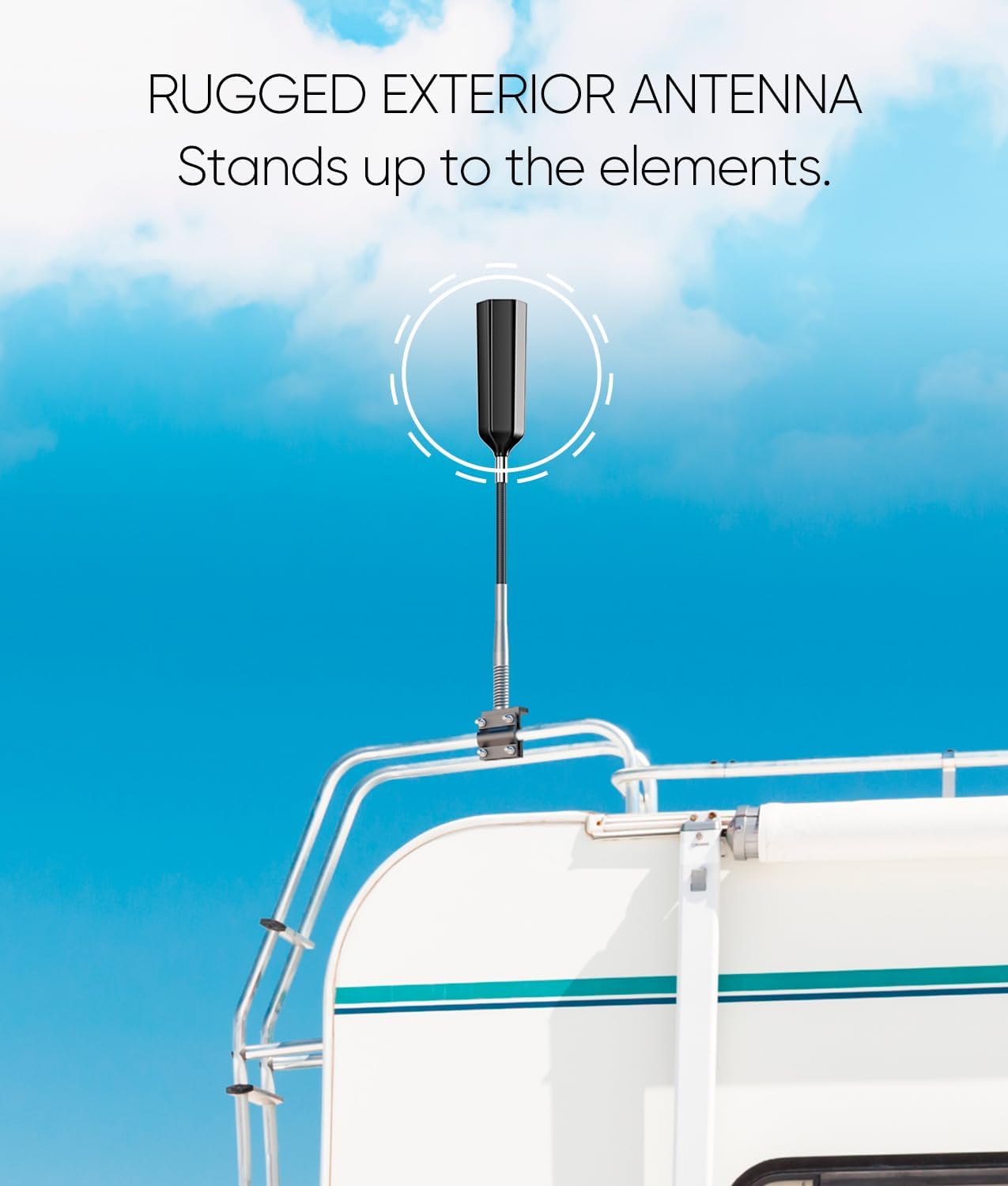
Image: Close-up of the rugged exterior antenna designed to withstand various weather conditions, mounted on top of an RV.
Video: An official Amazboost video demonstrating the unboxing and installation process of the T1 Cell Phone Booster in a vehicle, highlighting key components and connection points.
Operating the Booster
Once installed and powered on, the Amazboost T1 automatically begins boosting cellular signals. The booster unit features indicator lights that show the status of different frequency bands, indicating active signal boosting or potential issues.
- Improved Connectivity: Experience enhanced voice quality, faster mobile internet speeds, and more reliable streaming.
- Көп колдонуучу колдоо: The booster supports multiple users and devices simultaneously, making it ideal for families or groups traveling together.
- Wide Carrier Compatibility: Compatible with all major US carriers, including AT&T, Verizon, T-Mobile, Sprint, and U.S. Cellular. It is 5G ready and supports bands 4, 66, 12, 13, 17, 5, 2, and 25.

Image: A large truck driving on a road with an overlay indicating stronger signal, suggesting improved connectivity for mobile use.

Image: An RV parked in a scenic outdoor setting, surrounded by logos of major US cell carriers (AT&T, Verizon, Sprint, T-Mobile, U.S. Cellular, Cricket Wireless, Straight Talk), emphasizing broad compatibility.
Техникалык тейлөө
The Amazboost T1 Cell Phone Signal Booster is designed to be largely maintenance-free. Once properly installed, no additional adjustments or updates are typically required. For general care, ensure the booster unit and antennas are kept clean and free from excessive dust or debris. Periodically check cable connections to ensure they remain secure.
Проблемаларды чечүү
If you experience issues with your signal booster, refer to the indicator lights on the booster unit. An "Alarm" light indicates a potential issue with that specific frequency band. The following tips can help diagnose and resolve common problems:
- Күчтү текшерүү: Ensure the booster is properly powered and the power indicator light is on.
- Байланыштарды текшерүү: Confirm all cables (outdoor antenna, indoor antenna, power) are securely connected to the booster unit.
- Антеннаны жайгаштыруу: Ensure the outdoor antenna has a clear view of the sky and is not obstructed. The indoor antenna should be placed where you need the signal most, away from the outdoor antenna to prevent oscillation.
- Check Working Band (Advanced):
- iPhone үчүн: Dial *3001#12345#* → Choose "LTE", "UMTS" or "GSM" → Click "Serving Cell Info" → Check "Freq_Band_Ind".
- Android үчүн: Download "LTE Discovery" APP → Select "SIGNALS" → Check "EARFCN".
The booster supports Working Bands: 2/4/5/12/13/17/25. Confirm your device's band before troubleshooting.

Image: The reverse side of the Amazboost T1 booster, displaying FCC certification details and customer service contact information.
Техникалык шарттар
| Өзгөчөлүк | Деталь |
|---|---|
| Бренд | Amazboost |
| Модел | T1 |
| Шайкеш түзмөктөр | Смартфон |
| Зымсыз байланыш стандарты | 802.11ac (Note: This might be a general spec, the booster itself is for cellular bands) |
| Колдоого алынган топтор | 4, 66, 12, 13, 17, 5, 2, 25 |
| FCC тастыктоо номери | A7V-SR75502001 |
| Элемент Салмагы | 5.5 фунт |
| Пакеттин өлчөмдөрү | 12.4 x 10 x 3.78 дюйм |
Кутуда эмне бар
- Signal Booster (1)
- Internal Antenna (1)
- External Antenna (1)
- 3D-FB Cable (1)
- Installation Kit (1)

Image: A clear layout of all components included in the Amazboost T1 kit: the 17" Horizon Omni-Directional Antenna, Booster, DC Power Adapter, Power Supply, Indoor Antenna, and various 3D-FB Cables.
Кепилдик жана колдоо
The Amazboost T1 Cell Phone Signal Booster is FCC approved, ensuring compliance with applicable standards for operation on specified frequency bands without interfering with cellular carrier signals.
For customer service and support, please contact Amazboost directly. The customer service number provided is: 877-579-7878.
For additional information or to register your device, you may visit the official Amazboost webсайт: www.amazboost.com.