1. Киришүү
This manual provides instructions for the Monoprice Dark Matter 27-inch 165Hz Gaming Monitor. This monitor features an IPS panel, a 165Hz refresh rate, and a 1920x1080p Full HD resolution. It includes Adaptive Sync technology for smooth visuals and offers multiple connectivity options, including HDMI and DisplayPort inputs.
2. Коопсуздук маалыматы
- Read all instructions before operating the monitor.
- Keep the monitor away from water or damp чөйрөлөр.
- Желдетүүчү тешиктерди жаппаңыз.
- Өндүрүүчү тарабынан берилген кубат адаптерин гана колдонуңуз.
- Мониторду туруксуз беттерге коюудан алыс болуңуз.
- Чагылгандуу жаан учурунда же көпкө чейин колдонулбаган учурда электр кабелин сууруп коюңуз.
- Бардык тейлөөлөрдү квалификациялуу кызматкерлерге тапшырыңыз.
3. Пакеттин мазмуну
Пакетиңизде төмөнкү заттар бар экенин текшериңиз:
- Monoprice Dark Matter 27-inch Gaming Monitor
- Монитор стенд (негизги жана моюн)
- Кубат адаптери жана кубат кабели
- HDMI кабели
- Колдонуучунун Колдонмосу (бул документ)
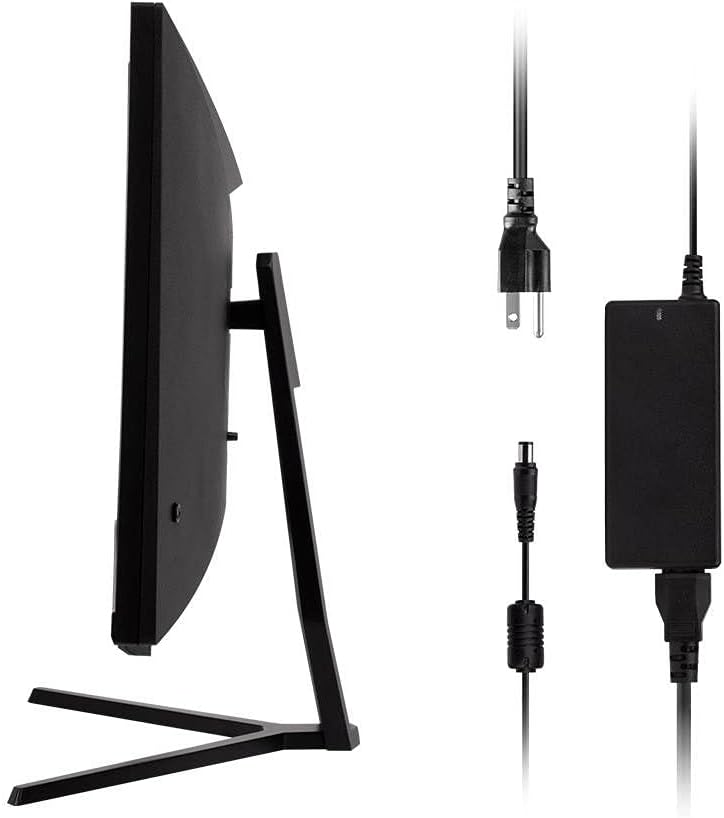
Image: Monitor side view with included power adapter and cable.
4. Monitor Overview
Фронт View
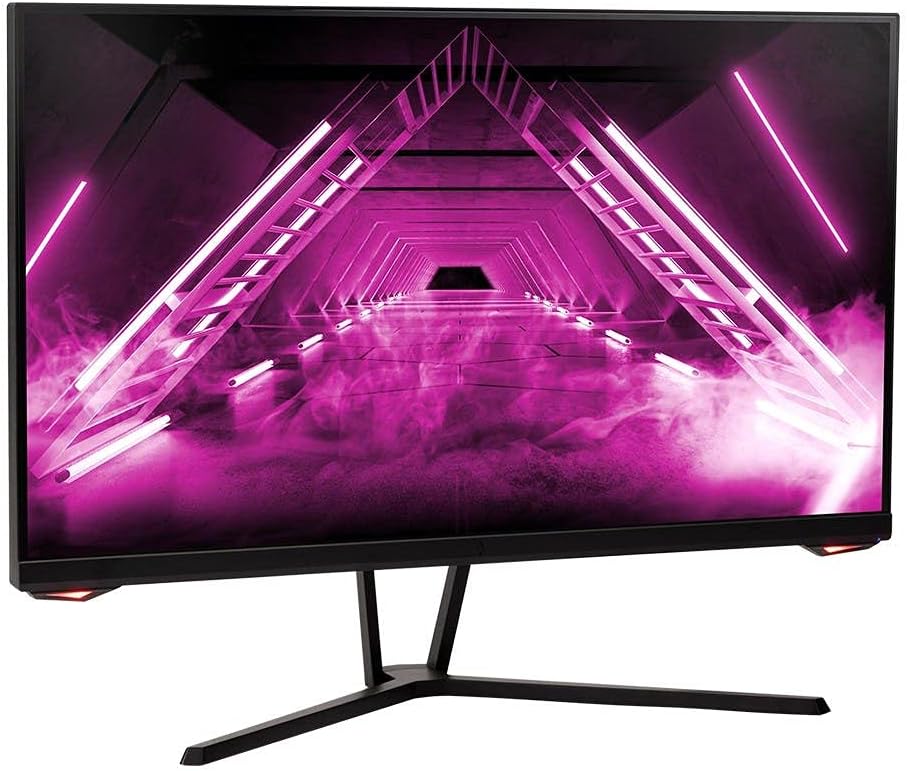
Сүрөт: алдыңкы view монитордун.
Арткы View жана порттор
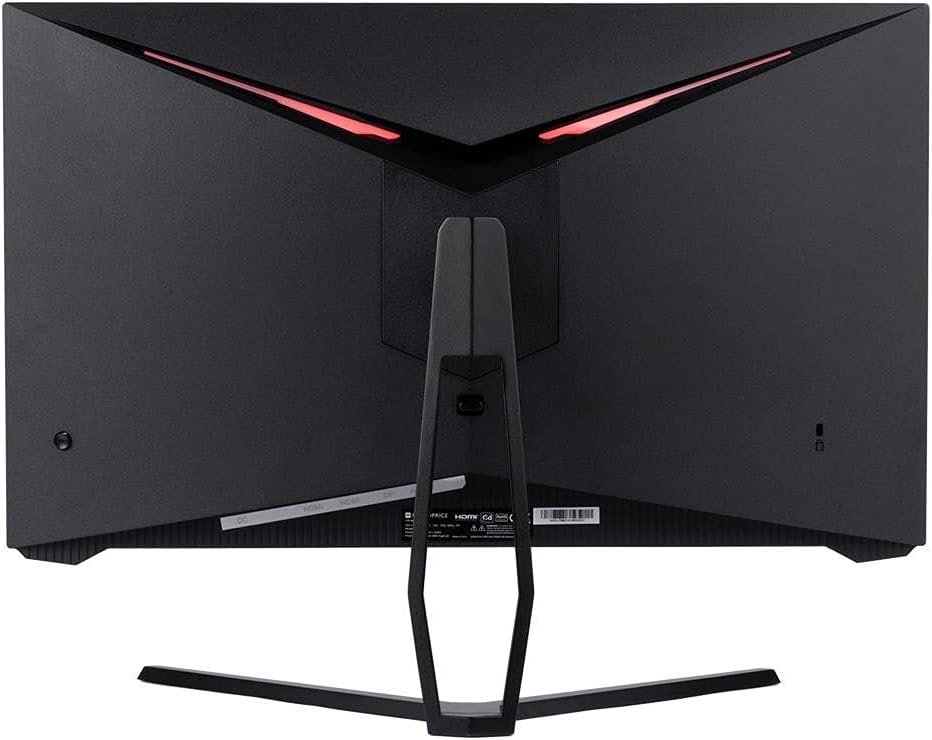
Сүрөт: Арткы view of the monitor, highlighting the VESA mount and stand attachment.

Image: Close-up of the monitor's input ports.
5. Орнотуу
5.1 Стендди чогултуу
- Мониторду таңгагынан этияттык менен алып чыгыңыз, аны жумшак бетке коюп коргоңуз.
- Attach the stand neck to the monitor's rear panel by aligning the tabs and securing any screws if present.
- Attach the stand base to the stand neck, ensuring it is firmly secured.
- Чогулган мониторду туруктуу, жалпак бетке коюңуз.
5.2 VESA орнотуу
The monitor supports a 75x75mm VESA mount pattern. To use a wall or desk mount:
- Remove the pre-attached stand by unscrewing it from the monitor's rear panel.
- Attach your VESA-compatible mount to the monitor using the appropriate screws (not included).
- Ensure the mount is securely fastened before releasing монитор.
5.3 Компьютерге туташуу
Мониторду компьютериңизге төмөнкү ыкмалардын бири менен туташтырыңыз:
- DisplayPort: Connect one end of a DisplayPort cable to the DisplayPort output on your computer's graphics card and the other end to the DisplayPort input on the monitor.
- HDMI: Connect one end of an HDMI cable to an HDMI output on your computer's graphics card and the other end to one of the HDMI inputs on the monitor.
After connecting the video cable, connect the power adapter to the monitor's DC input and then plug the power cable into a wall outlet.
6. Мониторду иштетүү
6.1 Күйгүзүү/өчүрүү
Press the power button, typically located on the rear or bottom of the monitor, to turn the monitor on or off. The power indicator light will illuminate when the monitor is on.
6.2 Экрандагы дисплей (OSD) менюсу
The OSD menu allows you to adjust various monitor settings. Access the OSD menu by pressing the menu button (often a joystick or a series of buttons) on the monitor. Navigate through the options using the directional controls and confirm selections.
OSDдин жалпы жөндөөлөрү төмөнкүлөрдү камтыйт:
- Сүрөт жөндөөлөрү: Жарыктык, Контраст, Курчтук, Түс температурасы.
- Киргизүүнү тандоо: DisplayPort жана HDMI киргизүүлөрүнүн ортосунда тандаңыз.
- Аудио: Volume control for the audio output.
- Оюн функциялары: Overdrive, FreeSync/Adaptive Sync settings.
6.3 Негизги өзгөчөлүктөрү
- 165Hz жаңыртуу ылдамдыгы: This monitor supports a 165Hz refresh rate, providing smoother motion and reduced input lag compared to standard 60Hz monitors. Ensure your graphics card and system settings are configured to utilize this refresh rate.
- Адаптивдүү синхрондоштуруу: This technology synchronizes the monitor's refresh rate with your graphics card's frame rate, eliminating screen tearing and stuttering for a smoother gaming experience. Enable Adaptive Sync in your graphics card's control panel and the monitor's OSD menu.
- Full HD Resolution (1920x1080p): The monitor displays content at 1920x1080 pixels, offering clear and detailed visuals.
7. Техникалык тейлөө
To maintain your monitor and ensure its longevity:
- Экранды тазалоо: Экранды жумшак, түксүз чүпүрөк менен акырын сүртүңүз. Кежир тактар үчүн, экранга түз эмес, кездемеге колдонулган монитор үчүн атайын тазалоочу эритмени колдонуңуз.
- Тазалоо Casing: Мониторду сүртүү үчүн жумшак, кургак чүпүрөктү колдонуңуз casinг. Абразивдүү тазалагычтардан алыс болуңуз.
- Вентиляция: Ашыкча ысып кетүүнүн алдын алуу үчүн монитордун вентиляция тешиктерин чаңдан жана тоскоолдуктардан тазалаңыз.
- Өчүрүү: Turn off the monitor when not in use for extended periods.
8. Кыйынчылыктарды
Эгерде сиз мониторуңузда көйгөйлөргө туш болсоңуз, төмөнкү көйгөйлөрдү чечүү боюнча көрсөтмөнү караңыз:
| Көйгөй | Мүмкүн себеп | Чечим |
|---|---|---|
| No image on screen / Power LED off | Monitor not powered on; Power cable loose; Power outlet faulty. | Press the power button; Check power cable connections; Try a different power outlet. |
| Сүрөт жок / "Сигнал жок" билдирүүсү | Video cable loose; Incorrect input selected; Computer not outputting signal. | Check video cable connections; Select the correct input via OSD; Ensure computer is on and outputting video. |
| Screen flickers or goes black intermittently | Loose video cable; Graphics driver issue; Monitor overheating; Faulty cable. | Ensure video cable is secure; Update graphics drivers; Ensure adequate ventilation around the monitor; Try a different video cable. |
| Ашыкча ысып кетүү / Түтүн | Blocked ventilation; Internal component issue. | Immediately unplug the monitor. Ensure ventilation is clear. Do not use the monitor if smoke is present. Contact support. |
| Red line or other display artifacts | Faulty panel; Graphics card issue. | Test with a different video cable and computer. If the issue persists, contact support. |
| Backlight turns off, requires power cycle | Power management settings; Internal fault. | Check computer's power saving settings. If issue persists, contact support. |
9. Техникалык шарттар
| Өзгөчөлүк | Спецификация |
|---|---|
| Модель номери | 142771 |
| Screen Size | 27 дюйм |
| Панел түрү | IPS |
| Резолюция | 1920 x 1080 (FHD 1080p) |
| Жаңыртуу ылдамдыгы | 165Hz |
| Аспект катышы | 16:9 |
| Video Inputs | 2x HDMI 1.4, 1x DisplayPort 1.2a |
| VESA тоосу | 75x75мм |
| Өлчөмдөрү (LxWxH) | 28.8 x 7.1 x 19.3 дюйм |
| Элемент Салмагы | 15.77 фунт |
10. Кепилдик жана колдоо
10.1 Кепилдик маалыматы
This Monoprice monitor is backed by a 1 Year PixelPerfect Guarantee. This warranty covers defects in materials and workmanship under normal use for one year from the date of purchase. Please refer to Monoprice's official webтолук кепилдик шарттары үчүн сайт.
10.2 Кардарларды колдоо
For technical assistance, warranty claims, or further information, please contact Monoprice Customer Support. Contact details can typically be found on the official Monoprice webсайт же сатып алуу документтери.
11. Видео ресурстар
No official product videos from the seller were found for this model.


