Introduction
Thank you for choosing the Ebitcam Outdoor Security Camera, Model 837. This manual provides detailed instructions for the installation, operation, and maintenance of your new security camera. Designed for robust outdoor use, this camera offers 1080P HD video, advanced night vision, two-way audio communication, and intelligent motion/sound detection, ensuring comprehensive surveillance for your property. Please read this manual thoroughly before use to ensure proper setup and optimal performance.
Коопсуздук маалыматы
- Ensure the camera is installed in a location where it is protected from direct physical impact.
- Use only the power adapter supplied with the camera. Using unauthorized power sources may damage the device and void the warranty.
- Do not expose the camera to extreme temperatures outside its operating range (-2°F to 131°F) or high humidity.
- Камераны жана анын компоненттерин балдар жетпеген жерде сактаңыз.
- Avoid pointing the camera directly at strong light sources, as this may affect image quality and damage the sensor.
- Кандайдыр бир тейлөө же тазалоо иштерин жүргүзүүдөн мурун электр энергиясын өчүрүңүз.
Пакеттин мазмуну
Сураныч, бардык буюмдар бар экенине ынануу үчүн ачканда пакеттин мазмунун текшериңиз:
- Ebitcam Outdoor Security Camera (Model 837)
- Кубаттуу адаптер
- Монтаждоо бурамалар жана дубал сайгычтар
- Колдонуучунун Колдонмосу (бул документ)

Image: The Ebitcam Outdoor Security Camera, Model 837, showing its bullet-style design and antenna.
Продукт бүттүview
The Ebitcam Model 837 is a robust outdoor security camera designed for reliable performance in various weather conditions. Key features include:
- 1080P HD видео: Provides clear and detailed live view жана жазуулар.
- IP66 Суу өткөрбөйт: Built to withstand harsh weather, including rain, snow, and storms.
- Эки тараптуу аудио: Коноктор менен баарлашыңыз же орнотулган микрофонду жана динамикти колдонуп, бузукуларды алдын алыңыз.
- Smart Sound/Motion Detection: Adjustable sensitivity for alerts on human movement, sound, or general motion.
- Түнкү көрүнүш: Infrared light for clear video in low-light conditions, up to 32 feet.
- Сактоо параметрлери: Supports local storage via Micro SD card (up to 128GB) and cloud service.
- Wi-Fi туташуусу: Connects to your home network (2.4GHz Wi-Fi only).
- Alexa шайкештиги: View camera feed on compatible Echo Show devices.
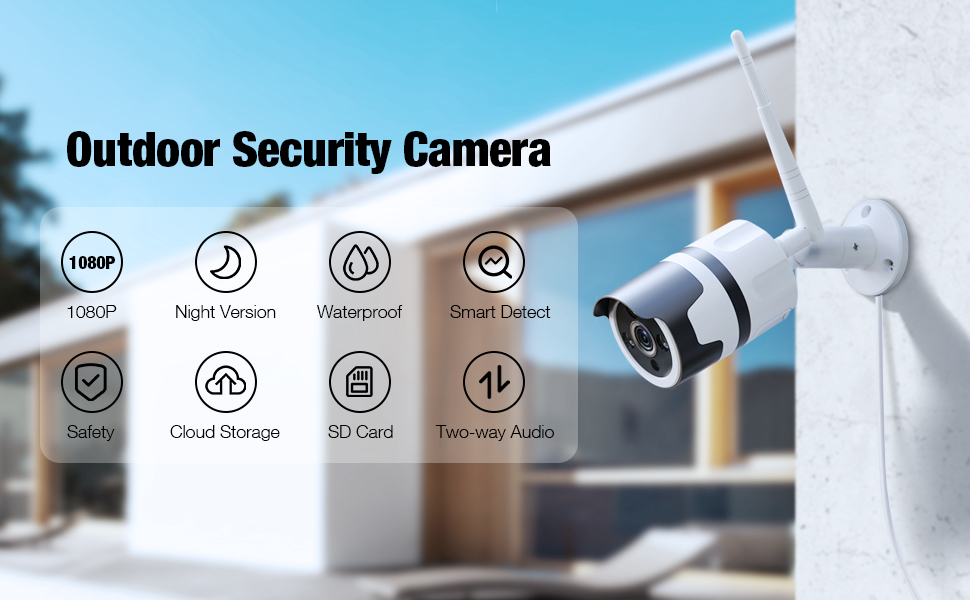
Image: An illustration highlighting the key features of the Ebitcam Outdoor Security Camera, including 1080P resolution, night vision, waterproof design, smart detection, safety, cloud storage, SD card support, and two-way audio.
Орнотуу колдонмосу
1. Физикалык орнотуу
Камераңыз үчүн ылайыктуу сырткы жерди тандап, анын ачык экенине ынаныңыз view of the area you wish to monitor and is within range of your Wi-Fi network and a power outlet. The camera is designed for wall mounting.
- Камеранын бекитүүчү негизин шаблон катары колдонуп, дубалдагы бургулоочу чекиттерди белгилеңиз.
- Drill holes at the marked positions. Insert the wall plugs if mounting on masonry.
- Берилген бурамалар менен камеранын бекитүүчү негизин дубалга бекитиңиз.
- Камера бурчун керек болсо тууралаңыз.

Image: The Ebitcam camera mounted on an exterior wall, illustrating its use for real-time monitoring of a house, garage, and yard.
2. Power Connection
Connect the supplied power adapter to the camera's power input port and then plug it into a standard electrical outlet. Ensure the connection is secure and protected from moisture.
3. Колдонмону жүктөп алуу жана каттоо эсебин түзүү
The Ebitcam camera uses the MIPC app for setup and control.
- Download the "MIPC" app from the App Store (iOS) or Google Play Store (Android).
- Колдонмону ачып, жаңы аккаунт түзүңүз же сизде мурунтан эле бар болсо, кириңиз.
4. Wi-Fi туташуусу
Follow the in-app instructions to add your camera and connect it to your 2.4GHz Wi-Fi network. The camera does not support 5GHz Wi-Fi.
- In the MIPC app, tap the "+" icon to add a new device.
- Select the camera type and follow the on-screen prompts, which typically involve scanning a QR code on the camera or entering network details.
- Ensure your phone is connected to the 2.4GHz Wi-Fi network you intend to connect the camera to during the setup process.
5. SD картаны орнотуу (милдеттүү эмес)
For local video storage, you can install a Micro SD card (up to 128GB).
- Locate the SD card slot on the camera (refer to the product diagram in the app or manual if available).
- Micro SD картаны ордуна чыкылдаганча этияттык менен уячага салыңыз.
- Format the SD card through the MIPC app settings for optimal performance.

Image: An illustration showing the Ebitcam camera and a smartphone screen, highlighting the options for cloud storage and local SD card storage (up to 128GB) for recording and playback.
Иштөө нускамалары
1. Түз эфир View
Once connected, open the MIPC app and select your camera to view the live feed. You can switch between 1080P and lower resolutions if needed for bandwidth optimization.
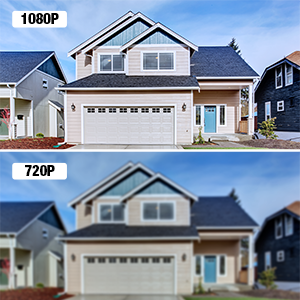
Image: A visual comparison demonstrating the clarity difference between 1080P and 720P video resolutions, emphasizing the superior detail of 1080P.
2. Эки тараптуу аудио
The camera features a built-in microphone and speaker, allowing for real-time two-way communication.
- Түз эфирде view interface of the MIPC app, tap the microphone icon to speak through the camera's speaker.
- Камеранын микрофонунан аудио угуу үчүн динамик сүрөтчөсүн таптаңыз.

Image: A scene depicting a delivery person at a door, with a smartphone screen showing the MIPC app interface for two-way audio, illustrating how users can see, listen, and talk in real-time.
3. Smart Sound/Motion Detection & Alerts
Configure detection settings to receive alerts for activity on your property.
- Navigate to the camera settings in the MIPC app.
- Adjust sensitivity for motion, sound, and human detection.
- Enable push notifications to receive instant alerts on your phone when an event is triggered. Alerts include a message, snapshot, and recorded video (over 10 seconds).

Image: An illustration showing the Ebitcam camera detecting a person at a door, with overlays indicating motion, human, and sound detection. A smartphone screen displays an alert message from the MIPC app.

Image: A graphic illustrating the camera's Smart AI capabilities for motion tracking and sending alert messages, showing a person being detected.
4. Түнкү көрүнүш
The camera automatically switches to infrared night vision in low-light conditions, providing clear black-and-white video up to 32 feet.
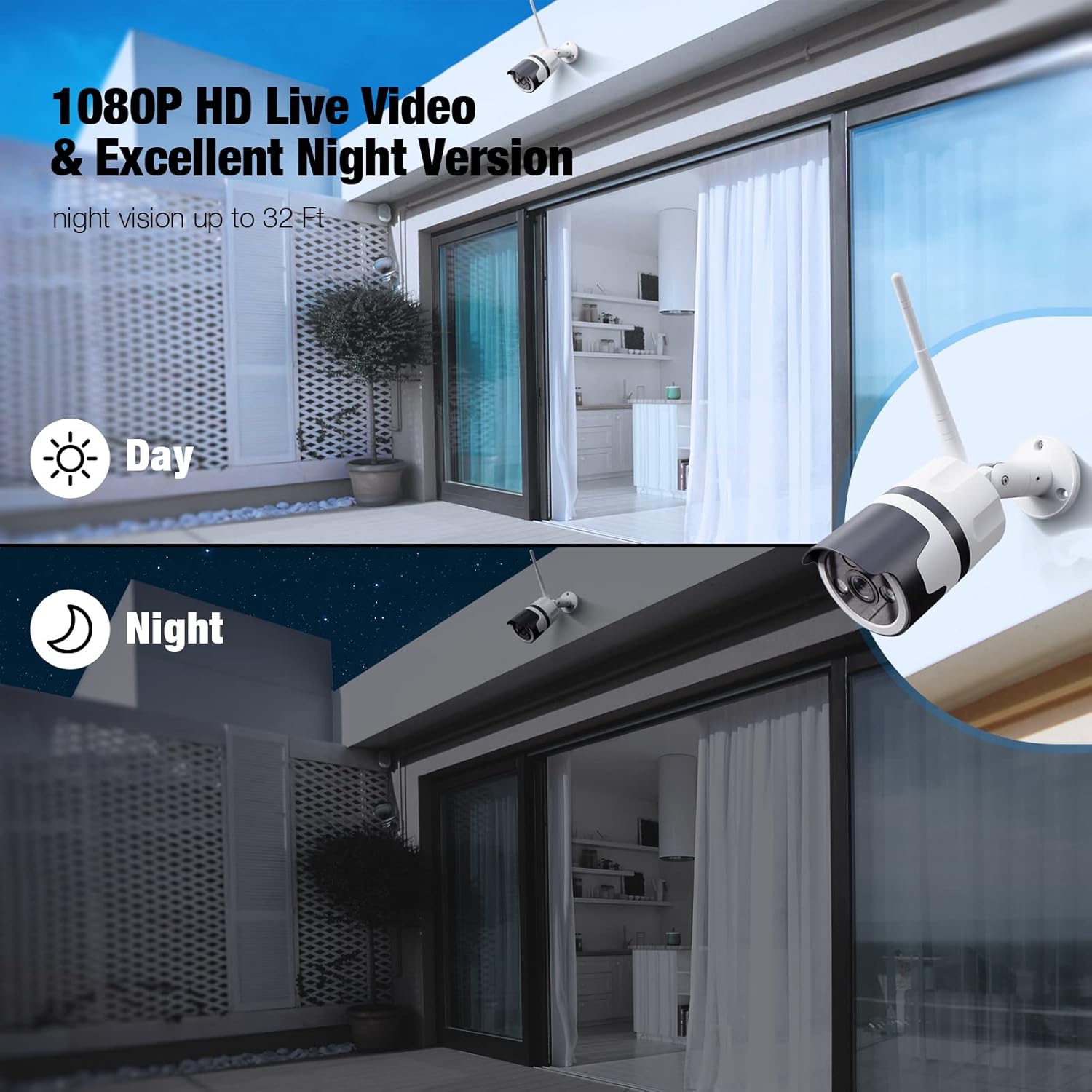
Image: A split image demonstrating the camera's 1080P HD live video quality during both day and night, highlighting its excellent night vision capabilities.

Image: A graphic showing the camera's clear night vision capability, indicating a 120-degree field of view and effective range of up to 32 feet in the dark.
5. Жаздыруу жана ойнотуу
Videos can be stored locally on a Micro SD card or via the optional cloud service.
- SD карта жаздыруу: If an SD card is installed and formatted, the camera will automatically record events or continuous video based on your settings. Access recordings via the "SD Card" tab in the MIPC app.
- Булут кызматы: Subscribe to the cloud service through the MIPC app for secure, off-site video storage. Access recordings via the "Cloud" tab.
6. Кирүү мүмкүнчүлүгүн бөлүшүү
You can share camera access with family members or trusted individuals through the MIPC app.
- In the app, go to camera settings and look for the "Share Device" or similar option.
- Invite other MIPC users by their account ID. You can set different permission levels for shared users.
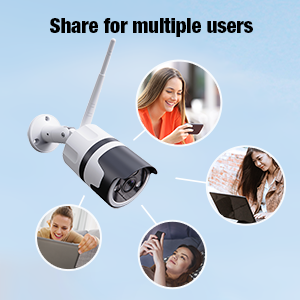
Image: A graphic illustrating the ability to share camera access with multiple users, showing several individuals interacting with their devices to view камера берүү.
7. Alexa интеграциясы
The Ebitcam camera is compatible with Amazon Alexa, allowing you to view your camera feed on Echo Show devices.
- Enable the MIPC skill in the Alexa app.
- Link your MIPC account with your Alexa account.
- Discover devices. You can then use voice commands like, "Alexa, show me the [camera name]."
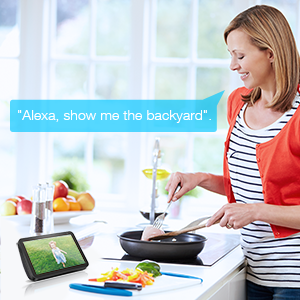
Image: A woman in a kitchen interacting with an Echo Show device, which displays the camera feed, demonstrating the voice command "Alexa, show me the backyard."
Техникалык тейлөө
- Тазалоо: Periodically clean the camera lens with a soft, dry cloth to ensure clear image quality. Do not use harsh chemicals or abrasive cleaners.
- Программалык камсыздоонун жаңыртуулары: Check the MIPC app regularly for firmware updates. Keeping your camera's firmware up-to-date ensures optimal performance, security, and access to new features.
- Экологиялык эске алуулар: While the camera is IP66 waterproof, ensure its power connection is adequately protected from direct water exposure. The camera is designed to operate in temperatures from -2°F to 131°F.
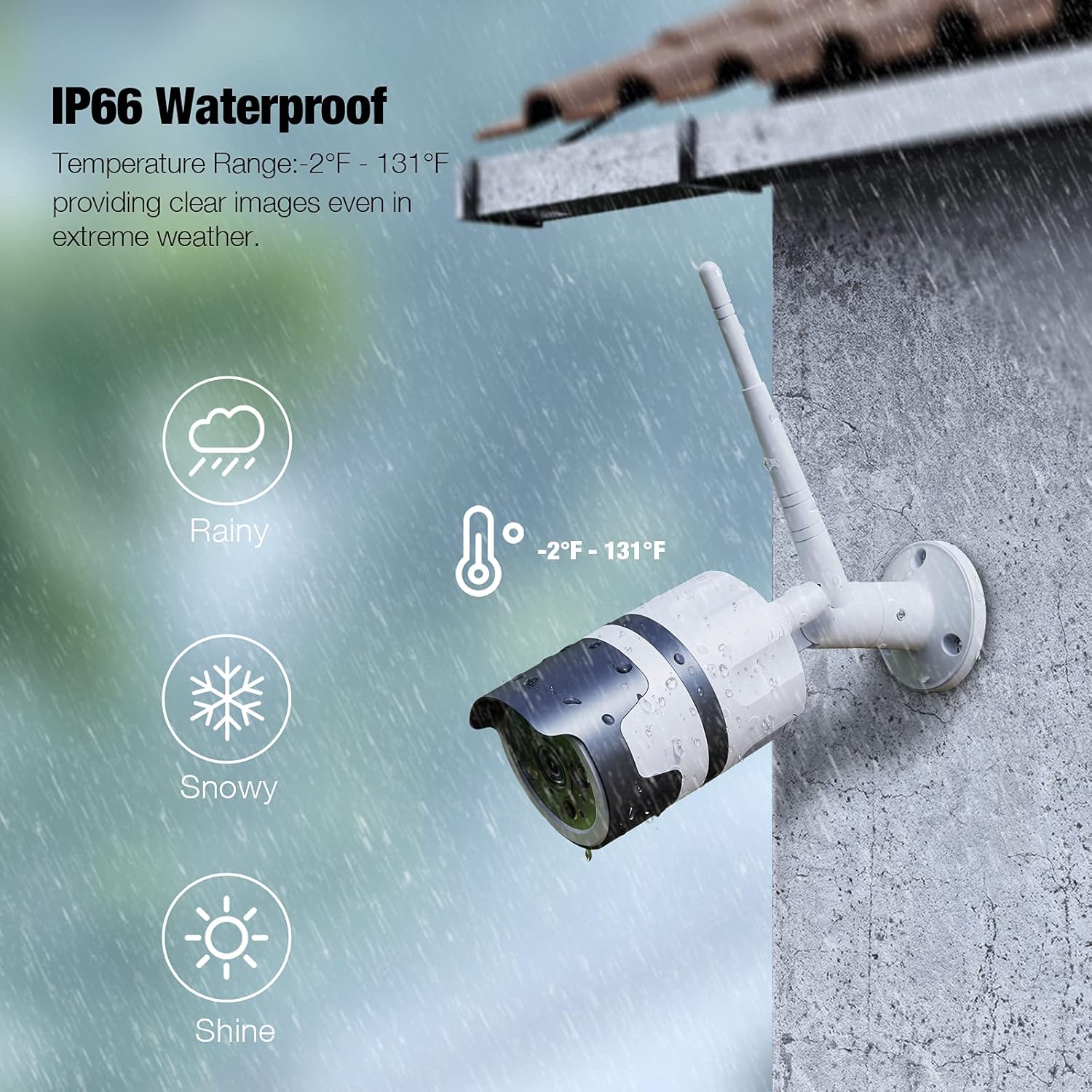
Image: The Ebitcam camera mounted outdoors, with graphics indicating its IP66 waterproof rating and ability to withstand temperatures from -2°F to 131°F, suitable for rainy and snowy conditions.
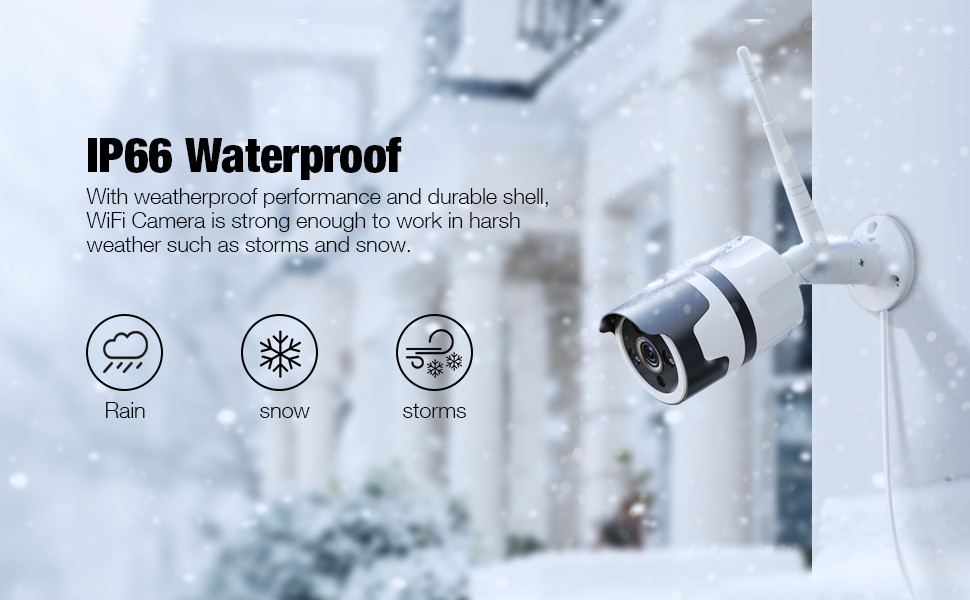
Image: An illustration showing the Ebitcam camera mounted outdoors in various weather conditions (rain, snow, storms), emphasizing its IP66 waterproof and durable shell.
Проблемаларды чечүү
| Көйгөй | Мүмкүн болгон себеп / Чечим |
|---|---|
| Камера оффлайн / Wi-Fi'га туташуу мүмкүн эмес |
|
| Сүрөттүн сапаты начар |
|
| Motion alerts are too frequent or not triggering |
|
| Эки тараптуу аудио иштебейт |
|
| SD карта жаздырылбай жатат |
|
Техникалык шарттар
| Өзгөчөлүк | Деталь |
|---|---|
| Модель аты | 837 |
| Бренд | Ebitcam |
| Видео тартуунун резолюциясы | 1080p |
| Connectivity Protocol | Wi-Fi (2.4 ГГц гана) |
| Эл аралык коргоо рейтинги | IP66 аба ырайы |
| Power Source | Электр зымдары (12 вольт, 10 ватт) |
| Өзгөчөлүктөр | Night Vision, 2-Way Audio, Motion Sensor, HD Resolution, Sound Detection, Waterproof |
| Сактагыч параметрлери | Micro SD card (up to 128GB), Cloud Service |
| Шайкеш түзмөктөр | Alexa, Echo Show |
| Монтаж түрү | Дубалга орнотуу |
| Материал | Алюминий |
| Продукциянын өлчөмдөрү | 8 x 3 x 3 дюйм |
| Элемент Салмагы | 1 фунт (16 унция) |
| Төмөн жарык технологиясы | Түнкү түс (инфракызыл) |
| Эскертүү түрү | Motion Only (also supports Sound/Human detection) |
| Сунушталган Колдонуулар | Тышкы коопсуздук |
Кепилдик жана колдоо
Ebitcam products are designed for reliability and performance. For specific warranty details, please refer to the warranty card included with your product or visit the official Ebitcam website. If you encounter any issues or have questions not covered in this manual, please contact Ebitcam customer support through the MIPC app or the contact information provided on the official website. Please have your product model number (837) and purchase information ready when contacting support.
Акыркы маалымат жана колдоо ресурстары үчүн, сураныч, төмөнкү дарекке кириңиз Ebitcam Store on Amazon.


