Introduction
This manual provides detailed instructions for the Jabra Elite 2 True Wireless In-Ear Bluetooth Earbuds. It covers product setup, operation, maintenance, and troubleshooting to ensure optimal performance and user experience. Please read this manual carefully before using your earbuds.
Кутуда эмне бар
Jabra Elite 2 пакети төмөнкү компоненттерди камтыйт:
- Jabra Elite 2 чыныгы зымсыз кулакчындар
- Заряддоо кутусу
- USB-C заряддоо кабели
- EarGels (three sizes: Small, Medium, Large)
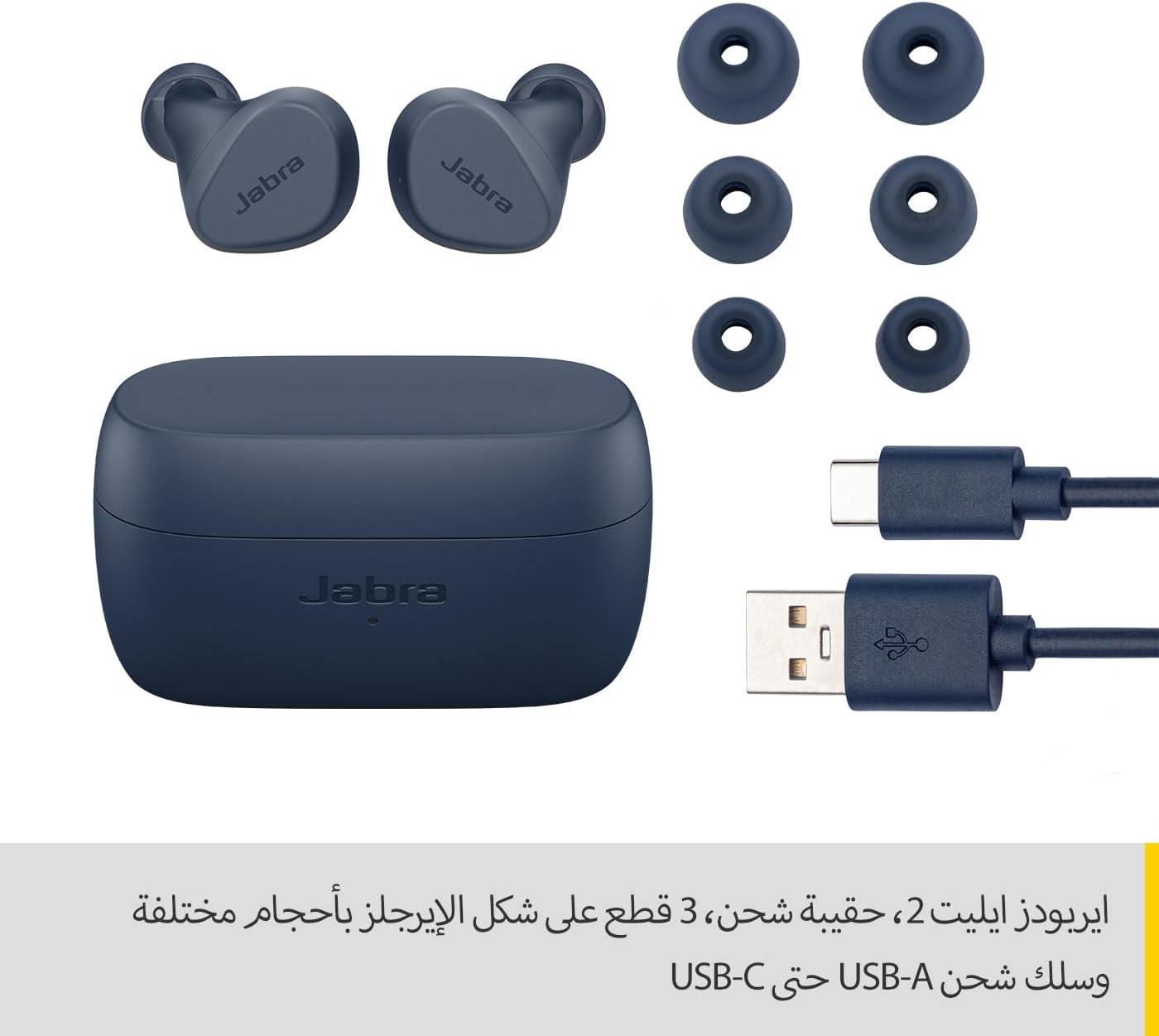
Image: Jabra Elite 2 earbuds, charging case, three sizes of EarGels, and USB-A to USB-C charging cable.
Жайгашуу
1. Кулакчындарды жана кутуну кубаттоо
Before first use, fully charge the earbuds and the charging case. Place the earbuds into the charging case and connect the USB-C cable to the charging port on the case and a power source.
- The earbuds provide up to 7 hours of listening time on a single charge.
- The charging case extends the total battery life to up to 21 hours.

Image: Jabra Elite 2 earbuds inside their charging case, ready for charging.
2. Bluetooth түзмөгү менен жупташуу
- Кулакчындардын кубатталганын жана кубаттоочу кутуда экенин текшериңиз.
- Заряддоо кутучасын ачыңыз. Кулакчындар жупташтыруу режимине автоматтык түрдө кирет.
- Смартфонуңузда же башка Bluetooth иштетилген түзмөгүңүздө Bluetooth жөндөөлөрүнө өтүңүз.
- Select 'Jabra Elite 2' from the list of available devices.
- Туташкандан кийин үн билдирүүсү ийгиликтүү жупташтырууну ырастайт.
3. Кулакчындарды орнотуу
For optimal sound quality and comfort, choose the correct size of EarGels. Insert the earbuds into your ears and rotate them slightly to ensure a secure and comfortable fit.
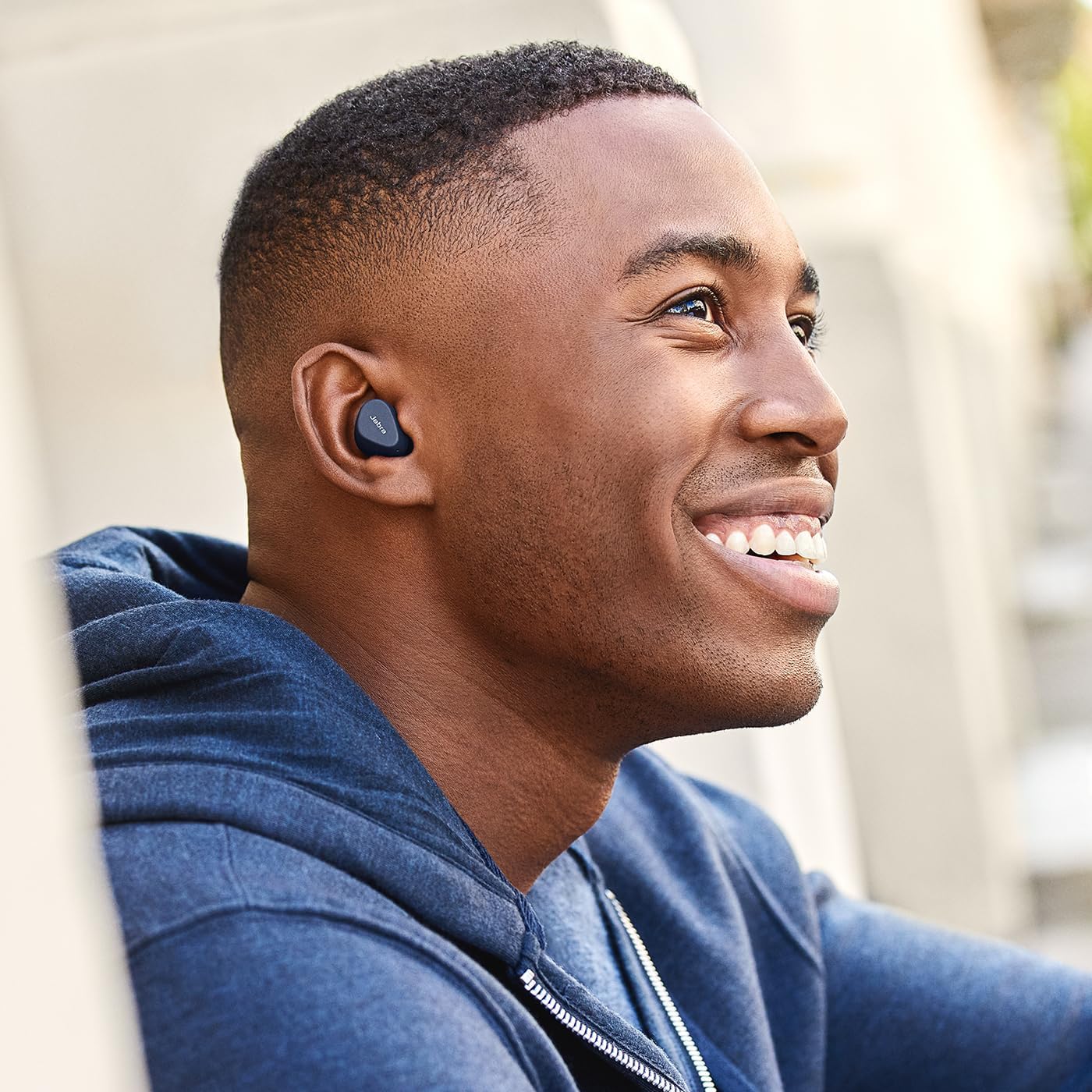
Image: A man wearing Jabra Elite 2 earbuds, demonstrating a proper fit.

Image: A woman wearing Jabra Elite 2 earbuds, demonstrating a proper fit.
Иштөө нускамалары
The Jabra Elite 2 earbuds feature intuitive controls for managing audio and calls.
Music and Call Controls
| Акция | Сол кулакчын | Оң кулак |
|---|---|---|
| Музыканы ойнотуу/тындыруу | Жалгыз басуу | Жалгыз басуу |
| Чалууга жооп берүү/аяктоо | Жалгыз басуу | Жалгыз басуу |
| Чакырууну четке кагуу | Эки жолу басуу | Эки жолу басуу |
| Кийинки трек | Эки жолу басуу | Жок |
| Мурунку трек | Үч жолу басуу | Жок |
| Activate Voice Assistant (Alexa for Android) | Жок | Үч жолу басуу |

Image: Close-up of Jabra Elite 2 earbuds, highlighting the control surface.
Техникалык тейлөө
Proper maintenance ensures the longevity and performance of your Jabra Elite 2 earbuds.
Тазалоо
- Кулакчындарды жана заряддоо кутусун жумшак, кургак, түксүз чүпүрөк менен дайыма тазалап туруңуз.
- EarGelsти алып салып, жумшак самын жана суу менен тазалап, кайра орнотуудан мурун жакшылап кургатыңыз.
- Катуу химиялык заттарды же абразивдүү материалдарды колдонуудан алыс болуңуз.
Суу каршылык
The Jabra Elite 2 earbuds are rated IP55 for resistance against dust and water splashes. This means they are protected against low-pressure water jets from any direction, making them suitable for use during light rain or workouts. They are not designed for submersion in water.

Image: A man wearing Jabra Elite 2 earbuds under an umbrella, illustrating their water resistance.
Сактагыч
Колдонулбаганда, кулакчындарды коргоо жана кубаттоо үчүн кубаттоочу кутучага сактаңыз.
Проблемаларды чечүү
If you encounter issues with your Jabra Elite 2 earbuds, refer to the following common solutions:
- Үн жок/Төмөн үнү: Ensure earbuds are properly seated in your ears, volume is turned up on both earbuds and connected device, and EarGels are the correct size.
- Жупташтыруу маселелери: Make sure Bluetooth is enabled on your device and the earbuds are in pairing mode. Try unpairing and re-pairing the earbuds.
- Үзгүлтүксүз туташуу: Keep your device close to the earbuds. Avoid environments with strong Wi-Fi or other wireless interference.
- Кулакчындар кубатталбай жатат: Ensure the charging cable is securely connected and the charging case has power. Clean the charging contacts on both the earbuds and the case.
- Микрофон көйгөйлөрү: Ensure the microphones are not obstructed. Check the audio input settings on your connected device. The Elite 2 features 2 microphones for clear calls.
For further assistance, visit the official Jabra support webсайт.
Техникалык шарттар
| Өзгөчөлүк | Деталь |
|---|---|
| Модель аты | Jabra Elite 2 |
| Модель номери | 100-91400003-60 |
| Байланыш технологиясы | Зымсыз (Bluetooth) |
| Наушниктин батареясынын иштөө мөөнөтү | 7 саатка чейин |
| Батареянын жалпы иштөө мөөнөтү (корпус менен) | 21 саатка чейин |
| Микрофондор | 2 орнотулган микрофондор |
| Noise Control | Ызы-чуу изоляциясы |
| Сууга туруктуулук рейтинги | IP55 (Rain, Dust, Water Resistant) |
| Сунушталган Колдонуулар | Listening to audio (music, podcasts), phone calls, sports, fitness, travel |
| Шайкеш түзмөктөр | Bluetooth иштетилген түзмөктөр |
| Башкаруу түрү | Media/Volume Control, Remote Control |
| Камтылган компоненттер | Protective case, USB-C cable, EarGels |
| Түс | Аскер-деңиз флоту |
Кепилдик жана колдоо
Кепилдик маалымат
Jabra Elite 2 кулакчындары төмөнкүлөр менен келет: 2 жылдык кепилдик. Product registration is required to activate the full warranty period. Please refer to the warranty card included in your package or visit the official Jabra webтолук шарттары жана шарттары үчүн сайт.
Кардарларды колдоо
For technical support, frequently asked questions, or to register your product, please visit the official Jabra support page:
You may also find additional resources and software updates on the Jabra webсайт.


