1. Киришүү
This manual provides detailed instructions for the setup, operation, and maintenance of your TECLAST Mini PC N10. This compact desktop computer features an Intel Celeron N4000 processor, 6GB DDR4 RAM, 128GB SSD, and comes pre-installed with Windows 11 Pro. It is designed for various applications including office work, multimedia playback, and general computing tasks.
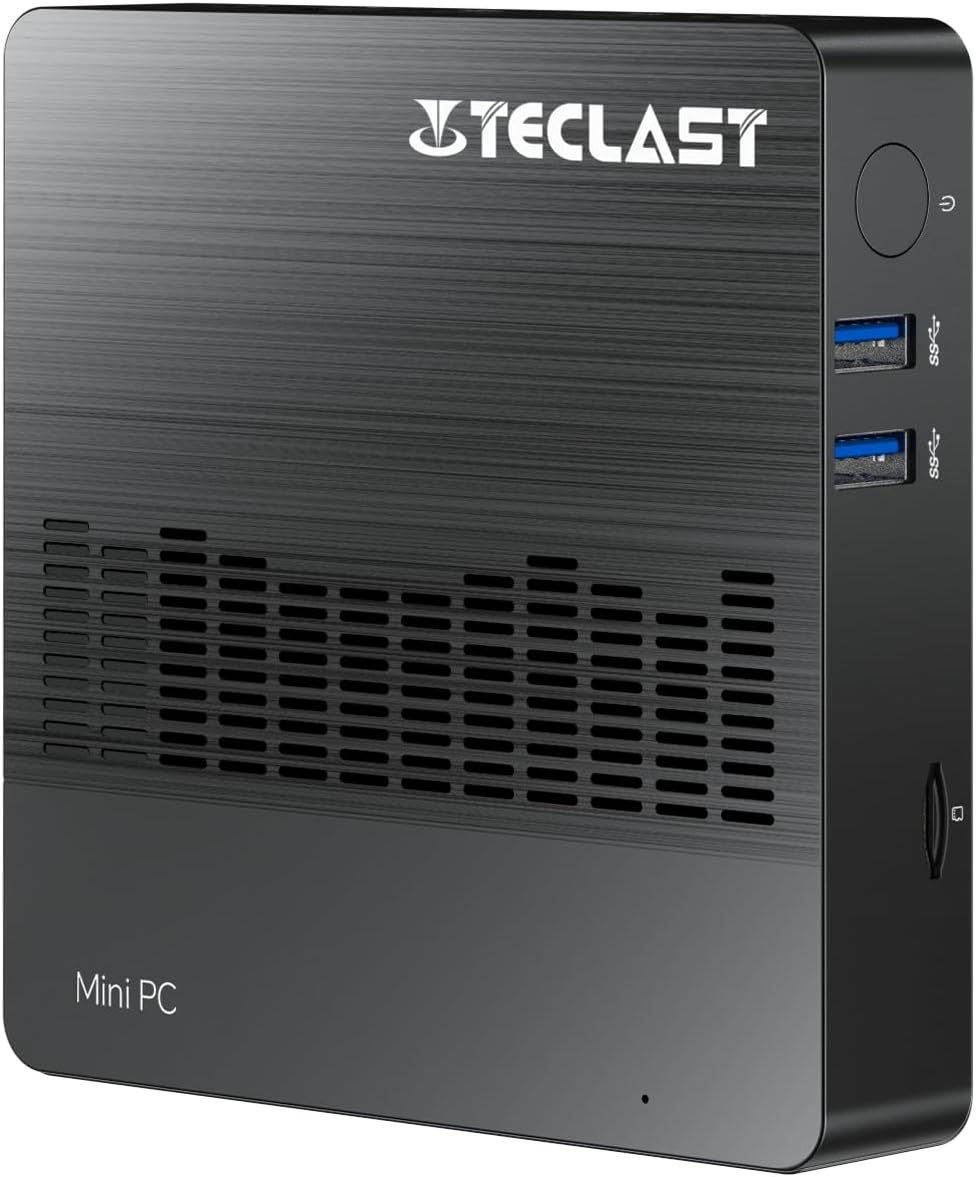
Сүрөт 1.1: Алдыңкы view of the TECLAST Mini PC N10, showing its compact design and front ports.
2. Пакеттин мазмуну
Сураныч, пакетте төмөнкү нерселерди текшериңиз:
- TECLAST Mini PC N10 Unit
- Кубаттуу адаптер
- User Manual
Эгерде кандайдыр бир нерселер жок болсо же бузулса, кардарларды колдоо менен байланышыңыз.
3. Продукт бүтүп калдыview
3.1. Физикалык өлчөмдөр жана дизайн
The TECLAST Mini PC N10 is designed to be compact and lightweight, making it suitable for various environments. Its dimensions are approximately 11.9 x 11.9 x 2.4 cm, and it weighs around 700g.

Image 3.1: Illustration of the TECLAST Mini PC N10's compact dimensions (120mm x 120mm x 24mm) and lightweight design (200g, note: product specifications state 700g).
3.2. Port Layout
The Mini PC N10 features a variety of ports for connectivity, located on its right, left, and back sides.

Сүрөт 3.2: Детальдуу view of the TECLAST Mini PC N10's expansion ports.
- Оң жагы: TF (MicroSD) Card Reader x 1, USB 3.2 x 2, Power Button x 1
- Сол жагы: VGA Port x 1
- Арткы тарап: Reset Button x 1, DC Power Input x 1, USB 3.2 x 1, HDMI Port x 1, RJ45 Ethernet Port x 1, 3.5mm Headphone Output x 1
4. Баштапкы орнотуу
Follow these steps to set up your TECLAST Mini PC N10:
- Дисплейге туташуу: Connect your monitor or TV to the Mini PC using either the HDMI port or the VGA port. For optimal resolution, use the HDMI port.
- Перифериялык түзүлүштөрдү туташтыруу: Plug in your keyboard and mouse to the available USB 3.2 ports.
- Кубатка туташуу: Connect the power adapter to the DC power input port on the back of the Mini PC, then plug the adapter into a power outlet.
- Күйгүзүү: Press the power button located on the right side of the Mini PC. The system will boot up.
- Алгачкы Windows орнотуулары: Windows 11 Pro орнотуусун аяктоо үчүн экрандагы нускамаларды аткарыңыз, анын ичинде тил, аймак, тармак туташуусу жана колдонуучу каттоо эсебин түзүү.
5. Иштөө нускамалары
5.1. Интернетке туташууда
- Зымдуу туташуу: Connect an Ethernet cable from your router or modem to the RJ45 Ethernet port on the back of the Mini PC.
- Зымсыз туташуу: The Mini PC supports 2.4GHz and 5GHz Wi-Fi. During Windows setup or via Windows settings, select your Wi-Fi network and enter the password.
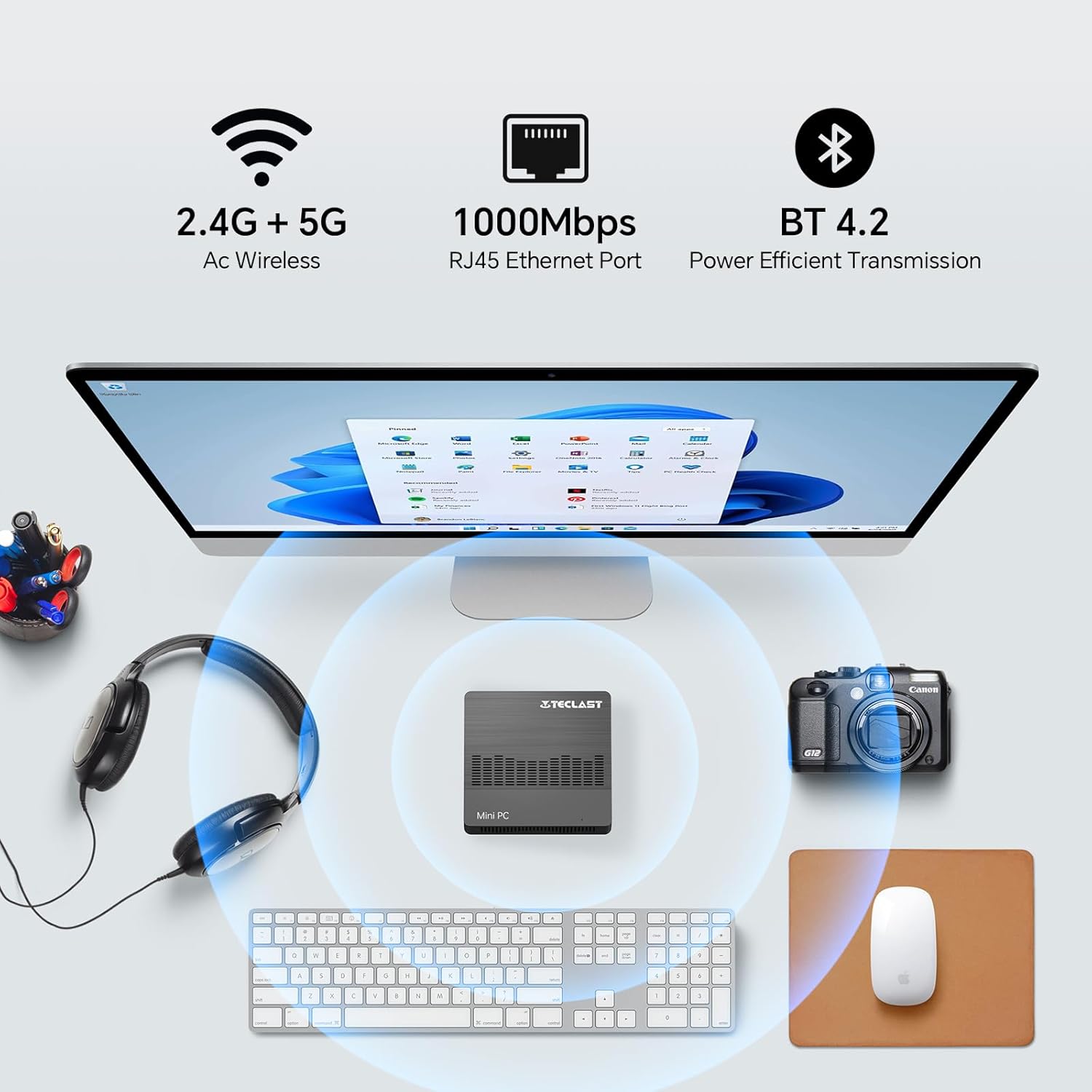
Image 5.1: The Mini PC N10 supports 2.4G+5G Wi-Fi, 1000Mbps RJ45 Ethernet, and Bluetooth 4.2 for versatile connectivity.
5.2. Кош дисплейди орнотуу
The TECLAST Mini PC N10 supports dual display output via its HDMI and VGA ports, allowing you to extend your desktop across two screens or duplicate your display.
- Connect your primary monitor to the HDMI port.
- Connect your secondary monitor to the VGA port.
- Once both monitors are connected and powered on, Windows 11 should automatically detect them.
- To configure display settings (extend, duplicate, resolution), right-click on the desktop, select 'Display settings', and adjust as needed. The HDMI port supports up to 4K@60Hz resolution.

Image 5.2: The Mini PC N10 connected to two monitors via HDMI and VGA for dual display output.
5.3. Сактагычты кеңейтүү
The Mini PC N10 includes 128GB of internal SSD storage. For additional storage, it supports SATA protocol for M.2 SSD expansion (2242 length, M.2 interface, not included). A TF (MicroSD) card reader is also available for removable storage.
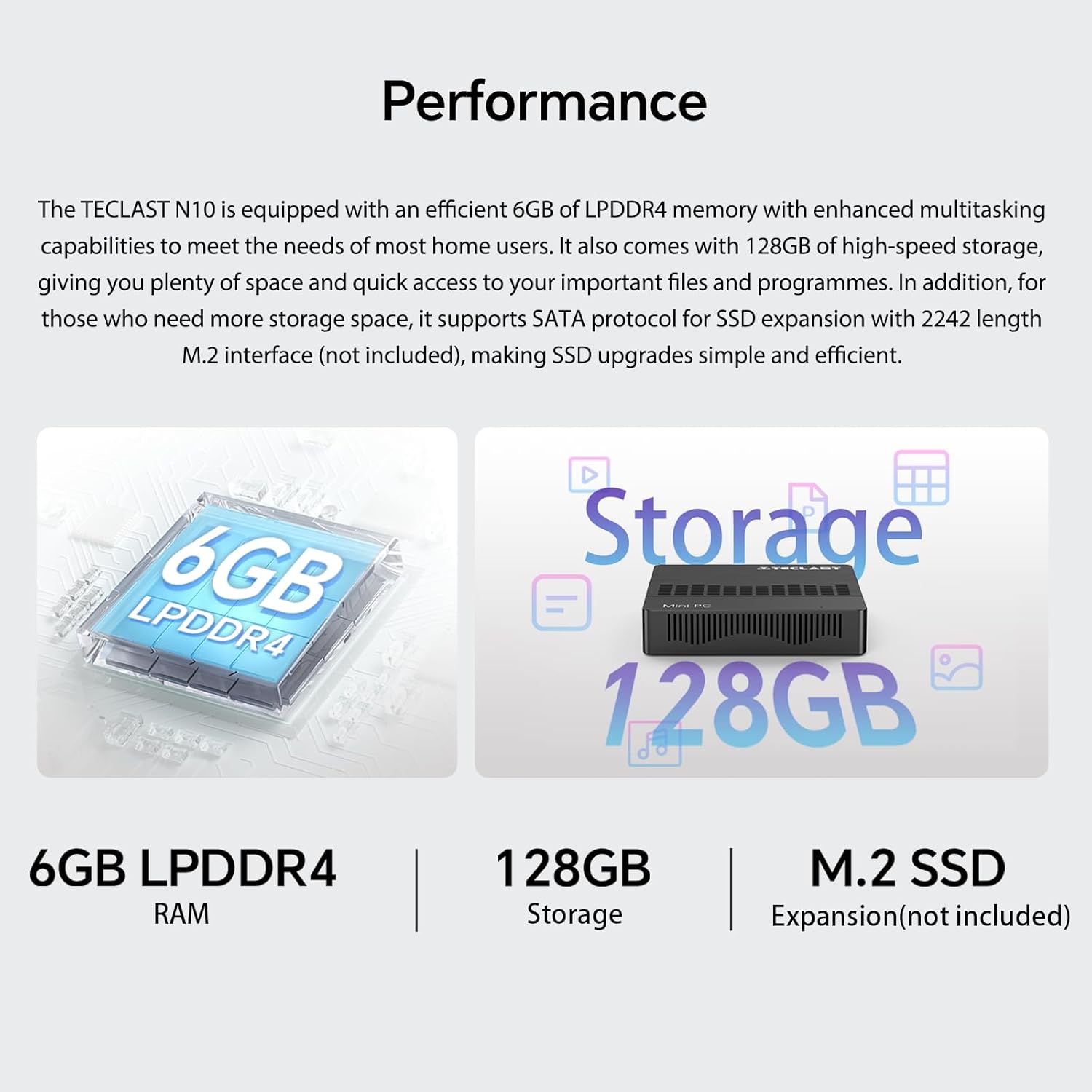
Сүрөт 5.3: Бүттүview of the Mini PC N10's 6GB LPDDR4 RAM, 128GB storage, and M.2 SSD expansion capability.
6. Техникалык шарттар
| Өзгөчөлүк | Деталь |
|---|---|
| Бренд | TECLAST |
| Модель аты | N10 |
| Продукциянын өлчөмдөрү | 11.9 x 11.9 x 2.4 см |
| Продукт Салмагы | 700 г |
| Түс | Кара |
| Операция системасы | Windows 11 Pro |
| Процессор өндүрүүчүсү | Intel |
| Процессордун түрү | Intel Celeron N4000 |
| Процессордун ылдамдыгы | 2.6 GHz (Turbo Frequency) |
| Процессорлордун саны | 2 |
| RAM сыйымдуулугу | 6 ГБ |
| Эс тутум технологиясы | DDR4 |
| Катуу дисктин сүрөттөмөсү | SSD |
| Эстутум сактоо сыйымдуулугу | 128 ГБ |
| Графикалык сопроцессор | Intel UHD Graphics 600 |
| Графикалык картанын сүрөттөлүшү | Интеграцияланган |
| Maximum Resolution | 3840 x 2160 (4K) |
| Байланыш түрү | Wi-Fi, Bluetooth |
| Зымсыз туташуу түрү | 2.4GHz + 5GHz Wi-Fi, Bluetooth 5.0 |
| Порттар | HDMI x 1, VGA x 1, USB 3.2 x 3, RJ45 Ethernet x 1, 3.5mm Audio x 1, TF (MicroSD) x 1 |

Image 6.1: Details of the Intel Celeron N4000 processor, featuring 14nm process, Gemini Lake Architecture, 4MB cache, and up to 2.6GHz turbo frequency.
7. Техникалык тейлөө
- Тазалоо: Use a soft, dry cloth to clean the exterior of the Mini PC. Avoid using liquid cleaners or sprays directly on the device.
- Вентиляция: Ensure the ventilation openings are not blocked to prevent overheating. Place the Mini PC on a flat, stable surface.
- Программалык камсыздоо жаңыртуулары: Системанын туруктуулугун жана коопсуздугун камсыз кылуу үчүн Windows жаңыртууларын дайыма текшерип, орнотуп алыңыз.
- Маалыматтын камдык көчүрмөсү: Дайындардын жоголушун алдын алуу үчүн тышкы дискке же булут сактагычка маанилүү маалыматтарды мезгил-мезгили менен камдык көчүрмөсүн сактап туруңуз.
8. Кыйынчылыктарды
8.1. Күч жок
- Кубат адаптери Мини компьютерге жана иштеген электр розеткасына бекем туташып турганын текшериңиз.
- Башка аспапка сайып, розетка иштеп жатканын текшериңиз.
8.2. Дисплей жок
- Check that the HDMI or VGA cable is securely connected to both the Mini PC and the monitor.
- Монитордун күйгүзүлгөнүн жана туура киргизүү булагына (HDMI/VGA) коюлганын текшериңиз.
- Try connecting to a different display or using a different cable to rule out faulty components.
8.3. Интернет байланышы жок
- текст: Check the Ethernet cable connection. Verify your router/modem is working correctly.
- Зымсыз: Ensure Wi-Fi is enabled in Windows settings. Check if you are connected to the correct network and have entered the password correctly. Restart your router/modem.
8.4. System Slowdown
- Фондо иштеп жаткан керексиз тиркемелерди жабыңыз.
- Күтүүдөгү Windows жаңыртууларынын бардыгын текшерип, орнотуңуз.
- SSDде жетиштүү бош орун бар экенин текшериңиз.
- Кесепеттүү программаны текшерүү үчүн вирусту сканерлеңиз.
9. Кепилдик жана колдоо
9.1. Кепилдик маалыматы
The TECLAST Mini PC N10 comes with a 2-year warranty, valid immediately after purchase. Please retain your proof of purchase for warranty claims.
9.2. Кардарларды колдоо кызматы
If you require assistance or have any questions regarding your TECLAST Mini PC N10, please contact our customer support team. Send us a message, and our specialists will respond within 1 business day. We are committed to providing support for our products.


