1. Бүттүview
The TECLAST Mini PC N10 is a compact and portable desktop computer designed for various applications, including office work, home theater, and educational use. It features an Intel Celeron N4000 processor, 6GB DDR4 RAM, and a 128GB M.2 SSD, offering efficient performance for daily tasks. Its small form factor and comprehensive connectivity options make it a versatile solution for users seeking a powerful yet space-saving computing device.

Image 1.1: The TECLAST Mini PC N10, showcasing its compact design and various ports, including the VGA port on the side.
2. Продукциянын өзгөчөлүктөрү
2.1 Аткаруу
The N10 Mini PC is equipped with an Intel Celeron N4000 processor (up to 2.6GHz), 6GB of LPDDR4 memory, and a 128GB M.2 SSD. This configuration provides efficient multitasking capabilities and quick access to files, suitable for light office work, web серептөө жана медиа ойнотуу.
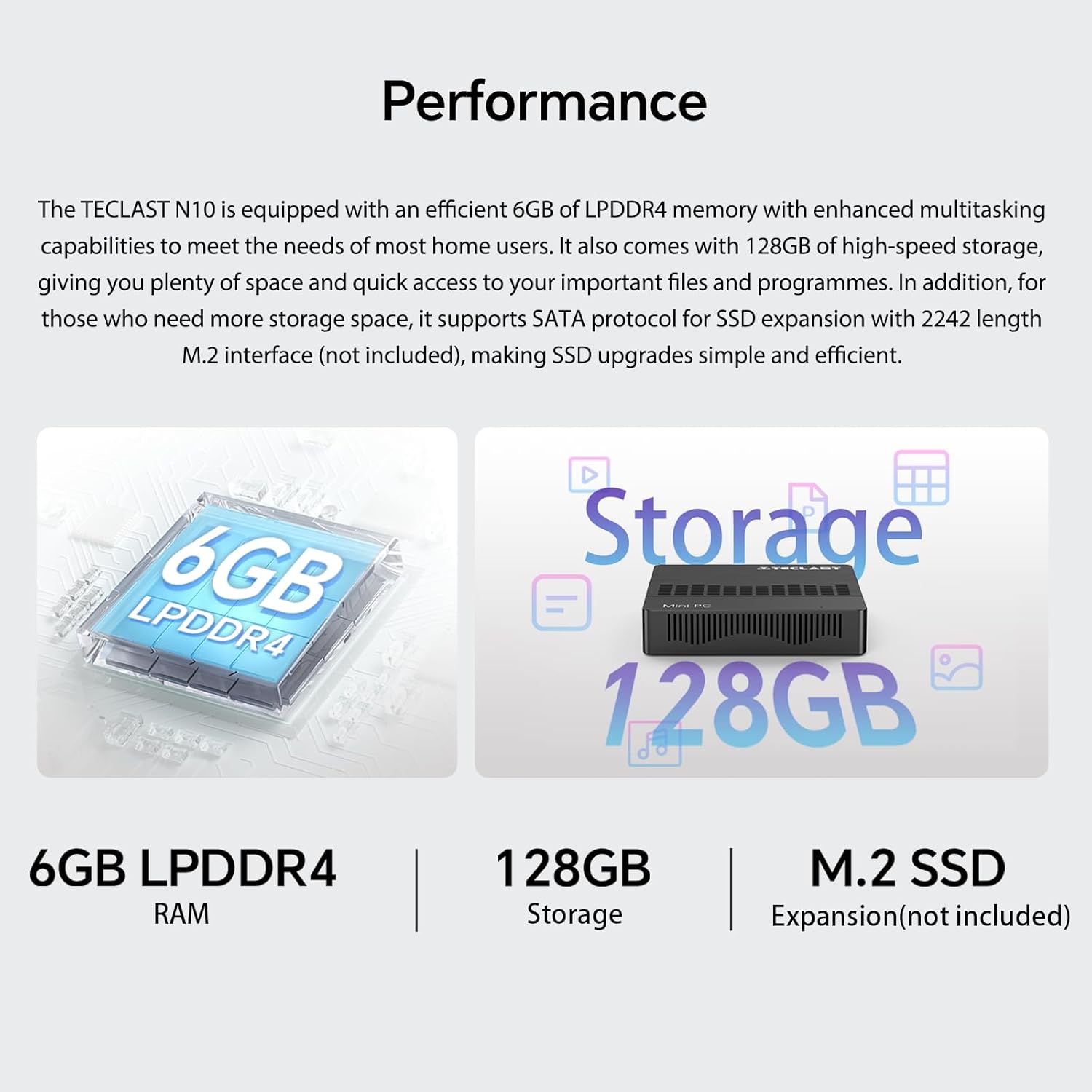
Image 2.1: Visual representation of the TECLAST N10's performance specifications, highlighting 6GB LPDDR4 RAM, 128GB internal storage, and support for M.2 SSD expansion.
2.2 Байланыш
The device offers a wide range of integrated ports and wireless options for versatile connectivity:
- Видео чыгаруу: HDMI x 1, VGA x 1, supporting dual display output and 4K@60Hz resolution via HDMI.
- USB порттору: 3 x USB 3.2 GEN1 (5Gbps) for high-speed data transfer.
- Тармак: 1 x 1000Mbps RJ45 Ethernet port for stable wired internet.
- Зымсыз: Dual-band WiFi (2.4G/5G) for fast wireless internet and Bluetooth 5.0 for peripheral connections.
- Аудио: 3.5 мм гарнитуранын чыгышы.
- Сактагычты кеңейтүү: TF (MicroSD) port for memory cards.

Сүрөт 2.2: Бүттүview of the TECLAST N10's connectivity features, including wireless standards and wired ports.

Image 2.3: Illustration of the TECLAST N10's dual display capability using both HDMI and VGA ports simultaneously.
2.3 Компакттуу дизайн
Measuring 11.9 x 0.24 x 11.9 cm and weighing 641 g, the N10 is highly portable. Its compact size allows for easy placement in various environments, and it supports VESA mounting for a clean desktop setup.
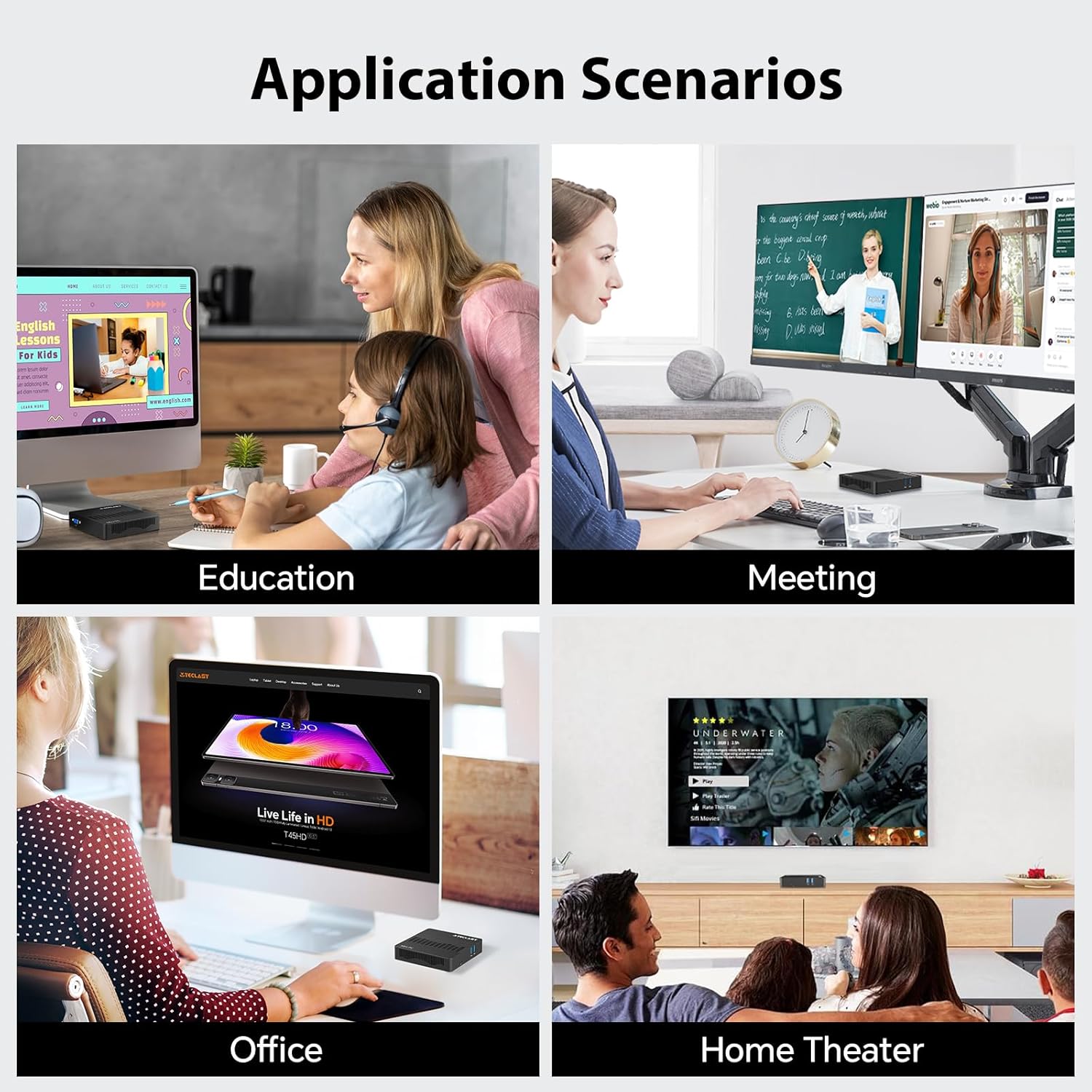
Image 2.4: Visual representation of the TECLAST N10's compact dimensions and lightweight design.
2.4 Effortless Expansion
The N10 includes a TF (MicroSD) expansion port for convenient access to photos and videos, eliminating the need for an external card reader. It also supports SSD replacement for increased storage capacity.
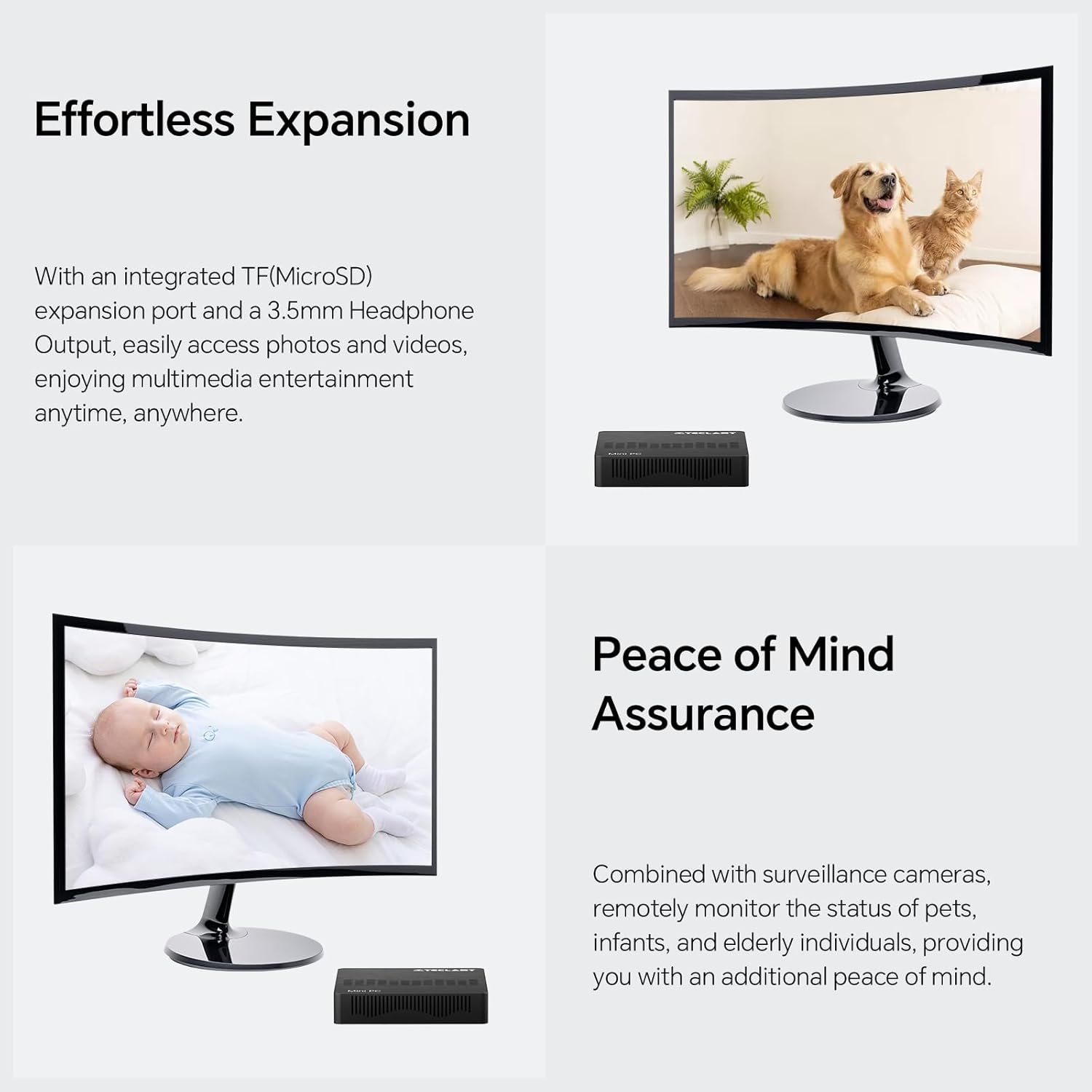
Image 2.5: The TECLAST N10 Mini PC demonstrating its expansion capabilities, including the TF(MicroSD) slot and headphone output.
3. Орнотуу колдонмосу
3.1 Пакеттен чыгаруу
- Мини компьютерди жана бардык аксессуарларды таңгактан этияттык менен алып салыңыз.
- Verify that all components are present: TECLAST N10 Mini PC, Power Adapter, User Manual.
3.2 Перифериялык түзүлүштөрдү туташтыруу
Күйгүзүүдөн мурун негизги перифериялык түзүлүштөрдү туташтырыңыз:
- Монитор: Connect your monitor to the Mini PC using either the HDMI or VGA port. For dual display, connect two monitors to both ports.
- Баскычтоп жана чычкан: Connect your USB keyboard and mouse to the available USB 3.2 ports.
- Тармак (милдеттүү эмес): For a wired internet connection, connect an Ethernet cable from your router/modem to the RJ45 LAN port on the Mini PC.
- Аудио (милдеттүү эмес): Connect headphones or speakers to the 3.5mm audio output jack.
Image 3.1: The TECLAST N10 Mini PC's top and side views, illustrating the location of USB ports, power button, VGA port, and other connections.
3.3 Күйгүзүү
- Connect the power adapter to the DC-in port on the Mini PC.
- Кубат адаптерин розеткага сайыңыз.
- Press the power button located on the top right side of the Mini PC. The power indicator light will illuminate.
- The system will boot up, and you will see the operating system (Windows 11 Pro) loading on your connected display.
4. Иштөө нускамалары
4.1 Операциондук система
The TECLAST N10 Mini PC comes pre-installed with Windows 11 Pro. Follow the on-screen instructions for initial setup, including language selection, network connection, and user account creation.
4.2 Кош дисплей конфигурациясы
To utilize the dual display feature:
- Connect your primary monitor to the HDMI port and your secondary monitor to the VGA port.
- Once both monitors are connected and powered on, Windows should automatically detect them.
- To configure display settings (extend, duplicate, or show only on one display), right-click on the desktop, select "Display settings," and adjust as needed.
Image 4.1: Diagram illustrating how to connect two monitors to the TECLAST N10 using HDMI and VGA for a dual display setup.
4.3 Сактагычты башкаруу
The Mini PC includes a 128GB M.2 SSD for primary storage. For additional storage, you can:
- Insert a TF (MicroSD) card into the dedicated slot.
- Connect external USB storage devices to the USB 3.2 ports.
- The M.2 interface supports SSD replacement for creating more storage space. Refer to the official TECLAST support for detailed upgrade instructions.
4.4 Wireless and Wired Network Setup
Зымсыз (Wi-Fi):
- Системалык лотоктогу Wi-Fi сөлөкөтүн чыкылдатыңыз (экрандын төмөнкү оң бурчунда).
- Тизмеден каалаган Wi-Fi тармагын тандаңыз.
- Enter the network password and click "Connect."
Зымдуу (Ethernet):
- Connect an Ethernet cable from your router/modem to the RJ45 LAN port on the Mini PC.
- The system will automatically detect the wired connection and establish internet access.
Bluetooth:
- Windows Орнотуулар > Bluetooth жана түзмөктөргө өтүңүз.
- Bluetooth күйгүзүлгөнүн текшериңиз.
- Click "Add device" and select "Bluetooth" to pair with your Bluetooth peripherals.
Image 4.2: The TECLAST N10 Mini PC demonstrating its support for 2.4G+5G AC wireless, 1000Mbps RJ45 Ethernet, and Bluetooth 4.2 for various connectivity needs.
5. Техникалык тейлөө
5.1 Тазалоо
- Regularly clean the exterior of the Mini PC with a soft, dry, lint-free cloth.
- Суюк тазалагычтарды же аэрозолдук спрейлерди түз эле аппаратка колдонбоңуз.
- Желдетүү тешиктеринен чаңды акырын тазалоо үчүн кысылган абаны колдонуңуз.
5.2 Вентиляция
- Мини-компьютерди жакшы желдетилген жерге коюңуз.
- Аппараттын желдетүү тешиктерин жаппаңыз.
- Avoid placing the Mini PC on soft surfaces like carpets or blankets that can obstruct airflow.
5.3 Программалык камсыздоо жаңыртуулары
- Системанын туруктуулугун жана коопсуздугун камсыз кылуу үчүн Windows жаңыртууларын дайыма текшерип, орнотуп алыңыз.
- Keep device drivers updated for optimal performance.
6. Кыйынчылыктарды
| Көйгөй | Мүмкүн себеп | Чечим |
|---|---|---|
| Монитордо дисплей жок. | Monitor not connected or powered on; incorrect input source; faulty cable. | Ensure monitor is connected and powered. Check monitor's input source. Try a different HDMI/VGA cable. |
| Mini PC does not power on. | Кубат адаптери туташкан эмес; розеткада көйгөй бар. | Ensure power adapter is securely connected to the Mini PC and a working power outlet. |
| Wi-Fi байланышы жок. | Wi-Fi disabled; incorrect password; router issue. | Check Wi-Fi settings in Windows. Re-enter password. Restart your router. |
| Жай аткаруу. | Too many applications running; insufficient storage; outdated drivers. | Керексиз тиркемелерди жабыңыз. Дисктеги орунду бошотуңуз. Windows жана драйверлерди жаңыртыңыз. |
| Bluetooth түзмөгү жупташкан жок. | Bluetooth disabled; device out of range; device not in pairing mode. | Ensure Bluetooth is enabled on Mini PC. Move device closer. Put device in pairing mode. |
7. Техникалык шарттар
| Өзгөчөлүк | Спецификация |
|---|---|
| Бренд | TECLAST |
| Модель номери | N10 |
| Продукциянын өлчөмдөрү | 11.9 x 0.24 x 11.9 см |
| Элемент Салмагы | 641 г |
| Процессор бренди | Intel |
| Процессордун түрү | Celeron N4000 |
| Процессордун ылдамдыгы | 2.6 GHz (Max Turbo Frequency) |
| Процессордун саны | 1 |
| RAM өлчөмү | 6 ГБ |
| Эс тутум технологиясы | DDR4 |
| Максималдуу эс тутум колдоого алынат | 6 ГБ |
| Hard Disk Description | SSD |
| Эстутум сактоо сыйымдуулугу | 128 ГБ |
| Катуу диск интерфейси | PCIE x 4 (M.2) |
| Графикалык сопроцессор | Интегралдык графика |
| Графикалык чипсет бренди | Intel |
| Графикалык картанын сүрөттөлүшү | Интеграцияланган |
| Графикалык RAM түрү | GDDR4 |
| Графикалык картанын RAM өлчөмү | 6 GB (Shared) |
| Screen Resolution | 3840 x 2160 (4K) |
| Зымсыз түрү | Bluetooth, Wi-Fi (2.4G/5G) |
| USB 3.0 порттордун саны | 3 (USB 3.2 GEN1) |
| HDMI портторунун саны | 1 |
| VGA порту | 1 |
| Ethernet порту | 1 (1000Mbps RJ45) |
| TF (MicroSD) Port | 1 |
| Наушник чыгаруу | 1 (3.5мм) |
| Операция системасы | Windows 11 Pro |
| Форма фактору | Stick / Mini PC |
| Продукт үчүн атайын колдонуу | Business, Home Theater, Office, Education |
8. Кепилдик маалыматы
TECLAST products typically come with a standard manufacturer's warranty. Please refer to the warranty card included with your product or visit the official TECLAST webСиздин аймакка тиешелүү деталдуу кепилдик шарттары жана шарттары үчүн сайт. Кепилдик дооматтар үчүн сатып алганыңыздын далилин сактаңыз.
9. Кардарларды колдоо кызматы
For technical assistance, product inquiries, or support, please visit the official TECLAST support website or contact their customer service. You may find FAQs, driver downloads, and contact information on their official channels.
Note: Specific contact details and support channels may vary by region.


