1. Киришүү
This manual provides essential information for setting up, operating, maintaining, and troubleshooting your ASUS ROG Strix Scar 17 G733QSA-PB96 gaming laptop. Designed for high-performance gaming, this laptop features an AMD Ryzen™ 9 5900HX CPU, NVIDIA GeForce RTX™ 3080 GPU, and a 17.3-inch 360Hz Full HD display.
Негизги өзгөчөлүктөр төмөнкүлөрдү камтыйт:
- NVIDIA GeForce RTX 3080 16GB GDDR6 with ROG Boost.
- 360Hz 3ms 17.3” Full HD (1920x1080) IPS-Type Display.
- 16GB DDR4 3200MHz RAM and 1TB PCIe NVMe M.2 SSD.
- ROG Intelligent Cooling thermal system with Thermal Grizzly Liquid Metal Thermal Compound.
- Opti-Mechanical Per-Key RGB Keyboard.
- Windows 10 Professional operating system.

Image 1.1: The ASUS ROG Strix Scar 17 G733QSA-PB96 gaming laptop, showcasing анын дизайны жана RGB жарыктандыруу.

Сүрөт 1.2: Бүттүview of the laptop highlighting its AMD Ryzen 9 5900HX CPU, NVIDIA RTX 3080 GPU, and Windows 10 Pro operating system.
2. Кутуда эмне бар
Verify that all items are present upon unboxing your new laptop:
- ASUS ROG Strix Scar 17 G733QSA-PB96 Laptop
- Кубат адаптери жана шнуры
- Кепилдик картасы
- Колдонуучунун колдонмосу (бул документ)
3. Баштапкы орнотуу
3.1. Кубат адаптерин туташтыруу
- Электр шнурун AC адаптерине туташтырыңыз.
- Plug the AC adapter into the power input port on the laptop.
- Электр шнурунун розеткага сайыңыз.
Алгачкы колдонуудан мурун ноутбукту толук заряддоо сунушталат.
3.2. Биринчи күйгүзүү
- Ноутбуктун капкагын ачыңыз.
- Демейде баскычтоптун палубасынын жогорку оң жагында жайгашкан кубат баскычын басыңыз.
- Follow the on-screen instructions to complete the Windows 10 Professional setup. This includes selecting your region, language, creating a user account, and connecting to a Wi-Fi network.
3.3. Перифериялык түзүлүштөрдү туташтыруу
Чычкан, клавиатура, тышкы монитор же USB дисктери сыяктуу тышкы түзмөктөрдү туташтыруу үчүн жеткиликтүү портторду колдонуңуз.
- USB 3.0 порттору: Four USB 3.0 ports are available for connecting various USB devices.
- HDMI порту: Connect an external display or TV.
- Аудио Jack: Наушник же тышкы динамиктер үчүн.
- Ethernet порту: Зымдуу тармак туташуусу үчүн.
4. Ноутбугуңузду иштетүү
4.1. Дисплей өзгөчөлүктөрү
The laptop features a 17.3-inch Full HD (1920x1080) IPS-Type display with a 360Hz refresh rate and 3ms response time, supporting Adaptive-Sync technology for smooth visuals.
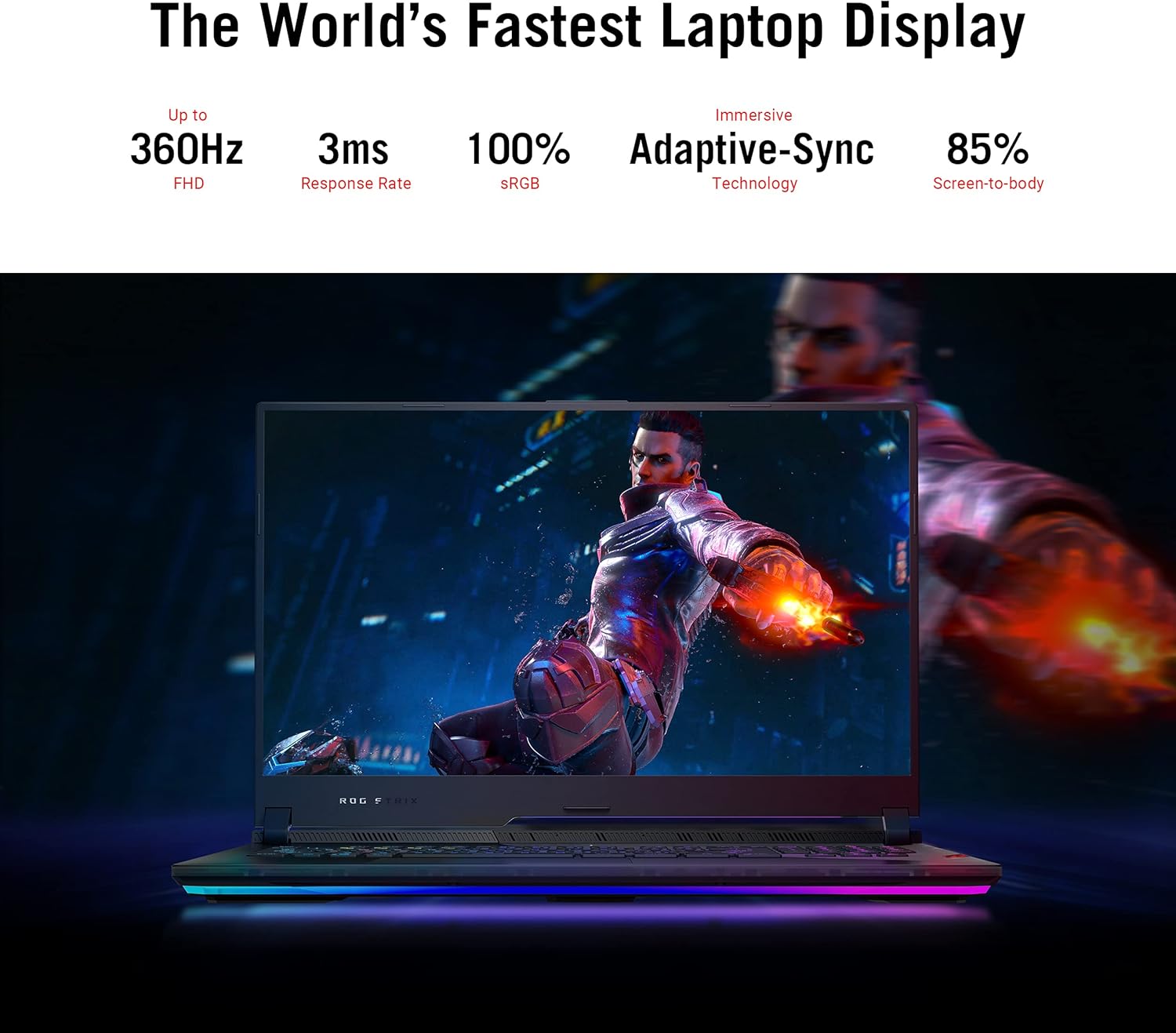
Image 4.1: The laptop display showcasing its 360Hz refresh rate, 3ms response time, 100% sRGB, Adaptive-Sync, and 85% screen-to-body ratio.
4.2. Баскычтоп жана сенсордук такта
The Opti-Mechanical Per-Key RGB Keyboard offers precise and responsive input with a 1.9mm travel distance and a 0.2ms response time. The RGB lighting is customizable via Aura SYNC technology.

Сүрөт 4.2: Жарылып кеткен view diagram of the optical mechanical keyboard, illustrating its components and features like 1.9mm travel, per-key RGB, 100M key press lifetime, 0.2ms response time, and Aura SYNC.
The touchpad supports multi-touch gestures for navigation. Some models may feature a NumberPad function integrated into the touchpad.
4.3. Аудио системасы
Experience deep audio immersion with 4X Smart Amp Speakers, 5.1.2 Channel Virtual Surround Sound, Two-Way AI Noise Cancellation, and Dolby Atmos support.
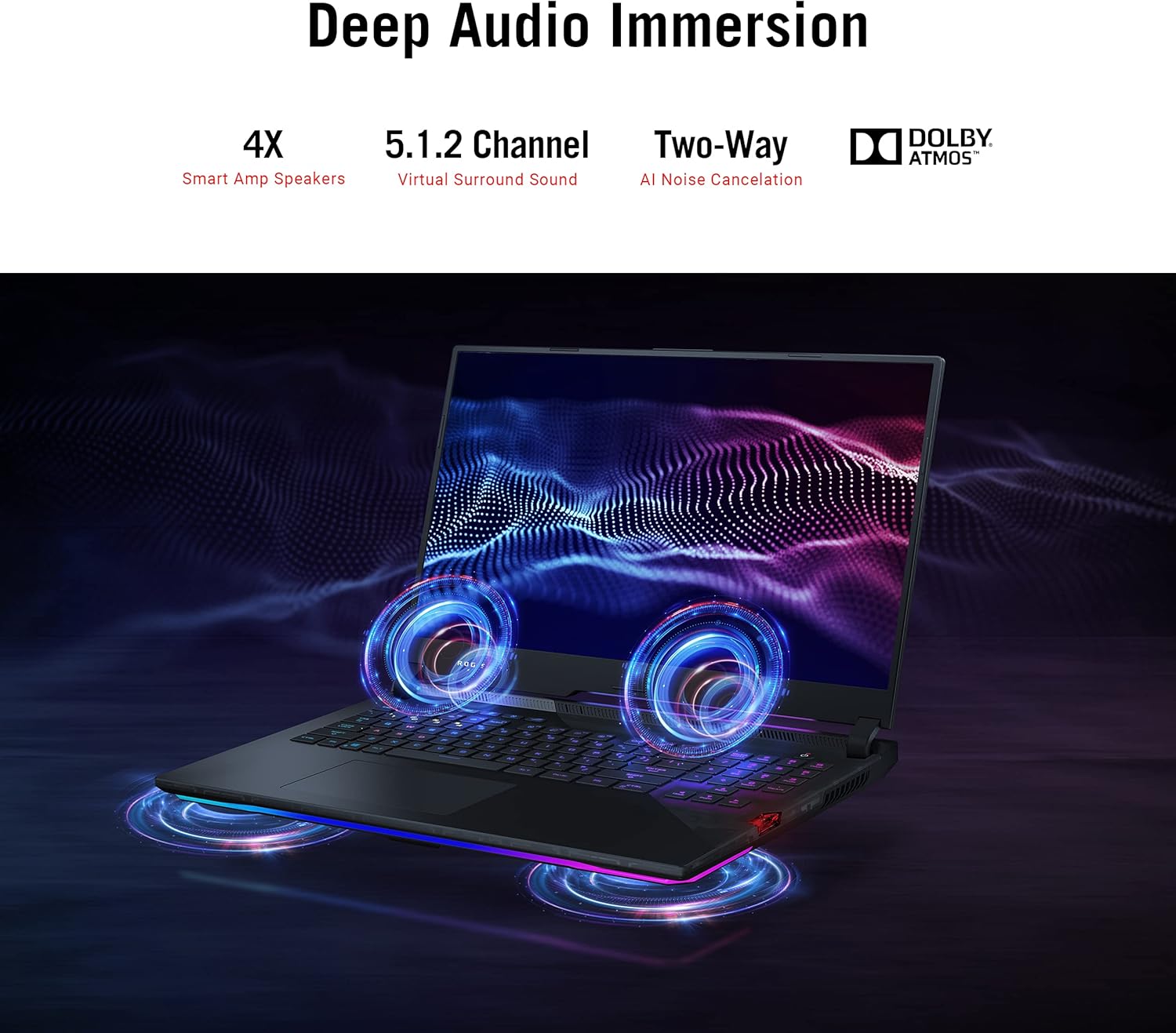
Image 4.3: The laptop illustrating its audio features, including 4X Smart Amp Speakers, 5.1.2 Channel Virtual Surround Sound, Two-Way AI Noise Cancellation, and Dolby Atmos.
4.4. Байланыш
The laptop supports Wi-Fi 6 (802.11ax) for high-speed wireless internet and Bluetooth for connecting wireless peripherals.

Image 4.4: The laptop highlighting its Wi-Fi 6 certification and long-lasting 90 Wh battery with Type-C charging support.
4.5. ROG Armoury Crate
Utilize the ROG Armoury Crate software for system monitoring, performance tuning, RGB lighting customization, and game profile management. This software allows for quick command customization and managing an encrypted Shadow Drive for security.
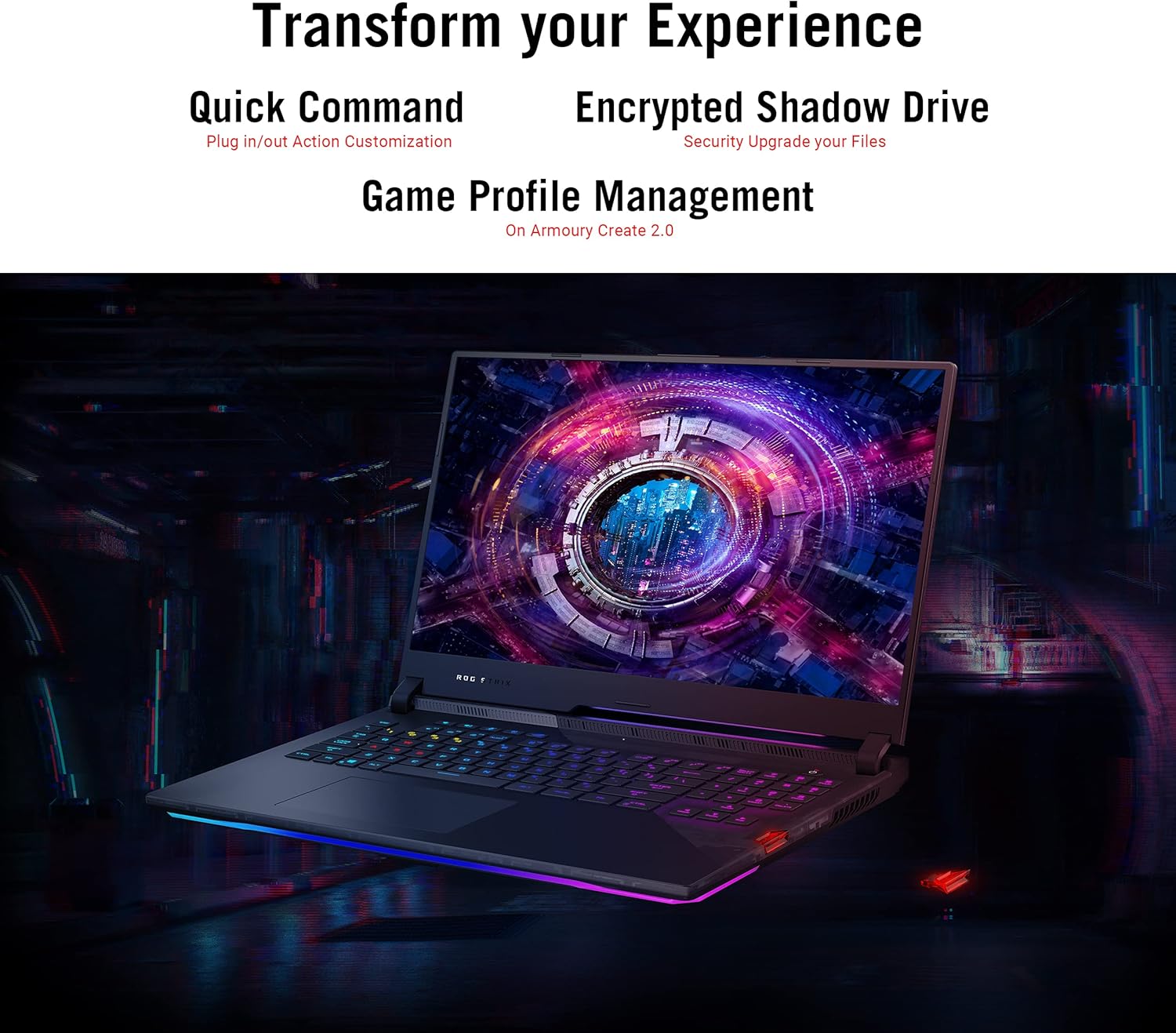
Image 4.5: The laptop display showing the Armoury Crate interface, illustrating features like Quick Command, Encrypted Shadow Drive, and Game Profile Башкаруу.
5. Техникалык тейлөө
5.1. Ноутбугуңузду тазалоо
- Экран: Жумшак, түксүз кездемени жеңил колдонуңуз dampсуу же экран тазалоочу менен бүттү. Катуу химиялык заттардан алыс болуңуз.
- Баскычтоп жана шасси: Use a soft cloth. For dust in crevices, use compressed air.
- Тешиктер: Regularly check and clean the cooling vents to ensure proper airflow. Use compressed air to remove dust buildup.
5.2. Батареяга кам көрүү
- Батареянын тез-тез толугу менен зарядсызданышынан алыс болуңуз.
- Ноутбукту узак убакыт бою колдонбосо, салкын, кургак жерде сактаңыз.
- Батареяны экстремалдуу температурага калтырбаңыз.
5.3. Программалык камсыздоону жаңыртуу
Regularly update your operating system (Windows Update), graphics drivers (NVIDIA, AMD), and ASUS utilities (MyASUS, Armoury Crate) to ensure optimal performance and security. Ensure updates are completed without interruption.
6. Кыйынчылыктарды
6.1. Жалпы маселелер жана чечүү жолдору
| Маселе | Мүмкүн чечим |
|---|---|
| Ноутбук күйбөйт. | AC адаптери ноутбукка да, иштеген электр розеткасына да бекем туташып турганын текшериңиз. Электр розеткасынын иштешин текшериңиз. |
| Күйгүзгөндөн кийин экран кара бойдон калат. | Connect an external monitor to verify if the issue is with the laptop's display. Try pressing Fn + F10 (же тиешелүү функция баскычын) дисплейдин чыгышын которуу үчүн басыңыз. |
| Системанын иштеши жай. | Check for background applications consuming resources. Ensure drivers are updated. Verify that cooling vents are not obstructed. Adjust power settings to "High Performance". |
| Laptop overheats during use. | Ensure the laptop is on a hard, flat surface to allow proper airflow. Clean dust from cooling vents. Consider using a laptop cooling pad. Monitor temperatures using Armoury Crate. |
| Wi-Fi туташуу маселелери. | Restart your router and modem. Ensure Wi-Fi is enabled in Windows settings. Update Wi-Fi drivers. |
| Power adapter gets very hot. | This can be normal during heavy use. Ensure the adapter is in a well-ventilated area and not covered by fabric or carpet. If it becomes excessively hot to touch, discontinue use and contact support. |
| Windows requires disk repair regularly. | Run Windows built-in disk check utility (chkdsk). Ensure all Windows updates are installed correctly. If the issue persists, consider reinstalling Windows or contacting support. |
Кыйынчылыктарды чечүү үчүн ASUS колдоо бөлүмүнө кайрылыңыз webсайтка же кардарларды тейлөөгө кайрылыңыз.
7. Техникалык шарттар
| Өзгөчөлүк | Деталь |
|---|---|
| Модель аты | ASUS ROG Strix Scar 17 G733QSA-PB96 |
| Процессор | AMD Ryzen™ 9 5900HX (3.3 GHz, 8 Cores) |
| Графикалык сопроцессор | NVIDIA GeForce RTX 3080 |
| Графикалык картанын RAM өлчөмү | 16 ГБ GDDR6 |
| RAM | 16 ГБ DDR4 3200 МГц |
| Катуу диск | 1 ТБ PCIe NVMe M.2 SSD |
| Операция системасы | Windows 10 Professional |
| Screen Size | 17.3 дюйм |
| Screen Resolution | 1920 x 1080 пиксел (Full HD) |
| Max Screen Resolution | 1920x1080 пиксел |
| Жаңыртуу ылдамдыгы | 360Hz |
| Жооп убактысы | 3ms |
| Зымсыз түрү | 802.11ax (Wi-Fi 6), Bluetooth |
| USB 3.0 порттору | 4 |
| Элемент Салмагы | 5.95 фунт (2.7 кг) |
| Продукциянын өлчөмдөрү (LxWxH) | 15.55 x 11.1 x 0.92 дюйм (39.5 x 28.2 x 2.3 см) |
| Түс | Кара |
| Батареялар | 1 литий-иондук батарейка (кошулган) |
| Өзгөчөлүктөр | Opti-Mechanical Per-Key RGB Keyboard, Advanced Cooling System (Liquid Metal) |
8. Кепилдик жана колдоо
8.1. Кепилдик маалыматы
Your ASUS ROG Strix Scar 17 G733QSA-PB96 laptop comes with a limited warranty. Please refer to the included Warranty Card for specific terms, conditions, and duration of your product's warranty. Keep your proof of purchase for warranty claims.
Optional protection plans may be available for extended coverage. Check with your retailer or ASUS for details.
8.2. Кардарларды колдоо кызматы
Техникалык жардам, драйверди жүктөп алуу же кошумча маалымат алуу үчүн ASUS расмий колдоо бөлүмүнө баш багыңыз webсайт:
You may also find helpful resources and FAQs on the ASUS ROG community forums.


