Introduction
This manual provides comprehensive instructions for the operation and maintenance of your HAYLOU GT6 Wireless Earbuds. Please read this manual thoroughly before use to ensure proper functionality and to maximize your listening experience. The HAYLOU GT6 earbuds feature advanced Bluetooth 5.2 technology, ultra-low latency game mode, and smart touch controls, designed for convenience and high-quality audio.
Кутуда эмне бар
Пакетте бардык буюмдар бар экенин текшериңиз:
- 1x Pair of HAYLOU GT6 Wireless Earbuds
- 1x заряддоо кутусу
- 1x USB-C заряддоо кабели
- 1x Колдонуучунун колдонмосу

Продукт бүттүview
The HAYLOU GT6 earbuds are designed for comfort and performance. Each earbud is lightweight, weighing approximately 3.9 grams, and features a semi-in-ear design for extended wear. The charging case provides additional battery life and protects the earbuds when not in use.
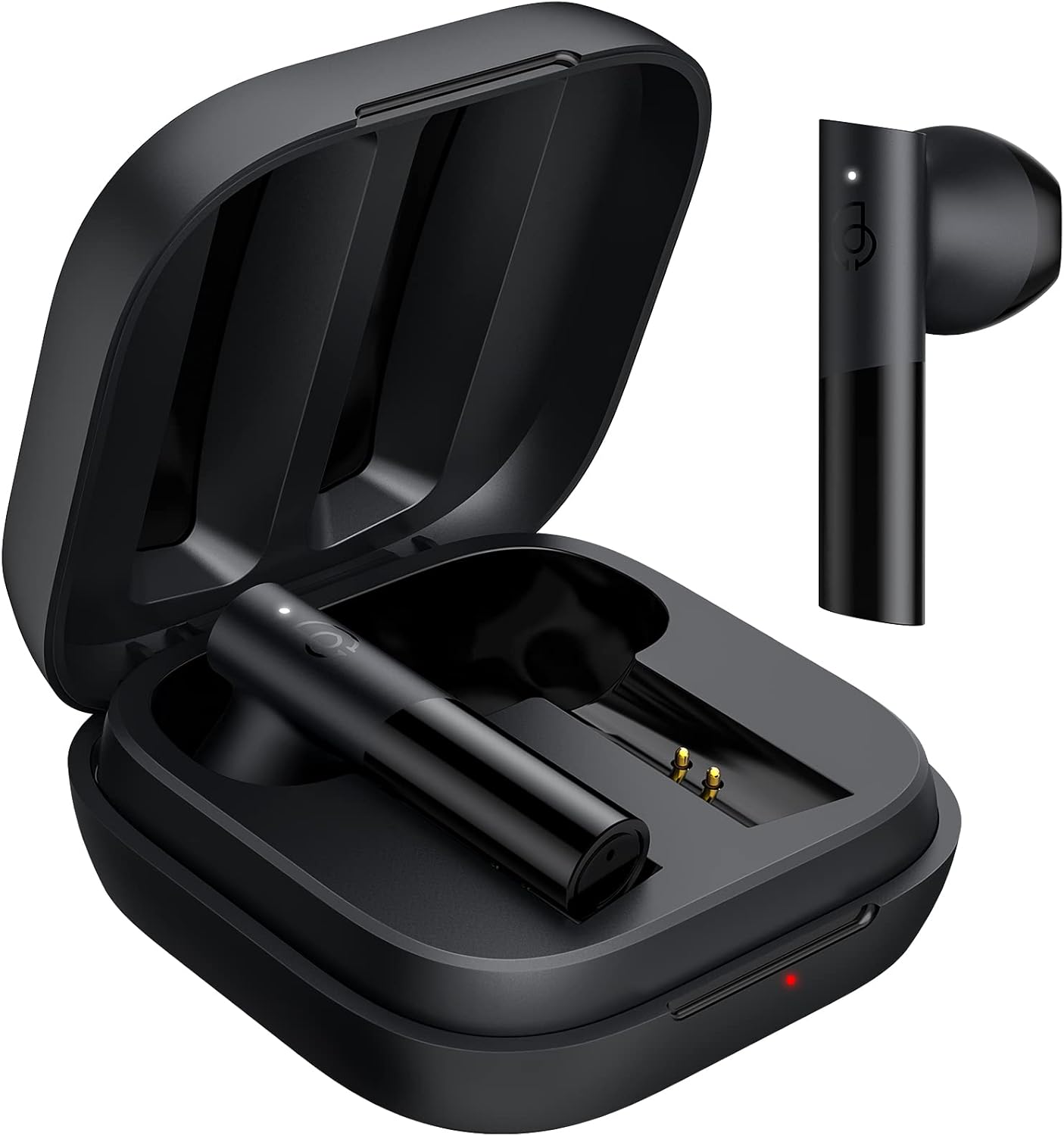
Негизги өзгөчөлүктөрү:
- Bluetooth 5.2: Ensures stable and fast connection.
- 12мм динамикалык драйвер: Delivers balanced audio with clear bass, midrange, and treble.
- Ultra-Low Latency Game Mode: Оюндар үчүн аудио кечигүүсүн азайтат.
- Smart Touch Control: Manage music, calls, and modes with simple taps.
- IPX4 сууга туруктуулугу: Чачылып кетүүдөн жана терден сактайт.
Жайгашуу
1. Баштапкы заряддоо
Биринчи жолу колдонуудан мурун, кулакчындарды жана кубаттоочу кутучаны толугу менен кубаттаңыз. Берилген USB-C кабелин кутучадагы кубаттоо портуна жана кубат булагына туташтырыңыз. Кутучадагы индикатор жарыгы кубаттоо абалын көрсөтөт.
2. Түзмөгүңүз менен жупташтыруу
The HAYLOU GT6 earbuds support Bluetooth 5.2 for a stable connection.
- Түзмөгүңүздүн Bluetooth күйгүзүлгөнүн текшериңиз.
- Open the charging case and take out both earbuds. They will automatically enter pairing mode, indicated by a blinking white light on the earbuds.
- On your device, search for Bluetooth devices and select "Haylou GT6" from the list.
- Once connected, a sound will confirm successful pairing.

Кайра туташуу: After initial pairing, the earbuds will automatically reconnect to the last paired device when taken out of the case, provided the device's Bluetooth is active.
Иштөө нускамалары
The HAYLOU GT6 earbuds feature intuitive touch controls on each earbud.
Controls Overview:

- Күйгүзүү: Take out from case.
- Өчүрүү: Put back into case.
- Ойнотуу/тындыруу: Single tap (either earbud).
- Чалууга жооп берүү/түп коюу: Single tap (either earbud).
- Алдыга трек өткөрүп жиберүү: Оң кулакчынды эки жолу таптаңыз.
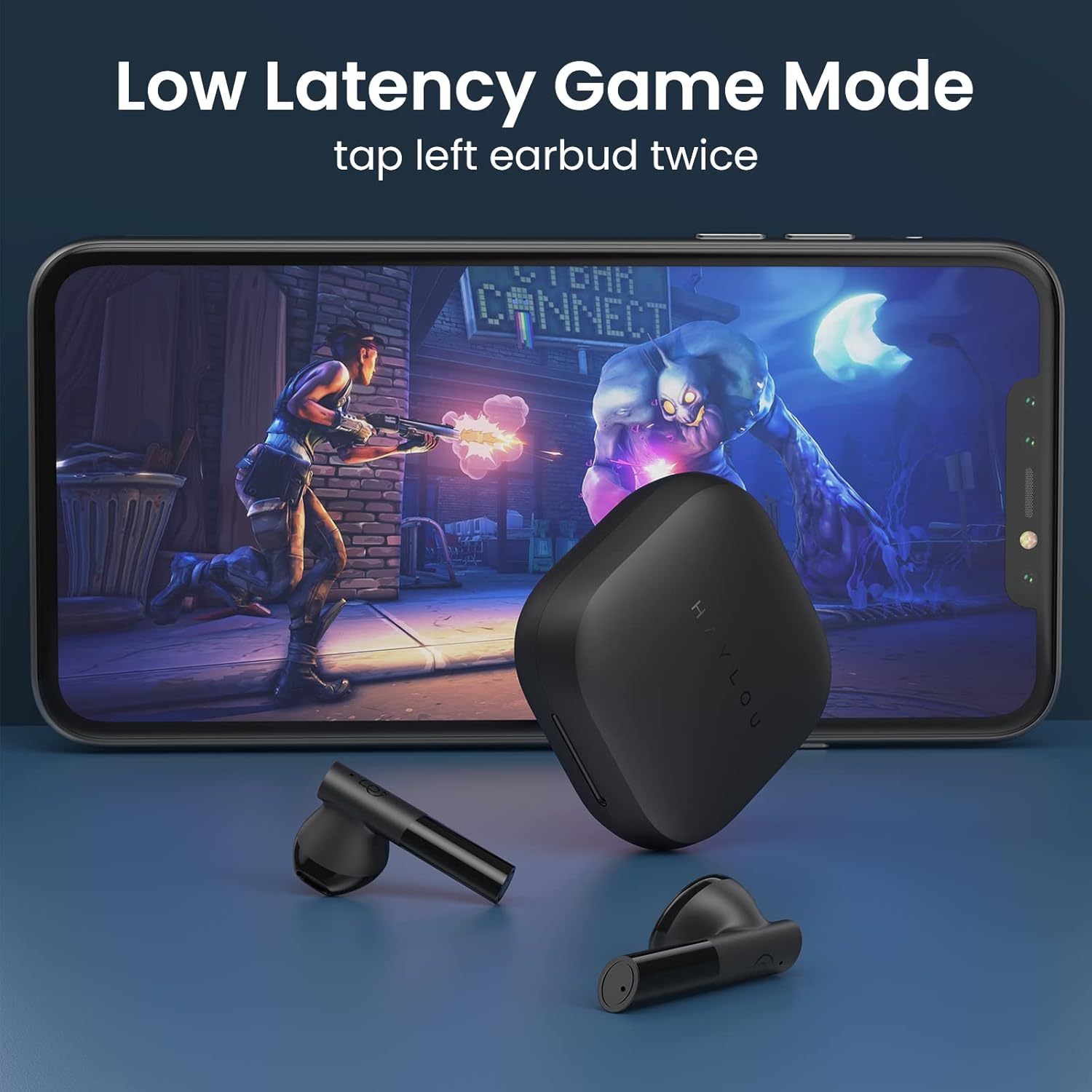
- Low Latency Game Mode On/Off: Сол кулакчынды эки жолу таптаңыз.
- Үн Жардамчысын жандыруу: Triple tap (either earbud).
Төмөнкү кечигүү оюн режими
For an optimized gaming experience, activate the ultra-low latency mode. This reduces audio delay to approximately 65ms, ensuring synchronized sound with on-screen action.
- To activate/deactivate: Double tap the сол кулакчын.
Mono and Stereo Mode Switching
The earbuds support seamless switching between mono and stereo modes. When both earbuds are connected, they operate in stereo mode. To switch to mono mode, simply place one earbud back into the charging case. The remaining earbud will continue to function independently. To return to stereo mode, take the second earbud out of the case.
Official Operation Video Guide
For a visual demonstration of pairing, re-connection, mono/stereo switching, call handling, music control, low latency mode, voice assistant, and factory reset, please refer to the official operation video below:
Техникалык тейлөө
- Тазалоо: Кулакчындарды жана заряддоо кутусун жумшак, кургак чүпүрөк менен дайыма тазалаңыз. Катуу химиялык заттарды же абразивдүү материалдарды колдонуудан алыс болуңуз.
- Сактагыч: Кулакчындарды колдонулбай турган учурда чаңдан жана бузулуудан коргоо үчүн кубаттоочу кутучасында сактаңыз. Аларды салкын, кургак жерде, өтө жогорку температурадан алыс сактаңыз.
- Суу каршылык: The earbuds are IPX4 water-resistant, meaning they can withstand splashes and sweat. Do not submerge them in water or expose them to heavy rain.
Проблемаларды чечүү
| Көйгөй | Чечим |
|---|---|
| Кулакчындар жупташкан жок | Ensure both earbuds are out of the case and have sufficient charge. Turn off and on your device's Bluetooth. If issues persist, perform a factory reset. |
| Бир гана кулакчын иштейт | Place both earbuds back into the charging case, then take them out again simultaneously. Ensure both are charged. |
| Төмөн үн | Adjust the volume on both your connected device and the earbuds. Ensure earbuds are properly seated in your ears. |
| Кулакчындар заряддалбай жатат | Check the USB-C cable and power source. Ensure the charging contacts on the earbuds and inside the case are clean and free of debris. |
| Заводдун баштапкы абалга келтирүү: |
|
Техникалык шарттар
| Өзгөчөлүк | Деталь |
|---|---|
| Модель аты | GT6 |
| Байланыш технологиясы | Зымсыз (Bluetooth) |
| Bluetooth версиясы | 5.2 |
| Bluetooth диапазону | 10 метр |
| Аудио драйвер түрү | Динамикалык драйвер |
| Аудио драйверинин өлчөмү | 12 миллиметр |
| Аудио кечигүү | 65 миллисекунд (Оюн режими) |
| Батареянын иштөө мөөнөтү (наушник) | 5.5 саат |
| Жалпы ойноо убактысы (капка менен) | 20 саатка чейин |
| Башкаруу ыкмасы | тийүү |
| Сууга туруктуулук деңгээли | IPX4 (Суу өткөрбөйт) |
| Буюмдун салмагы (ар бир кулакчын) | 3.9 грамм (болжол менен 0.141 унция) |
| Материал | Металл, пластик |
| Түс | Кара |
| Шайкеш түзмөктөр | iPhone, Android, Tablets, Laptops |
Кепилдик жана колдоо
Кепилдик жөнүндө маалымат жана техникалык колдоо алуу үчүн, өнүмүңүздүн таңгагында камтылган кепилдик картасын караңыз же HAYLOU расмий веб-сайтына кириңиз. webсайт. Сатып алуу квитанциясын кепилдик дооматтары үчүн сатып алуунун далили катары сактаңыз.
For further assistance, you may contact HAYLOU customer service through their official channels.


