Introduction
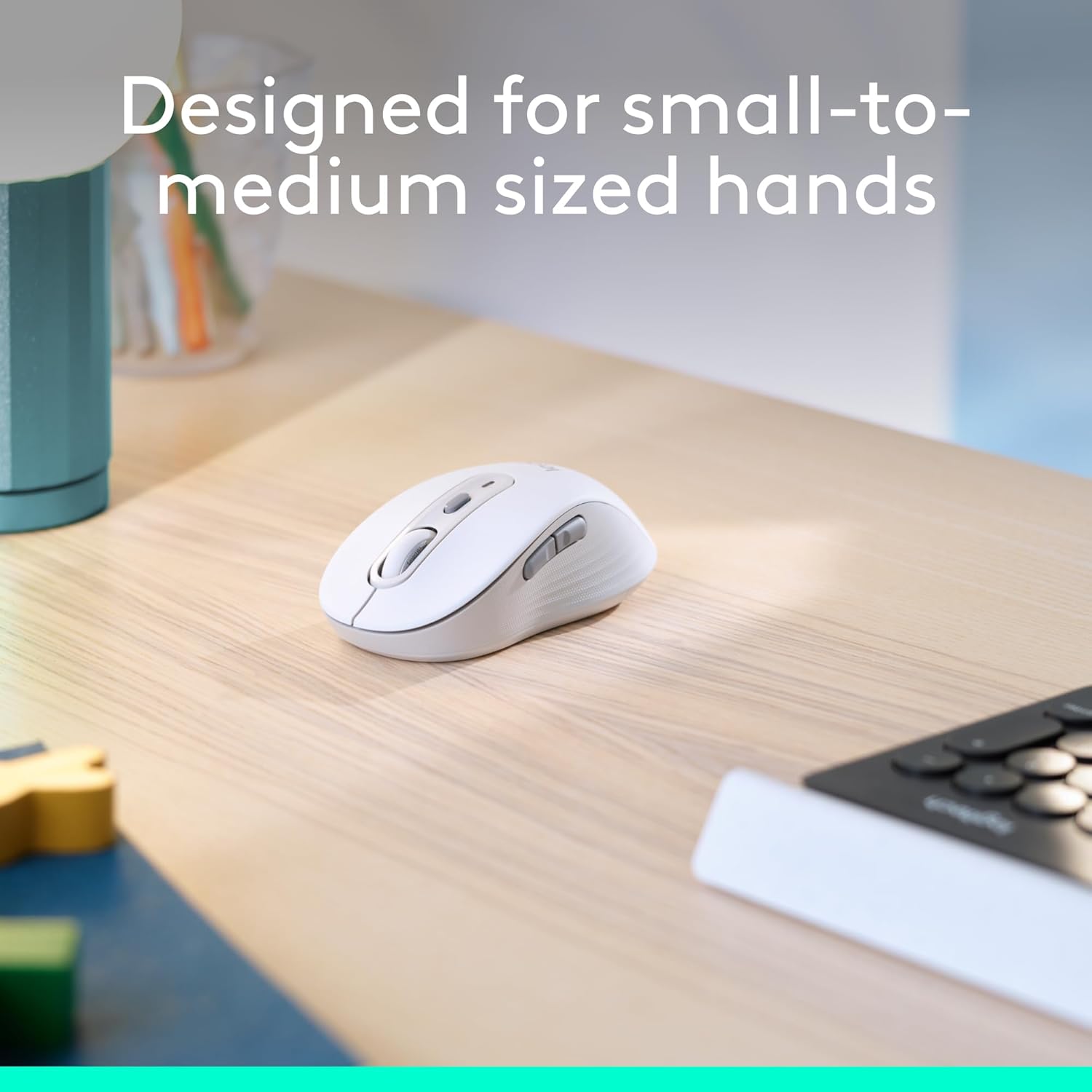
The Logitech Wireless Mouse Signature M650 is designed to enhance comfort and productivity with its advanced features. This manual provides essential information for setting up, operating, and maintaining your mouse, ensuring a seamless user experience.


Жайгашуу
Follow these steps to quickly set up your Logitech Wireless Mouse Signature M650.
1. Батареяны орнотуу
- Чычкандын астыңкы жагындагы батарея бөлүкчөсүн табыңыз.
- Капкакты алып салыңыз.
- Insert the included AA battery, ensuring correct polarity.
- Батарея бөлүгүнүн капкагын ордуна коюңуз.

2. Байланыш параметрлери
Your M650 mouse offers two ways to connect to your device:
- Logi Bolt USB кабылдагычы: The receiver is stored inside the battery compartment. Plug it into an available USB port on your computer. The mouse should connect automatically.
- Bluetooth төмөн энергиясы: Activate Bluetooth on your device. Turn on the mouse and press the connect button on the underside to enter pairing mode. Select 'Logi M650' from your device's Bluetooth settings.


Иштөө нускамалары
SmartWheel сыдыруусу
The SmartWheel provides two scrolling modes:
- Сап боюнча тактык: For detailed navigation in documents or spreadsheets.
- Super-fast free spin: Flick the wheel for rapid scrolling through long web pages or large files.

Ыңгайлаштырылуучу каптал баскычтар
The two side buttons can be customized using Logitech Options+ software (available on Windows and macOS) to perform your favorite shortcuts, such as back/forward navigation or copy/paste functions.

Унчукпай чыкылдатуулар
The mouse features SilentTouch technology, reducing click noise by 90% compared to traditional mice, allowing for a quieter work environment.

Техникалык тейлөө
Батареянын иштөө мөөнөтү
The Logitech Signature M650 is designed for extended use, offering up to 24 months of battery life on a single AA battery. Battery life may vary based on user and computing conditions.
Тазалоо
Чычканыңызды тазалоо үчүн жумшак, d колдонуңузamp кездеме. Катуу химиялык заттардан же абразивдүү материалдардан алыс болуңуз.
Проблемаларды чечүү
If you experience issues with your mouse, try the following:
- Ensure the mouse is powered on and the battery is correctly installed.
- Verify that the Logi Bolt USB receiver is securely plugged into a working USB port, or that your device's Bluetooth is enabled and the mouse is paired.
- Try connecting the mouse to a different USB port or a different device to isolate the issue.
- If using Bluetooth, try unpairing and re-pairing the mouse.
Техникалык шарттар
| Өзгөчөлүк | Деталь |
|---|---|
| Бренд | Logitech |
| Модель номери | 910-006252 |
| Байланыш технологиясы | Bluetooth, Logi Bolt USB кабыл алгычы |
| Кыймылды аныктоо технологиясы | Оптикалык |
| Өзгөчөлүктөр | Lightweight, Portable, Silent Clicks (SilentTouch), Wireless, Customizable Buttons, SmartWheel |
| Аппараттык платформа | Linux, Mac, PC |
| Операциялык системанын шайкештиги | Chrome OS, Linux, Windows |
| Элемент Салмагы | 3.57 унция |
| Продукциянын өлчөмдөрү | 4.22 x 2.43 x 0.1 дюйм |
| Түс | Off White |
| Power Source | Батарея менен иштейт (1 AA батарейкасы камтылган) |
| Батареянын орточо иштөө мөөнөтү | 24 ай |

Кепилдик жана колдоо
For warranty information, technical support, or to download the Logitech Options+ software for button customization, please visit the official Logitech support website. The mouse is designed for long-lasting performance, with an average battery life of 24 months.


