
Introduction
This manual provides comprehensive instructions for the setup, operation, maintenance, and troubleshooting of your Avision AD340G Compact High Speed Duplex Document Scanner. Please read this manual thoroughly before using the scanner to ensure proper and safe operation.
Коопсуздук маалыматы
Жарааттарды жана сканерге зыян келтирбөө үчүн төмөнкү коопсуздук чараларын сактаңыз:
- Сканер менен кошо берилген кубат адаптерин гана колдонуңуз.
- Сканерди сууга же ашыкча нымдуулукка дуушар кылбаңыз.
- Place the scanner on a stable, level surface.
- Keep the scanner away from direct sunlight and heat sources.
- Unplug the scanner before cleaning or if it will not be used for an extended period.
Пакеттин мазмуну
Пакетте бардык буюмдар бар экенин текшериңиз:
- Avision AD340G Document Scanner
- Кубаттуу адаптер
- USB кабели
- Quick Start Guide
- Программалык камсыздоонун CDси (же жүктөп алуу боюнча нускамалар)
Продукт бүттүview
Familiarize yourself with the main components of the Avision AD340G scanner.
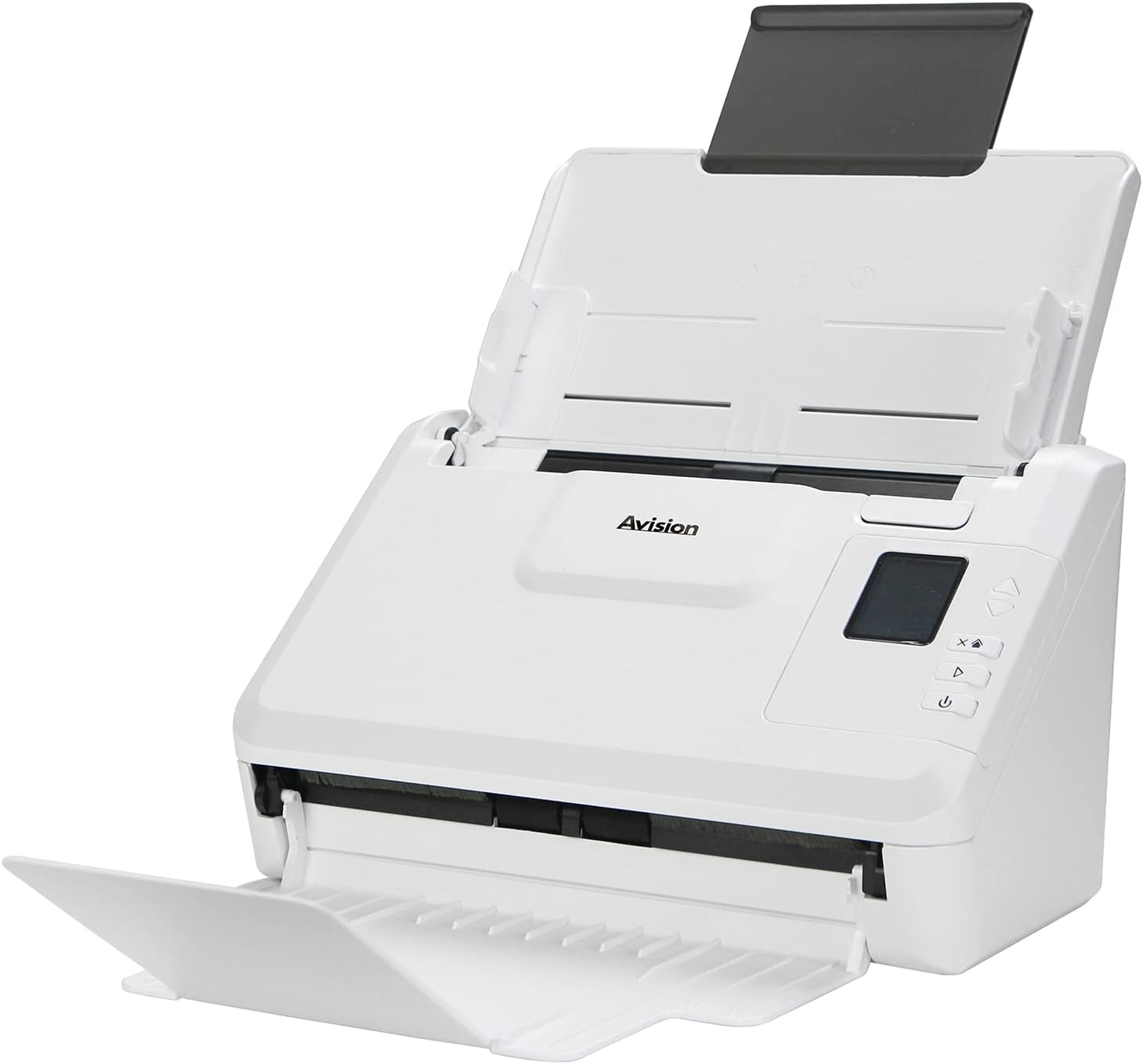
Сүрөт: The Avision AD340G scanner shown with its input and output trays extended, ready for document feeding. This view highlights the compact design and accessible paper path.
- Document Feeder Tray: Where documents are loaded for scanning.
- Чыгуу лотогу: Where scanned documents are ejected.
- Башкаруу панели: Buttons and display for scanner operation.
- USB порт: Компьютерге туташуу үчүн.
- Электр порту: Кубат адаптерин туташтыруу үчүн.
Жайгашуу
1. Физикалык орнотуу
- Сканерди таңгактан чыгаруу: Сканерди жана бардык аксессуарларды таңгактан кылдаттык менен чыгарып алыңыз.
- Place the Scanner: Position the scanner on a flat, stable surface with adequate space for the input and output trays.
- Туташуу кубаты:
- Connect the power adapter to the scanner's power port.
- Кубат адаптерин электр розеткасына сайыңыз.
- Компьютерге туташуу:
- USB кабелинин бир учун сканердин USB портуна туташтырыңыз.
- USB кабелинин экинчи учун компьютериңиздеги жеткиликтүү USB портуна туташтырыңыз.
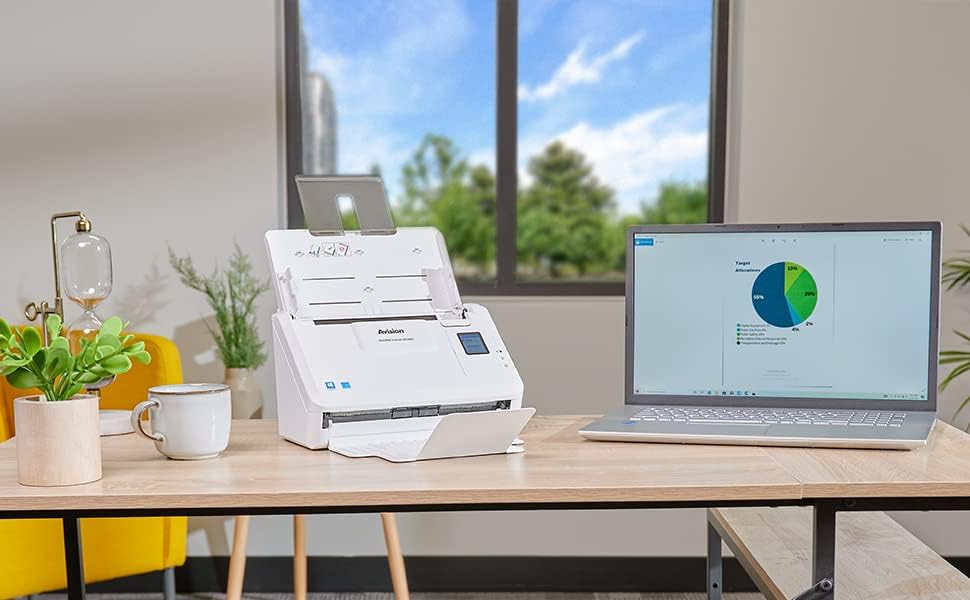
Сүрөт: The Avision AD340G scanner set up on a desk next to a laptop, illustrating a typical connected environment. This shows the scanner's compact footprint when in use.
2. Программалык камсыздоону орнотуу
Install the necessary drivers and scanning software from the provided CD or by downloading them from the official Avision webсайт.
- Insert the software CD into your computer's CD/DVD drive, or navigate to the Avision support website to download the latest drivers and utilities for the AD340G model.
- Follow the on-screen instructions to complete the installation. This typically includes installing the TWAIN/ISIS drivers and the Avision scanning utility software.
- Суралган учурда компьютериңизди өчүрүп күйгүзүңүз.
Сканерди иштетүү
1. Документтерди жүктөө
- Open the document feeder tray and extend the output tray.
- Кагаз көрсөтмөлөрүн документтериңиздин туурасына дал келтириңиз.
- Place the documents face-down in the input tray, ensuring they are neatly stacked and aligned. The scanner supports up to 50 sheets.

Сүрөт: A hand carefully placing a stack of documents into the input tray of the Avision AD340G scanner, demonstrating the correct loading procedure.
2. Сканерлөө жол-жобосу
- Кубат баскычын басуу менен сканерди күйгүзүңүз.
- Launch the Avision scanning software on your computer.
- Каалаган скандоочу адисти тандаңызfile (e.g., color, grayscale, black & white, resolution). The AD340G supports duplex scanning (both sides simultaneously).
- Программалык камсыздоодогу "Сканерлөө" баскычын чыкылдатыңыз же сканердин башкаруу панелиндеги сканерлөө баскычын басыңыз.
- The scanner will feed and process the documents. Once scanning is complete, the images will appear in the software.
- Review the scanned images, make any necessary adjustments (e.g., rotate, crop), and save them to your desired location and format (e.g., PDF, JPEG, TIFF).
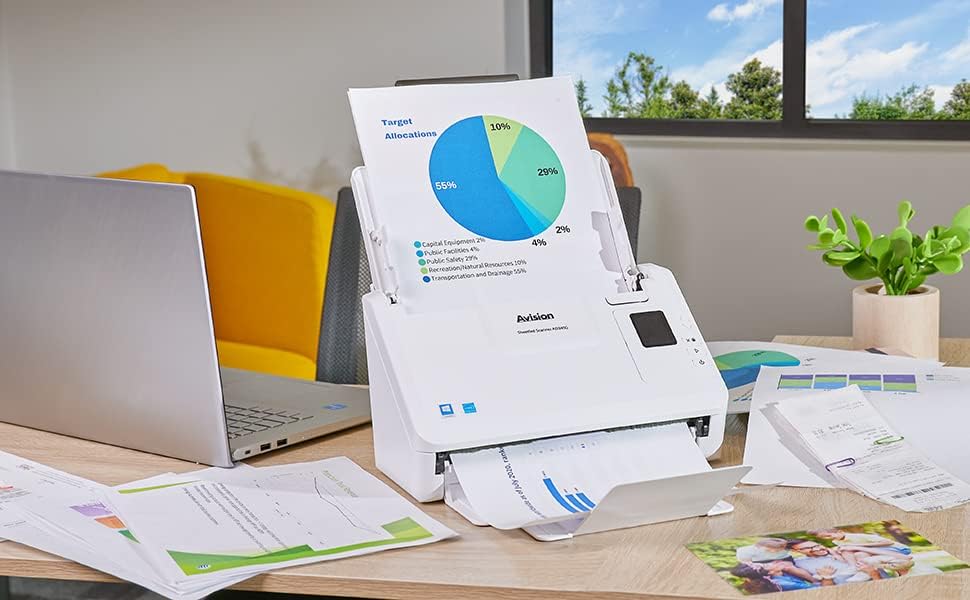
Сүрөт: The Avision AD340G scanner in operation, feeding a document with a pie chart. This illustrates the scanner's ability to handle various document types efficiently.
Техникалык тейлөө
Сканерди тазалоо
Үзгүлтүксүз тазалоо оптималдуу иштешин камсыз кылат жана сканериңиздин иштөө мөөнөтүн узартат.
- Электрди өчүрүү жана розеткадан ажыратыңыз: Always turn off the scanner and disconnect the power adapter and USB cable before cleaning.
- Таза сырткы: Wipe the exterior of the scanner with a soft, lint-free cloth lightly dampсуу же жумшак, абразивдик тазалоочу каражат менен тазалаңыз.
- Clean Interior (Rollers and Glass):
- Open the scanner cover to access the rollers and glass scanning surfaces.
- Gently wipe the feed rollers with a clean, lint-free cloth. If necessary, use a small amount of isopropyl alcohol on the cloth for stubborn residue.
- Clean the glass scanning strips with a soft cloth and glass cleaner (non-ammonia based).
- Allow all components to dry completely before closing the cover and reconnecting power.
Проблемаларды чечүү
| Көйгөй | Мүмкүн себеп | Чечим |
|---|---|---|
| Сканер күйбөйт. | Электр кабели туташкан эмес; электр розеткасынын маселеси. | Кубат кабели коопсуз туташтырылганын текшериңиз. Башка электр розеткасын колдонуп көрүңүз. |
| Documents jam frequently. | Misaligned paper guides; worn rollers; dirty rollers. | Adjust paper guides. Clean the feed rollers. If problem persists, rollers may need replacement. |
| Скандалган сүрөттөр бүдөмүк же сызыктар бар. | Dirty scanning glass; incorrect resolution settings. | Clean the scanning glass. Adjust scanning resolution in the software. |
| Сканер компьютер тарабынан аныкталган жок. | USB cable disconnected; driver not installed or corrupted. | USB кабелинин туташуусун текшериңиз. Сканер драйверлерин кайра орнотуңуз. Башка USB портун колдонуп көрүңүз. |
Техникалык шарттар
Key technical specifications for the Avision AD340G Document Scanner:
- Модел: AD340G
- Сканер түрү: ADF Duplex Document Scanner
- Байланыш: USB
- Чечим: 600 dpi (Оптикалык)
- Скандоонун ылдамдыгы: 40 ppm (pages per minute) / 80 ipm (images per minute)
- Түс тереңдиги: 48 bits input / 24 bits output
- Стандарттык барактын сыйымдуулугу: 50 барак
- Оптикалык сенсор технологиясы: КМШ (Байланыш Сүрөт Сенсору)
- Продукциянын өлчөмдөрү: 11 x 6.1 x 6.5 дюйм
- Элемент Салмагы: 8 фунт
- Минималдуу системалык талаптар: Windows XP/7/8/10
Кепилдик жана колдоо
For warranty information, technical support, or service inquiries, please refer to the warranty card included with your product or visit the official Avision webсайт. Кардарларды колдоо үчүн байланыш маалыматы, адатта, өндүрүүчүдөн тапса болот webсайт.
Avision Official Webсайт: www.avision.com


