1. Киришүү
This manual provides essential information for the proper installation, operation, and maintenance of your AVM FRITZ!Repeater 1200 AX. Please read this manual carefully before using the device to ensure optimal performance and safety. The FRITZ!Repeater 1200 AX is designed to extend your existing Wi-Fi network, providing faster and more stable connections throughout your home or office.
2. Коопсуздук маалыматы
Please observe the following safety instructions to prevent injury and damage to the device:
- Аппаратты ачпаңыз casing.
- Do not expose the device to moisture, dust, or extreme temperatures.
- Аппаратты кургак ички чөйрөдө гана колдонуңуз.
- Аппараттын айланасында жетиштүү желдетүүнү камсыз кылыңыз.
- Тазалоодон мурун аппаратты розеткадан ажыратыңыз.
3. Пакеттин мазмуну
Пакетте бардык буюмдар бар экенин текшериңиз:
- AVM FRITZ!Repeater 1200 AX
- Ыкчам орнотуу колдонмосу

Image: The retail packaging for the FRITZ!Repeater 1200 AX, showing the device and key features.
4. Продукт бүтүп калдыview
The FRITZ!Repeater 1200 AX is a compact Wi-Fi 6 repeater designed to seamlessly integrate with your existing FRITZ!Box or other Wi-Fi router to expand network coverage.
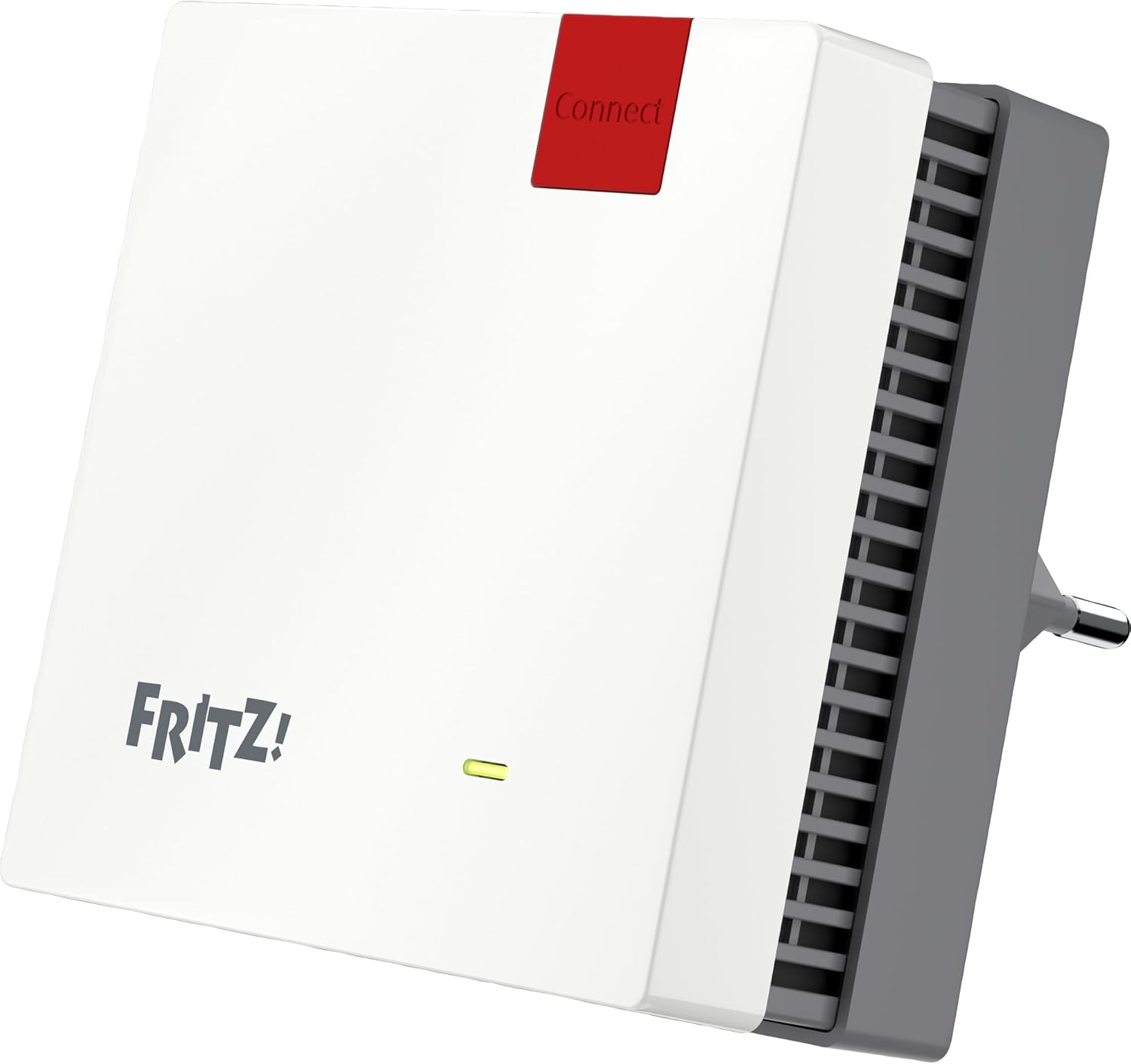
Сүрөт: алдыңкы view of the FRITZ!Repeater 1200 AX, showing the 'Connect' button and status LED.
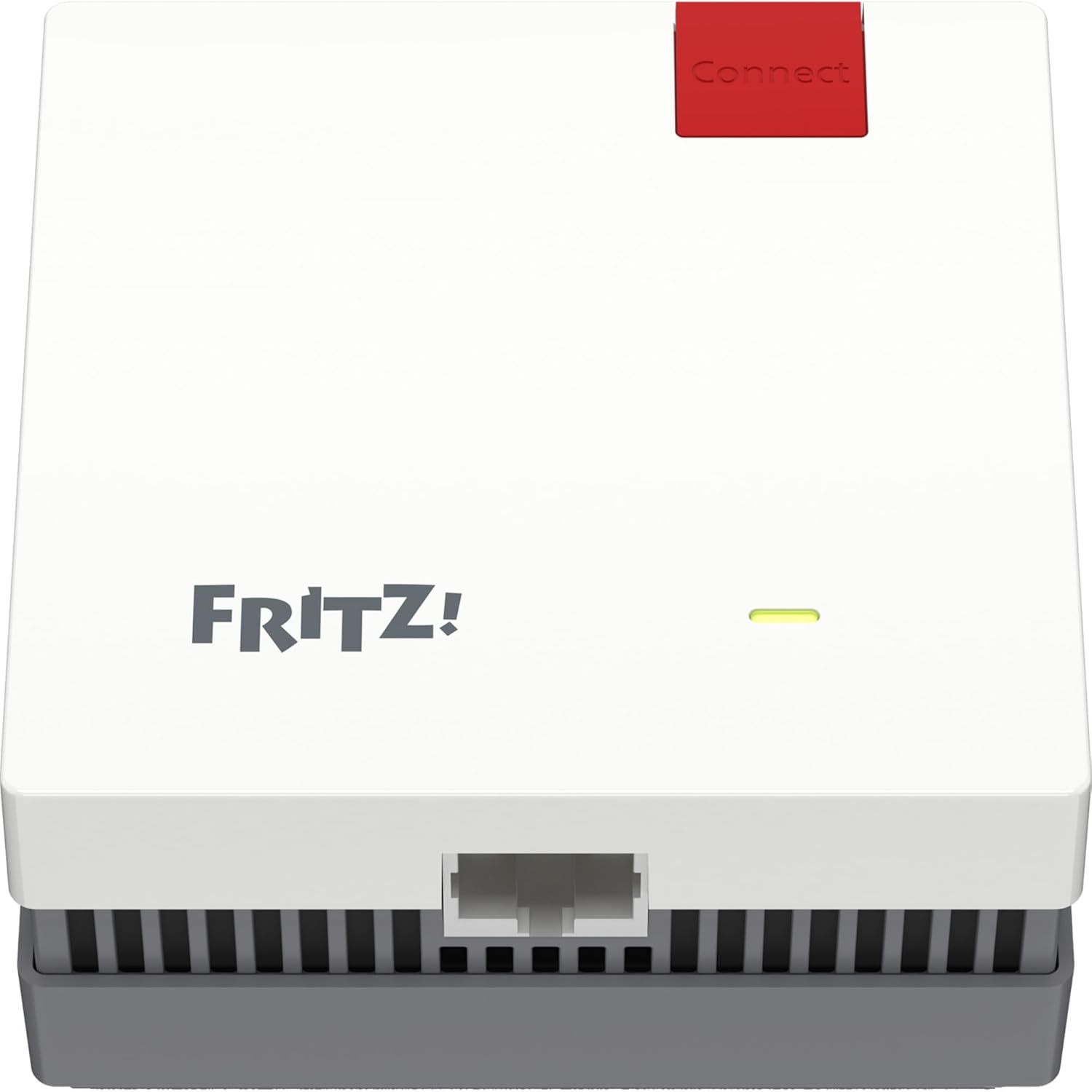
Сүрөт: Төмөнкү view of the FRITZ!Repeater 1200 AX, highlighting the Gigabit LAN port.
Негизги компоненттер:
- Туташуу баскычы: Used for WPS (Wi-Fi Protected Setup) to quickly connect to your router.
- Статус LED: Indicates the device's operational status and connection quality.
- Gigabit LAN Port: For connecting wired devices such as smart TVs, gaming consoles, or PCs.
5. Орнотуу
The FRITZ!Repeater 1200 AX offers two primary methods for setup: WPS (Wi-Fi Protected Setup) and manual configuration via the user interface.
5.1. Setup via WPS (Recommended)
- Plug the FRITZ!Repeater 1200 AX into a power outlet near your FRITZ!Box or Wi-Fi router.
- Wait for the status LED on the repeater to flash slowly.
- басып, кармап туруңуз Туташуу button on the FRITZ!Repeater for approximately 1 second until the status LED flashes rapidly.
- Within 2 minutes, press the WPS button on your FRITZ!Box or Wi-Fi router. (Refer to your router's manual for the exact location of the WPS button, often labeled 'WPS' or with a Wi-Fi symbol).
- The status LED on the repeater will light up continuously once the connection is established.
- Unplug the repeater and place it in a central location between your router and the area where you need improved Wi-Fi coverage. Ensure the status LED indicates a good connection quality.
5.2. Manual Setup via Web Интерфейс
- Plug the FRITZ!Repeater 1200 AX into a power outlet.
- Connect your computer or mobile device to the repeater's Wi-Fi network (the network name and password are on the label on the back of the device).
- ачуу а web браузер жана кирүү
http://fritz.repeaterorhttp://192.168.178.2дарек тилкесинде. - Follow the on-screen instructions to configure the repeater, selecting your existing Wi-Fi network and entering its password.
- Once configured, the repeater will connect to your main Wi-Fi network.
6. Иштөө
Once set up, the FRITZ!Repeater 1200 AX operates automatically to extend your Wi-Fi network. Devices connected to the repeater will benefit from the extended range and improved signal strength.
6.1. Wi-Fi Mesh Functionality
When used with a FRITZ!Box, the FRITZ!Repeater 1200 AX integrates into a Wi-Fi Mesh network. This creates a single, unified Wi-Fi network with optimal performance and seamless roaming for your devices.

Image: Illustrates how the FRITZ!Repeater extends Wi-Fi coverage from a FRITZ!Box throughout a multi-story home.

Image: Depicts a FRITZ! Mesh network where the FRITZ!Box and FRITZ!Repeater work together to create a unified network.
6.2. Зымдуу түзмөктөрдү туташтыруу
You can connect a network-compatible device (e.g., a smart TV, game console, or PC) to the Gigabit LAN port on the repeater using an Ethernet cable. This device will then be integrated into your home network via the repeater's Wi-Fi connection.
7. Техникалык тейлөө
The FRITZ!Repeater 1200 AX requires minimal maintenance.
- Тазалоо: Use a soft, dry, lint-free cloth to clean the device. Do not use liquid or abrasive cleaners.
- Программалык камсыздоонун жаңыртуулары: AVM regularly provides firmware updates to improve performance and add new features. You can check for and install updates via the repeater's web интерфейс (
http://fritz.repeater). - Оптималдуу жайгаштыруу: Periodically check the repeater's placement to ensure it is still in an optimal location for signal strength. The status LED can help indicate connection quality.
8. Кыйынчылыктарды
If you encounter issues with your FRITZ!Repeater 1200 AX, try the following steps:
- Кубат жок: Ретранслятор иштеп жаткан розеткага бекем сайылганын текшериңиз.
- No Connection (LED off or flashing slowly):
- Move the repeater closer to your main Wi-Fi router.
- Repeat the WPS setup process.
- Check your main router's Wi-Fi settings and ensure it is broadcasting.
- Poor Connection Quality (LED indicates weak signal):
- Relocate the repeater to a more central position between your router and the desired coverage area.
- Avoid placing the repeater near large metal objects, microwaves, or cordless phones, which can cause interference.
- Сырсөздү унуттум: You can reset the repeater to factory settings by holding the Connect button for approximately 15 seconds until the status LED flashes rapidly, then release. Note that this will erase all custom settings.
9. Техникалык шарттар
| Өзгөчөлүк | Спецификация |
|---|---|
| Модель номери | 20002974 |
| Зымсыз стандарт | 802.11a/g/n/ac (Wi-Fi 6) |
| Маалыматтарды өткөрүү ылдамдыгы | 2400 Мбит/с чейин (5 ГГц), 600 Мбит/с чейин (2.4 ГГц) |
| Жыштык тилкесинин классы | Кош тилкелүү |
| Туташтыргыч түрү | RJ45 (Gigabit LAN) |
| Продукциянын өлчөмдөрү | 1.46 x 3.15 x 3.15 дюйм |
| Элемент Салмагы | 3.56 унция |
10. Кепилдик жана колдоо
AVM provides a manufacturer's warranty for this product. For detailed warranty terms and conditions, please refer to the warranty card included with your product or visit the official AVM webсайт.
For technical support, firmware updates, and additional resources, please visit the AVM support portal:
AVM колдоосу Webсайт: https://en.avm.de/service/

Image: A person working on a laptop, symbolizing product configuration or accessing online support resources.


