1. Киришүү
The GTMEDIA V7 Pro is a versatile satellite receiver designed to provide access to DVB-S/S2/S2X and DVB-T/T2 digital television broadcasts. This device supports advanced features such as VCM/ACM/Multi-Stream, HEVC 10bit decoding, and includes a CA card slot for conditional access. It also offers USB WiFi connectivity for network features and online content. This manual provides essential information for setting up, operating, and maintaining your GTMEDIA V7 Pro receiver.
2. Коопсуздук маалыматы
- Ensure the device is placed on a stable, flat surface with adequate ventilation.
- Avoid exposing the receiver to moisture, extreme temperatures, or direct sunlight.
- Do not block ventilation openings on the device.
- Тазалоодон же тейлөөдөн мурун электр энергиясын өчүрүңүз.
- Only use the provided power adapter to prevent damage.
- Аппаратты өзүңүз ачууга же оңдоого аракет кылбаңыз. Квалификациялуу тейлөө кызматкерлерине кайрылыңыз.
3. Пакеттин мазмуну
Төмөндө тизмеленген нерселердин баары пакетиңизге камтылганын текшериңиз:
- GTMEDIA V7 Pro Satellite Receiver
- Кубаттуу адаптер
- IR Remote Control
- HDMI кабели
- Колдонуучунун Колдонмосу (бул документ)
- Кепилдик картасы
- USB Wi-Fi Dongle

Image 3.1: All items included in the GTMEDIA V7 Pro package, showing the receiver, remote control, power adapter, HDMI cable, USB WiFi dongle, user manual, and warranty card.
4. Продукт бүтүп калдыview
The GTMEDIA V7 Pro features a compact design with essential ports for connectivity. Understanding the layout of the device will assist in proper setup and operation.
4.1 Front and Side Panels
- Дисплей: Shows channel numbers, time, and status indicators.
- Power LED: Аппараттын кубат абалын көрсөтөт.
- CA карта уячасы: Located on the side, for inserting conditional access cards.
4.2 Арткы панелдин туташуулары

Сүрөт 4.1: Детальдуу view of the GTMEDIA V7 Pro's rear panel, illustrating the various input and output ports including LNB IN, ANT IN, HD OUT, AV OUT, RF TO TV, USB ports, DC 12V Power input, and the Power ON/OFF switch.
- LNB IN: Connects to your satellite dish LNB for DVB-S/S2/S2X signals (950MHz to 2150MHz).
- КУРТКА: Connects to a terrestrial antenna for DVB-T/T2 signals.
- HD OUT: HDMI output for connecting to a high-definition television (up to 1080p).
- AV OUT: Analog video and audio output for older televisions.
- RF TO TV: RF output for connecting to a TV's antenna input.
- USB порттору: Two USB ports for connecting USB storage devices (for PVR, media playback, firmware upgrade) or the included USB WiFi dongle.
- DC 12V кубаттуулугу: Connects to the provided 12V power adapter.
- Күйгүзүү/өчүрүү: Түзмөктүн негизги кубат которгучу.
5. Орнотуу
Follow these steps to set up your GTMEDIA V7 Pro receiver:
- Сыналгыга туташуу: Connect the receiver to your television using an HDMI cable (for best quality) or AV cables. Ensure the TV input is set to the corresponding HDMI or AV port.
- Антеннаны/LNB туташтырыңыз:
- For satellite reception, connect your satellite dish LNB cable to the LNB IN порт.
- For terrestrial reception, connect your terrestrial antenna cable to the ANT IN порт.
- Connect USB WiFi Dongle: Insert the provided USB WiFi dongle into one of the USB ports on the rear panel.
- Туташуу кубаты: Кубат адаптерин розеткага сайыңыз DC 12V кубаттуулугу input on the receiver, then plug the adapter into a wall outlet.
- Күйгүзүү: Flip the Күйгүзүү/ӨЧҮРҮҮ switch to the ON position. The front display will show "boot" then "Load" as the system starts.
- Баштапкы орнотуу устасы: Upon first power-on, the receiver may guide you through an initial setup wizard. Follow the on-screen prompts to select your preferred language and configure basic settings.
- Тармак конфигурациясы: дегенге өтүңүз Network меню. Тандоо Network Config, анда WiFi. Scan for available networks, select your network, and enter the password to connect.
- Канал издөө:
- барыңыз Орнотуу меню.
- Тандоо Спутник тизмеси for satellite channels or Жердик for terrestrial channels.
- Choose your desired satellite (e.g., Hot Bird 13B/13C) or ensure the correct terrestrial region is selected.
- Аткарыңыз Авто издөө or Сокур сканерлөө to find available channels. This process may take several minutes.
Video 5.1: This video demonstrates the physical overview, port connections, initial power-on sequence, and basic menu navigation for the GTMEDIA V7 Pro Satellite Receiver, including satellite list selection, channel search, and network configuration.
6. Иштөө нускамалары
6.1 Негизги навигация
Use the included remote control to navigate the receiver's menus and functions. The arrow keys are used for selection, OK for confirmation, and EXIT/MENU for returning to previous screens or the main menu.
6.2 Каналды башкаруу
After performing a channel search, you can organize your channels. The receiver supports various channel sorting options and allows you to create favorite lists.
6.3 Медиа ойнотуу (USB)
Insert a USB storage device containing media files (music, pictures, movies) into a USB port. Navigate to the Медиа menu to browse and play your content.
6.4 Программаны жаздыруу (PVR)
With a connected USB storage device, you can record live TV programs. Access the PVR functions through the remote control or the Медиа menu. You can also set timers for scheduled recordings.
6.5 Онлайн функциялар
Once connected to the internet via WiFi, the receiver provides access to online applications such as YouTube and Youporn. Navigate to the Network menu, then Online Movie App бул өзгөчөлүктөргө жетүү үчүн.
6.6 Conditional Access (CA Card)
The GTMEDIA V7 Pro includes a CA card slot. Insert your smart card into the slot to decrypt encrypted channels. Ensure the card is inserted correctly according to the card's orientation. The receiver supports various card types including Albertis/Tivusat/BBC Satback/Irdeto Card.

Image 6.1: A hand inserting a smart card into the CA card slot of the GTMEDIA V7 Pro receiver, demonstrating the conditional access feature for viewing encrypted programs.
6.7 Multi-Room Functionality
The Multi-Room feature allows you to share program resources across multiple satellite receivers within the same local area network, eliminating the need for multiple subscription cards for different devices.
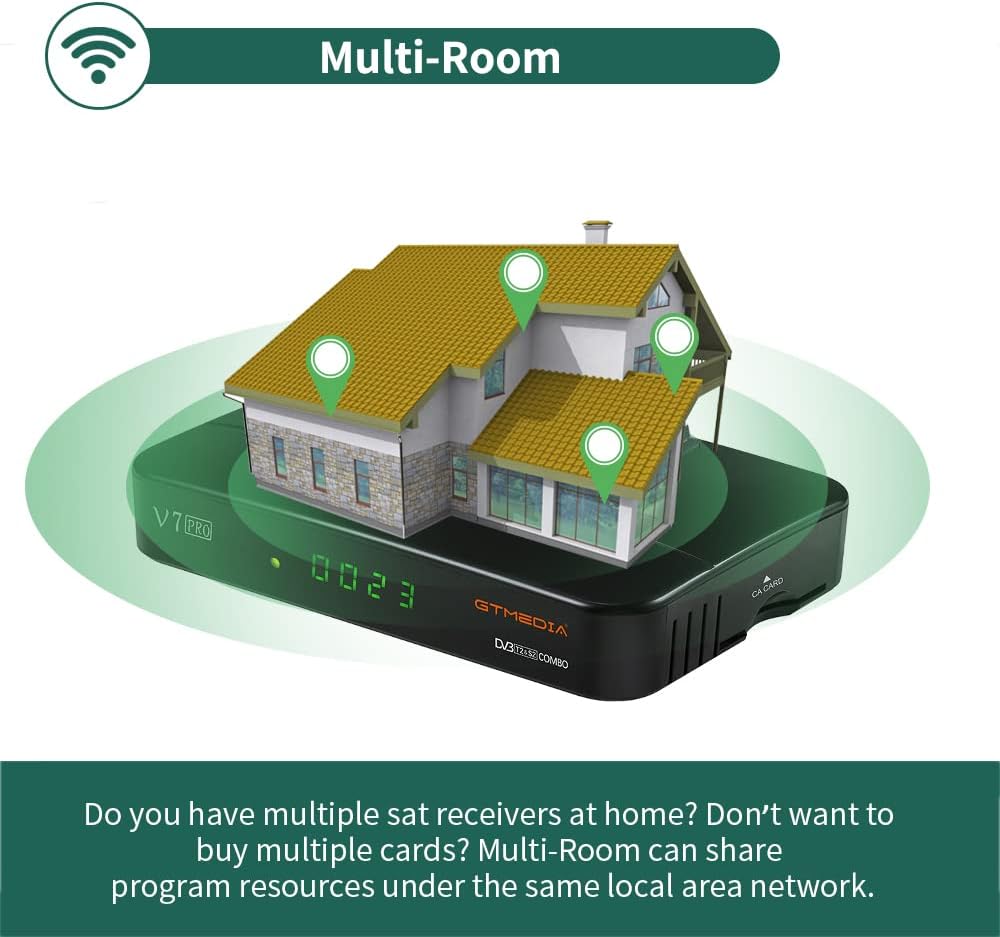
Image 6.2: An illustration depicting the GTMEDIA V7 Pro receiver connected to a house, symbolizing its Multi-Room capability to share content across multiple devices on a local network.
7. Техникалык тейлөө
7.1 Тазалоо
Кабылдагычты тазалоо үчүн аны электр булагынан сууруп алыңыз. Сыртын жумшак, кургак чүпүрөк менен сүртүңүз. Суюк тазалоочу каражаттарды же абразивдүү материалдарды колдонбоңуз.
7.2 Микропрограмма жаңыртуулары
The GTMEDIA R&D center continuously optimizes and improves the receiver's firmware. New firmware versions are released on the official forum for users to download and update. To update, download the firmware to a USB drive, insert it into the receiver, and navigate to Tools > USB Upgrade менюда.
8. Кыйынчылыктарды
If you encounter issues with your GTMEDIA V7 Pro, refer to the following common problems and solutions:
- Сигнал жок:
- Check all cable connections (LNB IN, ANT IN) to ensure they are secure.
- Verify that your satellite dish or terrestrial antenna is properly aligned.
- Ensure the correct satellite is selected in the Installation menu.
- Сүрөт/үн жок:
- Confirm the HDMI or AV cable is securely connected to both the receiver and the TV.
- Check that your TV's input source is set to the correct HDMI or AV port.
- Ensure the TV volume is not muted or set too low.
- Алыстан башкаруу иштебейт:
- Пульттун батареяларын текшерип, алмаштырыңыз.
- Ensure there are no obstructions between the remote control and the receiver's IR sensor.
- Тармакка туташуу маселелери:
- Verify the USB WiFi dongle is properly inserted.
- Check your WiFi network name and password in the Network Config menu.
- WiFi роутериңизди өчүрүп күйгүзүңүз.
9. Техникалык шарттар
The GTMEDIA V7 Pro is equipped with the following technical specifications and features:
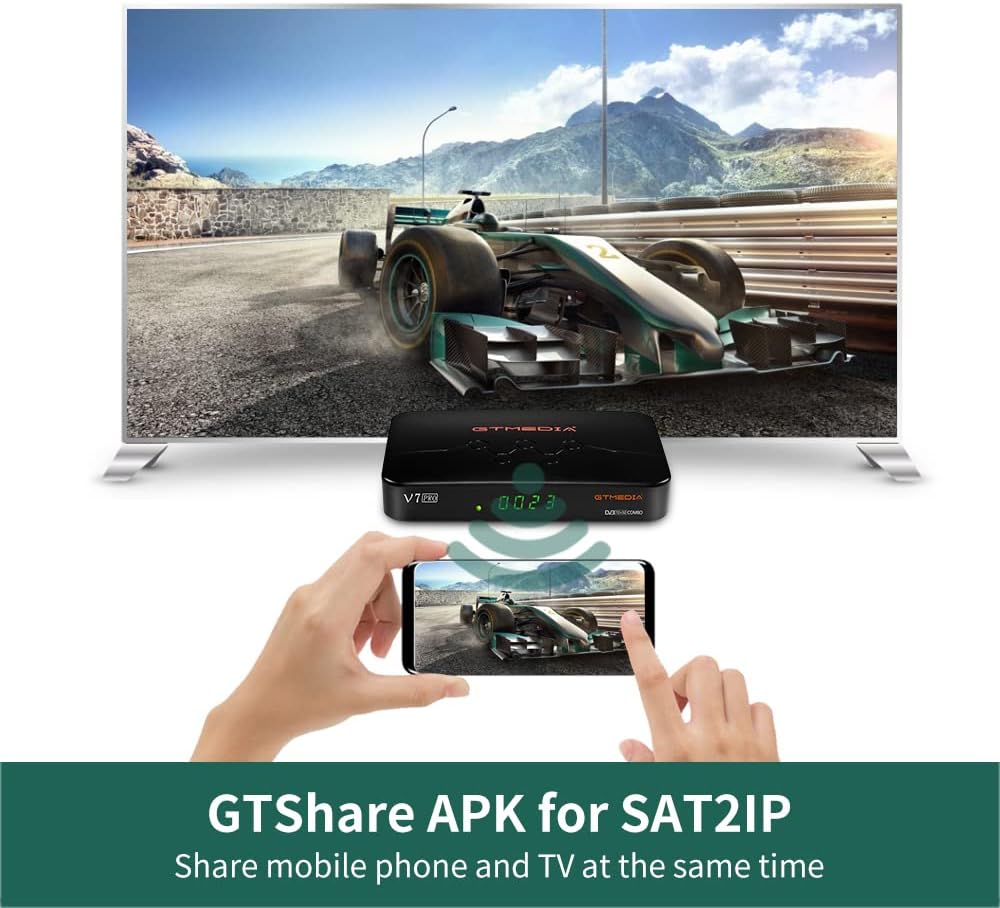
Image 9.1: A table detailing the product parameters of the GTMEDIA V7 Pro, including dimensions, unit weight, power supply, operating and storage temperatures, humidity, and included accessories.
| Өзгөчөлүк | Description |
|---|---|
| Тюнерди колдоо | DVB-S/S2/S2X + DVB-T/T2 |
| Видеону чечмелөө | VCM/ACM/Multi-Stream/T2MI, Multi-PLP, HEVC main 10 profile (10bit), AVS+ |
| Шарттуу мүмкүндүк алуу | CA Card Slot, supports BISS auto roll, Full PowerVu, DRE & Biss key, Albertis/Tivusat/BBC Satback/Irdeto Card |
| DiSEqC колдоосу | Unicable, DiSEqC1.0/1.1/1.2/USALS Motor |
| Байланыш | USB (2 ports), USB WiFi dongle support, USB 3/4G dongle support |
| Онлайн кызматтар | YouTube, Youporn, CCCAM, NEWCAM, MGCAM |
| Көп-бөлмө | Supported for sharing program resources on a local network |
| Тилдер | English, Spanish, French, Russian, Portuguese, Polish, Indonesian, Arabic, Turkish, German, Italian, Persian, Thai, etc. |
| Өлчөмдөрү (L*W*H) | 7.09 x 4.92 x 1.18 дюйм (180 x 125 x 30 мм) |
| Бирдик Салмагы | 8.8 унция (0.25 килограмм) |
| Электр камсыздоо | AC 100-250V, 50Hz/60Hz |
| Иштөө температурасы | 0°Cден +45°Cге чейин |
| Сактоо температурасы | -10°Cден +60°Cге чейин |
| Нымдуулук | 20% to 90% (Non-condensed) |
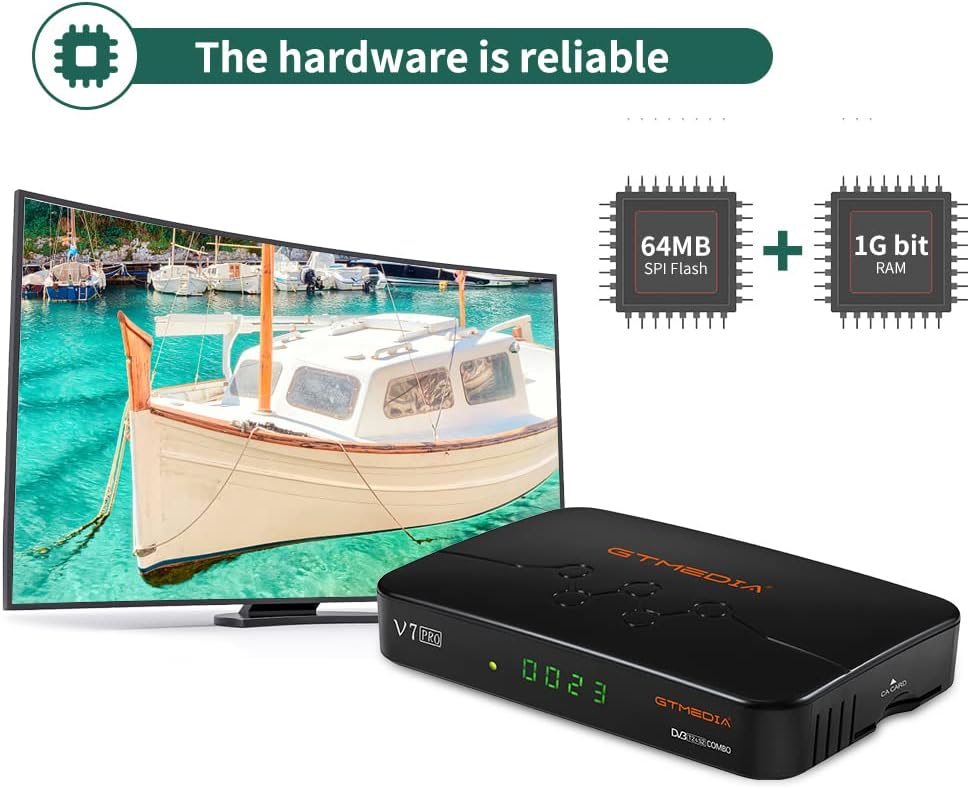
Сүрөт 9.2: Ички view of the GTMEDIA V7 Pro's hardware, highlighting the 64MB SPI Flash and 1G bit RAM components, indicating reliable performance.
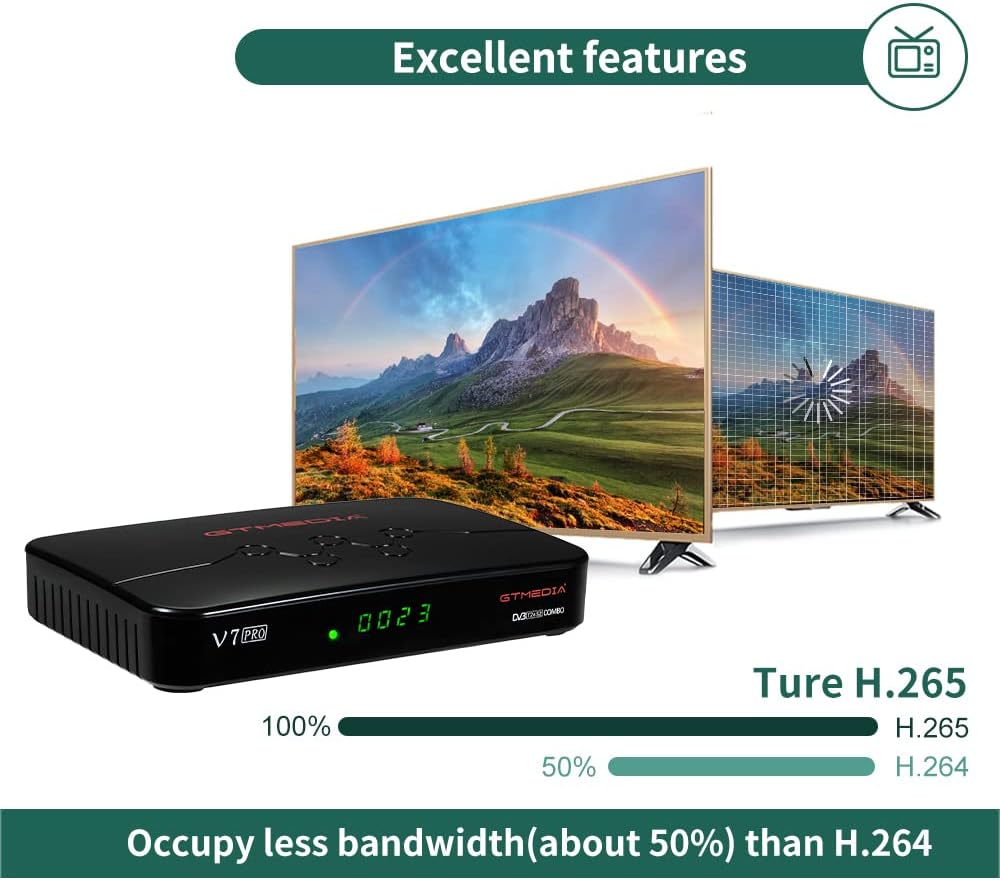
Image 9.3: An illustration demonstrating the GTMEDIA V7 Pro's H.265 (HEVC) decoding capability, which occupies approximately 50% less bandwidth compared to H.264, leading to more efficient video streaming.
10. Кепилдик жана колдоо
Кепилдик жөнүндө кененирээк маалымат алуу үчүн, өнүмүңүздүн таңгагына кирген Кепилдик картасын караңыз.
For technical support, firmware updates, and community assistance, visit the official GTMEDIA R&D center forum. You can post your questions on the forum and expect a response within 24 hours.
Онлайн ресурстар:
- GTMEDIA Official Webсайт: www.gtmedia.cc
- GTMEDIA Support Forum: (Refer to product packaging or official website for specific forum link)


