1. Киришүү
This manual provides detailed instructions for the setup, operation, and maintenance of your Coolfire Wooden Vibrating Alarm Clock, Model 1735BK. Please read this manual thoroughly before using the product to ensure proper function and longevity. This alarm clock is designed to provide multiple wake-up options, including a powerful vibrator, sound alarm, or a combination of both, catering to various user preferences, including heavy sleepers.
2. Пакеттин мазмуну
- Coolfire Wooden Vibrating Alarm Clock (Main Unit)
- Vibrating Shaker Unit with Cable
- USB кубат кабели
- Колдонуучунун колдонмосу (бул документ)

3. Продукт бүтүп калдыview
The Coolfire alarm clock features a wooden finish and a digital LED display. It provides time, date, temperature, and humidity readings. The accompanying vibrator unit offers customizable alarm modes.
Негизги блоктун өзгөчөлүктөрү:
- Digital Time Display (12/24-hour format)
- Дата дисплей
- Температураны көрсөтүү (°C/°F)
- Humidity Display (%RH)
- Жөнгө салынуучу жарыктык деңгээли
- Sound Control Mode (Power Saving)
- Сигнал орнотуулары
Vibrating Shaker Unit Features:
- Powerful Vibration Alarm
- Audible Buzzer Alarm
- Combination Vibration and Sound Alarm
- High/Low Vibration Intensity Switch
- Snooze/Off Button
- USB Charging Port for External Devices

4. Орнотуу
4.1 Кубат туташтыруу
- Connect the provided USB power cable to the DC 5V input port on the back of the main alarm clock unit.
- Plug the other end of the USB cable into a standard USB power adapter (not included) and then into a wall outlet.
- Дисплей күйүп, сааттын күйүп турганын көрсөтөт.
4.2 Vibrator Unit Connection
- Locate the cable attached to the vibrating shaker unit.
- Insert the vibrator cable's plug into the designated port on the back of the main alarm clock unit. Ensure it is securely connected.
- Place the vibrator unit under your pillow or mattress for optimal effect.

5. Иштөө нускамалары
The alarm clock features several buttons on the back for setting and adjusting functions. Refer to the labels on the back of your unit for specific button identification.
5.1 Убакытты жана датаны орнотуу
- басып, кармап туруңуз SET button (usually located on the back) until the year display starts flashing.
- колдонуу UP жана ылдый жылды тууралоо үчүн баскычтар.
- Басыңыз SET again to confirm the year and move to the month setting.
- Repeat steps 2 and 3 for setting the month, day, 12/24-hour format, hour, and minute.
- Мүнөттөрдү койгондон кийин, баскычын басыңыз SET убакыт/күндү коюу режиминен чыгуу үчүн акыркы жолу.
5.2 Ойготкучтарды орнотуу
The clock supports multiple alarms (e.g., AL1, AL2, AL3). The process is similar for each.
- басыңыз АЛАРМ button (or a button labeled with an alarm icon) to cycle through AL1, AL2, AL3, and OFF.
- When the desired alarm (e.g., AL1) is displayed, press and hold the АЛАРМ button until the hour display for that alarm starts flashing.
- колдонуу UP жана ылдый ойготкуч саатын тууралоо үчүн баскычтар.
- Басыңыз АЛАРМ Саатты ырастоо жана мүнөт жөндөөсүнө өтүү үчүн кайрадан басыңыз.
- колдонуу UP жана ылдый ойготкуч мүнөттү тууралоо үчүн баскычтар.
- Басыңыз АЛАРМ again to confirm the minute. The alarm icon will appear on the display, indicating the alarm is active.
- To deactivate an alarm, press the АЛАРМ button to select it, then press АЛАРМ again until the alarm icon disappears.
5.3 Vibrator Alarm Modes
The vibrator unit has a switch on its underside to select the alarm mode:
- 1. VIBRATION ONLY: The vibrator will activate without an audible alarm.
- 2. SOUND ONLY: The vibrator will remain silent, and only the audible buzzer will sound.
- 3. VIBRATION + SOUND: Both the vibrator and the audible buzzer will activate simultaneously.
Андан тышкары, бар HI/LOW switch to adjust the vibration intensity.

5.4 Тындыруу функциясы
Ойготкуч чыкканда, басыңыз SNOOZE/OFF button on the vibrator unit to temporarily silence the alarm. The alarm will sound again after a set snooze interval (typically 5-9 minutes, check product specifics if available).
5.5 Ойготкуч өчүрүү
To turn off the alarm completely after it sounds, press and hold the SNOOZE/OFF button on the vibrator unit until the alarm stops.
5.6 Жарыктыкты жөндөө
The clock display has adjustable brightness levels. Press the UP or ылдый button (or a dedicated brightness button if available) to cycle through different brightness settings (e.g., Dim, Medium, Bright).

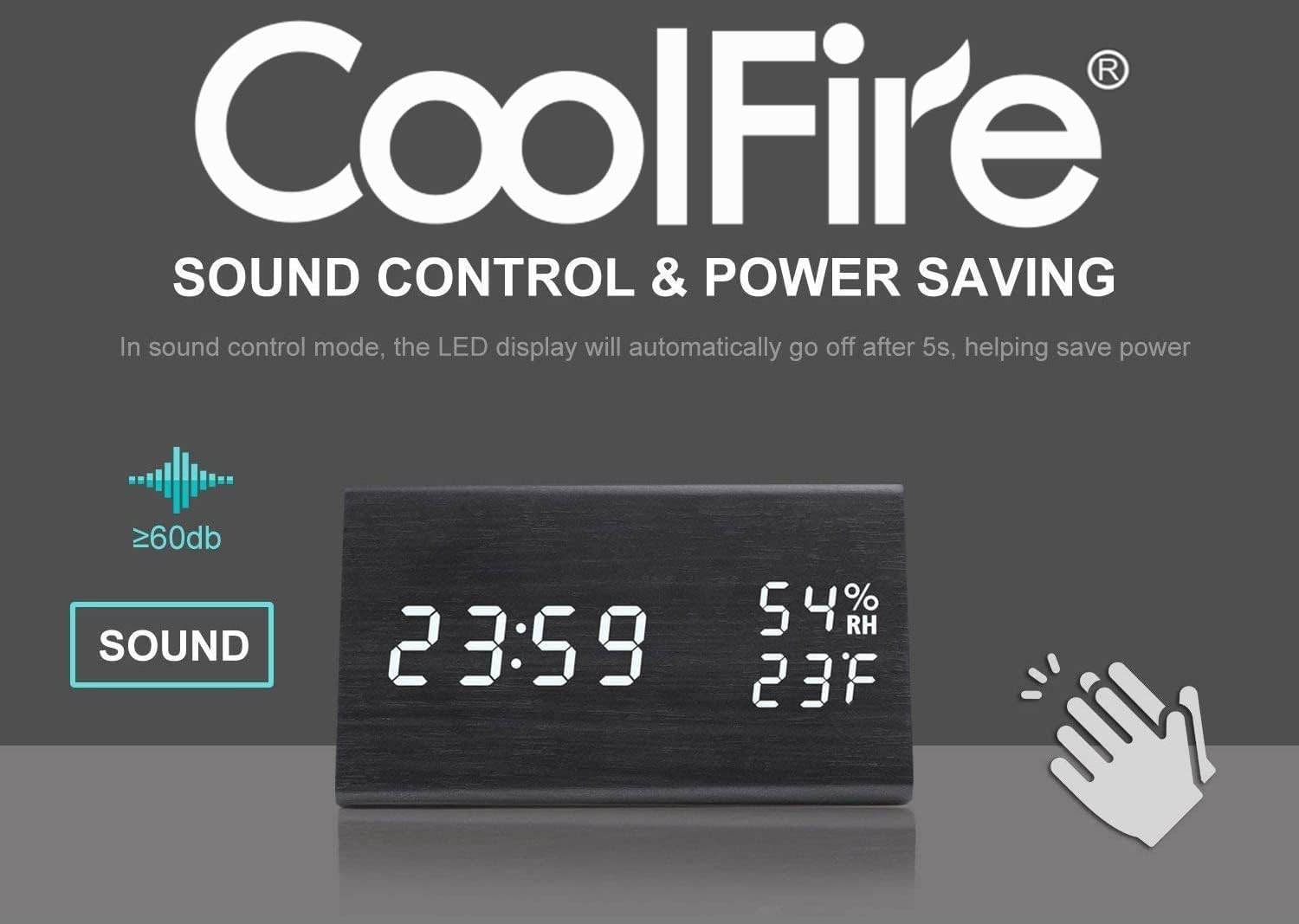
5.7 Sound Control Mode (Power Saving)
This feature allows the LED display to turn off automatically after approximately 5 seconds to save power. The display will reactivate when a sound above 60dB (e.g., a clap) is detected or when a button is pressed.
5.8 USB кубаттоо порту
The vibrator unit includes a USB port that can be used to charge external devices, such as smartphones, overnight. Connect your device's charging cable to this port.

6. Техникалык тейлөө
- Clean the clock and vibrator unit with a soft, dry cloth. Do not use abrasive cleaners or solvents.
- Түзмөктү өтө жогорку температурага, түз күн нуруна же жогорку нымдуулукка дуушар кылбаңыз.
- Ensure all cables are securely connected and not kinked or damaged.
7. Кыйынчылыктарды
- Q: The display is blank or not turning on.
- A: Ensure the USB power cable is securely connected to both the clock and a working power adapter/outlet. If using sound control mode, make a sound (e.g., clap) to activate the display.
- Q: The vibrator is not working.
- A: Check that the vibrator unit's cable is firmly plugged into the main clock unit. Verify the alarm mode switch on the vibrator is set to 'VIBRATION ONLY' or 'VIBRATION + SOUND'. Ensure an alarm is set and active.
- Q: It is difficult to set the time or alarm.
- A: Follow the instructions in sections 5.1 and 5.2 carefully. Ensure you press and hold the respective buttons to enter setting mode and press them briefly to confirm each step. If the display is flashing rapidly, you may be in a different setting mode; press the SET/ALARM button to cycle through options.
- Q: The temperature/humidity readings seem inaccurate.
- A: The sensors provide approximate readings. Ensure the clock is not placed near heat sources, direct sunlight, or in areas with significant air currents that could affect local measurements.
8. Техникалык шарттар
- Бренд: Coolfire
- Модель номери: 1735BK
- Дисплей түрү: Санарип
- Стиль: Заманбап
- Кубат булагы: Battery Powered (for backup, main power via USB)
- Бөлмө түрү: Уктоочу бөлмө
- Форма: Төрт бурчтуу
- Материал: Жыгач
- Рамка материалы: Жыгач
- Монтаж түрү: Стол үстү
- Ойготкуч саат: Ооба
- Иштөө режими: Электрдик
- UPC: 724268990254
- Продукциянын өлчөмдөрү: 2.3 x 4 x 1 дюйм
- Элемент Салмагы: 14 унция
9. Расмий продукт Video
Watch this video for a visual guide on the features and operation of the Coolfire Wooden Vibrating Alarm Clock.
10. Кепилдик жана колдоо
For warranty information and customer support, please refer to the contact details provided with your purchase documentation or visit the official Coolfire webсайт. Сатып алуу квитанциясын кепилдик дооматтары үчүн сатып алуунун далили катары сактаңыз.


