Introduction
Thank you for choosing the DCT Wireless Magnetic Camera. This battery-powered WiFi camera is designed for versatile home security, offering features such as color night vision, advanced motion detection, and flexible storage options. Its magnetic mount allows for easy installation and repositioning. This manual provides detailed instructions for setting up, operating, and maintaining your camera to ensure optimal performance.
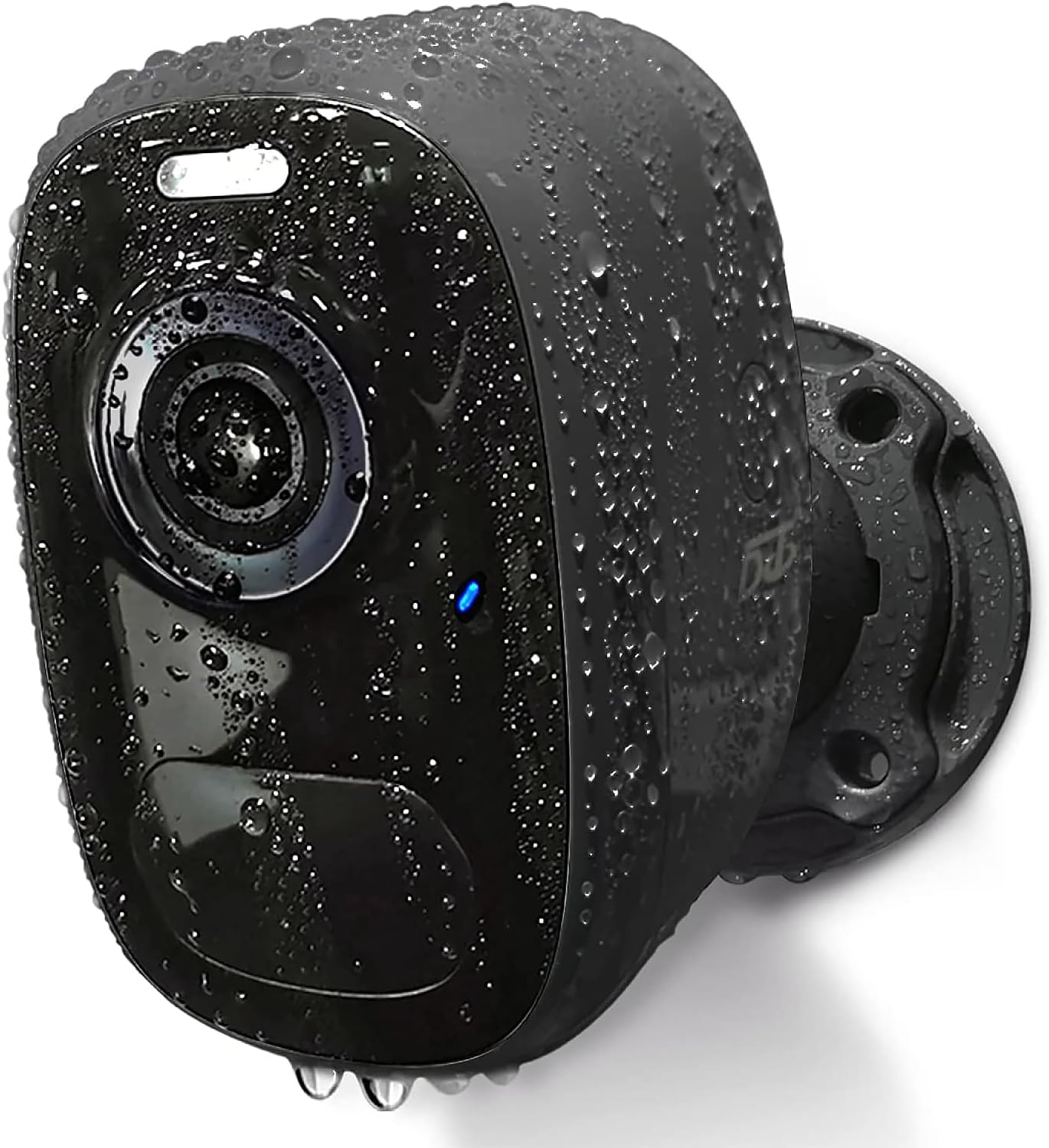
Image: The DCT Wireless Magnetic Camera, highlighting its waterproof capabilities.
Пакеттин мазмуну
Сураныч, бардык буюмдар пакетиңизге киргизилгенин текшериңиз:
- Камера корпусу
- Installation Accessories (Magnetic Mount, Screws, Wall Plugs)
- Instruction Manual
- USB заряддоо кабели

Сүрөт: бүттүview of the camera and its included accessories.
Техникалык мүнөздөмөлөр
| Өзгөчөлүк | Спецификация |
|---|---|
| Модель аты | CG1-magnetic |
| Ички/тышкы колдонуу | Тышкы, ички |
| Power Source | Батарея менен иштейт |
| Connectivity Protocol | Wi-Fi (2.4 ГГц гана) |
| Controller Type | iOS, Android |
| Видео тартуунун резолюциясы | 1080p (2K HD Live Video) |
| Түнкү көрүү диапазону | 33 Фут |
| Сууга туруктуулук деңгээли | IP65 суу өткөрбөйт |
| Флэш эс тутумдун максималдуу өлчөмү | 128 ГБ (SD карта) |
| Элементтин өлчөмдөрү (L x W x Y) | 3.7 x 3.4 x 2.5 дюйм |
| Өзгөчөлүктөр | HD Resolution, Magnetic mount, 2-Way Audio, Night Vision, Motion Sensor |
Орнотуу колдонмосу
1. Камераны заряддоо
Before first use, fully charge the camera using the provided USB cable. A full charge typically takes 8 hours and can last 1-3 months depending on usage. The camera can also be continuously powered by connecting it to a compatible solar panel (sold separately).
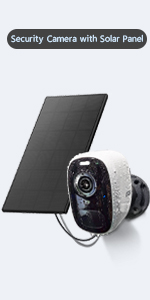
Image: Charging options for the camera.
2. Колдонмону орнотуу жана аккаунтту каттоо
The DCT camera operates with the VicoHome app. Download the app from your device's app store (iOS or Android) or by scanning the QR code below. Register a new account with a valid email address.

Image: VicoHome App setup process.
VicoHome тиркемесин жүктөп алыңыз: https://www.vicohome.io/download/
3. Network Configuration (2.4GHz WiFi Only)
Ensure your camera is within range of a 2.4GHz WiFi network. This camera does not support 5GHz WiFi. Follow the in-app instructions to connect your camera to your home network.

Image: The camera's waterproof design and 2.4GHz WiFi compatibility.
4. Камераны орнотуу
The DCT camera offers two installation methods:
- Магниттик орнотуу: The strong magnetic mount allows for quick, drill-free installation and 360° rotation. This method is ideal for temporary use or frequent repositioning and will not damage walls.
- Standard Bracket Installation: For a more permanent fixture, use the included bracket, screws, and wall plugs.

Image: Magnetic mount installation with 360° rotation.
Иштөө нускамалары
1. Түз эфирдеги видео байкоо
Access the VicoHome app on your smartphone to view live 2K HD video from your camera anytime, anywhere. The app provides a comprehensive overview of all connected cameras.

Image: House Security Overview in the VicoHome App.
2. Motion Detection and AI Recognition
The camera features an advanced PIR sensor for accurate motion detection. It can identify and differentiate between people, pets, vehicles, and packages using smart AI technology. When motion is detected, you will receive real-time notifications on your phone.

Image: PIR Motion Detection features.

Image: AI Smart Recognition with Behavior Analysis.
3. Түнкү көрүү режимдери
The camera offers two night vision modes for clear visibility in low-light conditions:
- Толук түстүү түнкү көрүнүш: Provides excellent color images and videos at night.
- Инфракызыл түнкү көрүнүш: Offers a visible range of 33ft in black and white.

Image: Comparison of day, white light, and infrared night vision modes.
4. Two-Way Audio and Alarms
Utilize the built-in microphone and speaker for two-way audio communication. You can talk to visitors or deter intruders directly through the app. The camera also features an automatic or manual siren and spotlight as a deterrent.

Image: Two-Way Audio functionality.
5. Видео сактоочу жай
All motion detection videos can be stored in two ways:
- Local SD Card: Supports up to a 128GB micro SD card (not included).
- Булуттагы сактагыч: Free 3-day, 0.5GB cycle cloud storage is provided without subscription.
6. Түзмөктү бөлүшүү
You can share access to your camera with up to 8 other users. They will need to download the VicoHome app and register an account. The camera owner can then share access via a QR code within the app.

Image: Device Sharing process.
Техникалык тейлөө
- Батареянын иштөө мөөнөтү: Recharge the camera when the battery level is low, as indicated in the app. Battery life varies based on activity and settings.
- Тазалоо: Камера линзасын жана корпусун жумшак, d менен акырын сүртүңүзamp кездеме. Катуу химиялык заттардан алыс болуңуз.
- Аба ырайын коргоо: The camera is IP65 waterproof, designed to withstand various weather conditions (windy, rainy, snowy). Ensure the charging port cover is securely closed when not charging.
Проблемаларды чечүү
- Камера Wi-Fiга туташпай жатат:
- Ensure your WiFi network is 2.4GHz.
- Check WiFi signal strength at the camera's location.
- Роутериңизди жана камераңызды өчүрүп күйгүзүңүз.
- Verify correct WiFi password entry in the app.
- Кыска батареянын иштөө мөөнөтү:
- Көп кыймыл аныктоо окуялары жана түз эфир viewing consume more battery. Adjust motion sensitivity or recording duration.
- Ensure the camera is fully charged (8 hours).
- Consider connecting to a solar panel for continuous power.
- Кыймылды аныктоо маселелери:
- Adjust PIR sensitivity settings in the app.
- Камеранын талаасында эч кандай тоскоолдуктар жок экенин текшериңиз view.
- Check for strong light sources or heat vents that might trigger false alarms.
- Видеонун сапаты начар:
- Туруктуу WiFi байланышын камсыз кылыңыз.
- Камера линзасын тазалаңыз.
Кепилдик жана колдоо
DCT provides lifelong technical support for your camera. If you have any questions or encounter issues, please contact DCT's 24-hour customer service team for assistance. Your satisfaction is our priority.
For further assistance, please refer to the official DCT website or the VicoHome app's support section.


