1. Киришүү
This manual provides comprehensive instructions for the setup, operation, and maintenance of your Bisofice Q2 Handheld POS Terminal. This intelligent payment terminal integrates a receipt printer and camera, operating on Android 8.1 OS. It is designed for efficient sales processing, warehouse management, and various small business applications.
Please read this manual thoroughly before using the device to ensure proper functionality and to maximize its lifespan.

Figure 1.1: The Bisofice Q2 is suitable for various applications including warehouse, logistics, retail, restaurant, supermarket, and port terminal environments.
2. Продукт бүтүп калдыview
2.1 Негизги өзгөчөлүктөрү
- Integrated 58mm thermal receipt printer for low operating cost and high-speed printing.
- Android 8.1 Operating System for smooth and stable application performance.
- 5.45-inch IPS capacitive touchscreen display.
- Supports 3G communication, WiFi, and Bluetooth 4.0 for versatile connectivity.
- Built-in 5000mAh rechargeable battery for extended working time.
- Optional 1D/2D barcode scanning and NFC module configurations.
- Compact and wireless design for portability.
2.2 Аппараттын компоненттери

Сүрөт 2.1: Алдыңкы view of the Bisofice Q2 Handheld POS Terminal, showing the touchscreen display and a printed receipt emerging from the top.
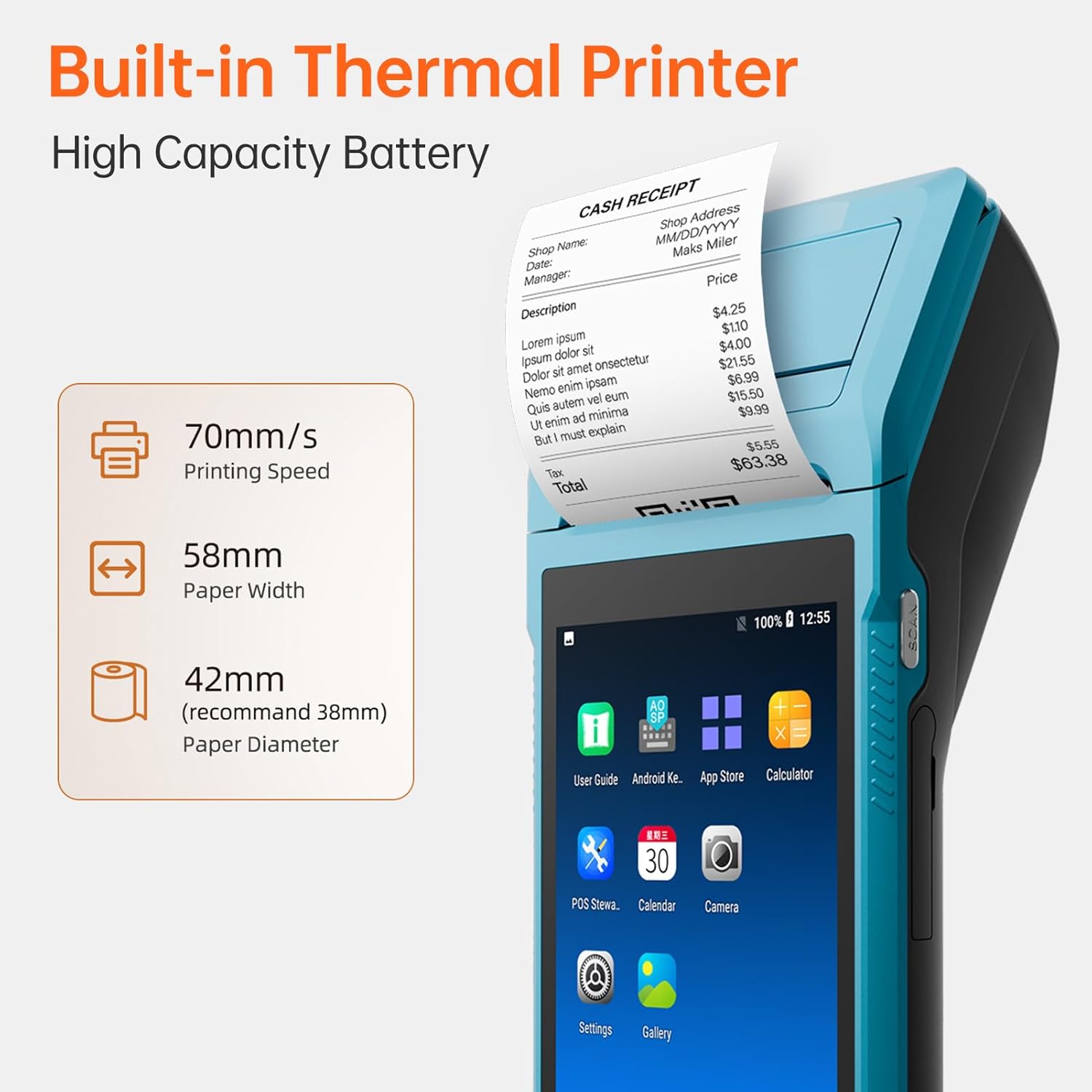
2.2-сүрөт: Детальдуу view highlighting the built-in thermal printer with 70mm/s printing speed, 58mm paper width, and 42mm recommended paper diameter.

2.3-сүрөт: Арткы view of the Bisofice Q2, showing the 2-megapixel HD rear camera with fixed-focus and LED flash support.
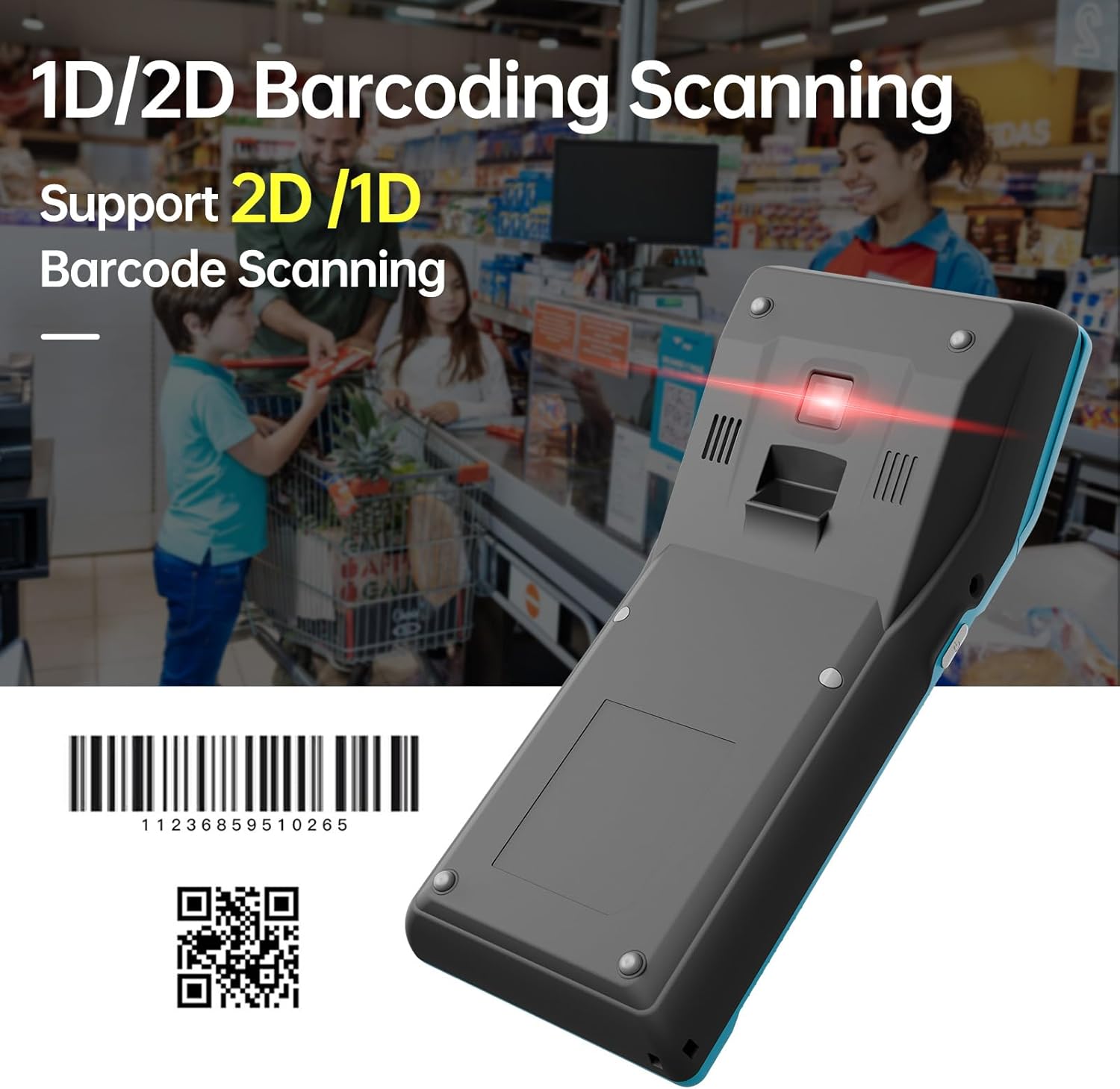
2.4-сүрөт: астыңкы жагы view of the Bisofice Q2, illustrating its 1D/2D barcoding scanning capability.
3. Орнотуу
3.1 Таңгактан чыгаруу жана алгачкы текшерүү
Carefully unpack all components from the box. Verify that all items listed in the "Package List" section are present and undamaged. If any items are missing or damaged, contact customer support immediately.
3.2 Батареяны заряддоо
- Connect the provided power adapter to the DC Charge interface (12V 1.5A) on the device.
- Электр шнурын ылайыктуу электр розеткасына сайыңыз.
- Allow the device to charge fully before first use. The battery indicator on the screen will show charging status.
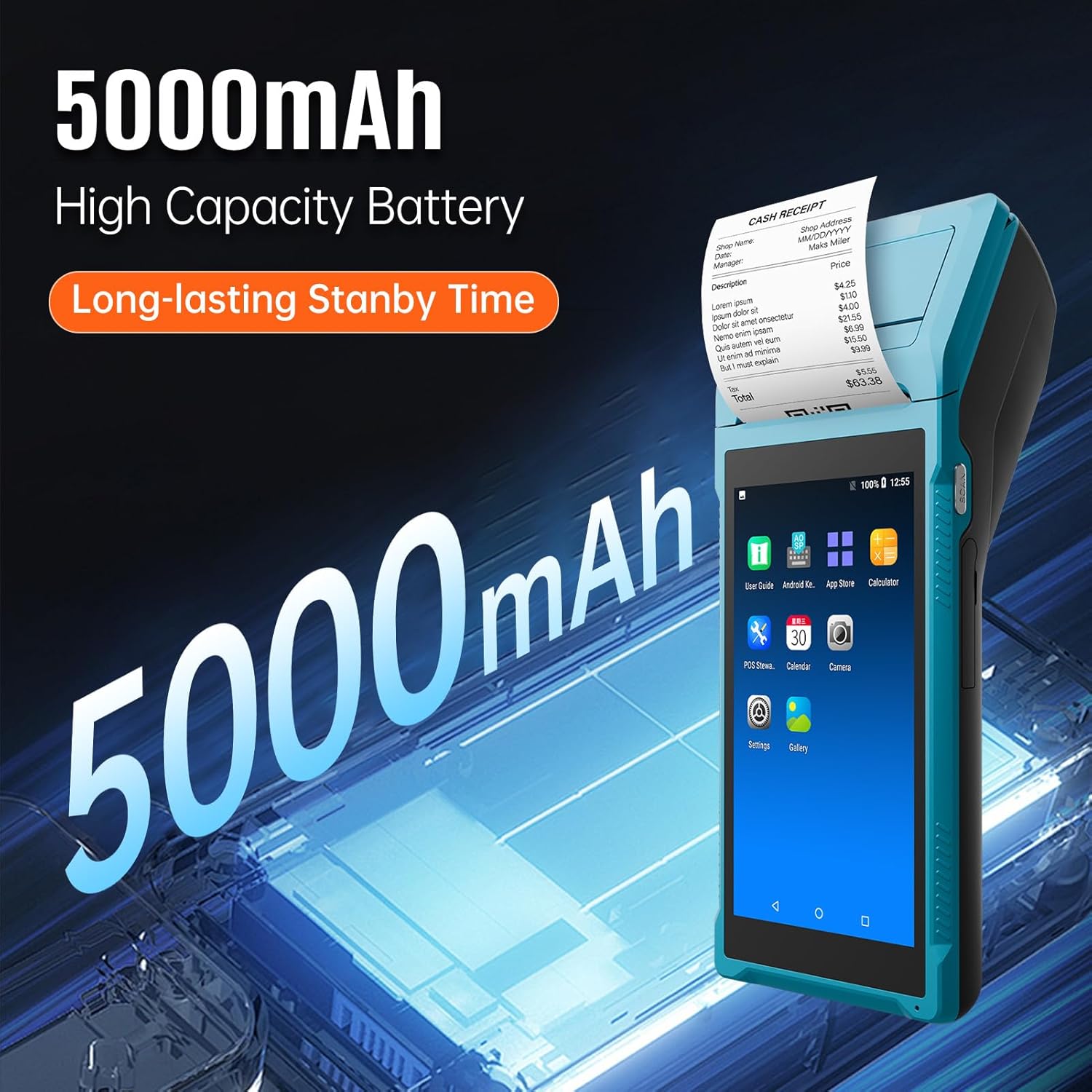
Figure 3.1: The Bisofice Q2 features a 5000mAh high-capacity battery, providing long-lasting standby time.
3.3 Installing the Thermal Paper Roll
- Locate the printer cover release latch, typically on the top or side of the device.
- Принтердин капкагын ачыңыз.
- Insert a 58mm wide thermal paper roll into the compartment, ensuring the paper feeds out from the top and the leading edge is straight. The recommended paper diameter is 35mm.
- Принтердин капкагын ордуна чыкылдаган үн чыкканча бекем жабыңыз.
3.4 Күйгүзүү/өчүрүү
- Күйгүзүү үчүн: Экран күйгөнгө чейин кубат баскычын (адатта капталда) басып туруңуз.
- Өчүрүү үчүн: Press and hold the power button until the power options menu appears, then select "Power Off".
3.5 Тармактык туташуу
The device supports WiFi and 3G communication.
- WiFi: багыттоо Орнотуулар > Тармак жана Интернет > Wi-Fi. Select your desired network and enter the password if prompted.
- 3G Communication: Insert a compatible SIM card into the designated slot (if available on your model configuration). Ensure the SIM card is correctly oriented. The device supports GSM850/900/1800/1900 and WCDMA B1.
4. Иштөө нускамалары
4.1 Негизги навигация
The Bisofice Q2 operates on Android 8.1. Use the 5.45-inch touchscreen for navigation. Swipe, tap, and use the on-screen navigation buttons (Back, Home, Recent Apps) as you would on any Android device.
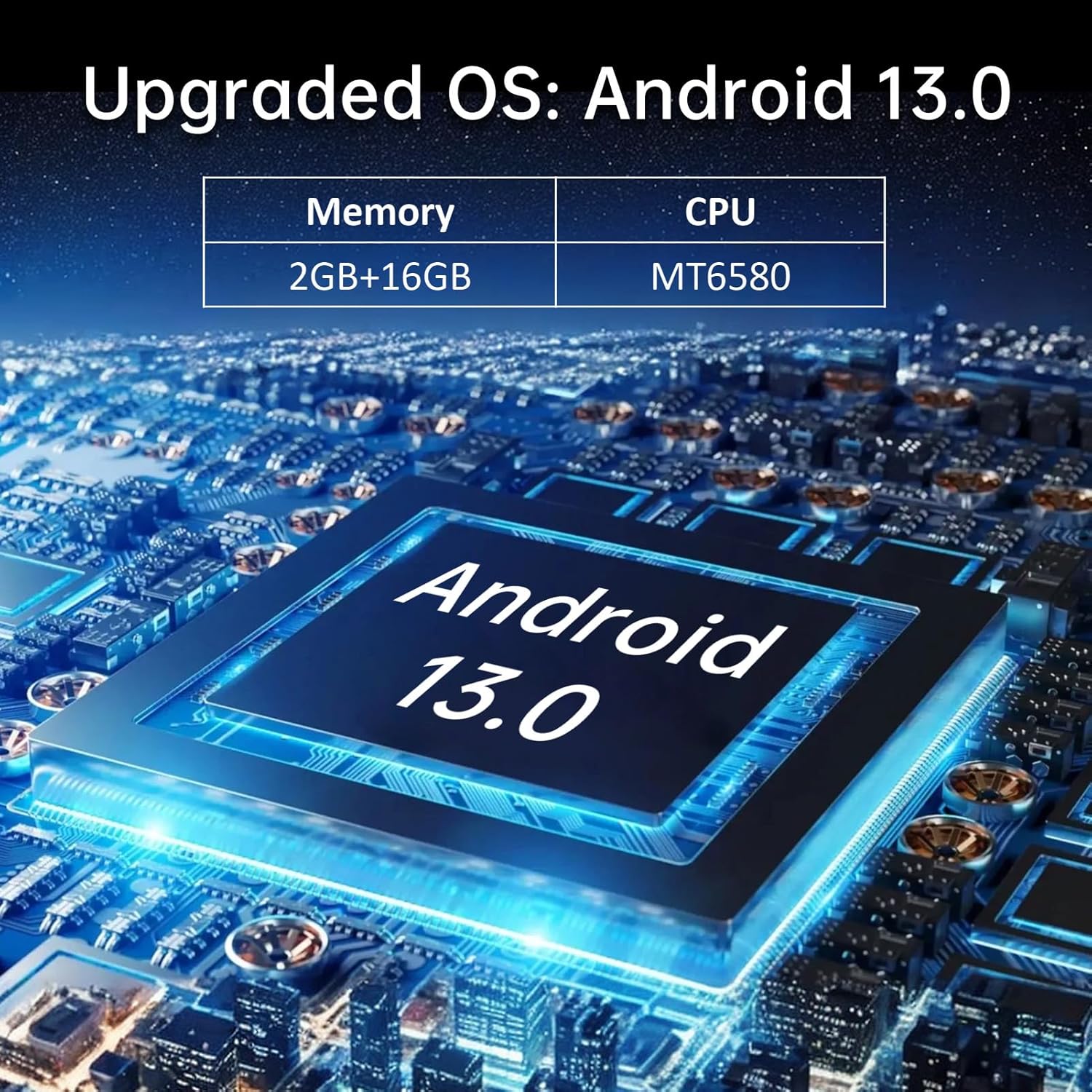
Figure 4.1: The device's interface, showing typical Android application icons for user guide, app store, calculator, POS software, calendar, camera, settings, and gallery.
4.2 Квитанцияларды басып чыгаруу
To print a receipt, ensure thermal paper is correctly loaded. Printing functionality is typically integrated within your POS application. Follow the prompts within your specific application to initiate a print job.
- Open your POS application.
- Process a transaction or select a previous transaction for reprinting.
- Locate the "Print" or "Receipt" option within the application.
- Confirm the print command. The device will automatically print the receipt.
4.3 Using the Barcode Scanner (Optional)
For models equipped with 1D/2D barcode scanning, activate the scanner through your application. Point the scanner window at the barcode, ensuring it is within the scanning range and properly illuminated. The device will typically provide an audible or visual confirmation upon successful scan.
4.4 Bluetooth байланышы
To connect to other Bluetooth devices (e.g., external scanners, keyboards):
- барыңыз Орнотуулар > Туташкан түзмөктөр > Bluetooth.
- Bluetooth күйгүзүү.
- The device will scan for available Bluetooth devices. Select the device you wish to pair with and follow any on-screen prompts.
5. Техникалык тейлөө
5.1 Аппаратты тазалоо
- Use a soft, dry, lint-free cloth to clean the exterior of the device.
- For the touchscreen, use a screen cleaner specifically designed for electronic displays.
- Катуу химиялык заттарды, абразивдүү тазалагычтарды же ашыкча нымдуулукту колдонуудан алыс болуңуз.
5.2 Printer Head Cleaning
If print quality degrades (e.g., faint lines, smudges), the printer head may need cleaning. Use a printer head cleaning pen or a cotton swab lightly dampened with isopropyl alcohol. Gently wipe the thermal print head (located inside the paper compartment) to remove any residue. Allow it to dry completely before closing the cover and resuming operation.
5.3 Батареяга кам көрүү
- Батареяны бат-баттан толук кубаттап калуудан алыс болуңуз.
- Аппаратты узак убакыт бою колдонбогондо салкын, кургак жерде сактаңыз.
- Use only the original or approved power adapter for charging.
6. Кыйынчылыктарды
6.1 Жалпы маселелер жана чечимдер
| Көйгөй | Мүмкүн себеп | Чечим |
|---|---|---|
| Түзмөк күйбөйт. | Батареянын заряды аз; түзмөк иштебей калды. | Charge the device for at least 30 minutes. If still unresponsive, perform a forced restart (refer to device-specific instructions, usually holding power button for 10-15 seconds). |
| Принтер басылбай жатат. | No paper; paper incorrectly loaded; printer head dirty; application error. | Check paper roll and reload if necessary. Clean the printer head. Restart the POS application or the device. |
| Басып чыгаруу сапаты начар. | Dirty printer head; low quality thermal paper. | Clean the printer head as described in Section 5.2. Use high-quality 58mm thermal paper. |
| WiFi'га туташа албай жатат. | Туура эмес сырсөз; диапазондон тышкары; роутер маселеси. | Verify WiFi password. Move closer to the router. Restart the router and the device. |
| Штрихкод сканери иштебей жатат. | Scanner not activated in application; dirty scanner window; damaged scanner. | Ensure scanner is enabled in your application. Clean the scanner window. If issues persist, contact support. |
If the problem persists after attempting these solutions, please contact Bisofice customer support.
7. Техникалык шарттар
7.1 Техникалык мүнөздөмөлөр
| Өзгөчөлүк | Деталь |
|---|---|
| Модел | Q2 (Item model number: DA123029) |
| Түс | Cerulean |
| CPU | Quad-Core 1.3GHz MT6580V/WA |
| RAM | 1 ГБ |
| NAND Flash | 4 ГБ |
| Операция системасы | Android 8.1 |
| Негизги экран | 5.5 Inch, 1280*720 IPS Capacitive Touchscreen |
| Байланыш ыкмасы | 3G (GSM850/900/1800/1900, WCDMA B1) |
| Арткы камера | 800W (8 Megapixel) Downward Compatible |
| Батарея | 7.4 В, 5000 мАч |
| Заряддоо интерфейси | DC Charge, 12V 1.5A |
| Наушник интерфейси | 3.5mm Standard Earphones |
| OTG | Колдоо |
| USB интерфейси | Micro USB2.0 * 1 |
| Аудио системасы | Built-in Speaker, Buzzer, Microphone |
| WiFi | 802.11b/g/n |
| Bluetooth | BT4.0 |
| Басып чыгаруу | Thermal Printer, Paper Scroll 58*35mm (not included) |
| Принтердин өлчөмү | 21.5 * 8.6 * 5.3 см / 8.46 * 3.39 * 2.1 дюйм |
| Принтердин салмагы | 462 г / 16.3 унция |
| Продукциянын өлчөмдөрү | 8 x 3 x 3 дюйм (20.92 см x 8.74 см x 5.17 см) |
| Элемент Салмагы | 1.05 фунт |

Figure 7.1: Dimensions of the Bisofice Q2 Handheld POS Terminal: 209.2mm (8.2in) length, 87.4mm (3.4in) width, and 51.7mm (2in) height.
7.2 Пакеттердин тизмеси
Пакетке төмөнкү заттар кирет:
- 1 * PDA Printer (Bisofice Q2 Handheld POS Terminal)
- 1 * Power Cord (US Plug)
- 1 * Кубат адаптери
- 1 * Колдонуучунун колдонмосу (англис жана кытай)
8. Кепилдик жана колдоо
Bisofice products are manufactured to high-quality standards. For warranty information, please refer to the warranty card included with your product or visit the official Bisofice website. For technical support, troubleshooting assistance, or service inquiries, please contact Bisofice customer support through the contact information provided on the product packaging or the official webсайт.
Кепилдик дооматтары үчүн сатып алуунун далили катары сатып алуу дүмүрчөгүңүздү сактап коюңуз.


