1. Киришүү
Thank you for choosing the DEKCO 2K Solar Security Camera. This wireless outdoor camera provides comprehensive surveillance with its 2K resolution, 360° pan and tilt capabilities, and solar-powered design. Equipped with advanced features like motion detection, two-way audio, and enhanced night vision, it offers reliable home security. This manual provides detailed instructions for installation, operation, and maintenance to ensure optimal performance of your device.
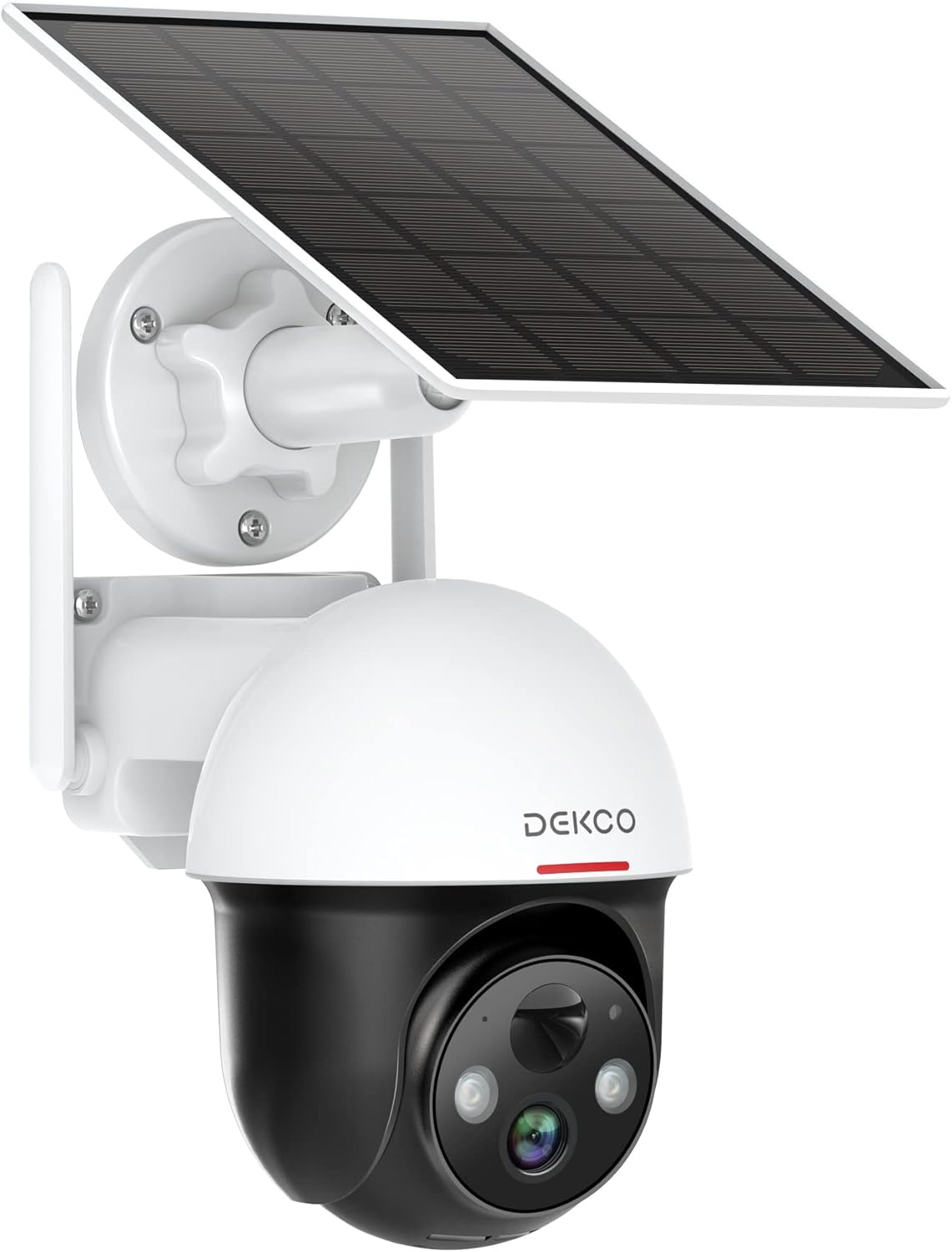
Figure 1.1: DEKCO 2K Solar Security Camera with integrated solar panel.
2. Пакеттин мазмуну
Please check the package contents upon opening to ensure all components are present and undamaged. If any items are missing or damaged, please contact DEKCO customer support.

2.1-сүрөт: Продукт пакетине камтылган нерселер.
- DEKCO 2K Solar Security Camera
- Solar Panel (pre-attached or separate, depending on model variant)
- Кронштейн орнотуу
- USB заряддоо кабели
- Монтаждоо бурамдары жана дубал анкерлери
- User Manual
- Quick Start Guide
3. Продукт бүтүп калдыview
Familiarize yourself with the main components of your DEKCO solar security camera.

Figure 3.1: Key features of the DEKCO Solar Security Camera.
Камера компоненттери:
- Камера линзасы: Video foo тартатtage.
- Инфракызыл диоддор: Түнкү көрүнүштү жакшыртыңыз.
- Көңүл бурчу: Illuminates the area for color night vision and acts as a deterrent.
- Микрофон: Эки тараптуу байланыш үчүн аудио жаздырат.
- Баяндамачы: Outputs audio for two-way communication and siren.
- PIR Кыймыл сенсору: Detects heat signatures for accurate motion detection.
- Антенналар: For stable 2.4GHz Wi-Fi connectivity.
- Күн панели: Ички батарея күндүн нуру менен заряддалат.
- Калыбына келтирүү баскычы: Камераны заводдук жөндөөлөргө кайтаруу үчүн колдонулат.
- Микро SD карта слоту: For local video storage (supports 8-128GB, not included).
4. Орнотуу
4.1 Алгачкы заряддоо
Before first use, fully charge the camera's internal battery using the provided USB cable and a 5V/2A power adapter (not included). The charging indicator light will turn solid blue when fully charged.
4.2 Колдонмону жүктөп алуу жана каттоо
- Scan the QR code below or search for "CloudEdge" in your mobile app store (App Store for iOS, Google Play for Android).
- Download and install the CloudEdge app.
- Open the app and register for a new account using your email address. Follow the on-screen instructions to complete registration.

Figure 4.1: The CloudEdge app is compatible with both Android and iOS devices.
4.3 Wi-Fi туташуусу
Wi-Fi тармагыңыз 2.4 ГГц экенин текшериңиз. Бул камера 5 ГГц Wi-Fi'ды колдоого албайт.
- Power on the camera. The indicator light will flash red, indicating it's ready for pairing.
- In the CloudEdge app, tap the "+" icon to add a new device.
- Select "Battery Camera" and follow the prompts.
- Enter your 2.4GHz Wi-Fi network name (SSID) and password.
- Place the QR code generated by the app in front of the camera lens (approx. 15-20 cm / 6-8 inches away) until you hear a prompt sound from the camera.
- Туташкандан кийин индикатор жарыгы катуу көк түскө айланат.
4.4 Камераны орнотуу
Choose a location with strong 2.4GHz Wi-Fi signal and direct sunlight exposure for the solar panel.
- Mark the drilling positions using the mounting bracket as a template.
- Drill holes and insert wall anchors if mounting on masonry or concrete.
- Орнотуу кронштейнин дубалга бурама менен бекитиңиз.
- Камераны монтаждоо кронштейнине бекитиңиз.
- Adjust the camera angle and solar panel orientation to maximize sunlight exposure.

Figure 4.2: The camera is designed for wire-free installation, powered by its solar panel.
5. Иштөө нускамалары
5.1 Live View
CloudEdge колдонмосун ачып, камераңызды тандаңыз view the live feed. You can pinch to zoom in on the live view.
5.2 Панорамалоо жана кыйшайтуу башкаруусу
Түз эфирден view screen, use the directional controls to remotely pan (horizontal rotation up to 360°) and tilt (vertical rotation up to 90°) the camera lens to monitor different areas.

Figure 5.1: The camera offers a 360° all-around field of view with pan and tilt functions.
5.3 Эки тараптуу аудио
Tap the microphone icon in the app to speak through the camera's speaker. Tap again to end. This allows for real-time communication with visitors or to deter intruders.

Figure 5.2: Premium 2-Way Audio allows clear communication.
5.4 Кыймылды аныктоо жана эскертүүлөр
The camera uses advanced PIR motion detection to identify human shapes, reducing false alarms. When motion is detected, you will receive instant notifications on your phone.
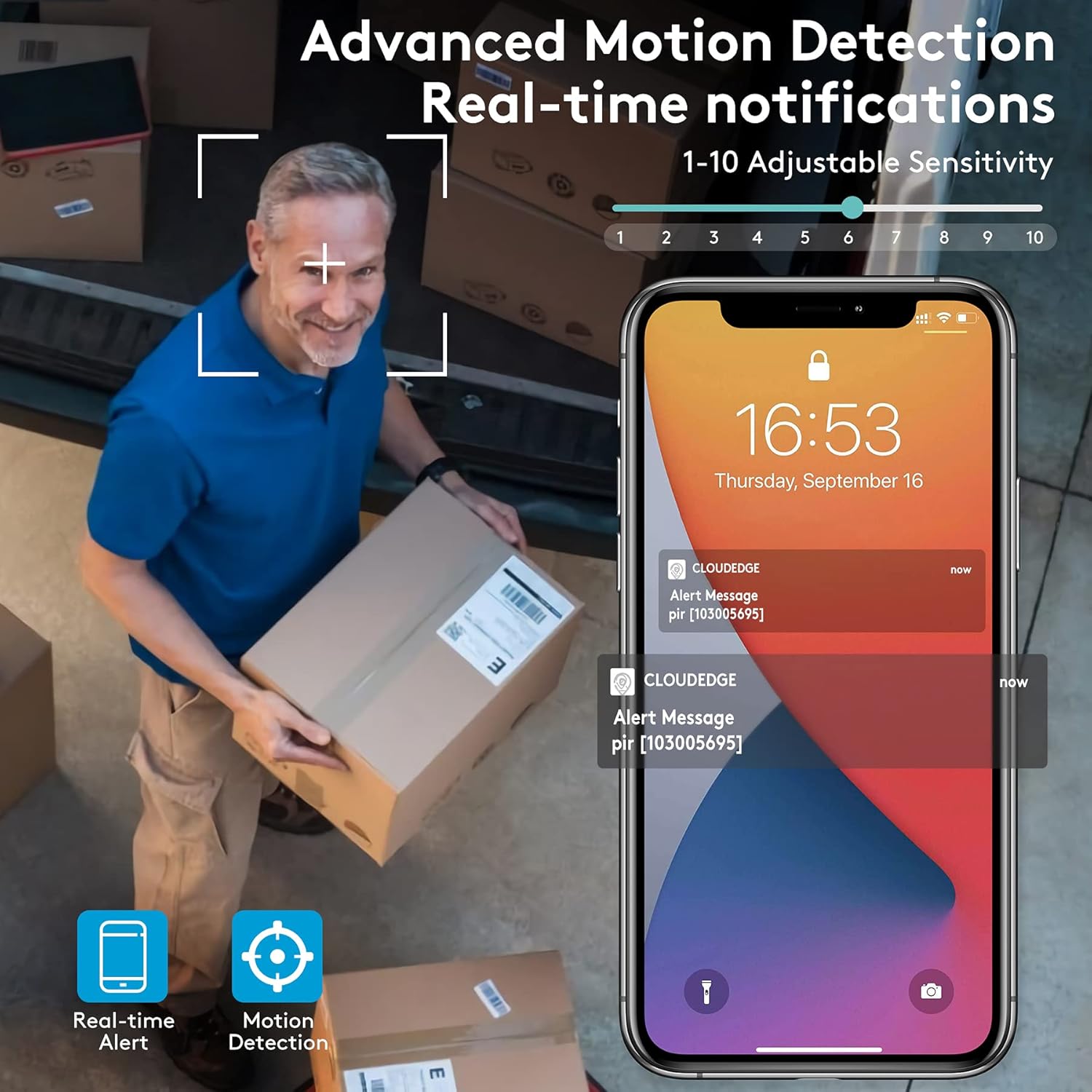
Figure 5.3: Advanced Motion Detection provides real-time notifications with adjustable sensitivity.
- Сезимталдуулук: Adjust motion detection sensitivity (1-10) in the app settings.
- Иш зоналары: Define specific areas for motion detection to focus on.
- Siren/Spotlight: Configure the camera to activate its siren and/or spotlight upon motion detection for deterrence.

Figure 5.4: The camera can ward off intruders with a motion-activated alarm, including a flashing light and siren.
5.5 Жазуу жана ойнотуу
The camera records events triggered by motion detection. You can access these recordings via the CloudEdge app.
- Булуттагы сактагыч: Enjoy a free 7-day trial for cloud storage. Subscription plans are available for extended storage.
- Micro SD картасы: Insert a Micro SD card (up to 128GB, not included) for local storage. Recordings will loop once the card is full.

Figure 5.5: The camera supports both cloud and local Micro SD card storage.
5.6 Түнкү көрүнүш
The camera features upgraded infrared LEDs for clear night vision up to 66ft. When sufficient ambient light is present, it can provide full-color night vision.

Figure 5.6: 2K HD quality with enhanced night vision capabilities.
6. Техникалык тейлөө
6.1 Тазалоо
- Камера линзасын жана күн панелин жумшак, d менен үзгүлтүксүз сүртүп туруңузamp чаңды жана калдыктарды тазалоо үчүн кездеме. Абразивдүү тазалагычтардан алыс болуңуз.
- Оптималдуу кубаттоо натыйжалуулугу үчүн күн панелинин таза экенине ынаныңыз.
6.2 Батареяга кам көрүү
- The camera is designed for continuous power via solar charging. In areas with limited sunlight, occasional manual charging via USB may be required.
- Avoid exposing the camera to extreme temperatures outside its operating range to preserve battery life.
6.3 Микропрограмма жаңыртуулары
Periodically check the CloudEdge app for available firmware updates. Keeping your camera's firmware updated ensures optimal performance, new features, and security enhancements.
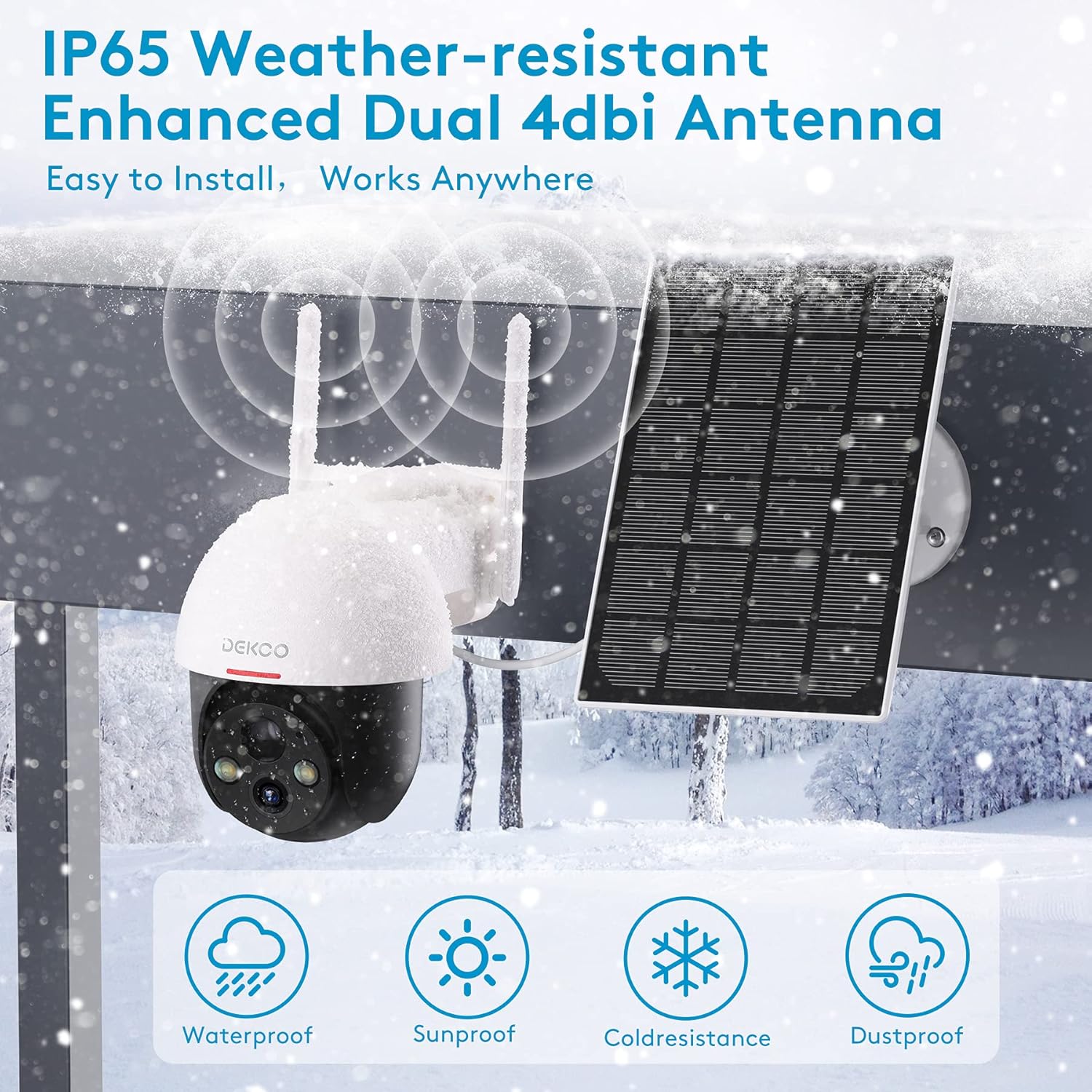
Figure 6.1: The camera is IP65 weather-resistant, designed to withstand various outdoor conditions.
7. Кыйынчылыктарды
| Көйгөй | Мүмкүн себеп | Чечим |
|---|---|---|
| Камера күйбөй жатат | Low battery; Power button off | Charge the camera fully; Ensure power button is in ON position. |
| Wi-Fi'га туташпай жатат | Incorrect Wi-Fi password; 5GHz Wi-Fi network; Weak signal | Verify password; Ensure 2.4GHz network; Move camera closer to router or use a Wi-Fi extender. |
| Кыймылды аныктоо иштебей жатат | PIR sensitivity too low; Incorrect activity zone settings; Obstructions | Increase PIR sensitivity in app; Adjust activity zones; Clear any obstructions in the camera's view. |
| Сүрөттүн сапаты начар | Dirty lens; Poor lighting; Network bandwidth issues | Clean the lens; Ensure adequate lighting; Check network speed. |
| Эки тараптуу аудио көйгөйлөр | Microphone/speaker blocked; App permissions | Ensure microphone/speaker are clear; Grant microphone permissions to the app. |
| Camera offline frequently | Wi-Fi сигналынын начардыгы; Роутердеги көйгөйлөр | Relocate camera or router; Restart router. |
8. Техникалык шарттар
| Өзгөчөлүк | Деталь |
|---|---|
| Модел | 5059648201190 |
| Видео тартуунун резолюциясы | 3 МП (2K QHD) |
| Байланыш технологиясы | Зымсыз (Wi-Fi) |
| Зымсыз байланыш | 2.4 ГГц Wi-Fi |
| Power Source | Күн энергиясы, батарея менен иштейт |
| Батарея түрү | Литий-ион (кошулган) |
| Батареянын орточо иштөө мөөнөтү | Approx. 5 months (without solar charging) |
| Түнкү көрүү диапазону | 66 фут чейин |
| Өзгөчөлүктөр | Battery Powered, Motion Sensor, Night Vision, Solar Powered, Spotlights, Two-Way Audio |
| Ички/тышкы колдонуу | Outdoor (IP65 Weather-resistant) |
| Шайкеш түзмөктөр | Smartphone, Tablet (Android, iOS) |
| Сактагыч параметрлери | Micro SD Card (8-128GB, not included), Cloud Storage |
| Pan/Tilt диапазону | 360° Пан, 90° Тилт |
| Материал | Металл |
9. Кепилдик жана колдоо
DEKCO products are designed for reliability and performance. This product comes with a standard manufacturer's warranty. For specific warranty terms and conditions, please refer to the warranty card included in your package or visit the official DEKCO webсайт.
If you encounter any issues or have questions regarding your DEKCO 2K Solar Security Camera, please contact our customer support team:
- Электрондук почта: Refer to your product packaging or the CloudEdge app for support contact information.
- Онлайн колдоо: Visit the DEKCO official webКөп берилүүчү суроолор, көйгөйлөрдү аныктоо боюнча колдонмолор жана байланыш формалары үчүн сайт.
Колдоо кызматына кайрылганда моделиңиздин номери (5059648201190) жана сатып алуу маалыматы даяр болсун.


