Introduction
This manual provides essential information for the safe and efficient operation of your Audiolab Omnia All-in-One Music System. Please read these instructions carefully before use and retain them for future reference. The Audiolab Omnia is designed to deliver high-fidelity audio performance from various sources, including CD, streaming, and external devices.
Маанилүү коопсуздук маалыматы
- Электр камсыздоо: Connect the unit only to an AC power source of the type marked on the rear panel. Ensure the power cord is securely plugged into the unit and the wall outlet.
- Вентиляция: Вентиляция тешиктерин жаап албаңыз. Ашыкча ысып кетүүнүн алдын алуу үчүн аппараттын айланасында адекваттуу аба агымын камсыз кылыңыз.
- Суу жана ным: Агрегатты жамгырга, нымдуулукка же ашыкча нымдуулукка дуушар кылбаңыз. Ваза сыяктуу суюктуктар толтурулган нерселерди аппараттын үстүнө койбоңуз.
- Жылуулук булактары: Аппаратты радиаторлор, жылуулук регистрлери, мештер же жылуулук чыгарган башка аппараттар сыяктуу жылуулук булактарынан алыс кармаңыз.
- Тейлөө: Бул продуктту өзүңүз тейлөөгө аракет кылбаңыз. Бардык тейлөөнү квалификациялуу тейлөө кызматкерлерине тапшырыңыз.
- Тазалоо: Тазалоодон мурун түзмөктү розеткадан сууруп алыңыз. Тазалоо үчүн жумшак, кургак чүпүрөктү колдонуңуз. Суюк тазалоочу каражаттарды же аэрозоль тазалоочу каражаттарды колдонбоңуз.
Пакеттин мазмуну
Пакетте бардык буюмдар бар экенин текшериңиз:
- Audiolab Omnia All-in-One Music System
- Электр кабели
- Алыстан башкаруу
- Wi-Fi антенналары (x2)
- Колдонуучунун Колдонмосу (бул документ)
Жайгашуу
1. Пакеттен чыгаруу жана жайгаштыруу
Carefully remove the Audiolab Omnia from its packaging. Place the unit on a stable, level surface with adequate ventilation. Avoid placing it near strong magnetic fields or direct sunlight.
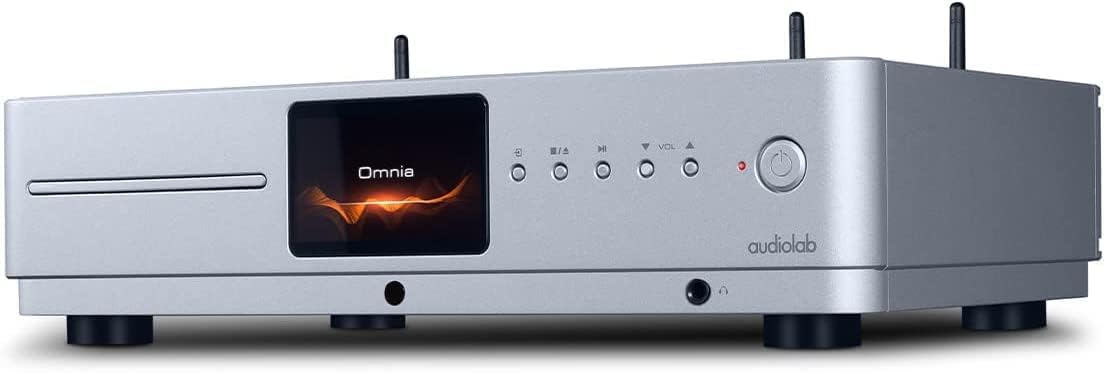
Фронт view of the Audiolab Omnia All-in-One Music System, showcasing its silver finish, central display, CD slot, and control buttons.
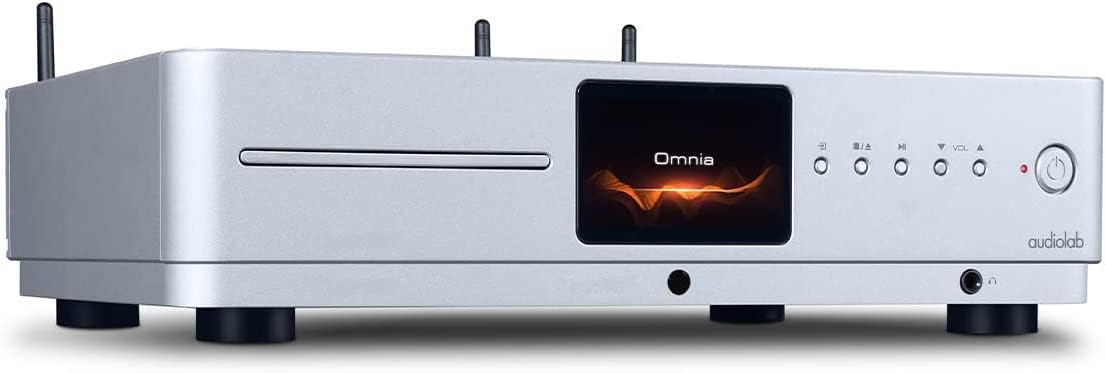
Бурчтуу алдыңкы view of the Audiolab Omnia, highlighting its sleek design and integrated display.
2. Динамиктерди бириктирүү
Connect your passive speakers to the speaker terminals on the rear panel of the Omnia. Ensure correct polarity (+ to + and - to -) for optimal sound quality. Use high-quality speaker cables.

The rear panel of the Audiolab Omnia, displaying speaker terminals, digital and analog inputs, network ports, and power input.
3. Тармакка кошулуу
For network streaming features, connect the supplied Wi-Fi antennas to the rear panel. Alternatively, connect an Ethernet cable from your router to the LAN port on the Omnia for a wired connection.
Detail of the rear panel, indicating the locations for Wi-Fi antenna attachment and the Ethernet port for network connectivity.
4. Power Connection
Connect the power cable to the AC inlet on the rear panel and then to a suitable wall outlet. Ensure the power switch is in the OFF position before connecting.
Иштөө нускамалары
1. Күйгүзүү / Өчүрүү
Press the power button on the front panel or the remote control to turn the unit on or off. The display will illuminate upon power-on.
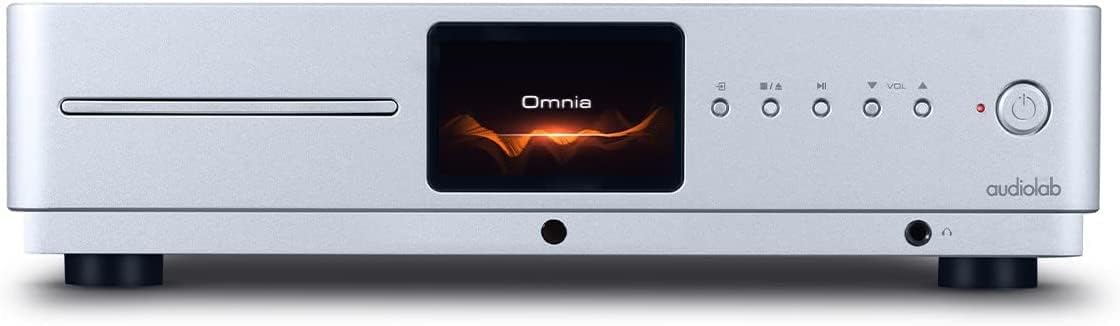
Front panel of the Omnia, showing the power button on the right and the central display.
2. Булак тандоо
Use the 'Input' button on the front panel or the remote control to cycle through available input sources (e.g., CD, Optical, Coaxial, USB, Network, Bluetooth, Analog).
3. CD ойнотуу
Insert a CD into the slot on the front panel. The unit will automatically detect the CD and begin playback. Use the play/pause, stop, and track skip buttons on the front panel or remote control.
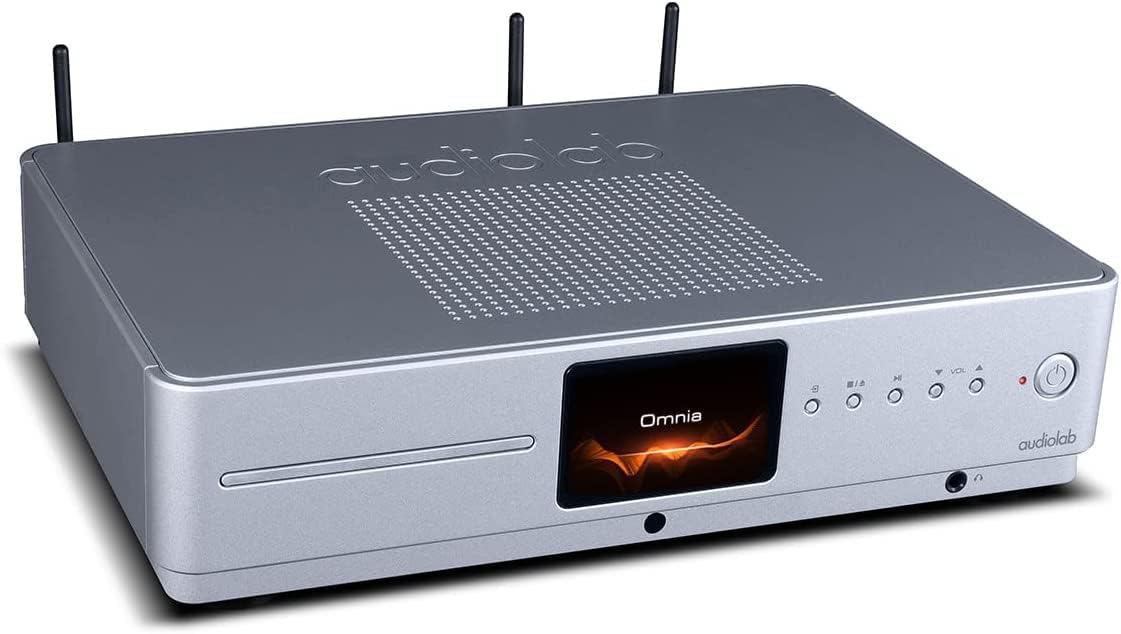
The CD slot on the front left of the Audiolab Omnia, ready for disc insertion.
4. Тармактык агым
Once connected to your network, use the dedicated Audiolab app (available for iOS and Android) to control streaming services, internet radio, and local network music files. Follow the in-app instructions for setup and control.
5. Bluetooth байланышы
Select Bluetooth as the input source. On your mobile device, search for "Audiolab Omnia" in the Bluetooth settings and pair. The unit supports aptX Bluetooth for high-quality wireless audio.
Техникалык тейлөө
- Тазалоо: Use a soft, dry, lint-free cloth to clean the unit's exterior. Do not use abrasive cleaners, waxes, or solvents.
- Вентиляция: Аба агымынын жакшы болушун камсыз кылуу үчүн желдетүү тешиктери чаңдан жана таштандылардан тазаланганын үзгүлтүксүз текшерип туруңуз.
- CD лоток: Keep the CD slot clean and free from foreign objects.
Проблемаларды чечүү
| Көйгөй | Мүмкүн себеп | Чечим |
|---|---|---|
| Күч жок | Power cable not connected; Power switch off; Wall outlet faulty. | Ensure power cable is securely connected; Turn power switch on; Test wall outlet with another device. |
| Үн чыгышы жок | Speakers not connected; Incorrect input source selected; Volume too low; Mute activated. | Check speaker connections; Select correct input source; Increase volume; Deactivate mute. |
| CD ойнобой жатат | CD inserted incorrectly; CD dirty or scratched; Incorrect source selected. | Re-insert CD correctly; Clean or replace CD; Select CD input source. |
| Тармакка туташуу маселелери | Wi-Fi antennas not connected; Router issues; Incorrect network settings. | Ensure antennas are connected; Restart router; Check network settings via the app. |
Техникалык шарттар
- Модел: Omnia
- Бренд: Аудиолаборатория
- Байланыш технологиясы: Wi-Fi, Bluetooth, Ethernet
- Түсү: Silver
- Динамик түрү: Stereo (Integrated Ampөмүрлүү)
- Кубат булагы: Электр зымдары
- Элемент Салмагы: 26.1 фунт (болжол менен 11.84 кг)
- Пакеттин өлчөмдөрү: 21 x 16.7 x 8.3 дюйм (болжол менен 53.34 x 42.42 x 21.08 см)
- Биринчи жеткиликтүү болгон күнү: 21-октябрь, 2021-жыл
Кепилдик маалымат
Audiolab products are manufactured to the highest standards and undergo rigorous quality control. This product is covered by a limited warranty against manufacturing defects. The specific terms and duration of the warranty may vary by region. Please retain your proof of purchase for warranty claims. For detailed warranty information, please refer to the warranty card included with your product or visit the official Audiolab webсайт.
Кардарларды колдоо
If you encounter any issues not covered in the troubleshooting section or require further assistance, please contact Audiolab customer support. You can find contact details on the official Audiolab website or through your local dealer. Please have your product model and serial number ready when contacting support.
Онлайн ресурстар: Visit www.audiolab.co.uk продукт каттоо, көп берилүүчү суроолор жана кошумча колдоо материалдары үчүн.


