1. Киришүү
Thank you for choosing the LIQUIPEL Powertek Glow MFi Certified 5ft Lightning to USB Charging Cable. This cable is designed to provide reliable and efficient charging and data transfer for your Apple devices. Its unique glow-in-the-dark feature enhances visibility in low-light conditions. This manual provides essential information for the proper use and care of your cable.
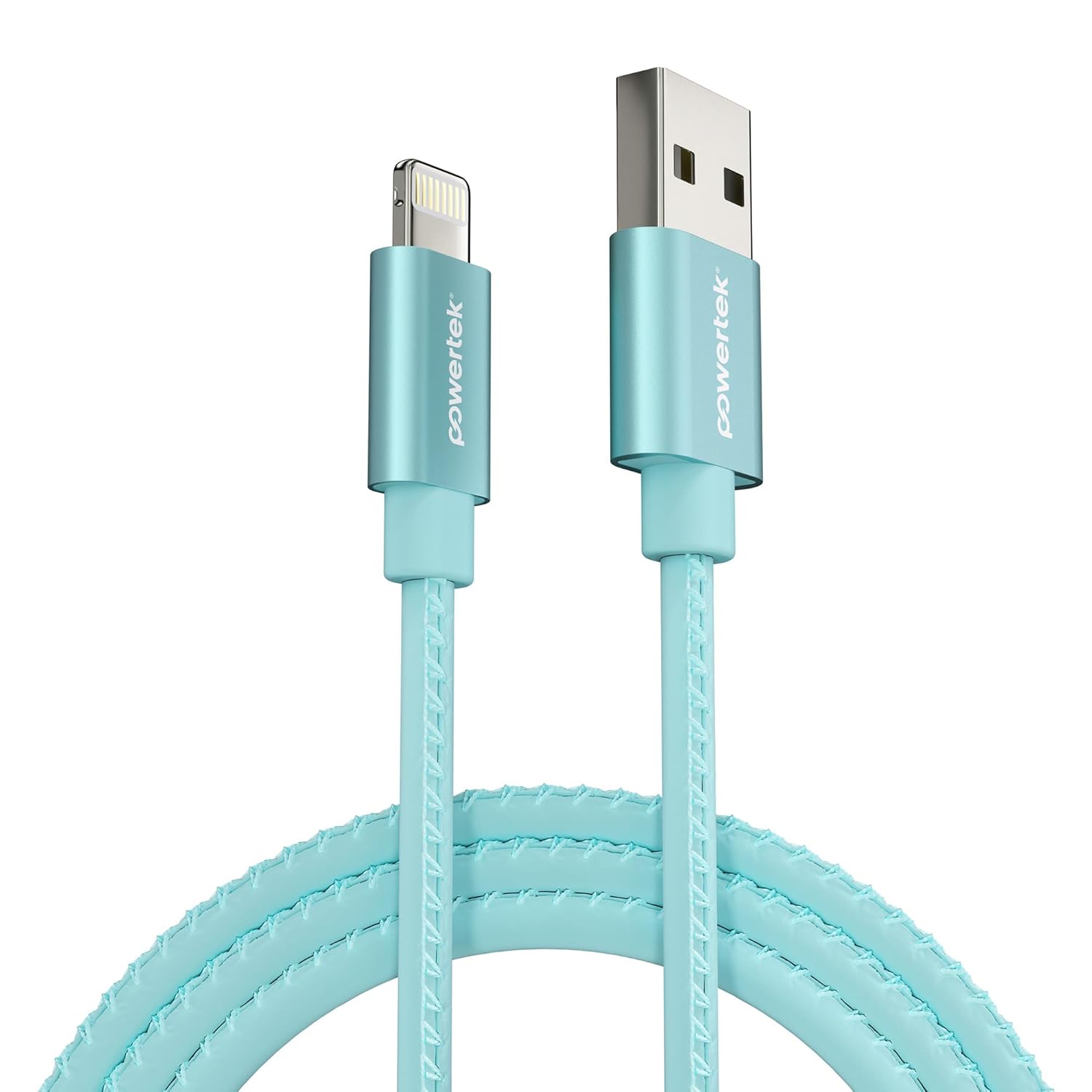
Image 1.1: The LIQUIPEL Powertek Glow Lightning to USB Cable in blue.
2. Коопсуздук маалыматы
- Do not expose the cable to extreme temperatures, direct sunlight, or moisture.
- Avoid bending or twisting the cable excessively, as this may damage internal wires.
- Балдар жетпеген жерде сактаңыз.
- Кабелди бөлүктөргө бөлүүгө же өзгөртүүгө аракет кылбаңыз.
- Use only with compatible Apple devices and certified power adapters.
3. Пакеттин мазмуну
- 1 x LIQUIPEL Powertek Glow MFi Certified 5ft Lightning to USB Charging Cable
4. Орнотуу
To set up your LIQUIPEL Powertek Glow cable for charging or data transfer, follow these steps:
- Кубат Булагына туташуу: Insert the USB-A end of the cable into a compatible USB power adapter (not included), a computer's USB port, or a power bank.
- Түзмөккө туташуу: Insert the Lightning connector end of the cable into the charging port of your Apple iPhone, iPad, or iPod.
- Байланышты текшерүү: Эки учу тең бекем туташтырылганын текшериңиз. Маалыматтарды өткөрүү үчүн түзмөгүңүз кубатталып жатканын же туташтырылганын көрсөтүшү керек.

Image 4.1: The LIQUIPEL Powertek Glow cable connected to an iPhone and a power bank for charging.
5. Иштөө нускамалары
5.1 Аппаратыңызды заряддоо
Once connected as described in the Setup section, your Apple device will begin charging. This MFi certified cable supports fast charging, allowing your device to charge efficiently.

Image 5.1: The glowing connectors of the LIQUIPEL Powertek cable, indicating fast and efficient charging capabilities.
5.2 Маалыматтарды өткөрүү
When connected to a computer, the cable facilitates high-speed data transfer between your Apple device and the computer. This allows for syncing photos, videos, and other files.

Image 5.2: The LIQUIPEL Powertek Glow cable designed for high-speed data transfers.
5.3 Glow Feature
The cable features a glow-in-the-dark design. To activate the glow, expose the cable to light for a period. The cable will then emit a soft glow in dark environments, making it easier to locate and connect your device at night.
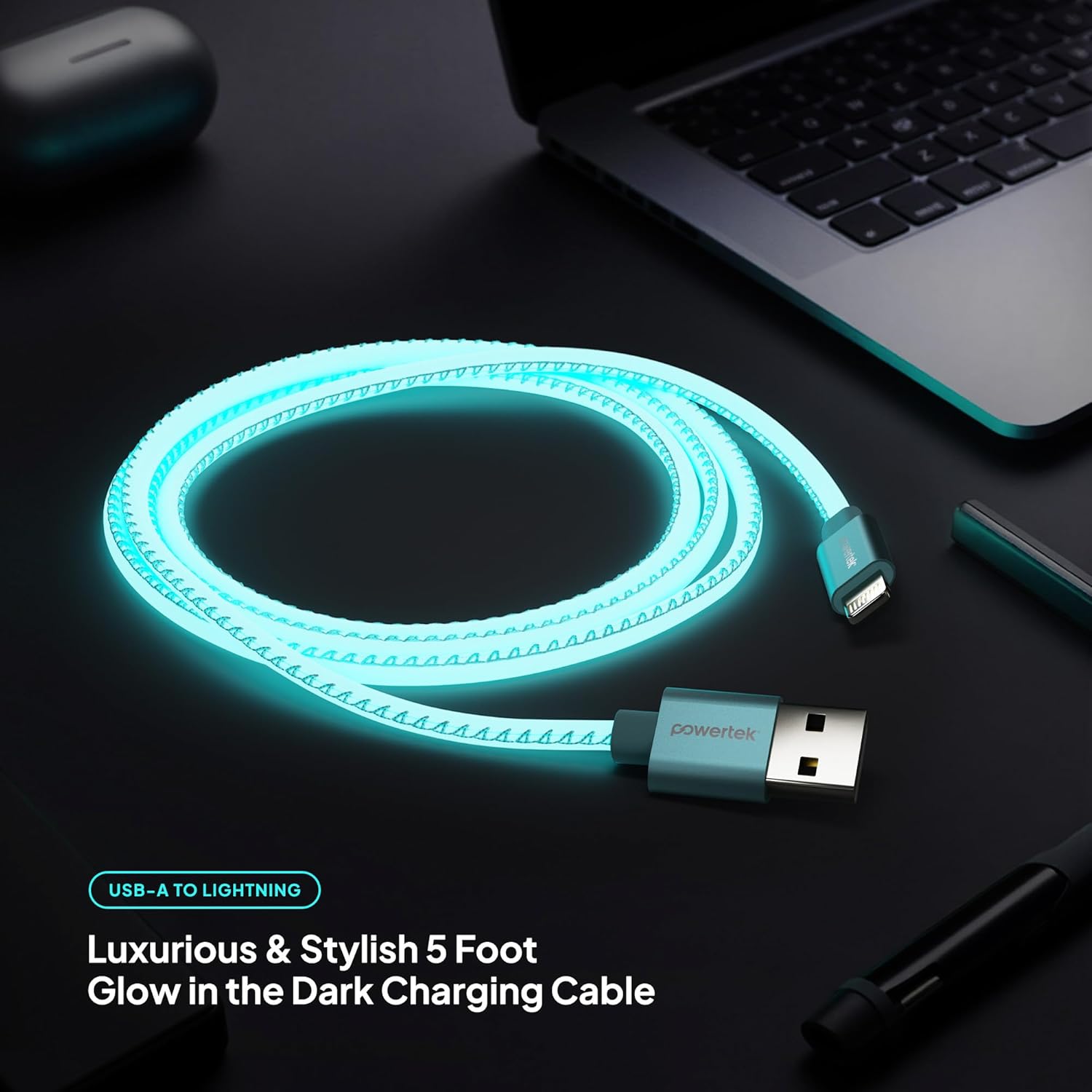
Image 5.3: The LIQUIPEL Powertek Glow cable illuminated in a dark setting, showcasing its glow feature.
5.4 Продукт Видео
For a visual demonstration of the LIQUIPEL Powertek Glow cable, please watch the official product video below.
Video 5.4: An official video demonstrating the LIQUIPEL Powertek Glow Lightning Cable, highlighting its features and glow-in-the-dark functionality.
6. Техникалык тейлөө
- Тазалоо: Use a soft, dry cloth to gently wipe the cable. Do not use liquid cleaners or abrasive materials.
- Сактагыч: When not in use, coil the cable loosely to prevent kinks and store it in a cool, dry place.
- Текшерүү: Periodically inspect the cable and connectors for any signs of wear, fraying, or damage. Discontinue use if damage is observed.
7. Кыйынчылыктарды
| Көйгөй | Мүмкүн себеп | Чечим |
|---|---|---|
| Түзмөк заряддалбай жатат | Бошоң туташуу, бузук кубат булагы, бузулган кабель, шайкеш келбеген түзмөк. | Ensure connections are secure. Try a different power adapter or USB port. Inspect the cable for damage. Confirm device compatibility. |
| Жай кубаттоо | Low-power USB port, background apps on device, cable damage. | Use a high-power USB wall adapter. Close unnecessary apps on your device. Check cable for damage. |
| Маалыматтарды өткөрүү маселелери | Loose connection, computer driver issues, cable damage. | Ensure connections are secure. Restart your computer and device. Check for updated drivers. Inspect cable for damage. |
| Cable not glowing | Жарыктын жетишсиздиги. | Expose the cable to a bright light source for a few minutes to charge its glow properties. |
8. Техникалык шарттар
| Өзгөчөлүк | Деталь |
|---|---|
| Модель номери | LIGHTNING-GLOW |
| Бренд | LIQUIPEL |
| Туташтыргыч түрү | Lightning to USB-A |
| Кабелдин узундугу | 5 фут (болжол менен 1.5 метр) |
| Өзгөчө өзгөчөлүк | Fast Charging, Glow-in-the-Dark, MFi Certified |
| Шайкеш түзмөктөр | Apple iPhone, iPad, iPod (all Lightning-enabled models) |
| Пакеттин өлчөмдөрү | 6.1 x 3.98 x 1.18 дюйм |
| Элемент Салмагы | 2.08 унция |
9. Кепилдик жана колдоо
For warranty information and customer support, please refer to the LIQUIPEL official webсайтка же түздөн-түз кардарларды тейлөөгө кайрылыңыз. Кепилдик дооматтар үчүн сатып алуу дүмүрчөгүңүздү сактаңыз.


