Introduction
The Yamaha Arius YDP165R is an 88-key digital piano designed to provide an authentic acoustic piano experience. It features a weighted Graded Hammer 3 (GH3) action keyboard with synthetic ebony and ivory key tops, replicating the feel of a traditional grand piano. The instrument incorporates CFX Stereo Sampling technology to reproduce the sound of Yamaha's flagship CFX Concert Grand piano, enhanced by an improved sound engine.
Негизги өзгөчөлүктөр төмөнкүлөрдү камтыйт:
- Graded Hammer 3 (GH3) Keyboard: Provides a realistic acoustic piano touch with heavier response in lower registers and lighter touch in higher registers. Synthetic ebony and ivory key tops absorb finger moisture for enhanced playability.
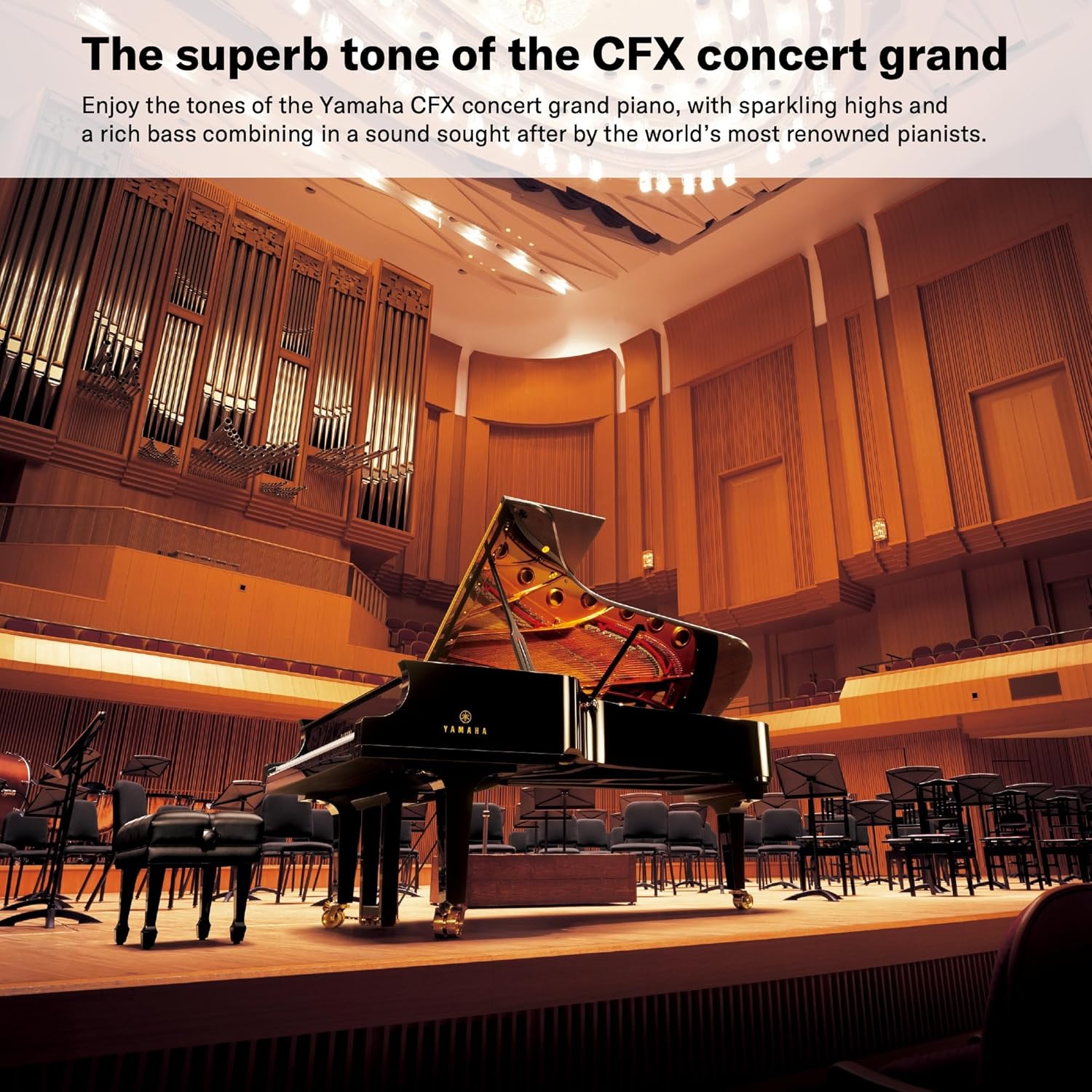
- CFX Stereo Sampлинг: Faithfully reproduces the rich, powerful sound of Yamaha's CFX Full Concert Grand.
- Tone Escapement Construction: Delivers rich and powerful sound projection.
- Фортепиано стилиндеги 3 педал: Offers authentic sustain, sostenuto, and soft pedal performance.
- VRM (Virtual Resonance Modeling) Lite: Enhances the acoustic piano sound by simulating complex string resonance.
- Smart Pianist App Integration: Allows intuitive control of voices, recording, and settings via an iOS/Android device. The app can also analyze songs for chord charts.
- Headphones Comfort Features: Designed for greater listening comfort during private practice sessions.

Жайгашуу
Ассамблея
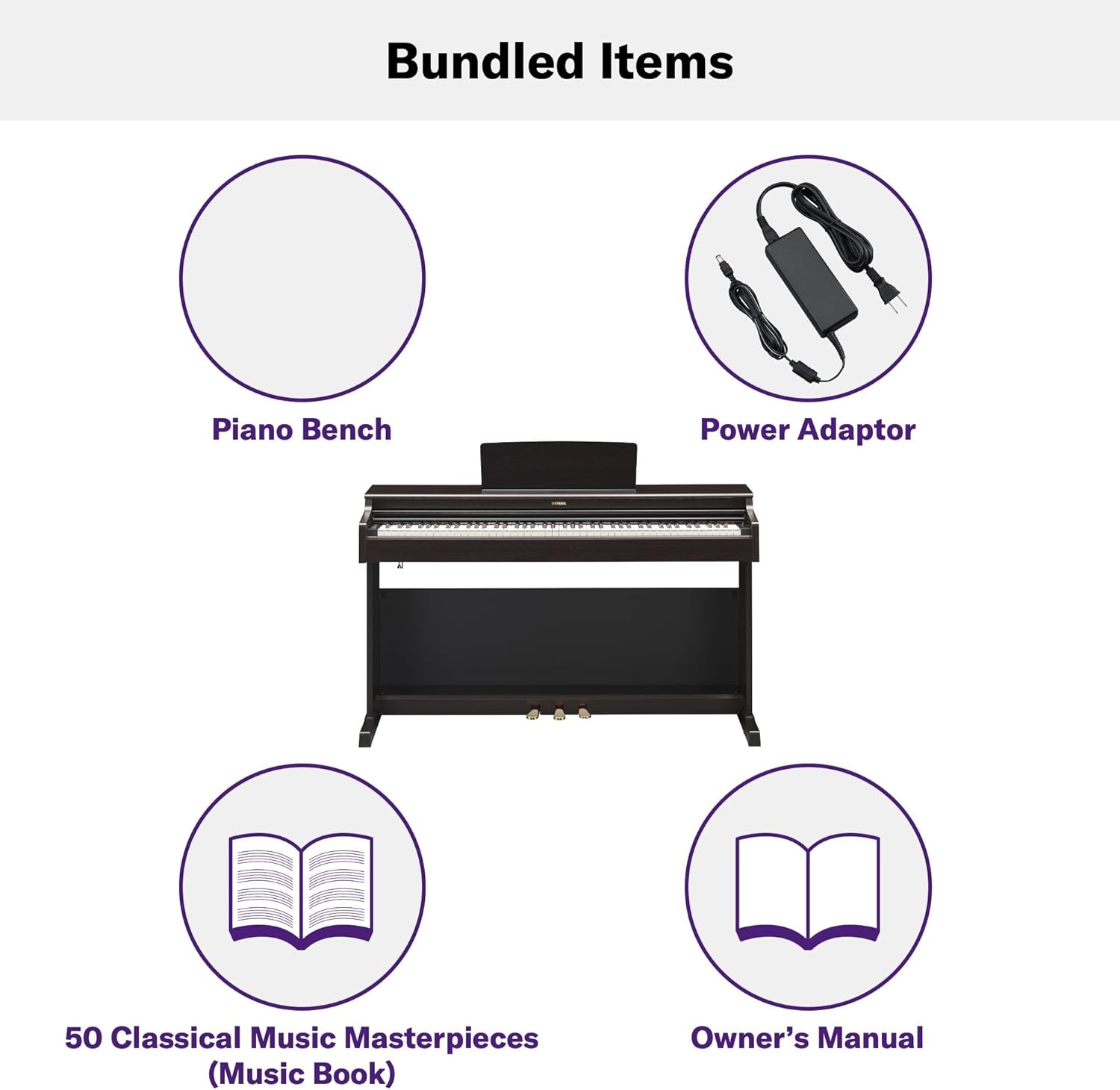
The Yamaha Arius YDP165R requires minimal assembly. Carefully unpack all components, including the main piano unit, stand parts, and the bench. Follow the detailed instructions provided in the owner's manual for step-by-step assembly. Typically, this involves attaching the side panels to the pedal board, securing the back panel, and then placing the main piano unit onto the assembled stand. The bench also requires simple assembly.

Байланыштар
After assembly, connect the necessary cables:
- Күч: Connect the included power adapter to the DC IN jack on the piano and then to a wall outlet.
- Педальдар: Connect the pedal unit cable to the designated jack on the underside of the piano.
- Наушник: Two 3.5mm headphone jacks are available for private practice or duet sessions.
- Хост үчүн USB: Use a standard USB cable to connect the piano to a computer or smart device for MIDI data transfer or Smart Pianist app functionality.

Иштөө нускамалары
Күйгүзүү/өчүрүү жана Көлөмү
To power on the piano, press the power button located on the left side of the keyboard. The master volume slider allows you to adjust the overall sound level. For quiet practice, connect headphones to one of the two headphone jacks.
Үндөрдү тандоо
The YDP165R offers a variety of instrument voices. The default voice is the CFX Grand Piano. Other voices include Electric Piano, Organ, Strings, Harpsichord, and Vibraphone. Refer to the owner's manual for specific key combinations or menu navigation to select different voices.

Smart Pianist App
Enhance your experience by connecting your iOS or Android device running the Smart Pianist app. This app provides an intuitive interface to select voices, record performances, and configure various settings with ease. It can also analyze songs from your music library to generate chord charts.

Жаздыруу жана ойнотуу
The piano includes built-in recording and playback functions. This allows you to record your performances and listen back to them, which is a valuable tool for self-assessment and improvement. Consult the owner's manual for detailed instructions on how to use these features.
Metronome, Rhythm, and Tempo
Utilize the integrated metronome for timing practice. The piano may also offer various rhythm patterns and tempo adjustments to aid in your musical development. These functions are typically accessible via dedicated buttons or through the Smart Pianist app.
Техникалык тейлөө
Жалпы кам көрүү
To ensure the longevity and optimal performance of your digital piano, follow these general care guidelines:
- Avoid exposing the piano to direct sunlight, extreme temperatures, or high humidity.
- Keep the piano away from heat sources and air conditioning vents.
- Do not place heavy objects on the keyboard or the instrument's surface.
- Use a dust cover when the piano is not in use to protect it from dust and debris.
Тазалоо
Regular cleaning helps maintain the appearance of your piano:
- Wipe the surface of the piano with a soft, dry cloth. For stubborn dirt, slightly dampчүпүрөктү суу жана жумшак, нейтралдуу жуучу каражат менен жууп, анан дароо кургатып сүртүңүз.
- Ачкычтарды жумшак чүпүрөк менен тазалаңыз dampened with water. Avoid using chemical cleaners, as they may damage the key surfaces.
- Never use abrasive cleaners, waxes, or solvents on any part of the piano.
Проблемаларды чечүү
If you encounter any issues with your Yamaha Arius YDP165R, refer to the following common troubleshooting tips:
- Үн жок: Check if the power is on, the volume is turned up, and headphones are not connected (unless intended). Ensure all cables are securely connected.
- Бурмаланган үн: Lower the volume. Check if the speakers are obstructed. If using headphones, ensure they are fully plugged in.
- Ачкычтар жооп бербейт: Ensure the piano is powered on. If only certain keys are affected, consult the owner's manual for potential settings or contact customer support.
- Колдонмонун туташуу маселелери: Ensure your smart device's Bluetooth or USB connection is active and correctly paired/connected to the piano. Restart both the app and the piano if necessary.
For more complex issues, please refer to the detailed troubleshooting section in your owner's manual or contact Yamaha customer support.
Техникалык шарттар
| Өзгөчөлүк | Спецификация |
|---|---|
| Бренд | Yamaha |
| Модель аты | YDP165R |
| Ачкычтардын саны | 88 |
| Негизги аракет | Graded Hammer 3 (GH3) with synthetic ebony and ivory key tops |
| Sound Engine | CFX Stereo Sampling, VRM Lite |
| Түс | Dark Rosewood |
| Дене материалы | Жыгач |
| Продукциянын өлчөмдөрү | 56.5"D x 23"W x 18.5"H (57.05x22.99x18.86 дюйм) |
| Элемент Салмагы | 92.6 фунт |
| Байланыш технологиясы | Bluetooth, USB, Wi-Fi |
| Туташтыргыч түрү | USB |
| Наушник уясы | 3.5 мм уяча (x2) |
| Колдоого алынган программалык камсыздоо | Акылдуу пианист |
| Камтылган аксессуарлар | отургуч |
Кепилдик жана колдоо
Your Yamaha Arius YDP165R Digital Piano is covered by a manufacturer's warranty. Please refer to the warranty card included with your product for specific terms, conditions, and duration of coverage. For technical support, service, or any inquiries regarding your product, please contact Yamaha customer service through their official website or the contact information provided in your owner's manual.


