Introduction
This manual provides detailed instructions for the Parsonver LW45 Smart Watch. Please read this guide thoroughly to understand the watch's functions, setup, and maintenance, ensuring optimal performance and longevity of your device.
Пакеттин мазмуну
Пакетти ачканда, бардык буюмдар бар экенин текшериңиз:
- Parsonver LW45 Smart Watch
- Заряддоо кабели
- User Manual
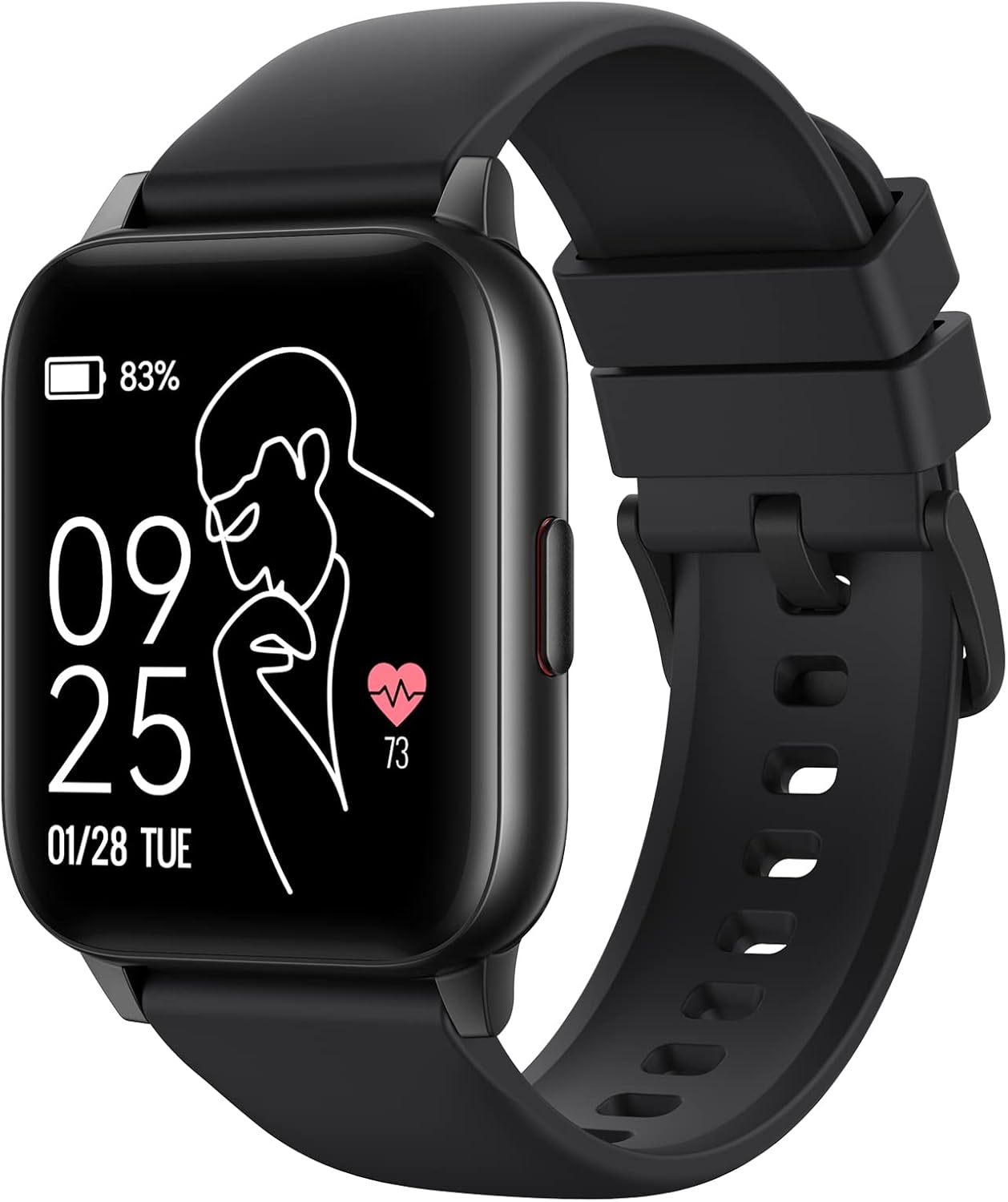
Image: The Parsonver LW45 Smart Watch, black model, displaying time and health metrics.
Орнотуу колдонмосу
1. Аппаратты заряддоо
Before initial use, fully charge the smart watch. Connect the charging cable to the charging port on the back of the watch and to a USB power source. The watch display will indicate charging status.
2. Колдонмону орнотуу жана жупташтыруу
- Download the official Parsonver app from your smartphone's app store (compatible with iOS 10.0/Android 5.0 or above).
- Смартфонуңузда Bluetooth иштетилгенин текшериңиз.
- Каттоо эсебин түзүү же кирүү үчүн колдонмону ачып, экрандагы нускамаларды аткарыңыз.
- Select "Add Device" or similar option within the app to search for your LW45 Smart Watch.
- Смартфонуңузда жана саатыңызда жупташтыруу өтүнүчүн ырастаңыз.
Эскертүү: The watch connects via Bluetooth 5.0. Maintain proximity between the watch and your smartphone for a stable connection.

Image: A smartphone displaying the Parsonver app, illustrating the device connection process.
Иштөө нускамалары
Негизги навигация
- Сенсордук экран: Менюларды чабыттоо жана функцияларга кирүү үчүн солго/оңго, өйдө/ылдый сүрүңүз. Тандоо үчүн таптаңыз.
- Каптал баскычы: Үй экранына кайтуу же аппаратты ойготуу үчүн басыңыз.
Спорт режимдери
The LW45 Smart Watch features 16 default sports modes. Over 100 additional sports modes can be customized and added via the companion app. These include activities such as walking, running, cycling, swimming, yoga, and strength training.
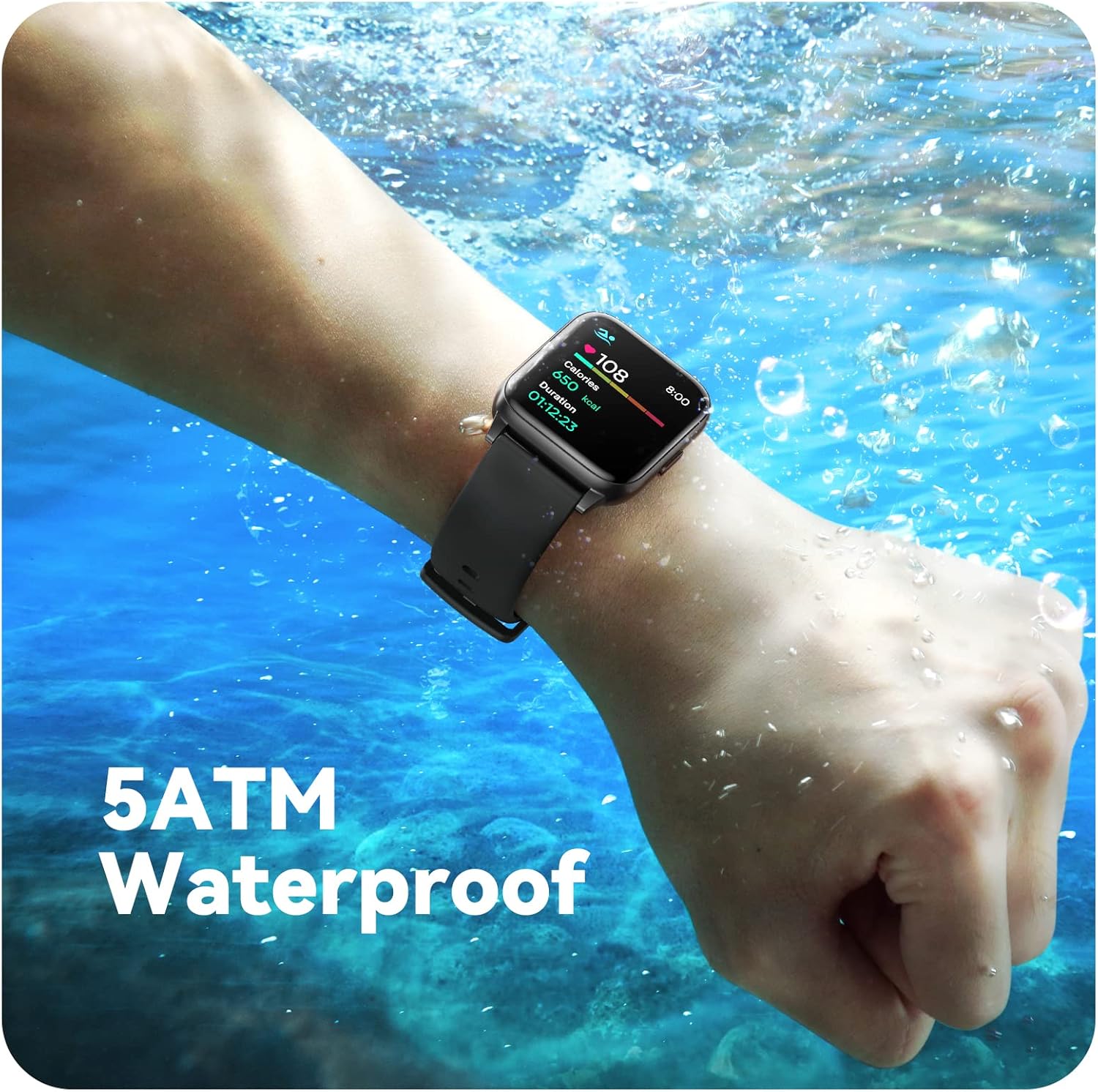
Image: A person engaged in soccer, wearing the smart watch, demonstrating its use during sports activities.

Image: A smartphone screen displaying a wide selection of sports modes within the Parsonver application.
Ден соолук мониторинги
- Жүрөктүн кагышын көзөмөлдөө: Provides 24/7 real-time heart rate data.
- Кандагы кычкылтектин мониторинги: Кандагы кычкылтектин деңгээлин өлчөйт.
- Уйкуга көз салуу: Automatically monitors sleep patterns, including deep sleep, light sleep, and awake times (from 9:00 PM to 12:00 PM the next day).
- Hydration and Sedentary Alerts: The watch can provide reminders for hydration and prolonged inactivity.
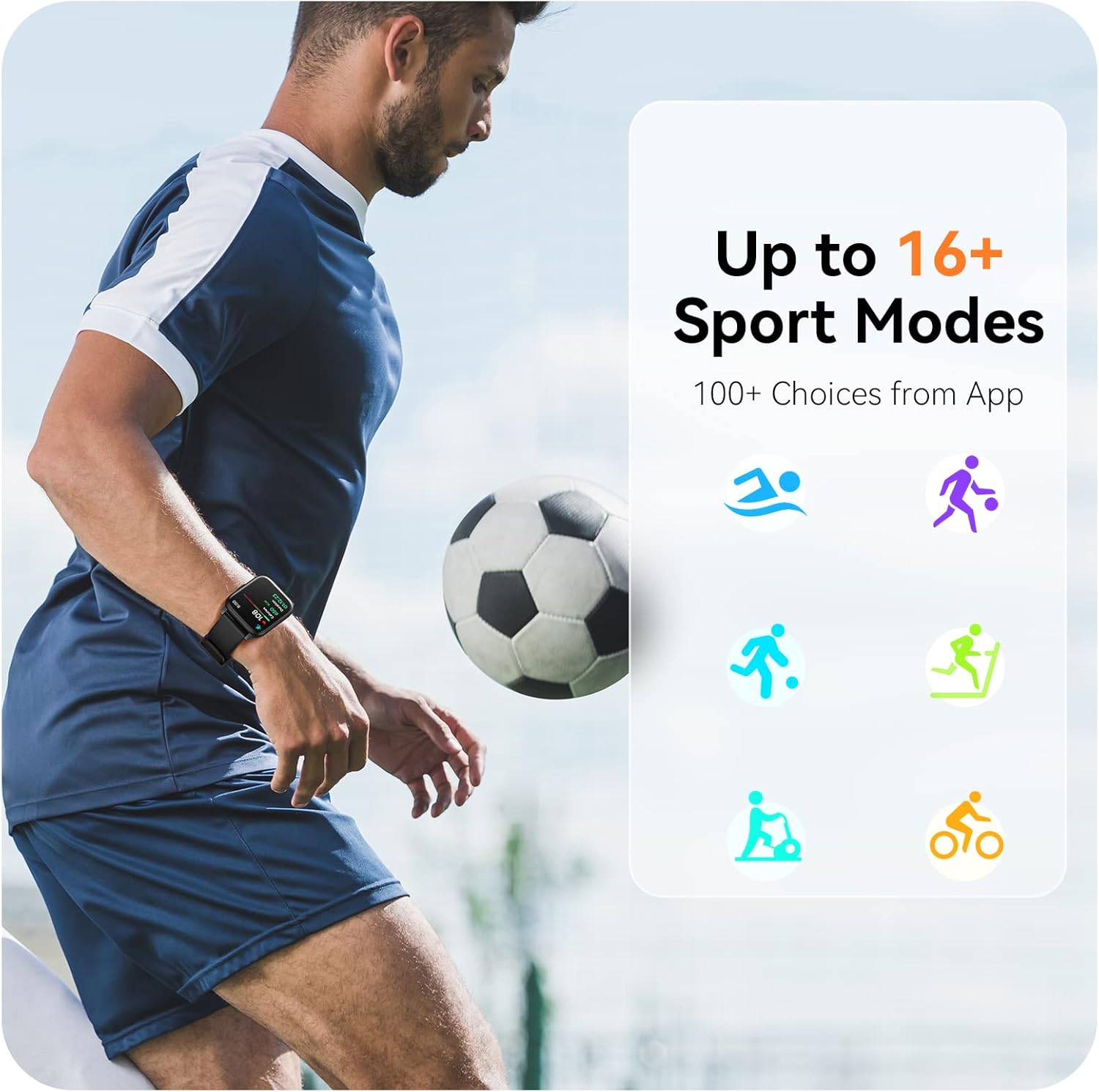
Image: A man running, with the smart watch on his wrist showing real-time fitness data.

Image: A person sleeping, with the smart watch tracking sleep and displaying data on a connected phone.
Эскертмелер
Receive notifications for incoming calls, SMS messages, emails, and alerts from social media applications (WhatsApp, LinkedIn, Instagram, Twitter) when connected to your smartphone. You can reject calls directly from the watch, but cannot answer or reply to messages.
Image: The smart watch screen showing icons for different types of notifications.
Кошумча функциялар
The 1.69-inch high-definition touch screen provides access to various features:
- Аба ырайы
- Ойготкуч саат
- Таймер жана секундомер
- Камераны алыстан башкаруу
- Музыканы ойнотууну башкаруу
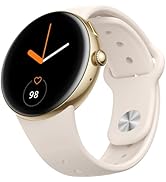
Image: The smart watch screen showing a weather forecast display.
Ыңгайлаштыруу
Саат тажрыйбаңызды жекелештириңиз:
- Бетти көрүү: Choose from a variety of pre-installed watch faces or download more via the app.
- Ыңгайлаштырылган фондор: Set your own photos as watch face backgrounds through the app.
- Time and Unit Formats: Adjust time display (12/24 hour) and measurement units (Metric/Imperial, Celsius/Fahrenheit) in the app settings.
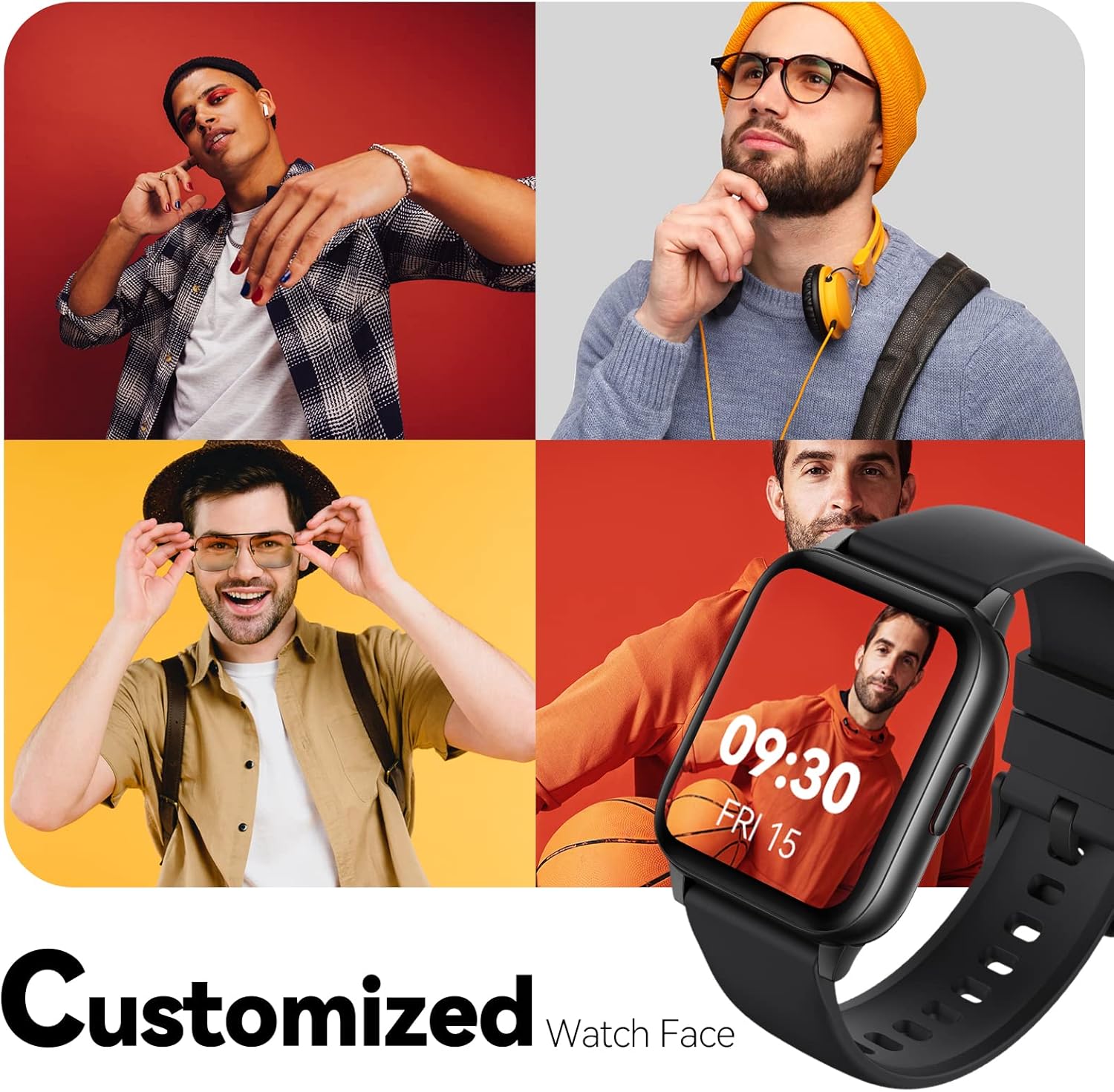
Image: Multiple watch face designs shown on the smart watch, highlighting customization.

Image: A visual guide demonstrating how to adjust time formats, units, and customize watch faces via the companion app.
Суу каршылык
The Parsonver LW45 Smart Watch is rated 5ATM waterproof, meaning it is water-resistant up to 50 meters. This allows for use during swimming, showering, and in various weather conditions like rain or snow. Important: Do not press any buttons while the watch is submerged in water.

Image: The smart watch submerged in water, illustrating its 5ATM waterproof capability.
Техникалык тейлөө
- Тазалоо: Regularly clean the watch and strap with a soft, dry cloth. For stubborn dirt, use a slightly damp кездеме жана жумшак самын, андан кийин жакшылап жууп, кургатуу.
- Заряддоо байланыштары: Сааттын арткы бетиндеги заряддоочу контакттарды таза жана таштандылардан таза кармаңыз, бул туура заряддоону камсыз кылат.
- Сактагыч: Колдонулбаган убакта саатты салкын, кургак жерде сактаңыз.
- Химиялык заттардан алыс болуңуз: Do not expose the watch to strong chemicals, solvents, or detergents, as these can damage the materials.
Проблемаларды чечүү
| Маселе | Мүмкүн чечим |
|---|---|
| Watch not turning on or charging | Ensure the charging cable is securely connected to both the watch and a working USB power source. Clean the charging contacts. Try a different USB port or adapter. |
| Смартфон менен жупташтыруу мүмкүн эмес | Ensure Bluetooth is enabled on your phone. Restart both the watch and phone. Make sure the watch is within Bluetooth range. Check if other Bluetooth devices are interfering. Uninstall previous watch apps if present. |
| Билдирмелер алынган жок | Verify that notification permissions are enabled for the Parsonver app in your phone's settings. Ensure the watch is connected via Bluetooth. Check app settings for specific notification toggles. |
| Inaccurate step count or sleep data | Ensure the watch is worn snugly on your wrist. Calibrate the watch through the app if available. Note that some activities (like driving) might register as steps. Sleep tracking is active from 9:00 PM to 12:00 PM the next day. |
Техникалык шарттар
| Өзгөчөлүк | Деталь |
|---|---|
| Модель аты | LW45 |
| Screen Size | 1.69 дюйм |
| Суу каршылык | 5ATM (50 метрге чейин) |
| Салмагы | 40 грамм |
| Операциялык системанын шайкештиги | iOS 10.0/Android 5.0 or above |
| Байланыш | Bluetooth 5.0 |
| Батарея сыйымдуулугу | 300 миллионamp Саат |
| Эстутум сактоо сыйымдуулугу | 128 MB |
| GPS | Смартфон аркылуу |
| Камтылган компоненттер | Акылдуу саат |
Колдоо жана кепилдик
For technical assistance or warranty inquiries, please contact Parsonver customer service. Refer to the product packaging or the official Parsonver webакыркы байланыш маалыматы үчүн сайт.
Кардарларды тейлөө электрондук почтасы: support@parsonver.com

Image: The official Parsonver brand logo.

Image: A graphic indicating 24/7 online customer support availability.
Маанилүү коопсуздук маалыматы
- Саатты ажыратууга же өзгөртүүгө аракет кылбаңыз.
- Keep the watch away from extreme temperatures.
- Consult a medical professional before starting any new exercise regimen, especially if you have pre-existing health conditions. The health monitoring features are for informational purposes and not for medical diagnosis.
- Түзмөктү жана анын батарейкасын жергиликтүү эрежелерге ылайык жок кылыңыз.


