Introduction
This manual provides instructions for the Accutime AVG4706 Avengers LED Watch. Please read this manual carefully before using your watch to ensure proper operation and to maximize its lifespan.

Сүрөт: алдыңкы view of the Accutime AVG4706 Avengers LED Watch, showcasing the digital display and the Avengers-themed strap.
Жайгашуу
Кутудан чыгаруу жана алгачкы текшерүү
Upon receiving your Accutime AVG4706 watch, carefully remove it from its packaging. Ensure all components are present, including the watch and this instruction manual.
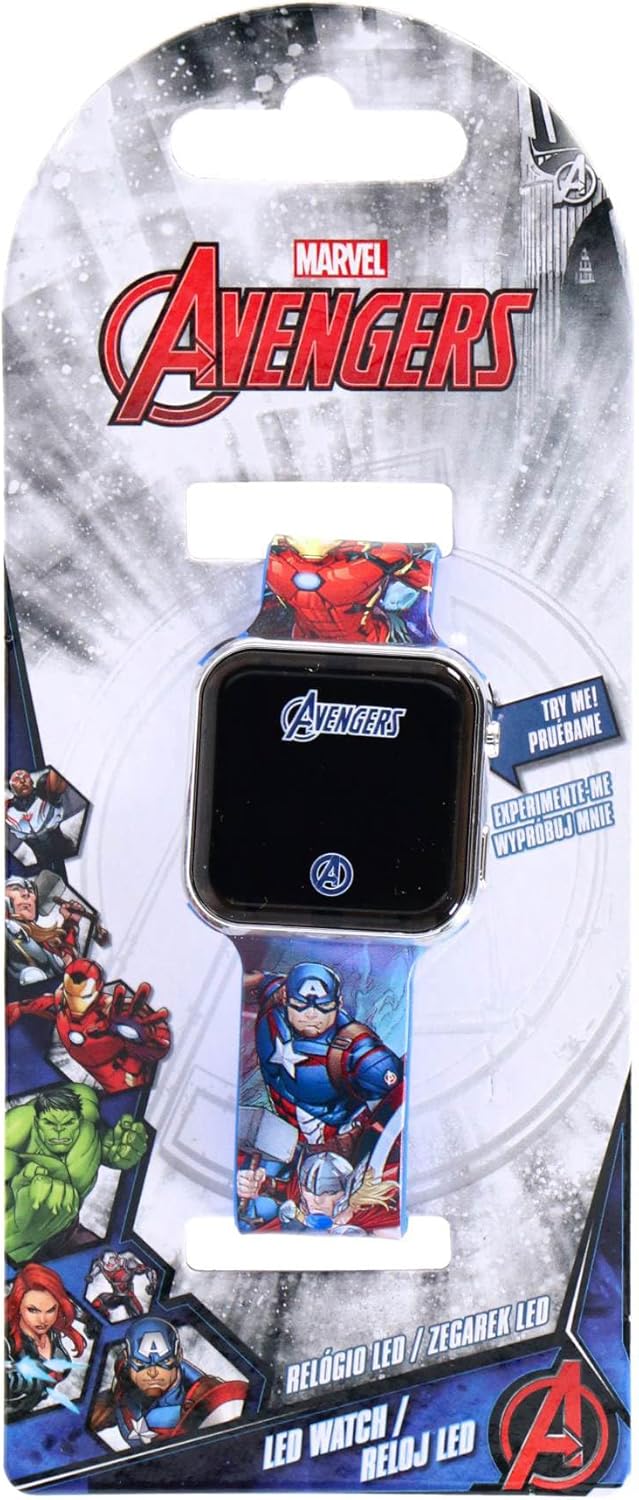
Image: The Accutime AVG4706 Avengers LED Watch displayed in its retail packaging, highlighting the Marvel Avengers branding.
Боону тууралоо
The watch features an acrylic strap approximately 21.7 cm long with 7 adjustment holes. To adjust the strap:
- Саатты билегиңизге коюңуз.
- Thread the strap through the buckle.
- Select the hole that provides a comfortable and secure fit.

Image: The Accutime AVG4706 Avengers LED Watch worn on a wrist, demonstrating how the strap fits and the display showing "Press Button".
Иштөө нускамалары
Displaying Time and Date
The Accutime AVG4706 watch features an LED digital display. To view the time and date:
- Press the button located on the side of the watch casing.
- The LED display will illuminate, showing the time (hours, minutes), seconds, month, and day.
- The display will automatically turn off after a few seconds to conserve battery life.
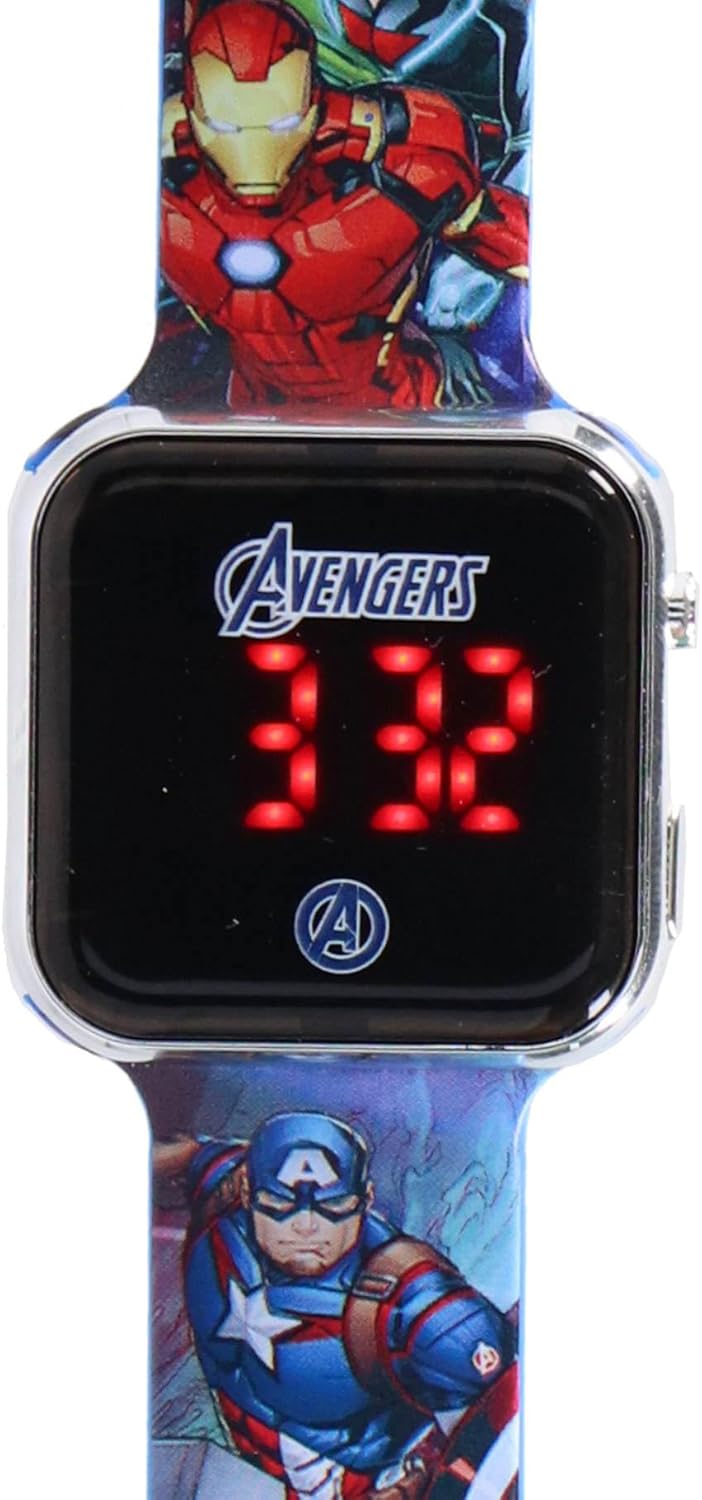
Сүрөт: жакын план view of the Accutime AVG4706 Avengers LED Watch face, clearly showing the digital time display.
Убакыт жана дата орнотуу
The watch supports both 12-hour and 24-hour time systems. All settings are adjusted using the two buttons located on the right side of the watch casing.
- Орнотууларга кирүү: Press and hold the top button until the display starts flashing.
- Маанилерди тууралоо: Use the top button to cycle through the values (e.g., hours, minutes, month, day).
- Confirming Selection: Use the bottom button to confirm the current value and move to the next setting.
- Repeat steps 2 and 3 until all desired settings (hours, minutes, seconds, month, day, 12/24-hour format) are configured.
- The display will exit setting mode automatically after a period of inactivity or once all settings are confirmed.
Техникалык тейлөө
Батарея маалыматы
The Accutime AVG4706 watch is powered by an integrated CR2032 button cell battery. This battery is designed for long life due to the automatic display shut-off feature.
- Батарея турат кайра заряддоого болбойт.
- Батарея турат алмаштырылбайт by the user. Attempting to replace the battery may damage the watch and void any implied warranty.
Тазалоо
To clean your watch, gently wipe the display and strap with a soft, dry cloth. Avoid using harsh chemicals or abrasive materials, as these may damage the watch's finish or display.
Сактагыч
Колдонулбай турган учурда, саатты салкын, кургак жерде, күндүн түз нурунан жана өтө жогорку температурадан алыс сактаңыз.
Проблемаларды чечүү
- Display not illuminating:
- Баскычтын бекем басылганын текшериңиз.
- If the display still does not illuminate, the battery may be depleted. As the battery is not replaceable, the watch may have reached the end of its operational life.
- Туура эмес убакыт/дата:
- Refer to the "Setting Time and Date" section to re-adjust the settings.
Техникалык шарттар
| Өзгөчөлүк | Деталь |
|---|---|
| Модель номери | AVG4706 |
| Дисплей түрү | LED Digital |
| Боо материалы | Акрил |
| Боонун өлчөмдөрү | Болжол менен 21.7 см (узундугу) x 2.2 см (туурасы) |
| Иштин өлчөмдөрү | Approximately 3.8 cm (length) x 3.7 cm (height) x 0.9 cm (thickness) |
| Салмагы | 24 грамм |
| Батарея түрү | CR2032 Button Cell (integrated, non-rechargeable, non-replaceable) |
| Убакыт форматтары | 12-hour / 24-hour selectable |
Кепилдик жана колдоо
Кепилдик маалымат
Specific warranty details are not provided in the product description. Please refer to the retailer's return policy or contact Accutime directly for warranty inquiries.
Кардарларды колдоо
For further assistance or questions regarding your Accutime AVG4706 watch, please contact the retailer where the product was purchased or visit the official Accutime webколдоо маалымат үчүн сайт.
Эскертүү: Spare parts availability for this product is not indicated.


