1. Киришүү
This manual provides essential information for the safe and effective operation of your EXO Cinemaster 2-4K UHD Camera Drone. Please read this manual thoroughly before operating the drone to ensure proper usage and to maximize your flying experience. The EXO Cinemaster 2 is designed for capturing stunning aerial photography and videography with its advanced camera system and intelligent flight features.

The EXO Cinemaster 2-4K UHD Camera Drone, its remote controller, and included accessories.
2. Кутуда эмне бар
Пакетиңизде бардык буюмдар бар экенин текшериңиз:
- EXO Cinemaster 2 Drone
- Remote Controller
- 3 Lithium Polymer Batteries
- Батарея заряддагыч
- Propeller Set (spare propellers may be included)
- USB заряддоо кабели
- Колдонуучунун Колдонмосу (бул документ)
3. Components Overview
Familiarize yourself with the main components of your EXO Cinemaster 2 drone.

The drone features an 11MP photo resolution camera capable of 4K UHD video, mounted on a 3-axis gimbal for stable footage.
Дрон
- Камера: 11MP photo, 4K UHD video, 1080p 60FPS slow-motion, 1/2.3in Sony Sensor, 50mbps bitrate.
- Gimbal: 3-axis stabilization for smooth video.
- Motors & Propellers: High-efficiency motors for stable flight.
- Батарея бөлүмү: Учуунун батареясын жайгаштырат.
- Сенсорлор: GPS for precise positioning, obstacle avoidance sensors.
Remote Controller
- Башкаруу таякчалары: For flight direction and altitude.
- Смартфон кармагыч: To mount your smartphone for live video feed and app control.
- Функция баскычтары: For various flight modes and camera controls.
- Антенналар: For signal transmission to the drone.
4. Орнотуу
Follow these steps to prepare your EXO Cinemaster 2 for its first flight.
4.1 Батареяларды заряддоо
- Батарея заряддагычты кубат булагына туташтырыңыз.
- Insert the drone batteries into the charger.
- Allow batteries to fully charge. Indicator lights on the charger will show charging status.
4.2 Пропеллерлерди бекитүү
- Дрондун өчүрүлгөнүн текшериңиз.
- Match propellers with their corresponding motor arms (usually marked A and B).
- Securely attach each propeller by twisting or pressing down until locked. Refer to the drone's markings for correct orientation.
4.3 Алыстан башкаруу пультун даярдоо
- Charge the remote controller.
- Extend the smartphone holder and securely place your smartphone.
- Download and install the official EXO drone application from your device's app store.
4.4 Баштапкы туташуу
- Power on the drone, then the remote controller.
- Open the EXO drone app on your smartphone.
- Follow the in-app instructions to connect your smartphone to the drone via Wi-Fi.
- Wait for GPS signal acquisition (indicated by solid green lights on the drone and/or app).
5. Дронду башкаруу
Learn how to fly your Cinemaster 2 and utilize its advanced features.
5.1 Учууну башкаруунун негизги каражаттары
The remote controller provides intuitive control over the drone's movement:
- Сол таякча: Бийиктикке (өйдө/төмөн) жана бурулууну (солго/оңго айлантуу) көзөмөлдөйт.
- Оң таякча: Алдыга/артка жана сол/оң кыймылды көзөмөлдөйт.
- Takeoff/Landing Button: One-tap automatic takeoff and landing.

The remote controller provides precise and intuitive flight control.
5.2 Камеранын иштеши
The Cinemaster 2's camera system allows for high-quality media capture:
- Сүрөттүн чечими: Capture still images at 11 megapixels.
- Видеонун чечилиши: Record videos in stunning 4K UHD.
- Жай кыймыл: Achieve cinematic effects with 1080p 60FPS slow-motion recording.
- 3-Axis Gimbal: Ensures stable and smooth footage by compensating for drone movements.
- Sony сенсору: The 1/2.3in Sony Sensor delivers rich, true-to-life colors with a 50mbps bitrate for detailed recordings.
5.3 Flight Performance and Features
Experience robust flight performance and intelligent modes:
- Учуу убактысы: Enjoy up to 28 minutes of flight per battery.
- Диапазон: Control the drone up to half a mile away.
- Шамалдын каршылыгы: Designed with Level 5 wind resistance for stable flight in various conditions.
- Спорт режими: Reach speeds of up to 27 MPH for dynamic aerial maneuvers.
- One-Tap Return to Home: The drone automatically returns to its takeoff point.
- Follow-Me Mode: The drone tracks your movements, capturing hands-free footage.
- Circle-Me Feature: The drone orbits around a designated subject for captivating shots.
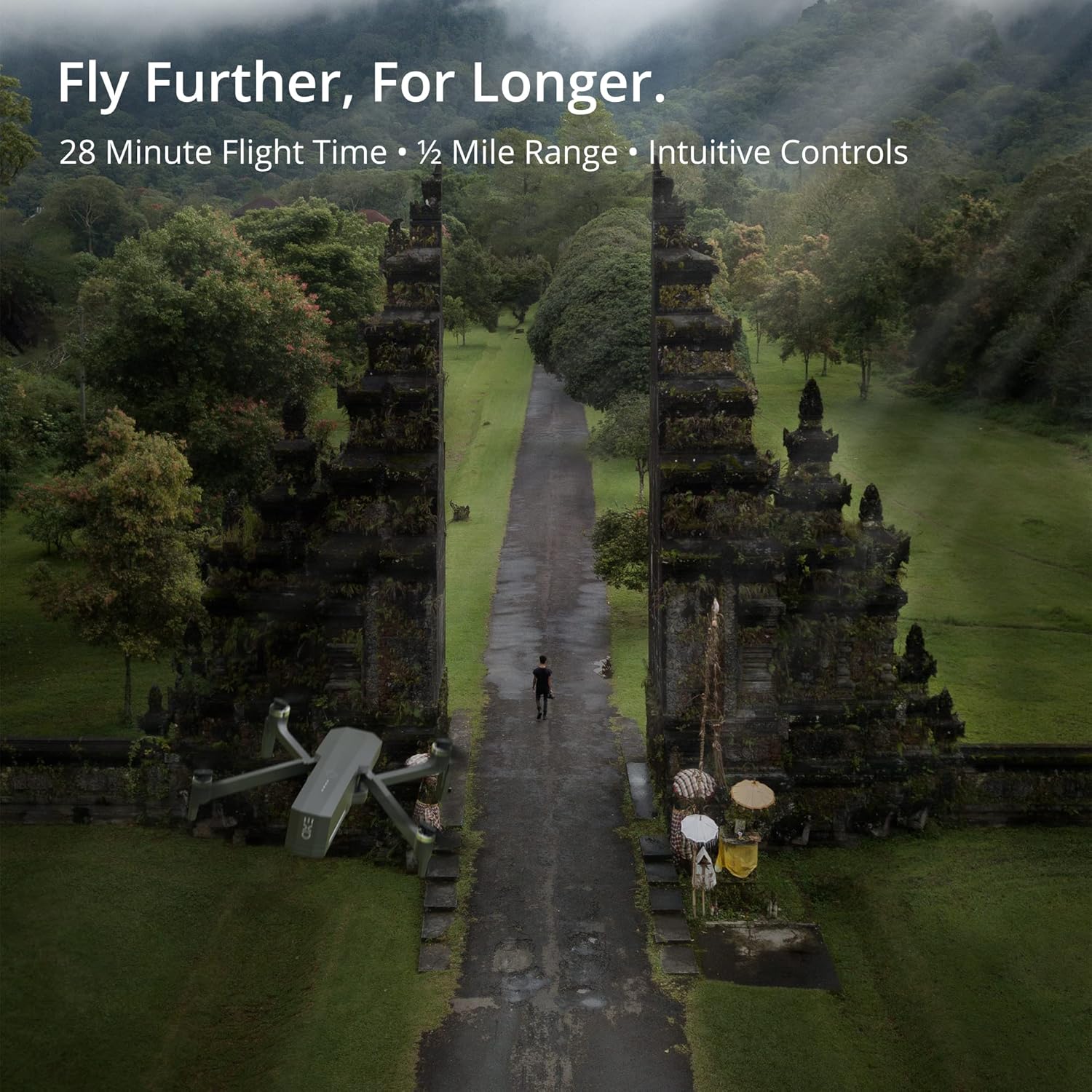
The Cinemaster 2 offers extended flight time and range for comprehensive aerial exploration.

Smart features like Auto Return Home simplify operation and enhance safety.

The drone's robust design provides stability even in windy conditions.
5.4 Расмий продукт Videos
Introducing Cinemaster 2: Бул видеодо толук маалымат берилетview of the EXO Cinemaster 2 drone's features and capabilities, showcasing its camera quality and flight performance.
Drone Features Demonstration: This video demonstrates general drone features, including obstacle avoidance and high-resolution remote control, applicable to advanced drone models like the Cinemaster 2.
6. Техникалык тейлөө
Үзгүлтүксүз тейлөө сиздин дронуңуздун узак иштөөсүн жана оптималдуу иштешин камсыздайт.
- Батареяга кам көрүү: Store batteries at approximately 50% charge if not used for extended periods. Avoid overcharging or fully discharging.
- Пропеллер текшерүү: Regularly check propellers for cracks, bends, or damage. Replace damaged propellers immediately.
- Тазалоо: Дрондун корпусун жана камеранын линзасын тазалоо үчүн жумшак, кургак чүпүрөктү колдонуңуз. Катуу химиялык заттарды колдонуудан алыс болуңуз.
- Программалык камсыздоонун жаңыртуулары: Check the EXO drone app periodically for firmware updates to ensure your drone has the latest features and performance enhancements.
7. Кыйынчылыктарды
Бул жерде сиз кабылышы мүмкүн болгон жалпы маселелерди чечүү жолдору бар:
- Drone Not Connecting to Remote/App: Ensure both drone and remote are powered on and fully charged. Restart both devices and the app. Verify Wi-Fi connection.
- GPS сигналы начар: Fly in an open area away from tall buildings or strong magnetic interference. Wait for the GPS indicator to show a strong signal.
- Туруксуз учуу: Check propellers for damage and ensure they are correctly installed. Calibrate the drone's compass and IMU as per app instructions.
- Camera Issues (No Image/Poor Quality): Ensure the camera lens is clean. Check app settings for resolution and frame rate. Verify sufficient storage on the SD card.
- Drone Does Not Respond: Ensure batteries are charged and properly inserted. Check for any physical obstructions to propellers.
8. Техникалык шарттар
| Өзгөчөлүк | Спецификация |
|---|---|
| Бренд | EXO |
| Модель аты | EXO Cinemaster 2 |
| Элемент Салмагы | 1.43 фунт |
| Продукциянын өлчөмдөрү | 12.6 x 4.72 x 9.45 дюйм |
| Батареялар | 3 литий полимердик батарейкалар (кошулган) |
| Өзгөчөлүктөр | GPS |
| Видео тартуунун резолюциясы | 4K UHD (1080p for slow motion) |
| Flash эс тутум түрү | SD |
| Колдоого алынган аудио формат | AAC |
| Байланыш технологиясы | Wi-Fi |
| Видеокамера түрү | Видео камера |
| Дата биринчи жеткиликтүү | 30-март, 2022-жыл |
9. Кепилдик жана колдоо
For any questions, technical assistance, or warranty claims, please contact EXO's dedicated customer service team. Our Utah-based support is available to ensure a smooth and enjoyable experience with your Cinemaster 2 drone.
Refer to the official EXO webкепилдиктин белгилүү бир шарттары жана байланыш маалыматы үчүн сайтка же сатып алуу документтерине кайрылыңыз.


