1. Продукт бүтүп калдыview
The SilverStone AR09-AM4 is a CPU cooler engineered for 2U rackmount servers and small form factor cases. It is compatible with AMD AM4 sockets and features a compact design for efficient thermal management.
Негизги өзгөчөлүктөрү:
- TAA compliant / Made in Taiwan
- Three Ø6mm copper heat-pipes and aluminum fins for heat dissipation.
- 60mm dual ball bearing PWM fan for controlled airflow.
- Bi-directional mounting bracket design for installation flexibility.
- Compatible with AMD AM4 socket.
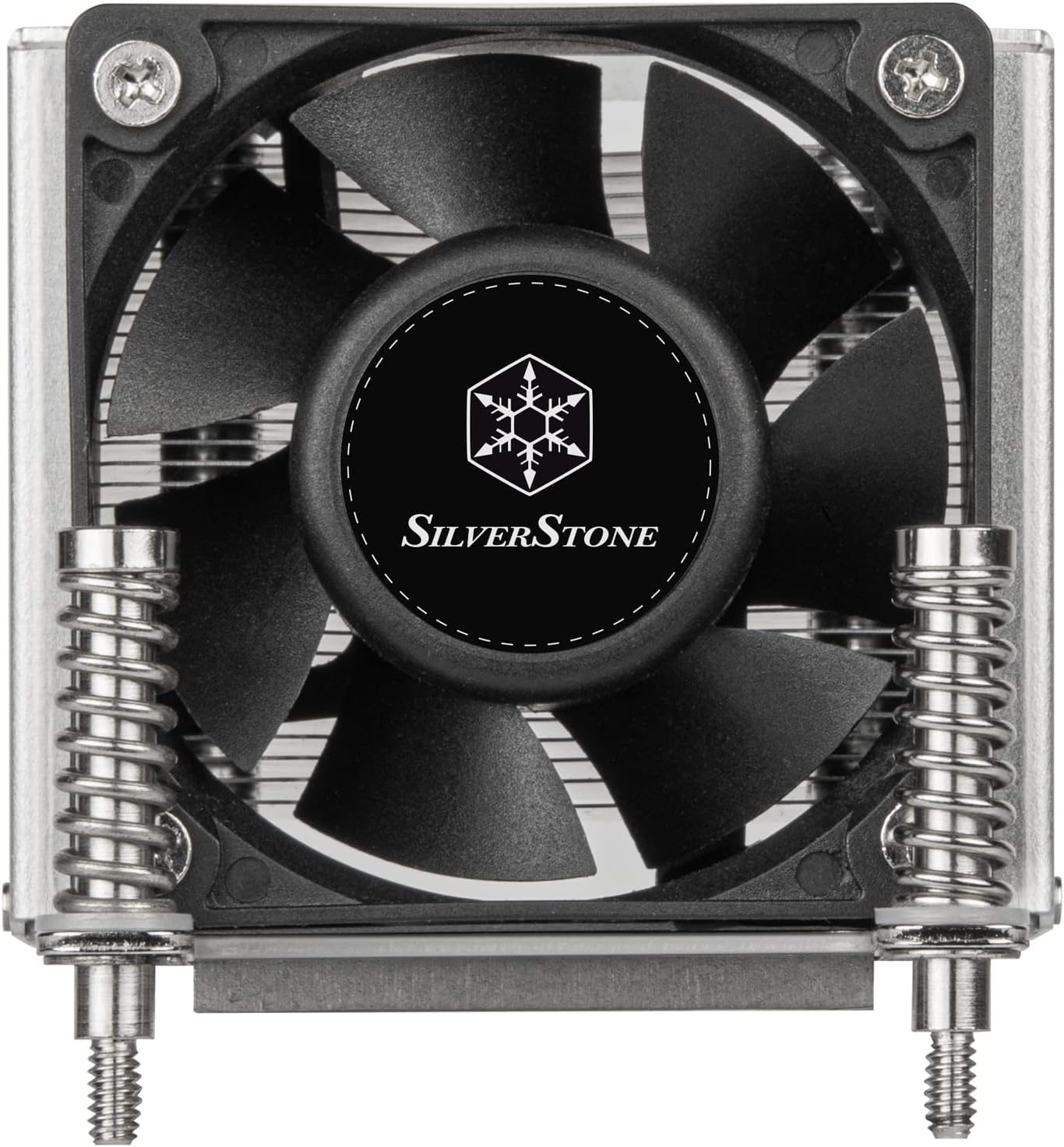
Сүрөт 1: Алдыңкы view of the SilverStone AR09-AM4 CPU Cooler, showing the fan and mounting hardware.
2. Пакеттин мазмуну
Пакетте бардык компоненттер бар экенин текшериңиз:
- AR09-AM4 Heatsink with integrated fan and mounting bracket.

Figure 2: Packaging of the SilverStone AR09-AM4 CPU Cooler.
3. Орнотуу боюнча колдонмо
This section outlines the general steps for installing the AR09-AM4 CPU cooler on an AMD AM4 motherboard. Refer to your motherboard manual for specific instructions regarding CPU and cooler installation.
3.1 Даярдоо
- Тутумуңуздун өчүрүлгөнүн жана кубат булагынан ажыратылганын текшериңиз.
- Remove any existing CPU cooler and clean the CPU surface of old thermal paste using isopropyl alcohol.
- Apply a thin, even layer of thermal paste to the center of the CPU's integrated heat spreader (IHS).
3.2 Cooler Mounting
- Position the AR09-AM4 cooler over the CPU, aligning the mounting screws with the holes on the motherboard's CPU retention bracket. The bi-directional mounting bracket allows for flexible orientation.
- Gently press down on the cooler to ensure good contact between the heatpipes and the CPU.
- Tighten the four spring-loaded screws in a diagonal pattern (e.g., top-left, bottom-right, top-right, bottom-left) until they are finger-tight. Do not overtighten.

3-сүрөт: Төмөнкү view of the cooler, highlighting the heatpipes and mounting bracket.
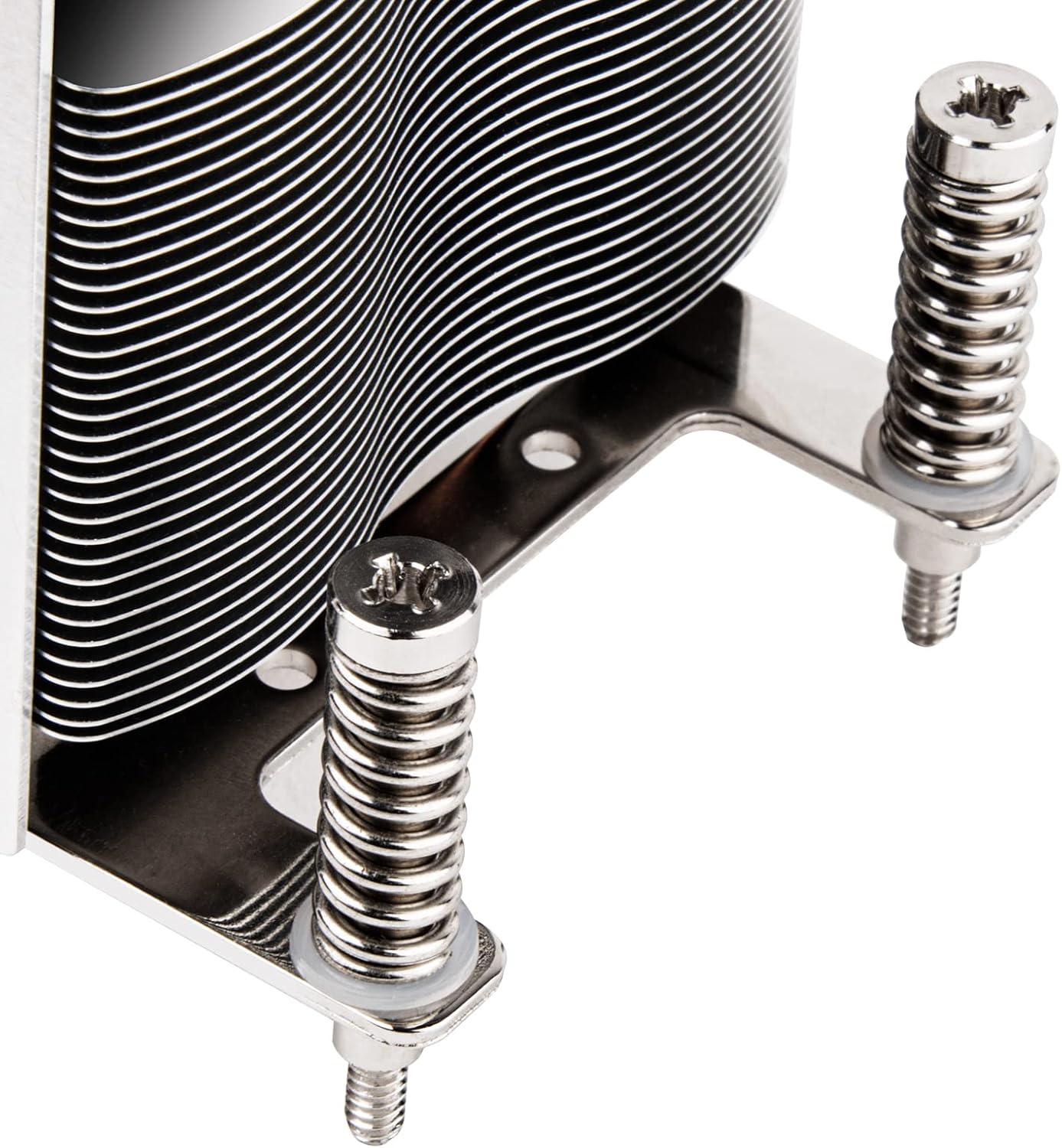
Figure 4: Detail of the spring-loaded mounting screws.
3.3 Желдетүүчү туташтыруу
- Locate the 4-pin PWM fan connector on the AR09-AM4.
- Connect this cable to the CPU_FAN header on your motherboard. Ensure the connector is fully seated.

Figure 5: The 4-pin PWM fan connector.
4. Операция
The AR09-AM4 CPU cooler utilizes a 60mm dual ball bearing PWM fan and three Ø6mm copper heat-pipes with Heat-pipe Direct Contact (HDC) technology to efficiently transfer heat away from the CPU. The PWM (Pulse Width Modulation) function allows the motherboard to dynamically control the fan speed based on CPU temperature, optimizing cooling performance and noise levels.
For optimal performance, ensure proper airflow within your server chassis. The cooler is designed for CPUs with a Thermal Design Power (TDP) up to 65W. Exceeding this TDP may result in insufficient cooling.
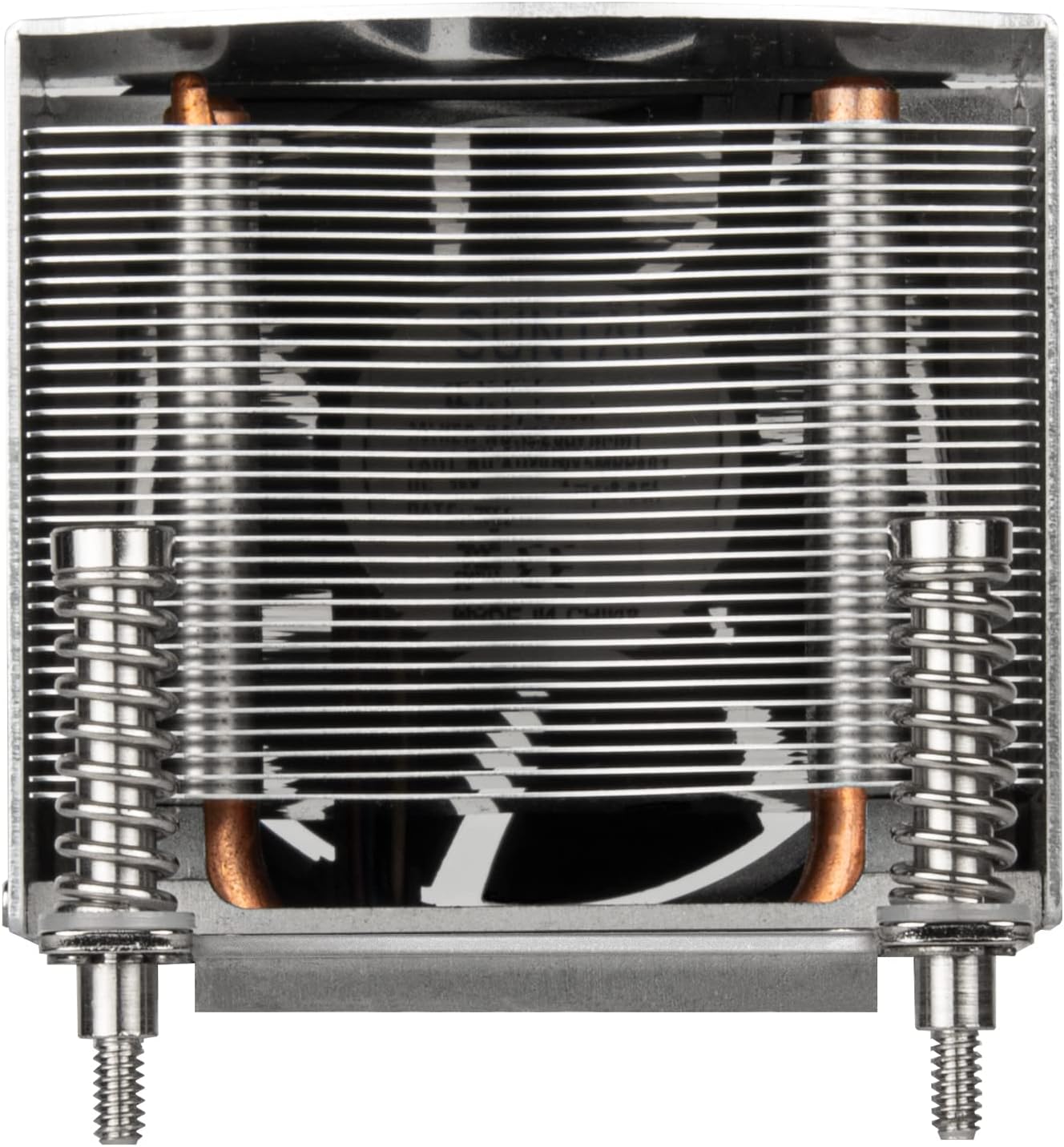
6-сүрөт: Жогорку view of the cooler, illustrating the aluminum fin array for heat dissipation.
5. Техникалык тейлөө
Үзгүлтүксүз техникалык тейлөө CPU муздаткычыңыздын узак иштөөсүн жана оптималдуу иштешин камсыз кылууга жардам берет.
- Чаңды тазалоо: Periodically inspect the heatsink fins and fan blades for dust accumulation. Use compressed air or a soft brush to gently remove dust. Ensure the fan is held stationary during cleaning to prevent damage.
- Термикалык паста: If the cooler is removed for any reason, clean off the old thermal paste from both the CPU and the cooler's base, and reapply a fresh layer before reinstallation.
6. Кыйынчылыктарды
If you encounter issues with your AR09-AM4 CPU cooler, consider the following:
- CPU ысып кетиши:
- Verify that the cooler is securely mounted and making proper contact with the CPU.
- Термикалык пастанын туура сүйкөлгөнүн жана кургап калбаганын текшериңиз.
- Ensure the fan is spinning freely and connected to the CPU_FAN header.
- Confirm that your CPU's TDP does not exceed the cooler's recommended 65W capacity.
- Check for adequate airflow within your server chassis.
- Желдетүүчү ызы-чуу:
- Inspect the fan for any obstructions (e.g., cables).
- Ensure the fan screws are tight.
- Dust accumulation can cause noise; clean the fan blades.
- желдеткич айланбай жатат:
- Check the 4-pin PWM connector for a secure connection to the motherboard's CPU_FAN header.
- Verify fan settings in the motherboard's BIOS/UEFI.
7. Техникалык шарттар
| Өзгөчөлүк | Деталь |
|---|---|
| Продукциянын өлчөмдөрү | 4.02"L x 2.8"W x 2.6"H |
| Бренд | SilverStone |
| Кубат туташтыргычынын түрү | 4-пин PWM |
| Муздатуу ыкмасы | Fan, Heatsink (Heat-pipe Direct Contact) |
| Шайкеш түзмөктөр | Server (AMD AM4 Socket) |
| Ызы-чуу деңгээли | 18.02 Decibels (Min) |
| Материал | Алюминий, жез |
| Максималдуу айлануу ылдамдыгы | 2500 RPM |
| Элемент Салмагы | 12.8 унция |
| ASIN | B09XJLF94G |
| UPC | 844761024994 |
8. Кепилдик маалыматы
For detailed warranty information regarding the SilverStone AR09-AM4 CPU cooler, please refer to the official SilverStone Technology webсайтына кириңиз же алардын кардарларды тейлөө кызматына түз кайрылыңыз. Кепилдик шарттары жана эрежелери аймакка жана сатып алуу күнүнө жараша өзгөрүшү мүмкүн.
9. Колдоо
If you require further assistance or have questions not covered in this manual, please visit the official SilverStone Technology webколдоо булактары, көп берилүүчү суроолор жана байланыш маалыматы үчүн сайт.
SilverStone Technology компаниясынын расмий өкүлү Webсайт: www.silverstonetek.com


