1. Киришүү
The ATOMSTACK A5 Pro is a high-performance commercial laser engraver designed for precision engraving and cutting across a wide range of materials. Featuring a 5,000mW laser module and a 410x400mm working space, it is suitable for various applications from hobbyist projects to commercial production. This manual provides essential information for the safe and effective use of your device.

Figure 1: The ATOMSTACK A5 Pro Laser Engraver, showcasing its main components and working area.
2. Коопсуздук маалыматы
This laser engraver is a Class 4 laser product with a power output level of 5,000mW. Proper safety precautions must be observed at all times to prevent injury.
- Көздү коргоо: The machine features an advanced filter glass protective cover, which filters over 97% of UV rays. However, it is crucial to never stare directly into the laser beam, even with the protective cover. Always wear appropriate laser safety goggles.
- Вентиляция: Ensure adequate ventilation in your workspace to dissipate smoke and fumes generated during engraving and cutting.
- Материалдык коопсуздук: Only engrave or cut materials that are safe for laser processing. Avoid materials that produce toxic fumes or are highly flammable.
- Көзөмөл: Иш учурунда машинаны кароосуз калтырбаңыз.
- Балдар жана үй жаныбарлары: Keep children and pets away from the operating area. The protective cover helps prevent accidental exposure to the laser spot.
The ATOMSTACK A5 Pro has passed TUV certification, ensuring higher quality and safety standards.
3. Орнотуу жана чогултуу
The ATOMSTACK A5 Pro features a modular design for straightforward assembly, typically completed within 20 minutes. Follow the steps below and refer to the installation video for visual guidance.
- Бардык компоненттерди таңгактан чыгарып, таңгактоо тизмесинен текшериңиз.
- Assemble the main frame using the provided screws and tools.
- Лазер модулун порталга орнотуңуз.
- Бардык керектүү кабелдерди туташтырыңыз.
- Машинаны туруктуу, тегиз бетке коюңуз.
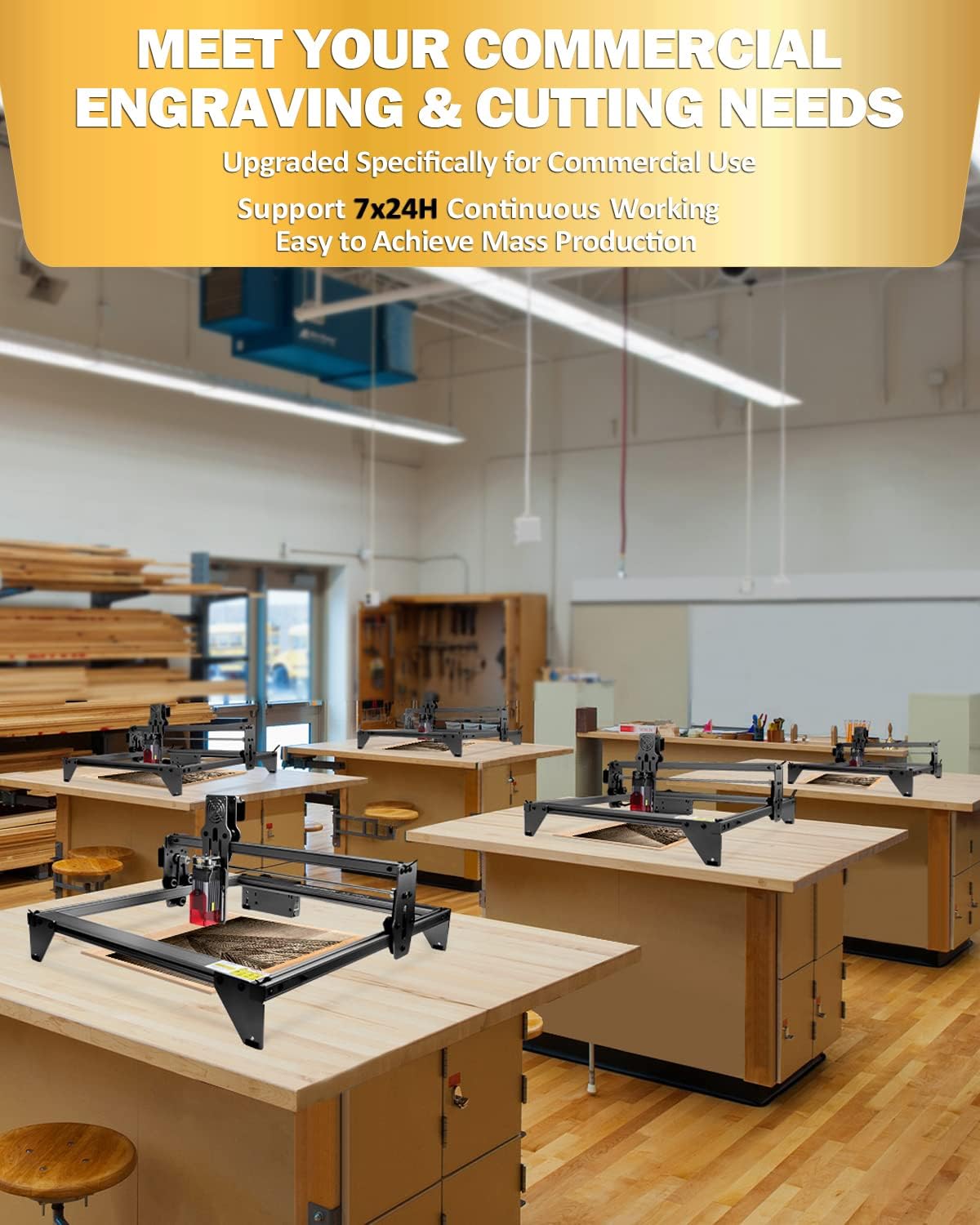
Figure 2: The ATOMSTACK A5 Pro is designed for continuous operation, suitable for commercial and mass production needs.
Video 1: This video provides a step-by-step guide on how to install and assemble the ATOMSTACK A5 Pro laser engraver, demonstrating the ease of setup.
4. Иштөө нускамалары
The ATOMSTACK A5 Pro offers a large engraving area of 410x400mm, accommodating various project sizes. It is compatible with widely used software and supports continuous operation.
4.1 Программанын шайкештиги
The A5 Pro laser engraver is compatible with the following software:
- LaserGRBL: Recommended for new laser users. Supports Windows XP/7/8/10. This software is free.
- LightBurn: Recommended for experienced laser users. Supports Windows/Mac OS. This software is paid.
The engraver supports various file formats including NC, DXF, BMP, JPG, and PNG.
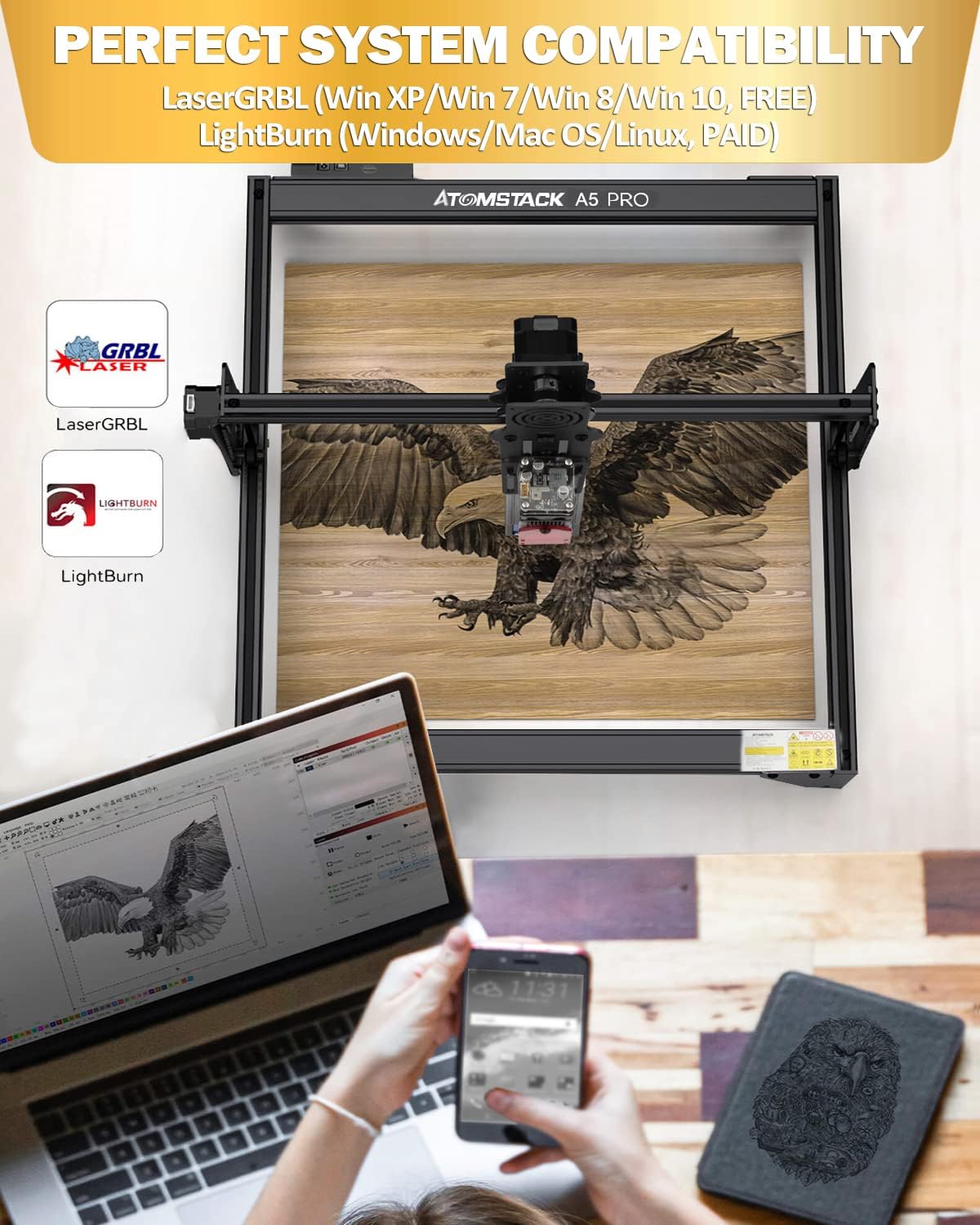
Figure 3: The ATOMSTACK A5 Pro supports popular engraving software like LaserGRBL (free) and LightBurn (paid), offering broad compatibility.
4.2 Supported Materials and Settings
The A5 Pro can engrave and cut over a hundred materials, including but not limited to:
- Metal (uncoated stainless steel directly)
- Wood (can cut 12mm thin wood)
- Acrylic (can cut 10mm black acrylic)
- Тери
- Каучук
- Тамак-аш
- Кагаз
- көбүк пахта
- Бамбук
- Ceramics (should be blackened)
- Glass (should be blackened)
Refer to the material parameter setting table for recommended speed and power settings for various materials.

Figure 4: A guide to recommended material parameter settings for optimal engraving and cutting results on different materials.

Figure 5: The ATOMSTACK A5 Pro can engrave and cut a wide range of materials, including wood, metal, acrylic, leather, and more.
Видео 2: Бүттүview of the ATOMSTACK A5 Pro laser engraver in action, showcasing its engraving capabilities on various materials.
Video 3: This video demonstrates the precision and detail achievable with the ATOMSTACK A5 Pro laser engraver through an art display example.
5. Техникалык тейлөө
Regular maintenance ensures the longevity and optimal performance of your ATOMSTACK A5 Pro. The laser module has a lifespan of 10,000+ hours.
- Линзаны тазалоо: Periodically clean the laser lens to maintain engraving quality and power. Use appropriate lens cleaner and a soft cloth.
- Check Tracks and Nuts: Ensure all tracks and nuts are free from debris and properly tightened to prevent shaking and maintain accuracy.
- Жалпы тазалоо: Keep the machine free from dust and material residue.

Figure 6: Detail of the durable black antioxidant coating and the laser module, highlighting its 20,000+ hour lifespan.
6. Кыйынчылыктарды
If you encounter issues with your ATOMSTACK A5 Pro, consider the following common troubleshooting steps:
- Loss of Power/Engraving Quality: Check if the laser lens is clean and securely tightened. Dust or a loose lens can significantly impact performance.
- Inconsistent Cutting/Engraving: Ensure the machine is placed on a perfectly flat surface. Verify that all frame components and belts are properly aligned and tightened.
- Программалык камсыздоонун туташуу көйгөйлөрү: Confirm that the correct drivers are installed and the software (LaserGRBL or LightBurn) is properly configured for your machine.
- Программалык камсыздоонун жаңыртуулары: The device supports Over-The-Air (OTA) firmware upgrades. If you experience persistent issues or require specific functionalities, contact customer support for assistance with firmware updates.
Көбүрөөк жардам алуу үчүн, Кепилдик жана колдоо бөлүмүн караңыз.
7. Техникалык шарттар
| Өзгөчөлүк | Деталь |
|---|---|
| Бренд | ATOMSTACK |
| Модель номери | A5 Pro Black |
| Лазердик кубаттуулуктун чыгышы | 5,000мВт |
| Лазердик класс | КЛАСС 4 |
| Иш аянты | 410x400мм |
| Материал | Алюминий эритмеси |
| Элемент Салмагы | 11.82 фунт |
| Продукциянын өлчөмдөрү | 23.23 x 13.39 x 4.8 дюйм |
| Motherboard | 32-бит MCU |
| Лазердик Spot өлчөмү | 0.08*0.08mm (ultra-fine compressed) |
| Лазердин иштөө мөөнөтү | 10,000 XNUMX+ саат |
| Системанын шайкештиги | LaserGRBL (Win XP/7/8/10), LightBurn (Windows/Mac OS) |
| Гравюра File Форматтар | NC/DXF/BMP/JPG/PNG |

Figure 7: The advanced 32-bit MCU motherboard ensures efficient and smooth data processing for precise engraving.
8. Кепилдик жана колдоо
ATOMSTACK provides comprehensive support for your A5 Pro laser engraver:
- Кепилдик: The entire engraving machine comes with a 12-month warranty.
- Бөлүктөрүн алмаштыруу: Enjoy 12 months of free parts replacement.
- Техникалык колдоо: Permanent professional technical customer service is available. For any issues during use, please email customer service for an 8-hour response time.
Additional resources, including the Installation Manual, User Guide, and User Manual in PDF format, are available for download. Please refer to the product page or contact support for links to these documents.


