Продукт бүттүview
The PDP Wired Xbox Gaming Controller is designed for an enhanced gaming experience across multiple platforms. This controller features a durable wired connection, customizable controls, and integrated audio features, making it a versatile choice for serious gamers.
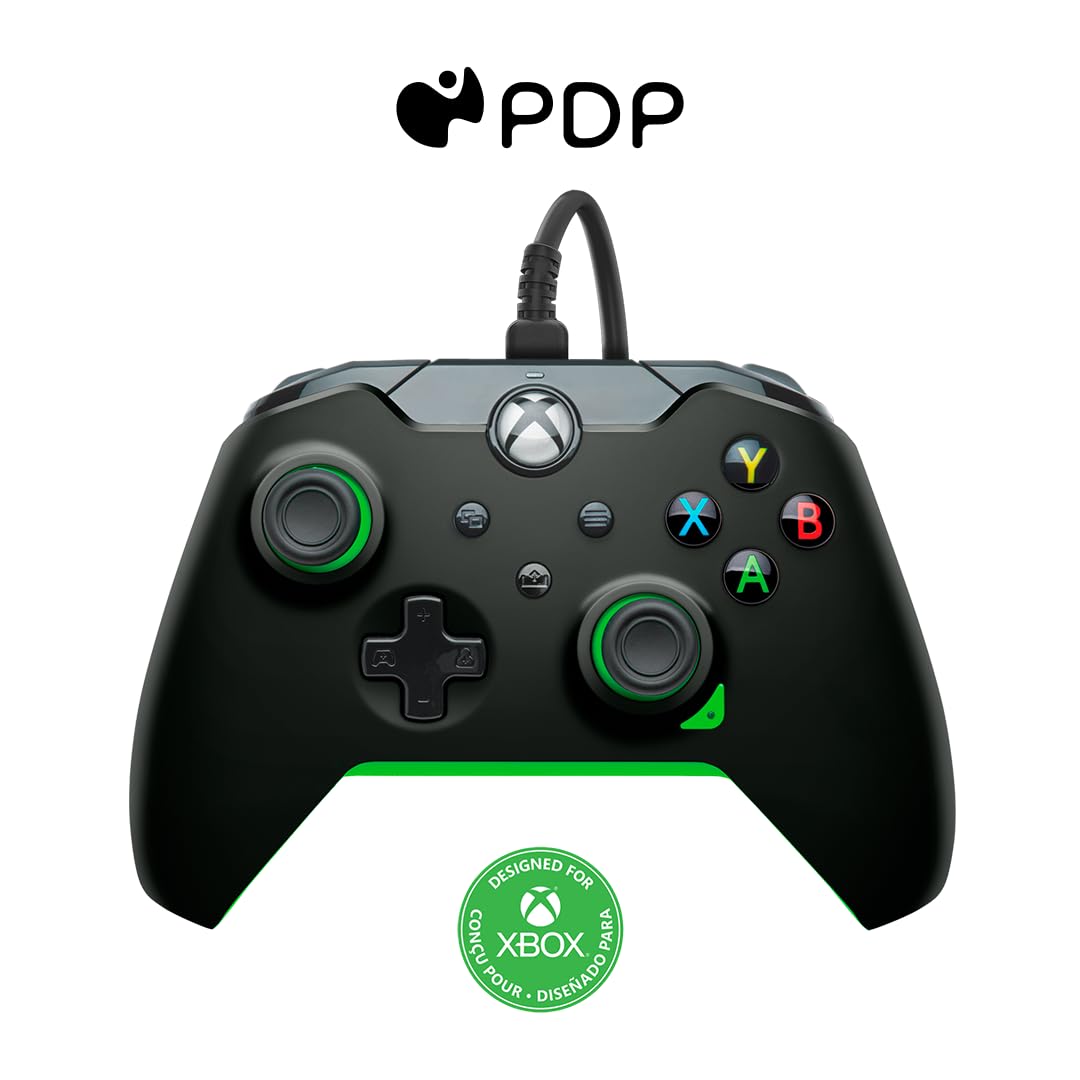
Сүрөт: алдыңкы view of the PDP Wired Xbox Gaming Controller in Neon Black.
This controller is officially licensed for Xbox Series X|S, Xbox One, and is also compatible with Windows 10/11 PCs. Its wired design ensures a stable connection without the need for batteries, providing uninterrupted gameplay.
Негизги өзгөчөлүктөрү
- Ыңгайлаштырылган башкаруу элементтери: Utilize the free PDP Control Hub App to remap buttons, reconfigure triggers, and adjust dead zones to personalize your gameplay.

Image: Screenshot showing the PDP Control Hub App interface for controller customization.
- Интеграцияланган аудио башкаруу каражаттары: Adjust game and chat audio volume directly using the controls located on the D-pad. The built-in 3.5mm audio jack allows for communication with teammates, and the mic can be muted by double-tapping the "Function" button.
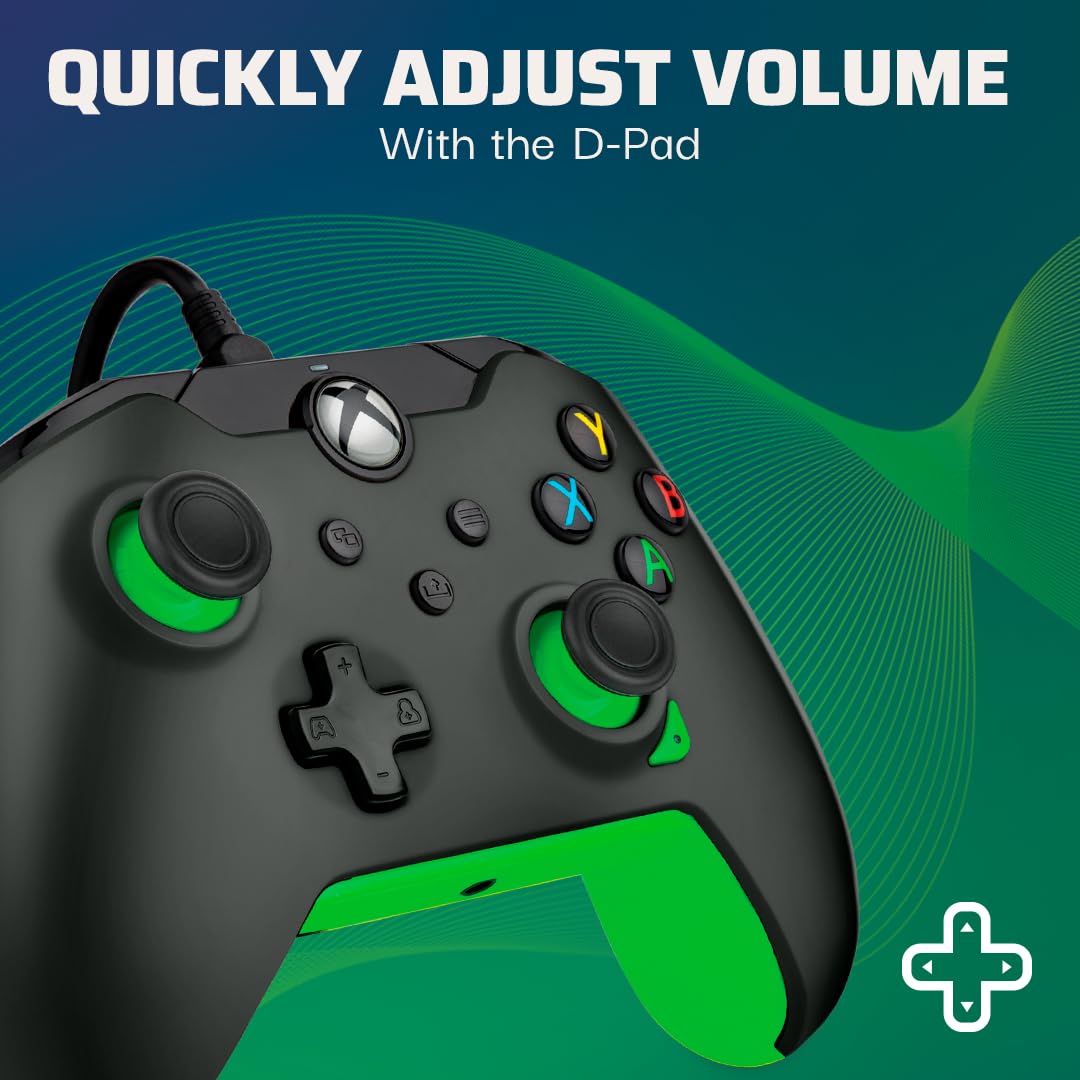
Image: Close-up of the controller's D-pad, highlighting the integrated audio controls.
- Бөлүшүү баскычы: Easily capture and share your in-game images and videos with a dedicated share button.

Сүрөт: Детал view of the controller, showing the dedicated share button for capturing content.
- 8 футтук ажыратылуучу кабель: камсыз кылат ample room for comfortable gameplay and easy storage.
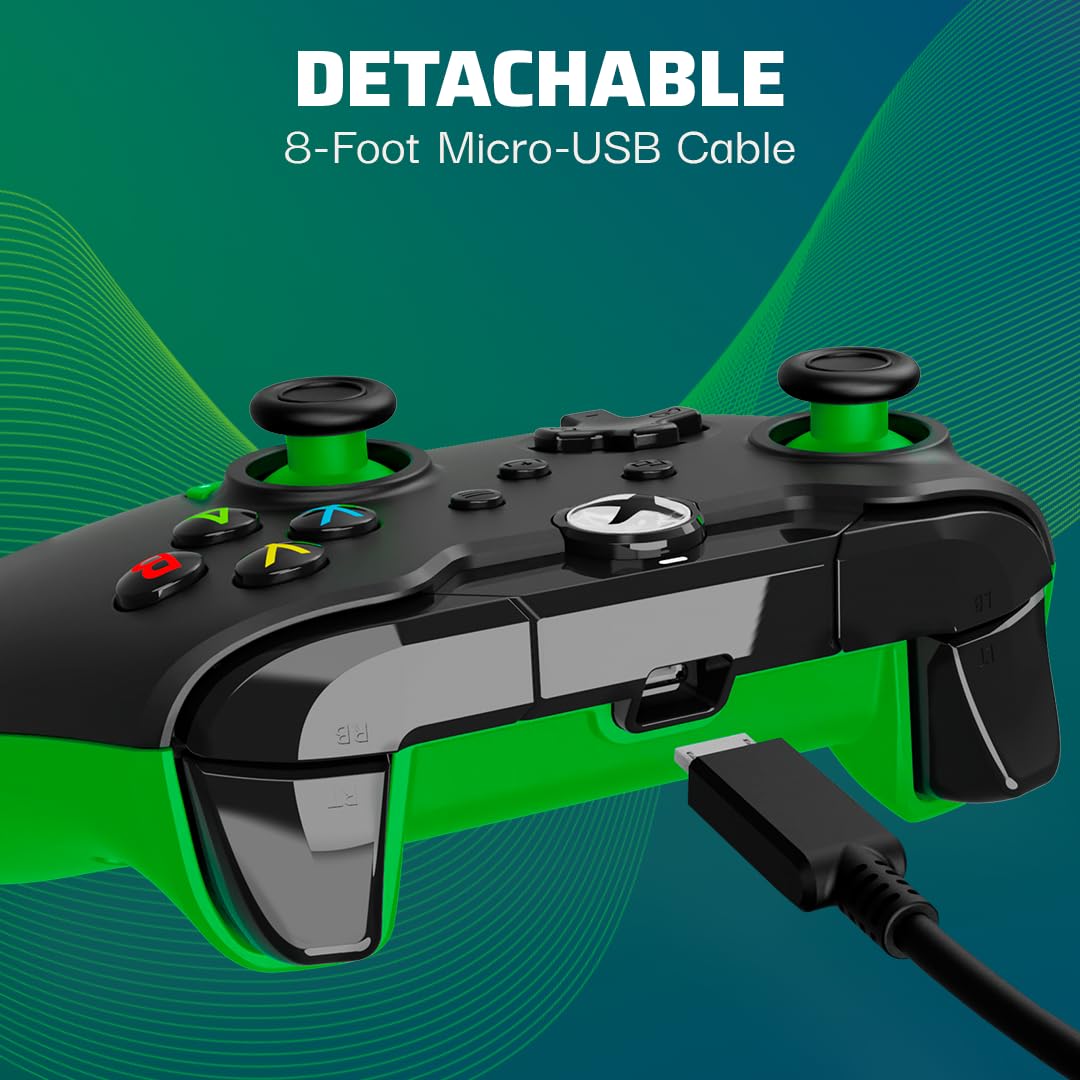
Image: The controller with its detachable 8-foot USB cable connected.
- Расмий лицензияланган: Guaranteed compatibility and quality as an officially licensed Xbox product.

Image: The controller prominently displaying the "Officially Licensed by Xbox" branding.
Орнотуу колдонмосу
- Кабелди туташтыруу: Insert the detachable 8-foot USB cable into the port on the top of the controller.
- Консолго/компьютерге туташуу: Plug the other end of the USB cable into an available USB port on your Xbox console (Xbox Series X|S, Xbox One) or Windows 10/11 PC.
- Күйгүзүү: Контроллер автоматтык түрдө күйүп, түзмөгүңүзгө туташат. Контроллердеги Xbox баскычы ийгиликтүү туташууну көрсөтүү үчүн күйөт.
- Install PDP Control Hub App (Optional): For advanced customization, download and install the free PDP Control Hub App from the Microsoft Store on your Xbox or PC.
Иштөө нускамалары
Негизги башкаруу элементтери:
- Xbox баскычы: Powers on the console/PC, opens the guide, and indicates connection status.
- A, B, X, Y баскычтары: Standard action buttons for in-game commands.
- D-Pad: Directional input, also used for audio controls (see below).
- Сол/оң аналогдук таякчалар: Кыймылды жана камераны башкаруу үчүн.
- Сол/Оң триггерлер (LT/RT): Ылдамдатуу же атуу сыяктуу аракеттер үчүн аналогдук киргизүү.
- Сол/Оң бамперлер (LB/RB): Digital input for various actions.
- View Баскыч: ачат view menu or displays additional information.
- Меню баскычы: Opens the menu or pauses the game.
- Бөлүшүү баскычы: Captures screenshots or records game clips.
Аудио башкаруу каражаттары:
The D-pad on the controller features integrated audio controls for quick adjustments:
- Үнүн жогорулатуу/төмөндөтүү: Press the Function button (located below the Xbox button) and then press Up/Down on the D-pad to adjust game volume.
- Chat Mix: Press the Function button and then press Left/Right on the D-pad to adjust the balance between game audio and chat audio.
- Микрофондун үнүн басуу: Double-tap the Function button to mute or unmute your microphone. The LED indicator on the controller will change to show mic status.
Using the PDP Control Hub App:
The PDP Control Hub App allows for advanced customization of your controller. Connect your controller to your Xbox or PC and launch the app to:
- Каалаган баскычты башка функцияга кайра байланыштырыңыз.
- Adjust trigger dead zones for precise input.
- Аналогдук таякчаларды жана триггерлерди калибрлөө.
- Термелүүнүн интенсивдүүлүгүн коюңуз.
- Ыңгайлаштырылган адисти түзүп, сактаңызfileар кандай оюндар үчүн.
Техникалык тейлөө
- Тазалоо: Башкаргычты жумшак, кургак чүпүрөк менен сүртүңүз. Өтө кир болсо, бир аз сүртүңүзampчүпүрөктү суу менен. Катуу химиялык заттарды же абразивдүү материалдарды колдонуудан алыс болуңуз.
- Сактагыч: When not in use, store the controller in a clean, dry place away from direct sunlight and extreme temperatures. The detachable cable can be removed for easier storage.
- Кабельге кам көрүү: Avoid sharp bends or kinks in the cable. Do not pull on the cable to disconnect it from the controller or console/PC; always grasp the connector.
Проблемаларды чечүү
| Көйгөй | Чечим |
|---|---|
| Controller not responding/connecting. |
|
| Audio issues (no sound, mic not working). |
|
| Buttons/sticks not working correctly. |
|
Техникалык шарттар
| Өзгөчөлүк | Деталь |
|---|---|
| Модель номери | 049-012-GG |
| Шайкештик | Xbox Series X|S, Xbox One, Windows 10/11 PC |
| Туташуу түрү | Зымдуу (ажырылуучу USB кабель) |
| Кабелдин узундугу | 8 фут (болжол менен 2.4 метр) |
| Аудио Jack | 3.5мм |
| Өлчөмдөрү (L x W x Y) | 3.23 x 6.89 x 6.89 дюйм |
| Салмагы | 12.17 унция (болжол менен 345 грамм) |
| Өндүрүүчү | PDP |
| Келип чыккан өлкө | Кытай |
Кепилдик жана колдоо
Кепилдик маалыматы жана техникалык колдоо үчүн расмий PDPке кайрылыңыз webсайтка же түздөн-түз кардарларды тейлөөгө кайрылыңыз. Кепилдик дооматтар үчүн сатып алганыңыздын далилин сактаңыз.
Онлайн ресурстар:
- Visit the Official PDP Store on Amazon
- For the latest drivers and the PDP Control Hub App, visit the Microsoft Store or the official PDP support page.
Эскертүү: Продукттун мүнөздөмөлөрү жана өзгөчөлүктөрү эскертүүсүз өзгөртүлүшү мүмкүн.


