1. Киришүү
The ANCEL BZ700 is a professional OBD2 scanner designed for comprehensive diagnostics of Mercedes Benz, Sprinter, and Smart vehicles, as well as full OBD-level diagnostics for all car brands. This device allows users to read and clear fault codes, perform various system resets, and access live data streams to maintain vehicle health and identify potential issues.
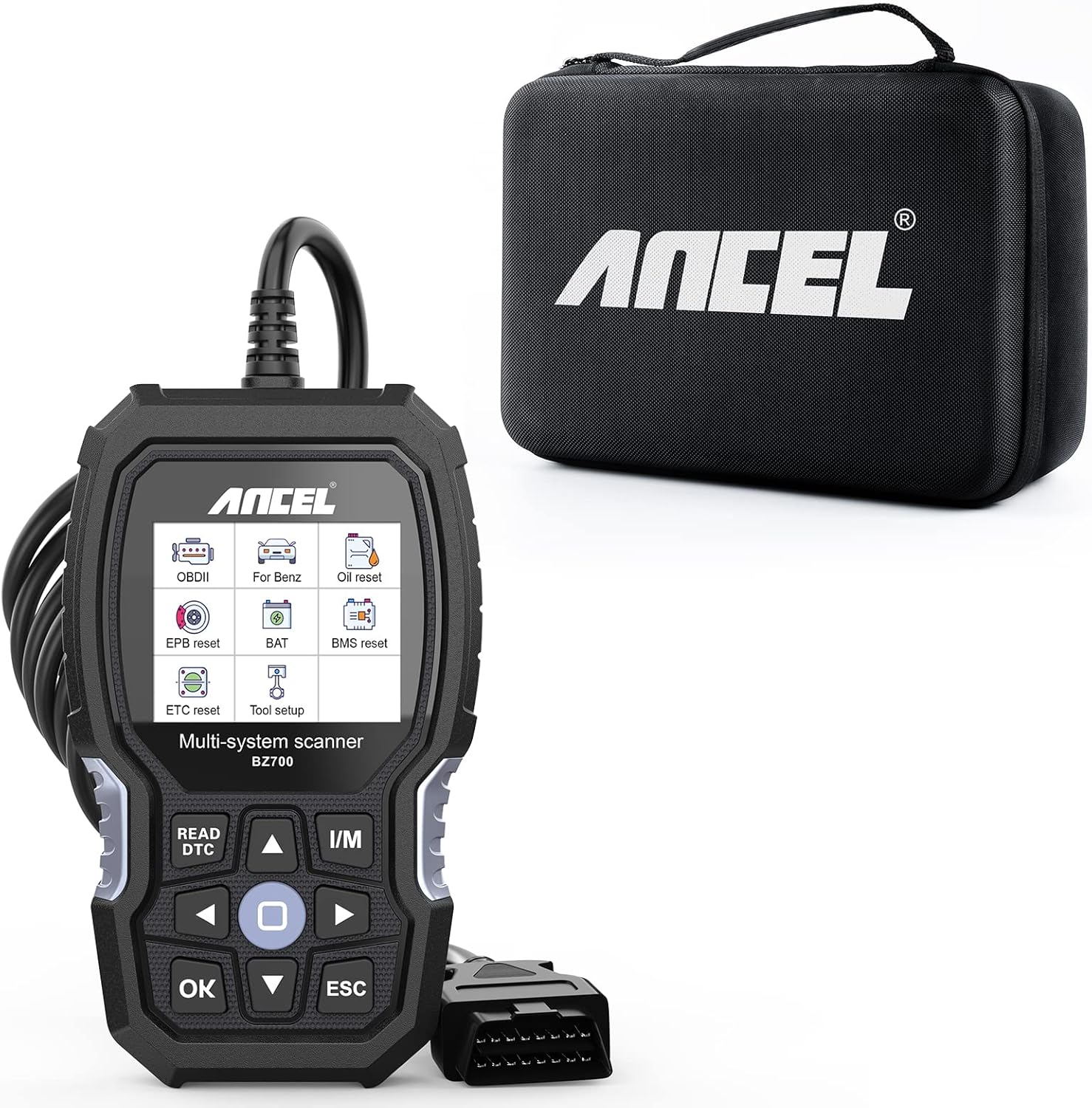
Image: The ANCEL BZ700 OBD2 Scanner with its included protective carrying case.
2. Продукт бүтүп калдыview жана өзгөчөлүктөрү
The BZ700 scanner is engineered for ease of use and robust diagnostic capabilities. Its compact design and intuitive interface make it suitable for both professional technicians and car enthusiasts.
Негизги өзгөчөлүктөрү:
- Manufacturer-Level Diagnostics for Mercedes Benz: Supports in-depth diagnostics for various Mercedes Benz systems, including engine, airbag, transmission, ABS, SAS, SRS, EPB, and TPMS.
- All Systems Diagnostic: Capable of reading and clearing fault codes from main systems as well as body, chassis, powertrain, and all control modules.
- Maintenance Functions for Mercedes-Benz Diesel Vehicles: Offers specialized services such as ADblue Metering Reset, IQA injector code, and Fuel pump activation.
- Full OBD-Level Diagnostics for All Car Brands: Provides standard OBD-II functions for engine diagnosis, turning off warning lights, and smog check readiness for all OBD-II compliant vehicles.
- Excellent Product Design: Features a small, ergonomic design for one-hand operation, a 2.8-inch LCD screen for clear data display, and silicone pads for comfortable grip.
Сүрөт: деталдуу view of the ANCEL BZ700's humanized design, highlighting the 2.8-inch screen, silicone pads, and one-click buttons for Smog Check and Read Codes.
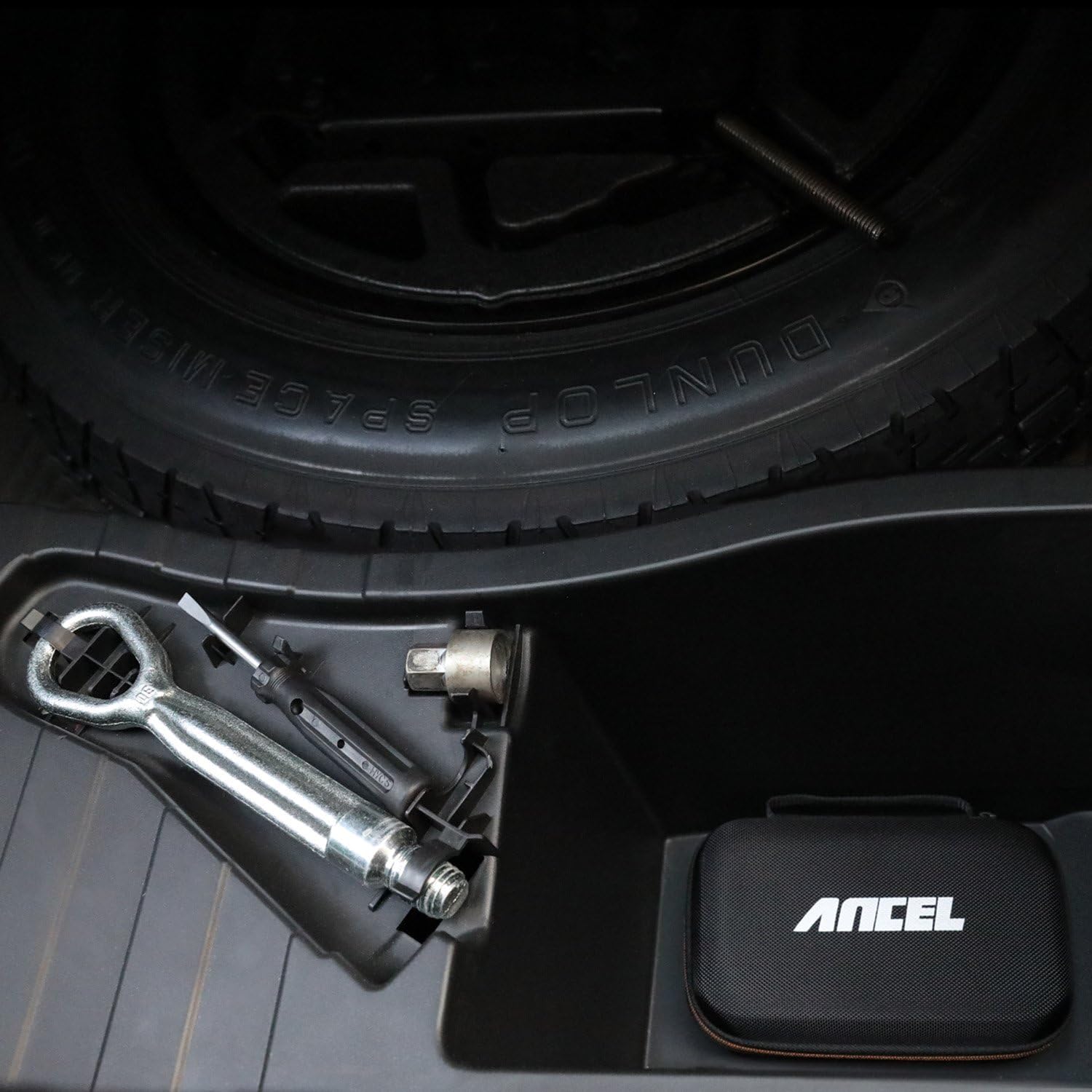
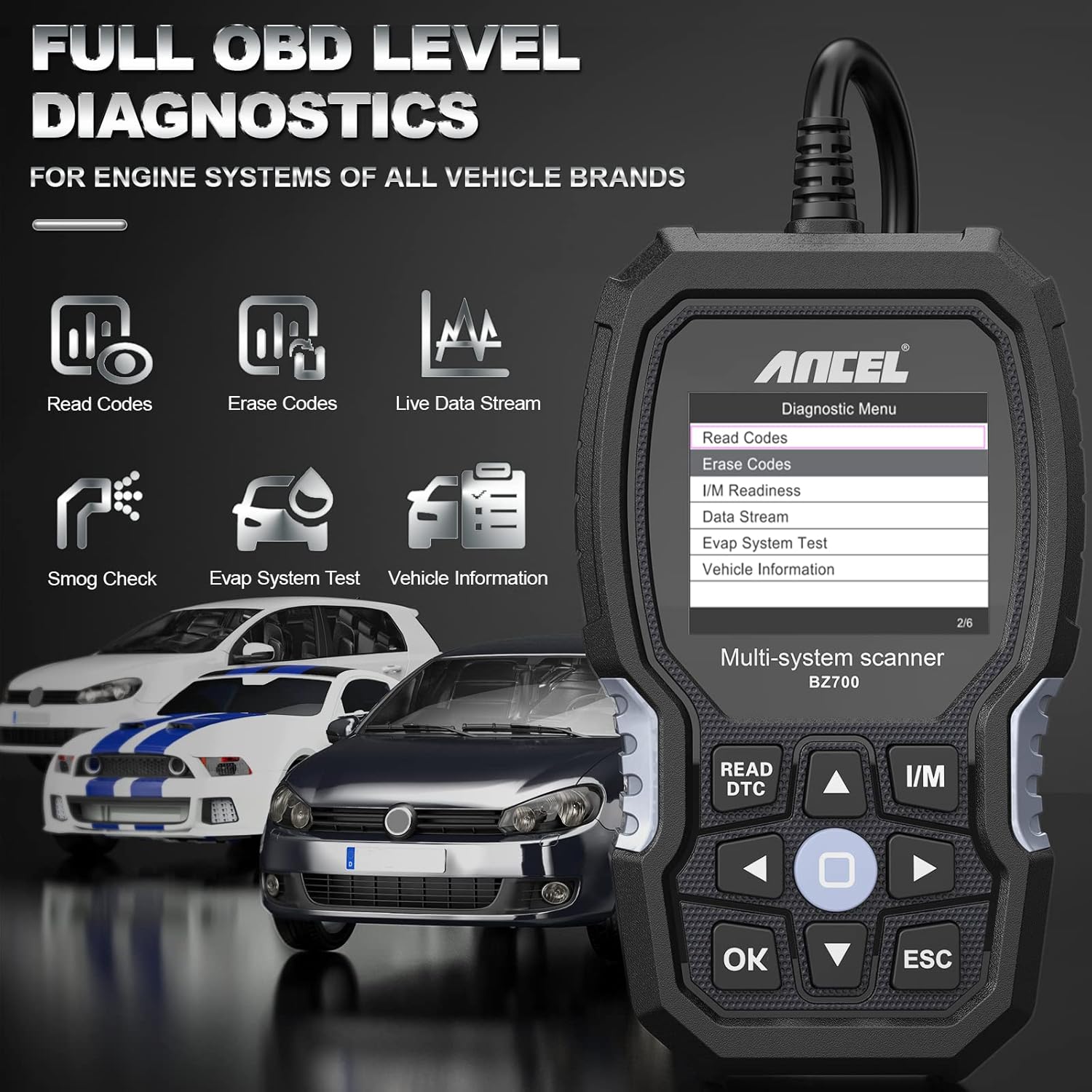
Image: The ANCEL BZ700 displaying full OBD level diagnostic options, including Read Codes, Erase Codes, Live Data Stream, Smog Check, Evap System Test, and Vehicle Information, applicable to all vehicle brands.
3. Орнотуу
To begin using your ANCEL BZ700 scanner, follow these simple steps:
- Унааңыздын OBD-II портун табыңыз. Ал, адатта, айдоочу тарабындагы башкаруу панелинин астында жайгашкан.
- Ensure your vehicle's ignition is in the 'ON' position (engine can be off or running, depending on the diagnostic task).
- Connect the 16-pin diagnostic cable from the ANCEL BZ700 to your vehicle's OBD-II port. The device will power on automatically.
- The main menu will appear on the screen. Use the navigation buttons to select your desired function.

Image: The ANCEL BZ700 scanner and its user manual neatly stored within the protective carrying case, ready for transport or storage.
4. Иштөө нускамалары
The ANCEL BZ700 offers a range of diagnostic and service functions. Navigate through the menus using the directional buttons and confirm selections with the 'OK' button.
4.1. General OBD-II Functions (All Vehicle Brands)
- Окуу коддору: Диагностикалык көйгөй коддорун (DTC) жана алардын сүрөттөмөлөрүн көрсөтөт.
- Коддорду тазалоо: Clears DTCs from the vehicle's computer and turns off the Malfunction Indicator Lamp (МИЛ).
- Live Data Stream: Shows real-time data from the vehicle's sensors in text or graph format.
- I/M даярдыгы: Checks the readiness of the emission-related monitors.
- Evap системасын сыноо: Буулануучу эмиссияны көзөмөлдөө системасын сыноодон өткөрөт.
- Унаа жөнүндө маалымат: Унаанын идентификациялык номерин (VIN), калибрлөө IDсин (CALID) жана калибрлөөнү текшерүү номерин (CVN) алат.
4.2. Mercedes-Benz Specific Functions
The BZ700 provides advanced diagnostic and service functions specifically for Mercedes-Benz, Sprinter, and Smart vehicles (models 2000-2020 with 16-pin interface).

Сүрөт: бүттүview of the ANCEL BZ700's professional OBD2 scanner capabilities for Mercedes Benz, Sprinter, and Smart vehicles, highlighting supported systems like Engine, ABS, SAS, SRS, TPMS, EPB, ESP, SAM, SCM, BMS, and Transmission.
4.2.1. 9 Special Functions for Mercedes-Benz Vehicles
- TPMS баштапкы абалга келтирүү: Allows checking tire sensor IDs and performing TPMS reset after tire replacement or rotation.
- ABS кан агуу: Releases air to restore ABS brake sensitivity or relearns ABS after replacement.
- EPB баштапкы абалга келтирүү: Deactivates and reactivates the Electronic Parking Brake system for replacement and initialization.
- SAS Reset (Steering Angle Reset): Performs adjustment of the steering angle sensor, clearing fault memory after calibration.
- Май лампасынын кызматын баштапкы абалга келтирүү: Supports service lamp reset, service mileage, and service interval resets.
- Transmission Adaptation: Supports routine maintenance of transmission modules, such as resetting adaptation values or adjusting oil levels.
- Battery Registration Reset (BMS Reset): Updates vehicle information after a new battery installation.
- Дроссельди кайра үйрөнүү: Relearns the throttle valve control value after clearing or replacing the throttle valve.
- Батарея Voltage Test: Tests the battery voltage via the OBD port when the engine starts.

Image: Visual representation of the 9 special functions available for Mercedes-Benz vehicles, including TPMS Reset, ABS Bleeding, EPB Reset, SAS Reset, Oil Light Service Reset, Transmission Adaptation, Battery Registration, Throttle Relearn, and Battery Voltage Тест.
4.2.2. 4 Powerful Functions for Mercedes-Benz Diesel Vehicles
- ADblue Reset: Resets the urea warning light after adding urea to diesel vehicles.
- IQA Injector Code: Codes new injector numbers to replace previous ones after fitting new injectors or completing replacement.
- DPF Regeneration and Reset: Performs diesel particulate filter cleaning to remove clogs and resets DPF data and learning values.
- Fuel Pump Activation: Activates the fuel pump to empty it or the fuel tank after fuel pump replacement.

Image: Visual representation of the 4 powerful functions for Mercedes-Benz diesel vehicles: ADblue Reset, IQA Injector Code, DPF Regeneration and Reset, and Fuel Pump Activation.
4.3. Унаа шайкештиги
The ANCEL BZ700 is compatible with Mercedes Benz, Sprinter, and Smart vehicles manufactured between 2000 and 2020 that utilize a 16-pin OBD-II interface. Please note that it is not compatible with Mercedes-Benz cars with a 38-pin interface or new models after 2020.

Image: A banner illustrating the ANCEL BZ700's compatibility with Mercedes Benz, Sprinter, and Smart vehicles from 2000-2020 that use a 16-pin interface. A note clarifies incompatibility with 38-pin interfaces and models after 2020.

Image: A detailed table outlining the compatibility of the ANCEL BZ700 with various Smart and Sprinter car series, indicating supported special functions by number.

Image: Part one of a detailed table showing the compatibility of the ANCEL BZ700 with various Mercedes Benz car series (e.g., GLA, GLB, B Class), indicating supported special functions by number.

Image: Part two of a detailed table showing the compatibility of the ANCEL BZ700 with various Mercedes Benz car series (e.g., CLS, S Class), indicating supported special functions by number.

Image: Part three of a detailed table showing the compatibility of the ANCEL BZ700 with various Mercedes Benz car series (e.g., E Class, ML Class, G Class), indicating supported special functions by number.
5. Техникалык тейлөө
To ensure the longevity and optimal performance of your ANCEL BZ700 scanner, follow these maintenance guidelines:
- Аппаратты жумшак, кургак чүпүрөк менен сүртүп, таза кармаңыз. Абразивдүү тазалагычтарды же эриткичтерди колдонуудан алыс болуңуз.
- Store the scanner in its protective case when not in use to prevent damage from drops or impacts.
- Аппаратты экстремалдык температурага, нымдуулукка же тике күн нуруна тийгизүүдөн сактаңыз.
- Regularly check the diagnostic cable for any signs of wear or damage. Replace if necessary.
Программалык камсыздоо жаңыртуулары:
The ANCEL BZ700 supports lifetime free updates to ensure compatibility with new vehicle models and diagnostic functions. Updates are typically performed via a computer.

Image: A graphic illustrating the process for lifetime free updates for the ANCEL BZ700, showing steps to download software, connect the device via USB, and run the update. Note: Updates are supported on Windows 7/8/10, but not Windows XP or Apple computers.
6. Кыйынчылыктарды
If you encounter issues while using your ANCEL BZ700, consider the following common troubleshooting steps:
- Түзмөк күйбөй жатат: Ensure the OBD-II cable is securely connected to both the scanner and the vehicle's OBD-II port. Verify the vehicle's ignition is in the 'ON' position.
- Байланыш катасы: Check that the vehicle's ignition is on. Ensure the cable connection is stable. Try connecting to a different vehicle to rule out a vehicle-specific issue.
- Тазаланбай турган коддор: Some fault codes may require multiple drive cycles or specific conditions to clear after a repair. Ensure the underlying issue has been resolved.
- Экран катып калат/жооп бербей калат: Disconnect the device from the vehicle, wait a few seconds, and reconnect. If the issue persists, perform a software update if available.
Туруктуу көйгөйлөр үчүн байланыш маалыматын колдоо бөлүмүнө кайрылыңыз.
7. Техникалык шарттар
- Бренд: ANCEL
- Модел: BZ700
- ASIN: B0B5WPX6D8
- Дисплей: 2.8 дюймдук LCD экран
- Байланыш: OBD-II 16-pin connector, USB for updates
- Колдоого алынган протоколдор: Complies with all current OBDII EOBD protocols
- Биринчи жеткиликтүү: 6-июль, 2022-жыл
8. Колдоо
For further assistance or inquiries, please contact ANCEL customer support. When contacting support, please provide your product model (BZ700), the manufactured year of your car, and a detailed description of the functions you are trying to perform or the issue you are experiencing.
Бир нече тилди колдоо:
The ANCEL BZ700 supports multiple languages. You can download the installation package for your preferred language from the official ANCEL webсайт.


Image: Flags representing English, German, and Spanish language support for the ANCEL BZ700, indicating multi-language capabilities.


