1. Киришүү
The SVANTTO IPM01 Portable Monitor is a 15.6-inch Full HD (1080P) display designed to extend your screen real estate and enhance productivity or entertainment on the go. Featuring 400 Nits brightness, 100% sRGB color reproduction, and a 178° IPS viewing angle, it delivers a vibrant and immersive visual experience. Its slim and lightweight design makes it an ideal companion for laptops, PCs, gaming consoles, and mobile devices.
2. Кутуда эмне бар
Upon unboxing your SVANTTO IPM01 Portable Monitor, please ensure all the following items are present:
- SVANTTO IPM01 Portable Monitor
- USB-C to USB-C Cable (Full-function)
- HDMI to Mini-HDMI Cable
- USB-A to USB-C Cable (for power)
- Power Adapter (Wall Wart)
- User Manual (Printed Guide)
- Screen Protector Kit (Wipes)

Figure 2.1: Included accessories with the SVANTTO IPM01 Portable Monitor.
3. Орнотуу жана байланыштар
The SVANTTO IPM01 monitor offers versatile connectivity options for various devices. Ensure your device supports video output via USB-C (DisplayPort Alternate Mode) or HDMI.
3.1 Connecting via USB-C (Single Cable Solution)
For devices with a full-function USB-C port (supporting both video and power delivery), a single USB-C to USB-C cable is sufficient for both display and power.
- Connect one end of the provided USB-C to USB-C cable to the monitor's USB-C port.
- Connect the other end to your device's full-function USB-C port.
- Монитор сигналды автоматтык түрдө аныктап, күйгүзүшү керек.
3.2 Connecting via HDMI (with External Power)
For devices with an HDMI output, you will need to provide external power to the monitor.
- Connect one end of the provided HDMI to Mini-HDMI cable to the monitor's Mini-HDMI port.
- Connect the other end of the HDMI cable to your device's HDMI port.
- Connect the provided USB-A to USB-C cable to the monitor's second USB-C port (for power).
- Plug the USB-A end of the cable into the power adapter and then into a power outlet.
- Монитор күйгүзүлүп, сигналды көрсөтүшү керек.
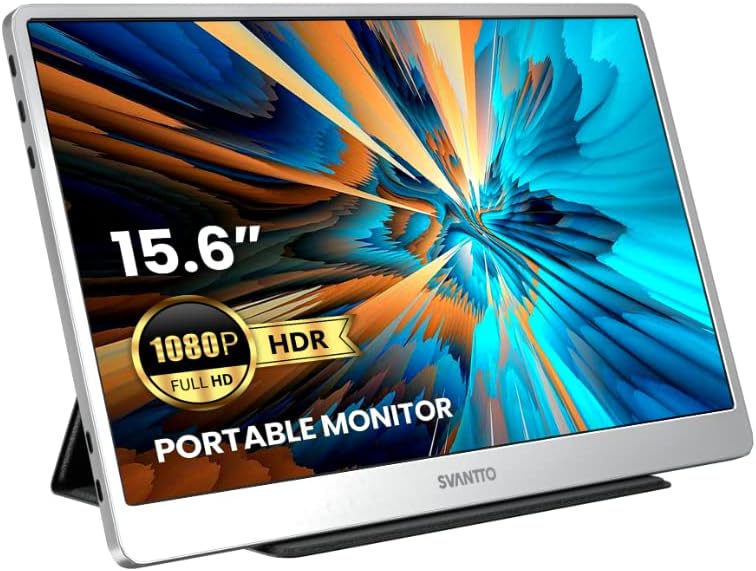
Figure 3.1: SVANTTO Portable Monitor connected and in use.
3.3 Расмий продукт аяктадыview Video
Видео 3.1: Аткаминер бүттүview of the SVANTTO IPM01 Portable Monitor, showcasing анын өзгөчөлүктөрү жана көчүрүү.
4. Иштөө нускамалары
4.1 Көрсөтүү режимдери
The monitor supports both mirror and split-screen modes, allowing you to duplicate your primary display or extend it for increased workspace.
- MirrorMode: Duplicates the content of your primary display onto the portable monitor.
- Split Screen (Extend) Mode: Extends your desktop, allowing you to drag windows between your primary display and the portable monitor.
These modes are typically configured through your device's display settings (e.g., Windows Display Settings, macOS System Preferences).

Figure 4.1: The monitor supports both landscape and portrait orientations for flexible use.
4.2 Экрандагы дисплей (OSD) менюсу
The OSD menu allows you to adjust various display settings. Typically, buttons on the side or back of the monitor control navigation and selection within the OSD.
- Жарыктык/Контраст: Дисплейдин жалпы жарыктыгын жана контрастын тууралаңыз.
- Түс жөндөөлөрү: Түс температурасын, өңүн жана каныккандыгын так жөндөө.
- Киргизүү булагы: Эгер автоматтык түрдө аныктоо ишке ашпай калса, киргизүү булагын (USB-C же HDMI) кол менен тандаңыз.
- Аудио: Камтылган динамиктердин үнүн көзөмөлдөө.
5. Негизги өзгөчөлүктөрү
5.1 Ultimate Picture Experience
The SVANTTO IPM01 features a 15.6-inch FHD (1920x1080P) IPS panel with 400 Nits high brightness and 100% sRGB color reproduction. This ensures vivid colors, sharp details, and a wide 178° viewing angle, making it ideal for various applications from professional work to multimedia consumption. HDR support further enhances picture quality by providing more realistic colors and stunning visuals.

Figure 5.1: High-quality display features for an optimal viewтажрыйбасы.
5.2 Slim and Portable Design
Designed for portability, the IPM01 is exceptionally thin and lightweight, making it easy to carry in your bag. Its elegant space silver color and delicate polishing process provide a premium feel.

Figure 5.2: The monitor's ultra-thin and lightweight profile.
5.3 Кең шайкештик
The monitor offers broad compatibility with a variety of devices, including laptops, PCs, smartphones, MacBooks, PS4, Xbox, and Nintendo Switch. Its dual full-function USB-C ports and HDMI port ensure flexible connection options for almost any setup.

Figure 5.3: Broad device compatibility for diverse usage scenarios.
5.4 Оюн тажрыйбасын өркүндөтүү
With a 2ms quick response time and AMD FreeSync technology, the IPM01 provides smooth, tear-free visuals, making it an excellent choice for gaming on consoles or PCs.
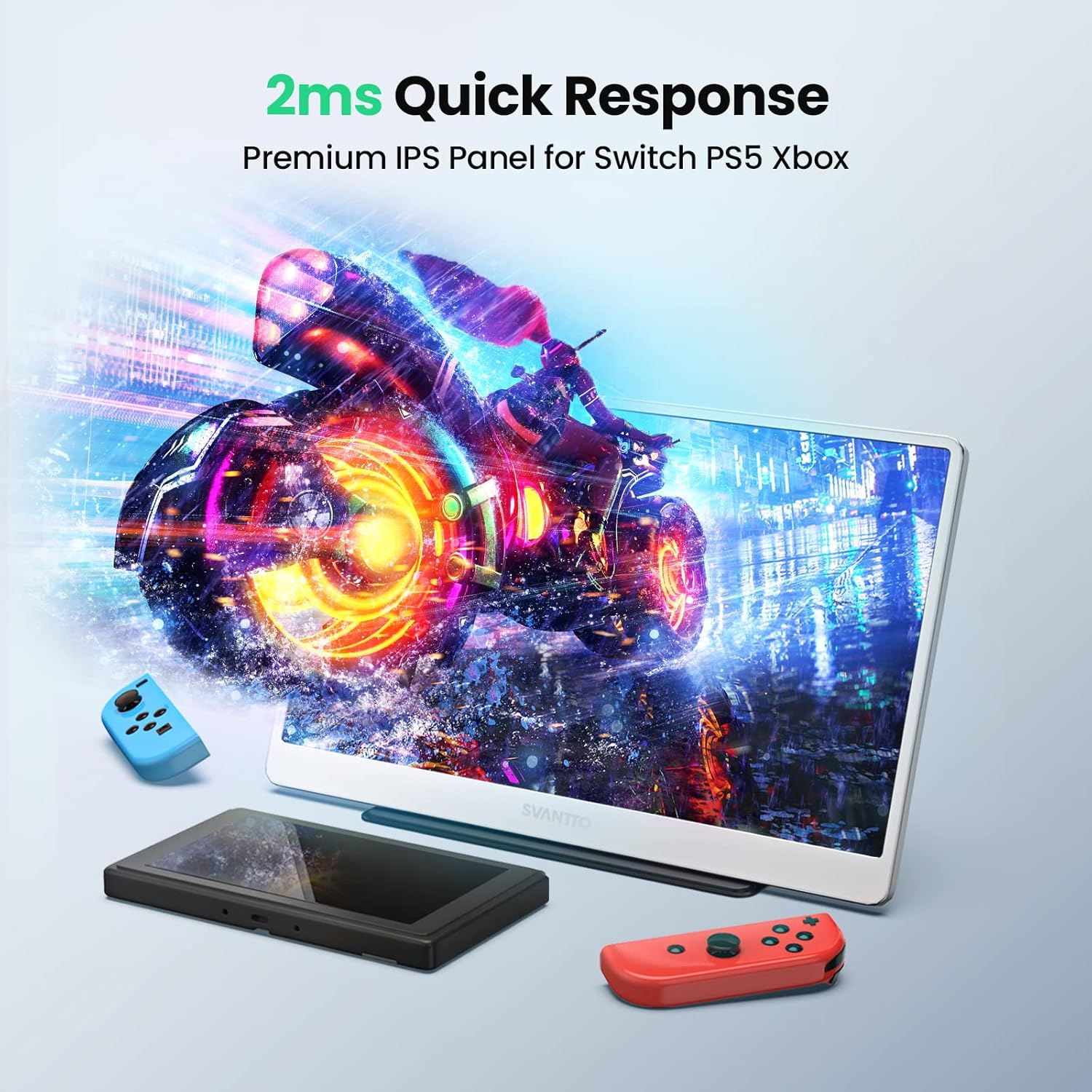
Figure 5.4: Optimized for gaming with fast response times.
6. Техникалык шарттар
| Өзгөчөлүк | Спецификация |
|---|---|
| Продукциянын өлчөмдөрү | 14.17 x 8.86 x 0.3 дюйм |
| Элемент Салмагы | 1.93 фунт |
| Өндүрүүчү | СВАНТТО |
| ASIN | B0B7S1QDMZ |
| Элемент моделинин номери | IPM01 |
| Туруктуу экран дисплей өлчөмү | 15.6 дюйм |
| Аспект катышы | 16:9 |
| Резолюция | 1920 x 1080 пиксел (FHD 1080p) |
| Сүрөттүн жарыктыгы | 420 Кандела (Нитс) |
| Жалпы USB порттору | 2 (USB-C) |
| Screen Surface Description | Жылтырак |
| Дата биринчи жеткиликтүү | 27-июль, 2022-жыл |
7. Техникалык тейлөө
To ensure the longevity and optimal performance of your SVANTTO Portable Monitor, follow these maintenance guidelines:
- Тазалоо: Экранды акырын сүртүү үчүн жумшак, түксүз чүпүрөктү колдонуңуз. өжөр тактар үчүн, бир аз гampчүпүрөккө суу же экранды тазалоо эритмеси. Катуу химиялык заттарды, абразивдүү материалдарды же экранга түздөн-түз чачуудан алыс болуңуз.
- Колдонуу: Always handle the monitor with care. Avoid dropping it or subjecting it to strong impacts. When transporting, use the protective cover to prevent scratches and damage.
- Сактагыч: Store the monitor in a cool, dry place away from direct sunlight, extreme temperatures, and high humidity.
- Кабелдер: Ensure cables are not bent sharply or tangled, as this can damage the internal wires.
8. Кыйынчылыктарды
If you encounter issues with your SVANTTO Portable Monitor, refer to the following common troubleshooting steps:
8.1 Сигнал жок / Кара экран
- Байланыштарды текшерүү: Бардык кабелдердин (USB-C, HDMI, кубат) мониторго да, түзмөгүңүзгө да бекем туташтырылганын текшериңиз.
- Электр камсыздоо: If using HDMI, confirm the monitor is receiving adequate power from the power adapter. Insufficient power can lead to screen flickering or no display.
- Киргизүү булагы: Verify that the correct input source is selected on the monitor via the OSD menu.
- Түзмөктүн чыгышы: Confirm your source device (laptop, console, etc.) is configured to output video to an external display. Try restarting your source device.
8.2 Screen Flickering or Instability
- Күч: This is often due to insufficient power. Ensure the monitor is connected to a stable power source, especially when using HDMI. If using USB-C, ensure your device's USB-C port provides enough power or connect the external power adapter.
- Кабелдин сапаты: Use the provided cables or high-quality certified cables to ensure stable signal transmission.
- Жаңыртуу ылдамдыгы: Check your device's display settings to ensure the refresh rate is compatible with the monitor's capabilities.
8.3 Аудио жок
- Көлөмү: Check the monitor's volume settings in the OSD menu and your device's audio output settings.
- Чыгаруу түзмөгү: Ensure the SVANTTO monitor is selected as the audio output device on your computer or console.
8.4 Physical Screen Damage (e.g., lines, discoloration)
If the screen displays lines, discoloration, or other physical damage not caused by external impact, this may indicate an internal panel issue. As noted in some user experiences, such issues can occur over time. If this happens, please refer to the warranty and support section for assistance.
Video 8.1: A user demonstrating screen discoloration and lines after extended use, highlighting a potential issue that may require warranty support.
9. Кепилдик жана колдоо
SVANTTO provides 18 months of product protection for your IPM01 Portable Monitor. For any technical assistance, product inquiries, or warranty claims, please contact SVANTTO customer support.
Кардарларды колдоо: SVANTTO offers 24-hour America time tech support to assist you with any issues or questions you may have.
For additional resources, you may also refer to the official user manual PDF available online: SVANTTO IPM01 User Manual (PDF)

