Introduction
This manual provides essential instructions for the setup, operation, and maintenance of your Starfavor SP-20 88-Key Full-Weighted Digital Piano. Please read this manual thoroughly before using the instrument to ensure proper function and longevity. Keep this manual for future reference.

Image: The Starfavor SP-20 digital piano, showcasing its full 88-key keyboard, integrated stand, and triple pedal unit.
Пакеттин мазмуну
Төмөндө тизмеленген нерселердин баары пакетиңизге камтылганын текшериңиз:
- 88 Key Weighted Keyboard (SP-20)
- Пианино стенди
- Piano Pedal (3-Pedal Unit)
- Music Holder
- USB кабели
- DC Power Cord
Орнотуу колдонмосу
1. Ассамблея
- Attach the Piano Stand: Carefully align the digital piano with the designated mounting points on the piano stand. Secure it using the provided screws and tools. Ensure the stand is stable before proceeding.
- Install the Music Holder: Insert the music holder into the slot located on the top panel of the digital piano.
2. Connecting the Triple Pedal Unit
Locate the pedal input port on the rear panel of the digital piano. Connect the cable from the triple pedal unit firmly into this port. Position the pedal unit on the floor for comfortable use.
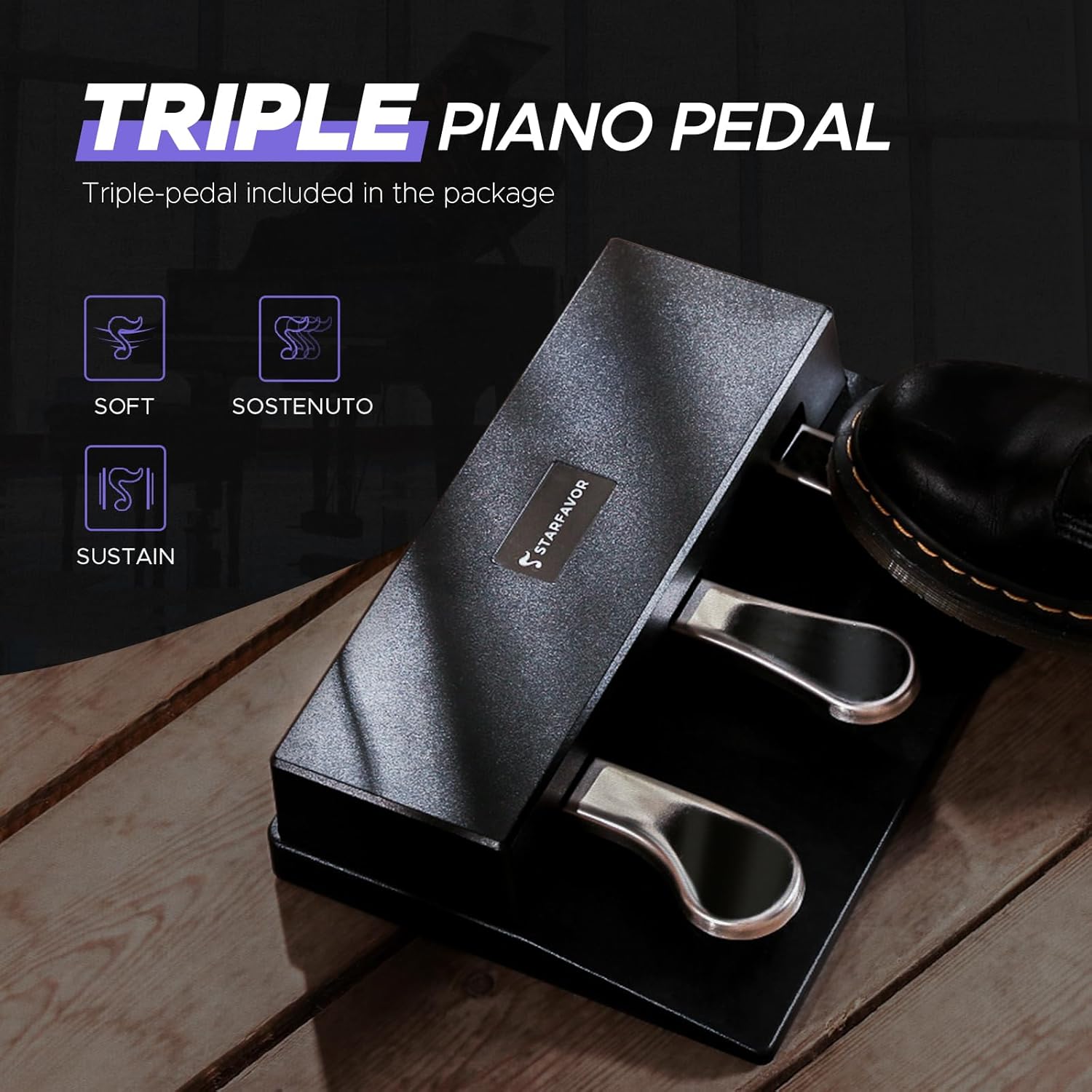
Сүрөт: Жакын план view of the Starfavor SP-20 triple pedal unit, showing the sustain, sostenuto, and soft pedals.
3. Power Connection
Connect the DC power cord to the power input jack on the rear panel of the digital piano. Plug the other end into a standard electrical outlet. The piano is now ready to be powered on.
Иштөө нускамалары
1. Күйгүзүү/өчүрүү
басыңыз Күч button located on the control panel to turn the digital piano on or off.
2. Үндү башкаруу
Adjust the master volume using the dedicated volume knob or buttons on the control panel. Start with a low volume and increase gradually to a comfortable listening level.
3. Key Touch Sensitivity
The SP-20 features graded hammer-action keys with adjustable touch sensitivity. This allows you to customize the response of the keys to your playing style. Options typically include:
- Катуу: Requires more force for louder sounds.
- Орточо: Standard piano response.
- Жумшак: Less force required for louder sounds.
- Оңдолгон: Consistent volume regardless of playing force.
Refer to the control panel or display for selecting the desired touch sensitivity setting.
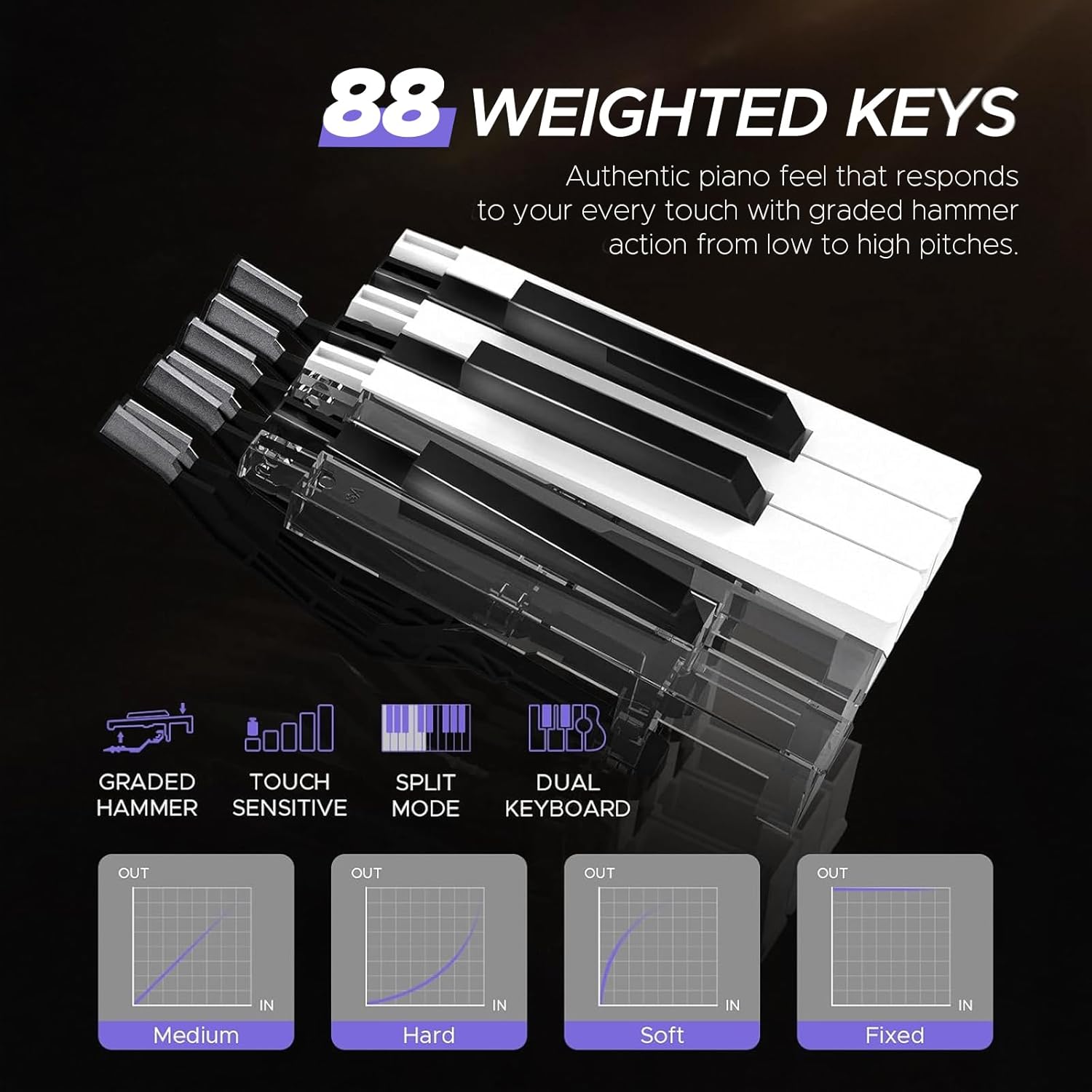
Image: Diagram illustrating the 88 weighted keys and various touch sensitivity curves (Medium, Hard, Soft, Fixed).
4. Instrument Voices (Tones)
The SP-20 offers 238 different instrument voices. Use the dedicated buttons or navigation controls to browse and select your preferred tone. The display will show the currently selected voice.
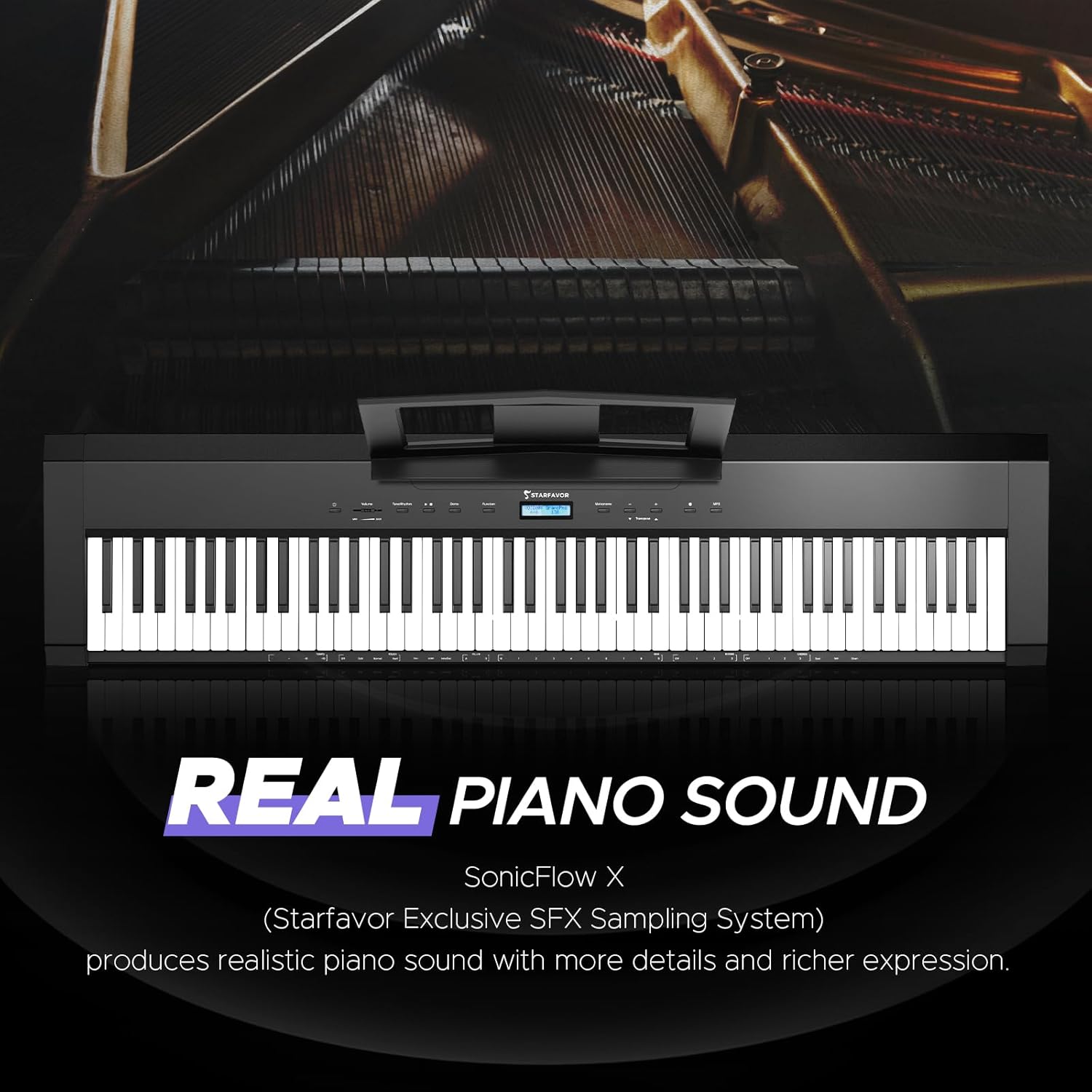
Image: The Starfavor SP-20 digital piano with a graphic highlighting its 'REAL PIANO SOUND' feature, powered by SonicFlow X Sampling System.
5. Rhythms and Demos
Access 200 rhythms and 100 demo songs through the control panel. These features can assist with practice and musical exploration.

Image: The Starfavor SP-20 display showing various multi-functions including 128 Polyphony, 238 Tones, 200 Rhythms, 100 Demos, and Chord function.
6. Метроном
Activate the built-in metronome to practice with precise timing. Adjust the tempo as needed.
7. Жазуу функциясы
The SP-20 includes a recording feature. Consult the display and control buttons for instructions on how to record and playback your performances.
8. Layer/Split Mode
Explore Layer mode to play two voices simultaneously across the entire keyboard, or Split mode to divide the keyboard into two sections, each with a different voice.
Байланыш
1. Bluetooth аудио
Connect your smartphone or tablet via Bluetooth to stream audio through the piano's speakers. This allows you to play along with your favorite songs or backing tracks.
2. Bluetooth MIDI
Utilize Bluetooth MIDI to connect wirelessly to music apps, Digital Audio Workstations (DAWs), or learning software on compatible devices for composing, practicing, or interactive lessons.

Image: The Starfavor SP-20 digital piano highlighting Bluetooth connectivity, showing icons for various music apps and devices like smartphones and tablets.
3. USB-MIDI
Connect the digital piano to a computer using the provided USB cable for MIDI data transmission. This enables advanced music production and software integration.
4. Гарнитураны чыгаруу
For private practice, connect standard 6.35mm headphones to the headphone jack on the rear panel. The internal speakers will automatically mute when headphones are connected.

Image: Rear panel view of the Starfavor SP-20, detailing connection ports for Pedal, DC power, Earphone (headphones), USB, Sustain, and Audio Out.
Triple Pedal Functionality
The included triple pedal unit provides three essential piano functions:
- Туруктуу педаль (оңдо): Holds notes, allowing them to ring out after the keys are released.
- Sostenuto педалы (ортоңку): Sustains only the notes that are held down at the moment the pedal is pressed, while subsequent notes remain unaffected.
- Жумшак педаль (солдо): Reduces the volume and alters the timbre of the notes played, creating a softer sound.
Техникалык тейлөө
1. Тазалоо
- Wipe the surface of the digital piano with a soft, dry cloth.
- өжөр кир үчүн, бир аз гampкездемени суу жана жумшак самын эритмеси менен сүртүп, андан кийин дароо кургатыңыз.
- Абразивдүү тазалагычтарды, эриткичтерди же химиялык майлыктарды колдонуудан алыс болуңуз, анткени алар финишке зыян келтириши мүмкүн.
2. Сактоо
- Store the digital piano in a cool, dry place away from direct sunlight, extreme temperatures, and high humidity.
- Cover the instrument with a dust cover when not in use to protect it from dust and debris.
Проблемаларды чечүү
If you encounter issues with your Starfavor SP-20, refer to the following common problems and solutions:
- Үн жок:
- Кубат күйгүзүлүп, үнү көтөрүлүп турганын текшериңиз.
- Кулакчындар туташкандыгын текшериңиз; эгер туташкан болсо, динамиктин чыгышын иштетүү үчүн аларды ажыратыңыз.
- Туура аспаптын үнү тандалып алынганын жана үнсүз жер эмес экенин текшериңиз.
- Keys Not Responding or Uneven Response:
- Check the selected touch sensitivity setting. Adjust it to a suitable level (e.g., Medium).
- Ачкычтардын арасына бөтөн нерсе калбагандыгын текшериңиз.
- Pedal Not Functioning:
- Ensure the triple pedal unit is securely connected to the correct port on the rear panel.
- Inspect the pedal cable for any damage.
- Bluetooth туташуу маселелери:
- Ensure Bluetooth is enabled on both the digital piano and your external device.
- Make sure the piano is in pairing mode if required.
- Move your device closer to the piano to ensure a strong signal.
- Бурмаланган үн:
- Үн деңгээлин азайтыңыз.
- Check for any loose connections in audio cables if external speakers are used.
If the issue persists after attempting these solutions, please contact Starfavor customer support.
Техникалык шарттар
| Өзгөчөлүк | Спецификация |
|---|---|
| Модель аты | SP-20 |
| Ачкычтардын саны | 88 |
| Ачкыч түрү | Full-Weighted, Graded Hammer Action, Touch-Sensitive |
| Баяндамачылар | Dual 30W Built-In Speakers |
| Полифония | 128-нот |
| Instrument Voices (Tones) | 238 |
| Ритмдер | 200 |
| Демо ырлар | 100 |
| Педаалдар | Triple Pedal (Sustain, Sostenuto, Soft) |
| Байланыш | Bluetooth, USB-MIDI, 6.35mm Headphone Jack |
| Power Source | DC Power Cord |
| Продукциянын өлчөмдөрү | 12.36"D x 52.64"W x 29.5"H |
| Элемент Салмагы | 39.6 фунт (18 килограмм) |
| Аяктоо түрү | Matte Black |
| Дене материалы | Металл |
| Шайкеш түзмөктөр | Smart Phone, Tablet, Computer, iPad, iPhone |
Кепилдик жана колдоо
For warranty information, please refer to the documentation provided at the time of purchase or contact your retailer. Starfavor may offer extended protection plans; details can be found on the product's purchase page or by contacting Starfavor directly.
If you require technical assistance or have questions not covered in this manual, please contact Starfavor customer support through their official website or the retailer where the product was purchased. When contacting support, please have your product model (SP-20) and purchase details readily available.


