1. Киришүү
This manual provides essential information for the proper use and maintenance of your Forever ForeVive 2 Slim SB-325 Smartwatch. Please read it carefully before operating the device to ensure optimal performance and longevity.
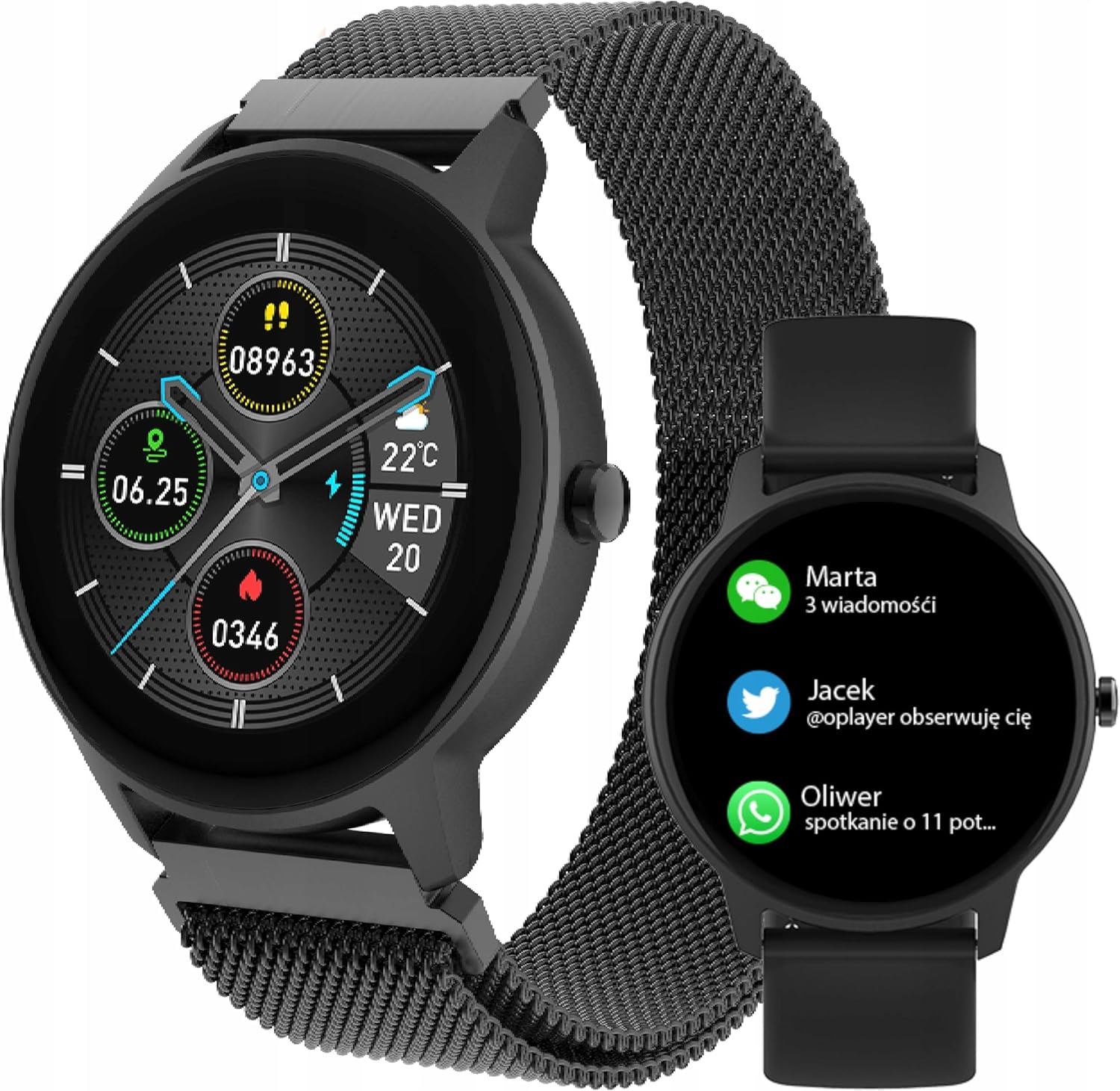
Image: The Forever ForeVive 2 Slim SB-325 Smartwatch in black with a mesh strap, displaying a digital watch face with weather, steps, and heart rate information.
2. Кутуда эмне бар
Пакетте бардык компоненттер бар экенин текшериңиз:
- Forever ForeVive 2 Slim SB-325 Smartwatch
- USB заряддоо кабели
- Additional Strap (Silicone)
- Колдонуучунун Колдонмосу (бул документ)
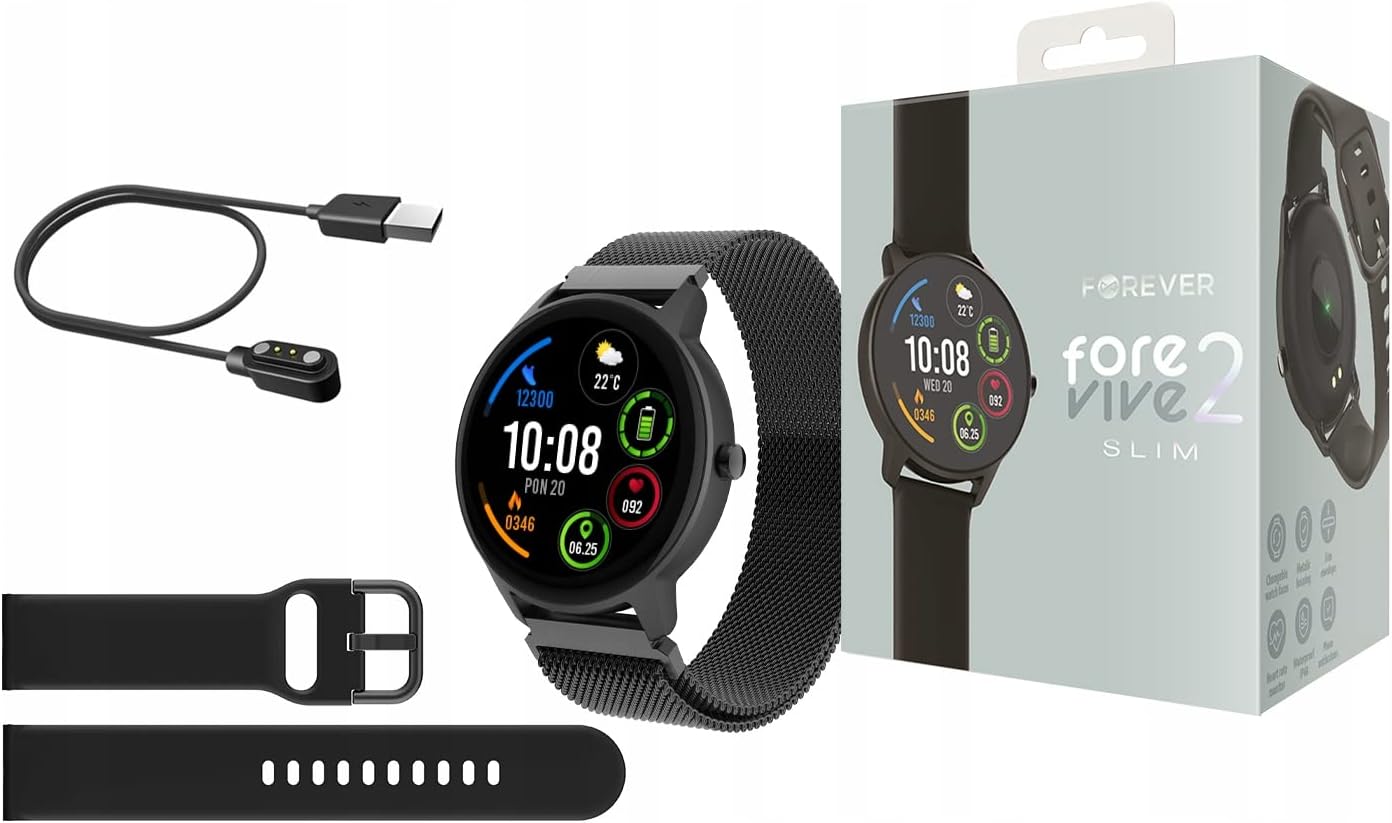
Image: Contents of the Smartwatch package, including the smartwatch with a mesh strap, a USB charging cable, an additional silicone strap, and the product box.
3. Орнотуу
3.1. Аппаратты заряддоо
Before first use, fully charge your smartwatch. Connect the magnetic charging cable to the charging pins on the back of the watch and plug the USB end into a power adapter (not included) or a computer's USB port. The watch display will indicate charging status.
3.2. Күйгүзүү/өчүрүү
- Күйгүзүү үчүн: Экран күйгөнгө чейин каптал баскычын бир нече секунд басып туруңуз.
- Өчүрүү үчүн: Капталдагы баскычты басып, кармап туруңуз, андан кийин экрандагы "Өчүрүү" опциясын тандаңыз.
3.3. Колдонмону орнотуу жана жупташтыруу
To unlock the full potential of your smartwatch, download the dedicated application on your smartphone. Издөө the 'Forever Smart' app (or similar, as specified in the quick start guide) in your device's app store (Google Play Store for Android, Apple App Store for iOS).
- Колдонмону смартфонуңузга орнотуңуз.
- Смартфонуңузда Bluetooth'ду иштетиңиз.
- Open the app and follow the on-screen instructions to create an account and pair your smartwatch via Bluetooth.
- Ensure the smartwatch is close to your phone during the pairing process.

Image: A smartphone screen displaying the companion application interface for the smartwatch, showing activity data and sleep tracking.
4. Акылдуу саатты иштетүү
4.1. Негизги навигация
- Сенсордук экран: Менюларды жана функцияларды чабыттоо үчүн солго/оңго, өйдө/ылдый сүрүңүз. Тандоо үчүн таптаңыз.
- Каптал баскычы: Башкы экранга кайтуу же түзмөктү ойготуу үчүн басыңыз. Кубат параметрлери үчүн көпкө басыңыз.
4.2. Эскертмелер
Once paired with your smartphone, the smartwatch can display notifications from calls, messages, and various applications. Ensure notification permissions are granted in the companion app.

Image: The smartwatch screen showing incoming notifications from messaging apps and social media.
4.3. Heart Rate Мониторинг
The smartwatch features a built-in heart rate monitor. To measure your heart rate, navigate to the heart rate function on the watch. Ensure the watch is snug on your wrist for accurate readings.

Image: The smartwatch display showing a heart rate reading of 125 beats per minute (BPM) and calories burned.
4.4. Иш-аракеттерди көзөмөлдөө
The ForeVive 2 Slim tracks your daily activity, including steps taken, distance covered, and calories burned. This data can be viewed on the watch and synchronized with the companion app for detailed analysis.
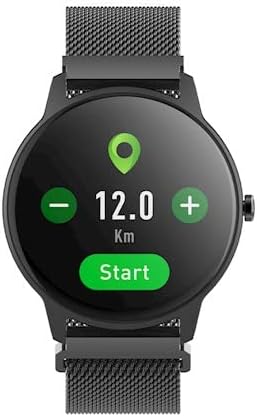
Image: The smartwatch display showing activity metrics such as distance in kilometers, steps, and calories burned.
4.5. Спорт режимдери
Select from various sport modes to track specific workouts more accurately. The watch can monitor data relevant to activities like running, cycling, football, basketball, and volleyball.

Image: The smartwatch display showing icons for various sport modes, including football, basketball, and volleyball.
4.6. Уйкунун мониторинги
Wear the smartwatch to bed to automatically track your sleep patterns. The companion app provides detailed insights into your sleep quality, including deep sleep, light sleep, and awake times.
4.7. Сууга туруктуулук
The smartwatch is designed with a degree of water resistance, making it suitable for daily use and exposure to splashes. However, it is not recommended for swimming or diving. Refer to the specifications for the exact IP rating.

Image: Two smartwatches, one black and one pink, partially submerged in water with splashes, demonstrating water resistance.
5. Техникалык тейлөө
5.1. Тазалоо
Regularly clean your smartwatch and strap. Use a soft, damp cloth to wipe the screen and body. For the strap, follow the manufacturer's recommendations based on the material. Avoid using harsh chemicals or abrasive materials.
5.2. Батареяга кам көрүү
- Батареяны бат-баттан толук кубаттап калуудан алыс болуңуз.
- Аппаратты экстремалдуу температурага дуушар кылбаңыз.
- Берилген заряддоо кабелин гана колдонуңуз.
5.3. Сактоо
When not in use for extended periods, store the smartwatch in a cool, dry place. Charge it periodically to prevent deep discharge.
6. Кыйынчылыктарды
6.1. Түзмөк күйбөй жатат
- Аппараттын толук заряддалганын текшериңиз.
- Капталдагы баскычты узак убакытка (10-15 секунд) басып, кармап көрүңүз.
6.2. Смартфон менен жупташтырууга болбойт
- Смартфонуңузда Bluetooth иштетилгенин текшериңиз.
- Ensure the smartwatch is within Bluetooth range (typically 10 meters).
- Акылдуу саатты да, смартфонуңузду да өчүрүп күйгүзүңүз.
- Clear the Bluetooth cache on your phone (Android) or forget the device and try pairing again.
6.3. Туура эмес көрсөткүчтөр
- Сааттын билегиңизге бекем тагылганын, өтө бош же өтө катуу эмес экенин текшериңиз.
- Сааттын артындагы сенсорлорду тазалаңыз.
- Өлчөө учурунда ашыкча кыймылдоодон алыс болуңуз (мисалы, жүрөктүн кагышын өлчөө).
6.4. Экран жооп бербейт
- Аппаратты кайра иштетиңиз.
- Экран таза жана кургак экенин текшериңиз.
7. Техникалык шарттар
| Өзгөчөлүк | Деталь |
|---|---|
| Бренд | ТҮБӨЛҮК |
| Модел | SB-325 |
| Түс | Негр (кара) |
| Форма | Тегерек |
| Операция системасы | AsteroidOS |
| Эстутум сактоо сыйымдуулугу | 25 MB |
| Өзгөчө өзгөчөлүк | Жүрөктүн кагышын көзөмөлдөөчү |
| Батарея сыйымдуулугу | 180 мАч (литий-ион) |
| Байланыш технологиясы | USB, Bluetooth |
| GPS | GPS жок |
| Жабылуу | Капка илгич |
8. Кепилдик жана колдоо
8.1. Кепилдик маалыматы
Your Forever ForeVive 2 Slim SB-325 Smartwatch is covered by a manufacturer's warranty. Please refer to the warranty card included in your product packaging or visit the official FOREVER webкепилдик камтууга жана узактыгына байланыштуу толук шарттар жана шарттар үчүн сайт.
8.2. Кардарларды колдоо кызматы
For technical assistance, troubleshooting not covered in this manual, or service inquiries, please contact FOREVER customer support. Contact details can typically be found on the official FOREVER webсайтында же продуктунун таңгагында.


