Introduction
Thank you for choosing the Monster Multi-Color and Warm-White LED Light Bulb. This smart bulb offers an unparalleled lighting experience with 16 million customizable color and white options, dimming capabilities, and smart control features. Designed for ease of use, it integrates seamlessly with your smart home ecosystem, allowing control via a dedicated app or voice commands through popular assistants like Alexa, Siri, and Google Assistant. This manual provides essential information for setting up, operating, maintaining, and troubleshooting your new smart light bulb.
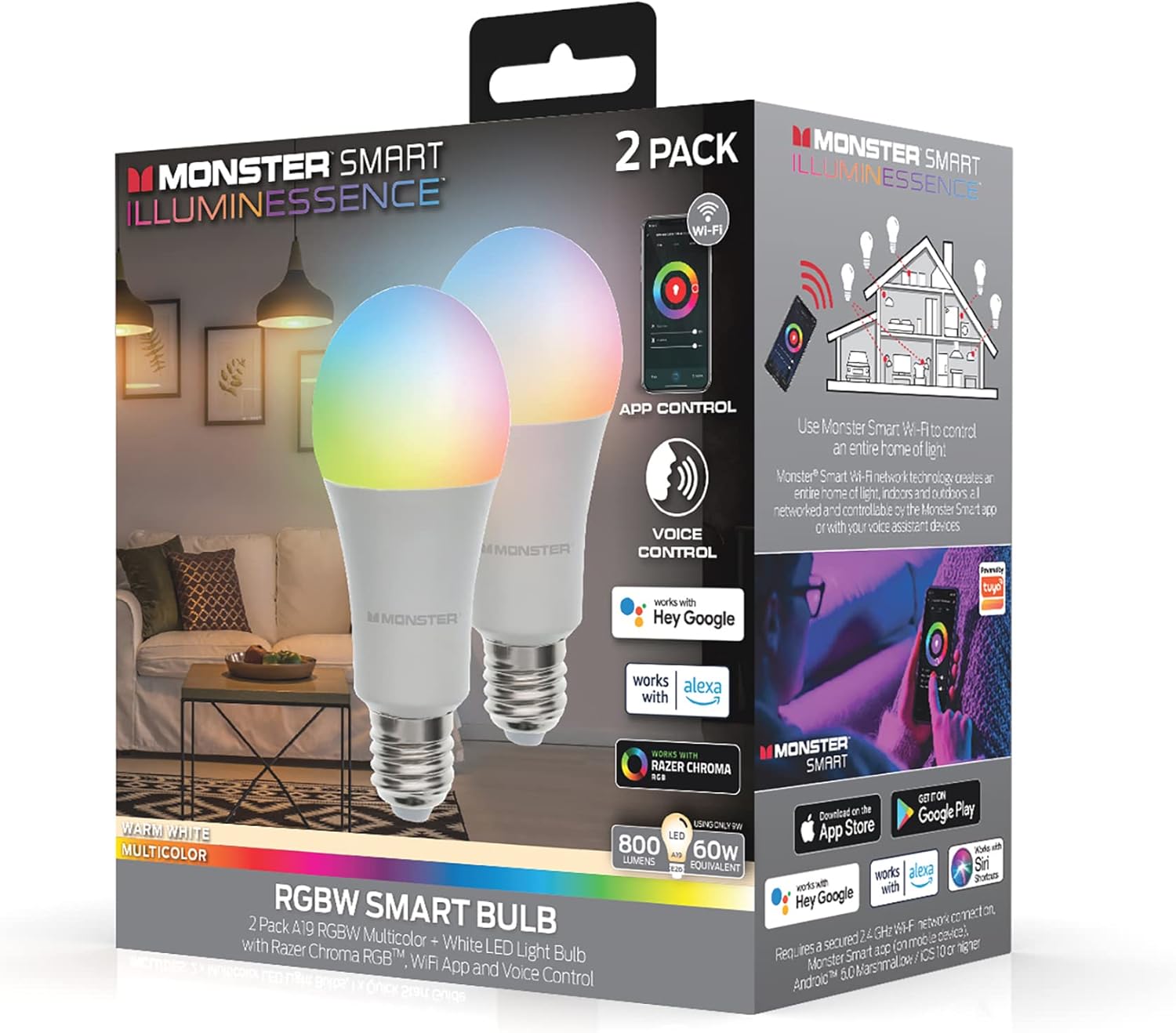
Image: The Monster Smart Illuminessence RGBW Smart Bulb 2-pack packaging, showcasing the bulbs and their smart features like app and voice control.
Жайгашуу
1. Орнотуу
- Орнотуудан мурун жарык берүүчү прибордун кубаты өчүрүлгөнүн текшериңиз.
- Carefully screw the Monster Smart LED Light Bulb into a standard E26 (A19 shape) light socket.
- Turn on the power to the light fixture. The bulb should light up, indicating it's ready for pairing.
2. Connecting to the Monster Smart App
The Monster Smart App is essential for full control and customization of your bulb. It is compatible with both iOS and Android devices.
- Download the "Monster Smart" app from the Apple App Store or Google Play Store.
- Колдонмону ачып, каттоо эсебин түзүңүз же сизде мурунтан эле бар болсо, кириңиз.
- Ensure your mobile device is connected to a 2.4 GHz Wi-Fi network. The smart bulb requires a 2.4 GHz connection for initial setup and operation.
- Колдонмодо жаңы түзмөк кошуу үчүн "+" сүрөтчөсүн таптаңыз.
- Select "Lighting" or "Smart Bulb" from the device list.
- Follow the on-screen instructions in the app to put the bulb into pairing mode (usually by turning it off and on a few times until it blinks).
- Confirm your Wi-Fi network and enter the password when prompted.
- The app will search for and connect to your smart bulb. Once connected, you can rename the bulb for easier identification.

Image: A person interacting with the Monster Smart app on a smartphone, demonstrating the app's interface for controlling the light bulb's color and brightness.
3. Voice Assistant Integration (Optional)
Your Monster Smart Bulb is compatible with Amazon Alexa, Google Assistant, and Apple Siri for convenient voice control.
- Amazon Alexa, Google Home же Apple Home тиркемеңизди ачыңыз.
- "Көндүмдөр" же "Google менен иштейт" бөлүмүнө өтүңүз.
- Издөө and enable the "Monster Smart" skill/service.
- Link your Monster Smart account when prompted.
- Discover devices. Your smart bulb should now appear in your voice assistant app and be controllable by voice commands.
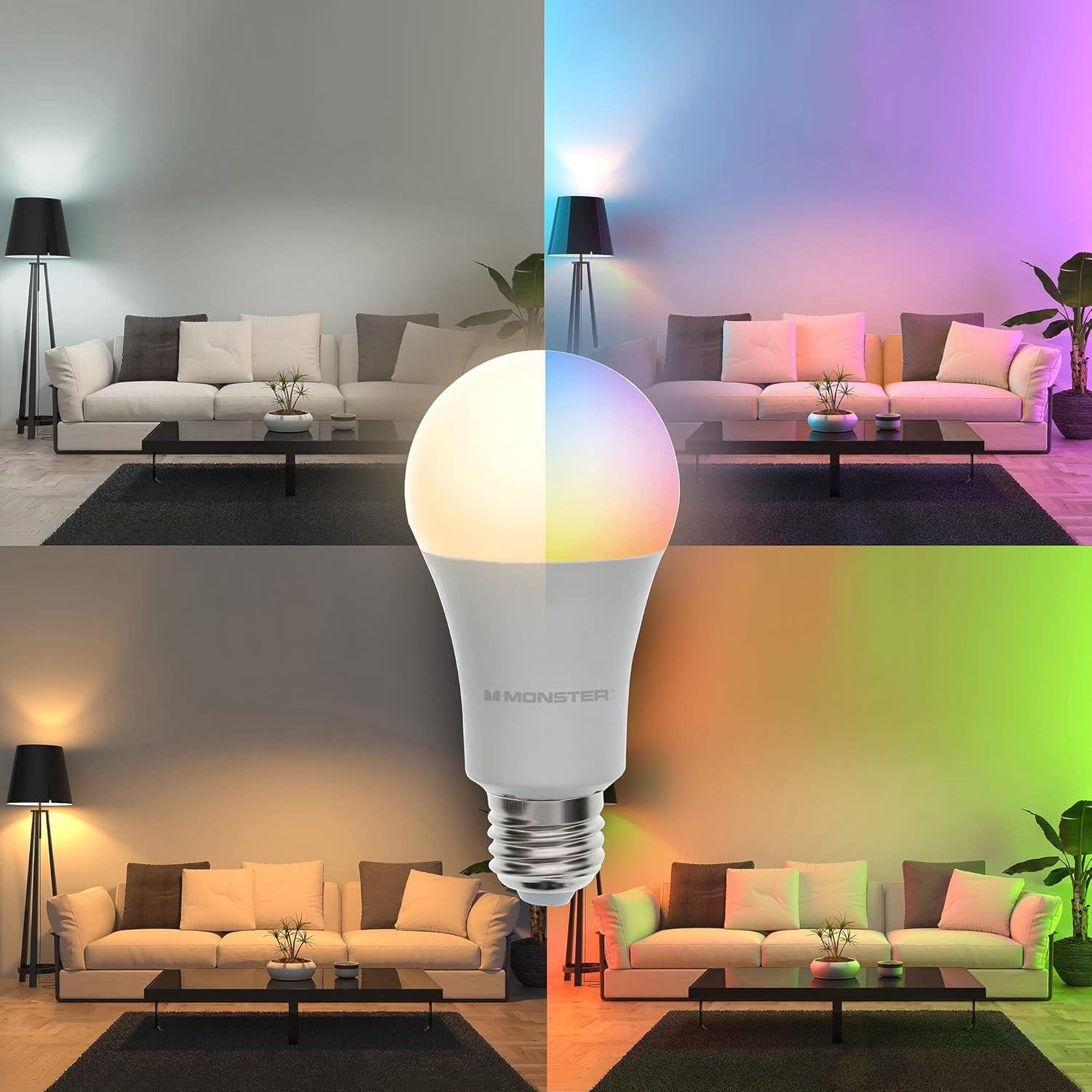
Image: A Monster Smart Bulb is shown in a split image, illustrating its capability to produce both warm white and a spectrum of multicolor lighting, transforming the ambiance of a living room.
Акылдуу лампаңызды иштетүү
Түсү жана жарыктыгын көзөмөлдөө
The Monster Smart App provides extensive control over your bulb's lighting. You can choose from 16 million colors and various shades of white, as well as adjust brightness levels.
- Түс тандоо: In the app, navigate to the color wheel or palette to select your desired hue.
- Ак тондор: Switch to the white light section to choose between warm white and cool white options.
- алсыздатуу: Use the brightness slider in the app to adjust the light intensity from 1% to 100%.
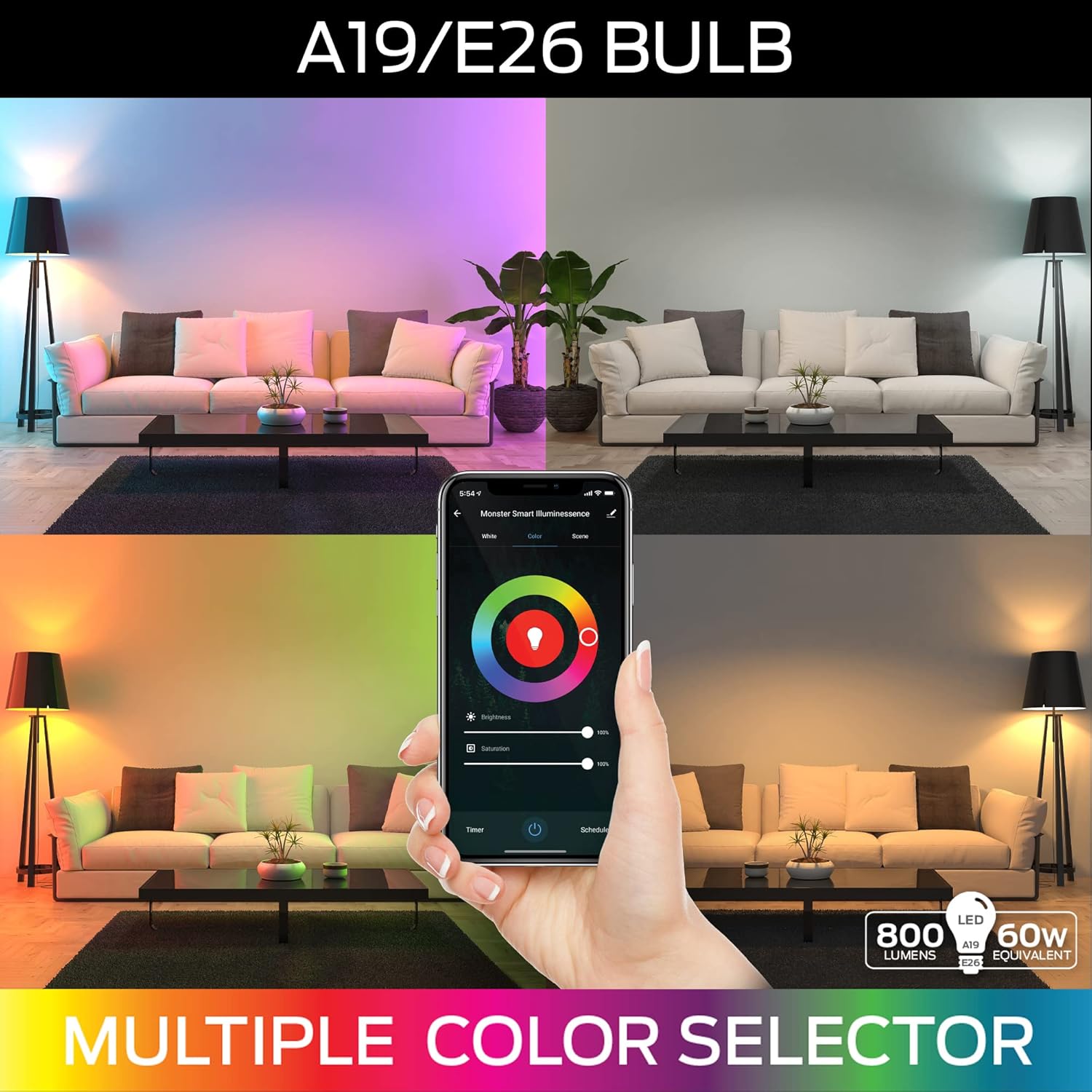
Image: A visual representation of the A19/E26 bulb's capabilities, featuring a smartphone screen displaying a multi-color selector interface, allowing users to choose from a wide range of colors and adjust brightness.
Pre-set Scenes and Custom Modes
The app includes various pre-set lighting scenes for different moods and occasions. You can also create and save your own custom lighting modes.
- Explore the "Scenes" section in the app to activate pre-configured lighting effects.
- To create a custom mode, adjust the color, brightness, and effects as desired, then save it with a unique name.
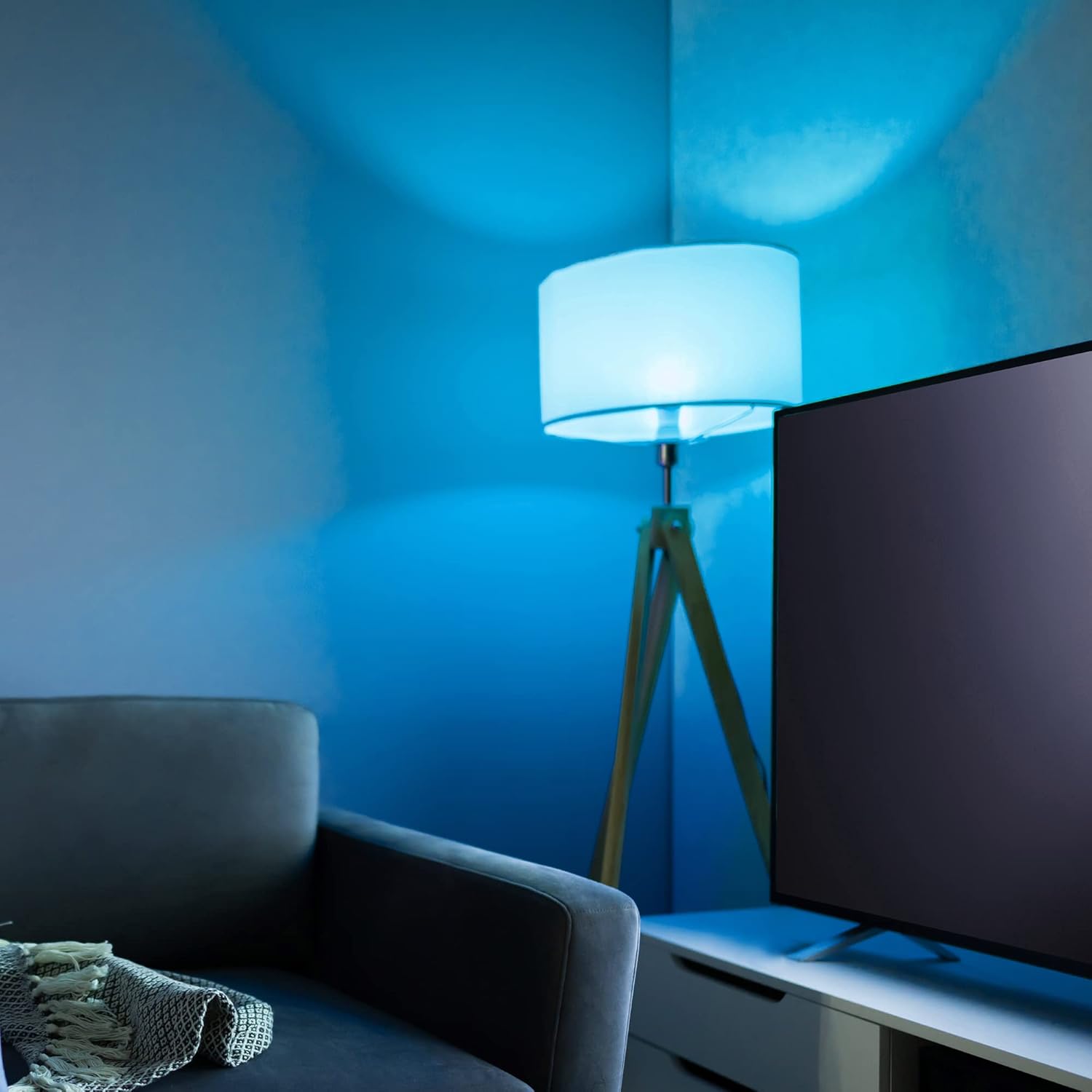
Image: A room bathed in a vibrant blue light, demonstrating the smart bulb's ability to create specific color atmospheres.
График түзүү жана таймерлер
Ыңгайлуулук жана энергияны үнөмдөө үчүн жарыктандыруу процессин графиктер жана таймерлер менен автоматташтырыңыз.
- Графиктер: Set specific times for your bulbs to turn on/off, change color, or adjust brightness. This is ideal for daily routines or vacation mode.
- Таймерлер: Use the timer function to automatically turn off the light after a set duration.
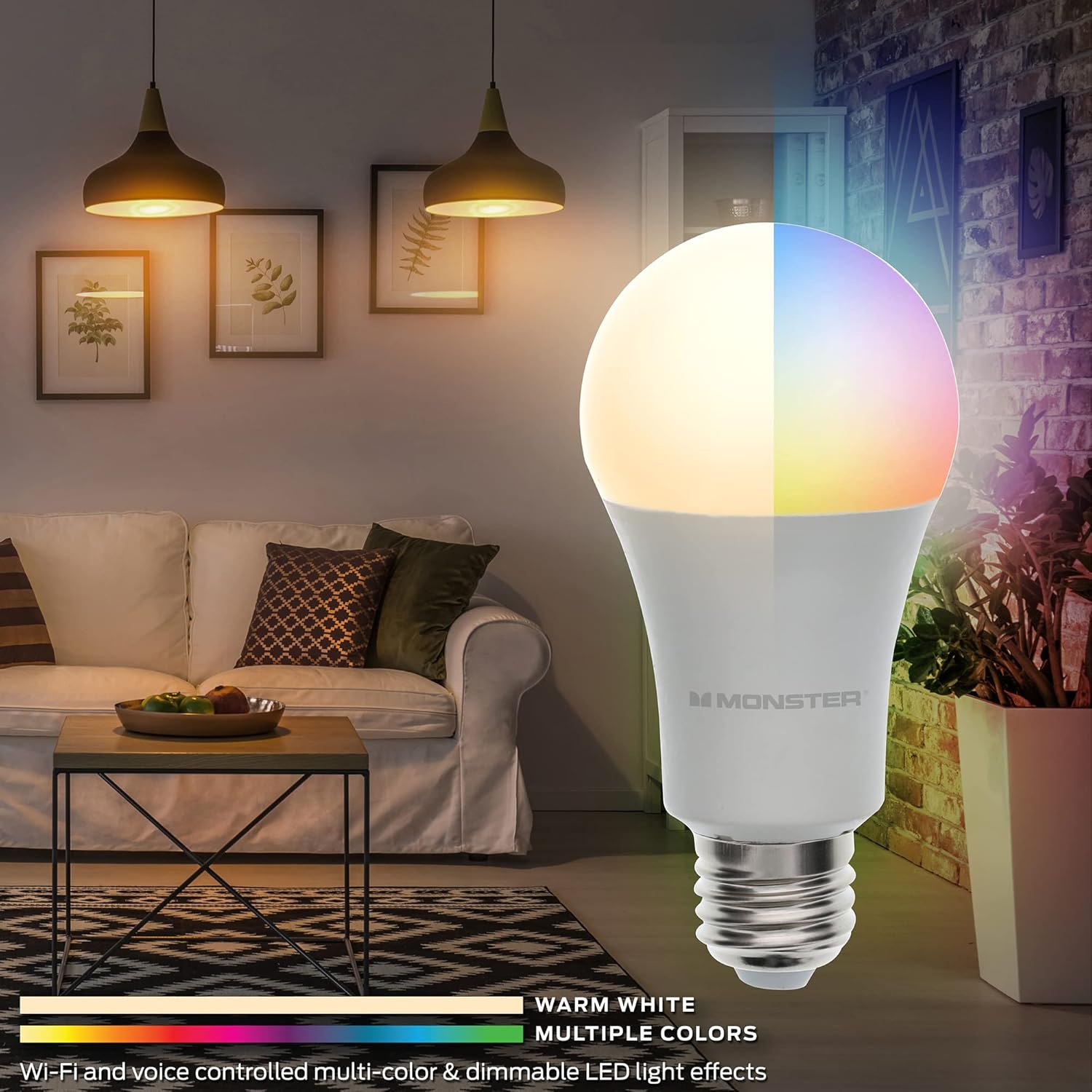
Image: The Monster Smart Illuminessence RGBW Smart Bulb is prominently displayed in a modern living room, showcasing its ability to provide both warm white and vibrant multicolor lighting effects.
Техникалык тейлөө
The Monster Smart LED Light Bulb requires minimal maintenance to ensure optimal performance and longevity.
- Тазалоо: Before cleaning, ensure the bulb is off and cool. Wipe the bulb with a soft, dry cloth. Do not use liquid cleaners or abrasive materials.
- Сактагыч: Эгерде лампаны узак убакытка сактасаңыз, аны баштапкы таңгагында, салкын, кургак жерде сактаңыз.
- Программалык камсыздоонун жаңыртуулары: Periodically check the Monster Smart App for available firmware updates. These updates can improve performance, add new features, and enhance security.
Проблемаларды чечүү
| Көйгөй | Мүмкүн себеп | Чечим |
|---|---|---|
| Лампочка күйбөйт. | Арматурага электр энергиясы жок; Лампочка туура буралган эмес; Лампочка бузук. | Жарыкты өчүргүчтү жана өчүргүчтү текшериңиз. Лампанын розеткага бекем сайылганын текшериңиз. Лампаны башка жумушчу түзүлүштө сынап көрүңүз. |
| Cannot connect to Wi-Fi / App setup fails. | Incorrect Wi-Fi band (not 2.4 GHz); Incorrect Wi-Fi password; Bulb not in pairing mode; Wi-Fi signal too weak. | Ensure your phone is connected to a 2.4 GHz Wi-Fi network. Double-check your Wi-Fi password. Turn the bulb off and on 3-5 times to enter pairing mode (it should blink). Move the bulb closer to your Wi-Fi router. |
| Үн башкаруу иштебейт. | Voice assistant skill not enabled; Account not linked; Device not discovered. | Verify the "Monster Smart" skill is enabled in your voice assistant app. Ensure your Monster Smart account is linked. Ask your voice assistant to "discover devices." |
| App is slow or unresponsive. | App cache; Network issues; Outdated app version. | Clear the app cache, restart the app, or reinstall it. Check your internet connection. Ensure the app is updated to the latest version. |
Техникалык шарттар
- Бренд: XTREME САНАРИПТИК ЖАШОО ТАРЗЫ АКСЕССУАРЛАРЫ
- Модель аты: MLB7-1052-RGB
- Жарык түрү: LED
- Ватtage: 9 Watts (Power Consumption), 10 Watts (Rated), 60 Watts (Incandescent Equivalent)
- Жарыктык: 800 Люмен (Ак жарыктык)
- Лампанын формасынын өлчөмү: A19
- Лампанын негизи: E26
- Ачык түс: Көп түстүү, жылуу ак
- Түс температурасы: 6000 Келвин
- Байланыш технологиясы: Wi-Fi (2.4 GHz)
- Башкаруу ыкмасы: Колдонмо, Үн (Amazon Alexa, Google Жардамчы)
- Ички/тышкы колдонуу: Indoor
- Материал: Темир
- Элемент Салмагы: 3.52 унция
- Пакеттин өлчөмдөрү: 4.88 x 4.8 x 2.56 дюйм
- UPC: 805106892678
Кепилдик жана колдоо
This Monster Smart LED Light Bulb comes with a standard manufacturer's warranty. For detailed warranty information, product support, or to contact customer service, please visit the official XTREME DIGITAL LIFESTYLE ACCESSORIES webсайттан же сатып алууда камтылган кепилдик картасын караңыз.
Кошумча жардам алуу үчүн, сиз да кайрыла аласыз XTREME САНАРИПТИК ЖАШОО СТИЛИНЕ АРНАЛГАН АКСЕССУАРЛАР Amazon дүкөнүндө.


