1. Киришүү
This manual provides essential information for setting up, operating, and maintaining your HP Pavilion 15-eg2025nr 15.6" FHD Laptop. Please read this guide thoroughly to ensure optimal performance and longevity of your device. This laptop is designed for everyday computing tasks, offering a balance of performance and portability.
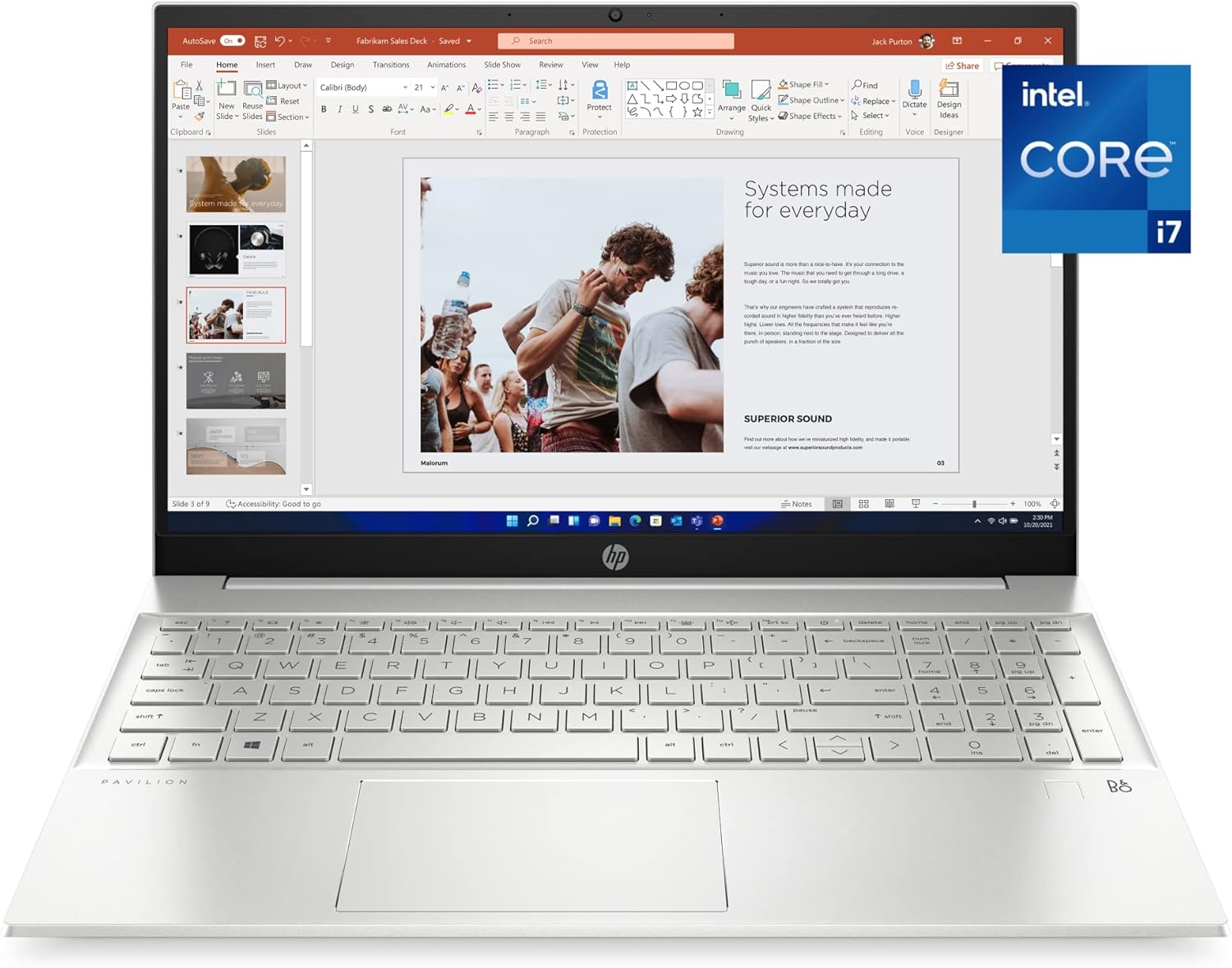
Figure 1: HP Pavilion 15-eg2025nr Laptop
2. Баштоо
2.1 Баштапкы орнотуу
- Ноутбукту таңгактан чыгаруу: Ноутбукту жана бардык аксессуарларды таңгактан этияттык менен алып салыңыз.
- Туташуу кубаты: AC адаптерин ноутбуктун кубат портуна, андан кийин розеткага сайыңыз.
- Күйгүзүү: Ноутбуктун капкагын ачып, адатта клавиатуранын жогорку оң жагында жайгашкан кубат баскычын басыңыз.
- Экрандагы нускамаларды аткарыңыз: The laptop will guide you through the initial Windows 11 Pro setup, including language selection, network connection, and user account creation.
3. Продукт бүтүп калдыview
3.1 Физикалык компоненттер
The HP Pavilion 15-eg2025nr features a thoughtful design for ease of use and portability.
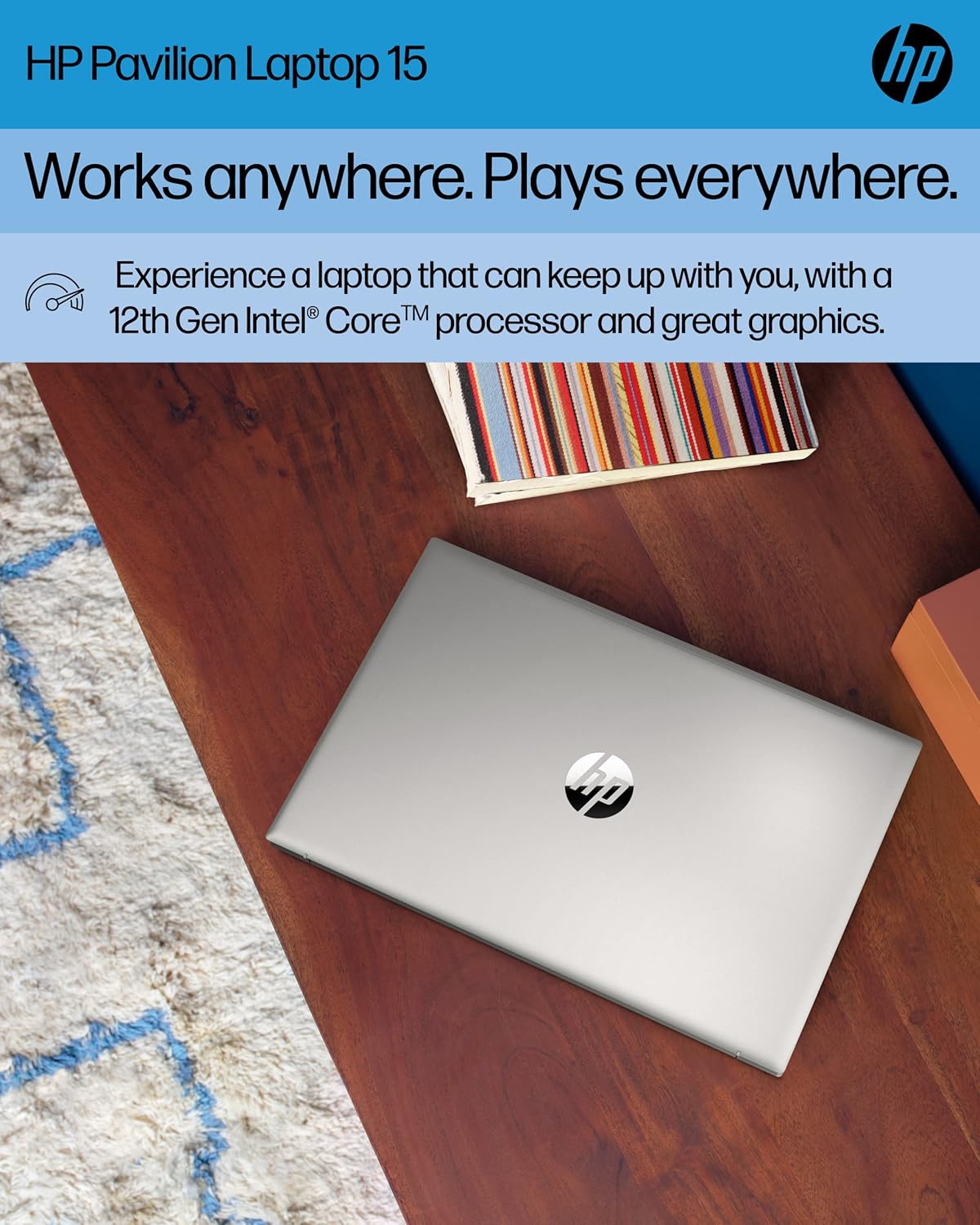
2-сүрөт: Жогорку view of the HP Pavilion 15-eg2025nr Laptop
3.2 Порттор жана туташтыргычтар
Your laptop is equipped with various ports for connecting peripherals and external devices.
- USB порттору: For connecting USB devices like external drives, mice, or keyboards.
- HDMI порту: Тышкы дисплейлерге же проекторлорго туташуу үчүн.
- Ethernet порту: Зымдуу тармак байланыштары үчүн.
- Аудио Jack: Наушник же тышкы динамиктер үчүн.
- Кубат туташтыргычы: AC адаптер үчүн.

3-сүрөт: Каптал view of the laptop showing various ports
4. Негизги өзгөчөлүктөрү
- Аткаруу: Powered by a 12th Generation Intel Core i7-1255U processor and 16 GB DDR4 RAM for efficient multitasking and responsive performance.
- Дисплей: 15.6-inch diagonal Full HD (1920 x 1080) IPS micro-edge BrightView display with 178-degree wide viewing angles for vibrant and clear visuals.
- Графика: Integrated Intel Iris Xe Graphics delivers crisp visuals for various applications and entertainment.
- Сактагыч: 512 GB PCIe NVMe M.2 SSD provides fast boot-up times and quick data access.
- Байланыш: Features Wi-Fi 6 (2x2) and Bluetooth combo with Gigabit data rate support, along with MU-MIMO for stable wireless connections.
- Audio and Camera: Equipped with an HP Wide Vision HD Camera with temporal noise reduction, integrated dual-array digital microphones, and dual speakers customized by B&O for enhanced video conferencing.
- Туруктуу дизайн: Constructed with ocean-bound plastic and shipped in 100% sustainably sourced and recyclable packaging. ENERGY STAR certified and EPEAT Silver registered.
5. Операция системасы
Your HP Pavilion laptop comes with Windows 11 Pro pre-installed. This operating system offers a secure and responsive computing experience with features designed for productivity and advanced protections against cyber threats. Familiarize yourself with the Windows 11 interface for efficient navigation and use of applications.
6. Батареяны башкаруу
The laptop offers up to 7 hours and 45 minutes of battery life, depending on usage. It supports HP Fast Charge, allowing your PC to charge from 0 to 50% in approximately 45 minutes.
- Заряддоо: Connect the AC adapter when the battery is low.
- Батареянын ден соолугу: Батареянын иштөө мөөнөтүн узартуу үчүн, бат-баттан батарейканы толук зарядсыздандырбаңыз.
7. Техникалык тейлөө жана кам көрүү
- Тазалоо: Экранды жана сыртты тазалоо үчүн жумшак, түксүз чүпүрөктү колдонуңуз. Катуу химиялык заттардан алыс болуңуз.
- Программалык камсыздоо жаңыртуулары: Оптималдуу аткарууну жана коопсуздукту камсыздоо үчүн Windows жаңыртууларын жана HP драйверинин жаңыртууларын дайыма текшерип, орнотуп алыңыз.
- Вентиляция: Ашыкча ысып кетүүнүн алдын алуу үчүн ноутбуктун желдеткичтери тоскоол болбогонун текшериңиз.

4-сүрөт: Төмөнкү view of the laptop, highlighting ventilation areas
8. Кыйынчылыктарды
Эгерде сиз ноутбугуңузда көйгөйлөргө туш болсоңуз, анда төмөнкү кеңири таралган чечимдерди карап көрүңүз:
- Кубат жок: AC адаптери ноутбукка да, иштеген электр розеткасына да бекем туташып турганын текшериңиз. Кубат индикаторунун жарыгын текшериңиз.
- Экран маселелери: If the screen is blank, try adjusting the brightness or connecting to an external monitor to rule out a display hardware issue.
- Жай аткаруу: Close unnecessary applications, check for malware, and ensure your system is up-to-date. Consider freeing up disk space.
- Туташуу көйгөйлөрү: For Wi-Fi issues, restart your router and the laptop. For Bluetooth, ensure the device is discoverable and within range.
- Системанын тоңушу: Press and hold the power button for 15 seconds to force a shutdown, then restart the laptop.
9. Техникалык шарттар
| Өзгөчөлүк | Деталь |
|---|---|
| Туруктуу экран дисплей өлчөмү | 15.6 дюйм |
| Screen Resolution | 1920 x 1080 пиксел (FHD) |
| Процессор | Intel Core i7-1255U (1.7 ГГц) |
| RAM | 16 ГБ DDR4 |
| Memory Speed | 4.7 ГГц |
| Катуу диск | 512 ГБ SSD (PCIe NVMe M.2) |
| Графикалык сопроцессор | Intel Iris Xe графикасы |
| Зымсыз түрү | 802.11a/b/g/n/ac, Bluetooth (Wi-Fi 6) |
| Батареянын орточо иштөө мөөнөтү | 7.45 саат |
| Операция системасы | Windows 11 Pro |
| Элемент Салмагы | 3.86 фунт |
| Продукциянын өлчөмдөрү | 0.7 x 9.21 x 14.18 дюйм |
| Түс | Natural Silver Aluminum |
10. Кутуда эмне бар
The following items are included with your HP Pavilion 15-eg2025nr Laptop:
- HP Pavilion Laptop 15-eg2025nr
- Кубаттуу адаптер
- Постер орнотуу

Figure 5: Contents of the box
11. Кепилдик жана колдоо
Your HP Pavilion laptop is protected by a 1 жылдык чектелген кепилдик. For technical assistance, warranty claims, or further support, please refer to the contact information provided in your setup poster or visit the official HP support website. Ensure you have your product model number (15-eg2025nr) and serial number ready when contacting support.