1. Киришүү
This manual provides essential information for the setup, operation, and maintenance of your YLIMPC M3 i7 Mini PC. Please read this manual thoroughly before using the device to ensure proper functionality and to prevent damage.
2. Коопсуздук маалыматы
- Кубат адаптери жергиликтүү электр менен камсыздооңузга шайкеш келерин текшериңиз.
- Аппаратты сууга, нымдуулукка же экстремалдык температурага тийгизбеңиз.
- Аппаратты түздөн-түз күн нурунун астында же жылуулук булактарынын жанына коюудан алыс болуңуз.
- в ачпагылаasing unless performing authorized upgrades (e.g., RAM/SSD installation) as described in this manual.
- Ашыкча ысып кетүүнүн алдын алуу үчүн желдетүү тешиктерин ачык кармаңыз.
- Өндүрүүчү тарабынан көрсөтүлгөн кошумча жабдууларды гана колдонуңуз.
3. Пакеттин мазмуну
Пакетиңизде бардык буюмдар бар экенин текшериңиз:
- YLIMPC M3 i7 Mini PC
- Кубаттуу адаптер
- Колдонуучунун Колдонмосу (бул документ)
- (Optional, depending on bundle): HDMI Cable, VESA Mount, Screws
4. Продукт бүтүп калдыview
The YLIMPC M3 i7 Mini PC is a compact desktop computer designed for various computing tasks, from office work to 4K media streaming. It features a robust Intel Core i7 10810U processor and versatile connectivity options.
4.1. Алдыңкы жана арткы панелдер

Сүрөт: алдыңкы жана арткы views of the YLIMPC M3 Mini PC, highlighting the various ports and power button.
The front panel provides easily accessible ports for common peripherals, while the rear panel houses essential connectivity for displays, network, and power.
Алдыңкы панелдин порттору:
- USB 3.0 (x3): For connecting USB devices such as keyboards, mice, and external storage.
- USB-C (x1): Versatile port for data transfer.
- 3.5mm Audio Jack (Mic/SPK): For headphones or external speakers and microphone.
- Кубат баскычы: Аппаратты күйгүзүү же өчүрүү үчүн.
Арткы панелдин порттору:
- DC 12V кубат киргизүү: Берилген кубат адаптерин бул жерге туташтырыңыз.
- USB 3.0 (x2): Additional ports for USB devices.
- DisplayPort (DP): Дисплейге туташуу үчүн.
- HDMI2.0: Дисплейге туташуу үчүн.
- 2.5Gbps RJ45 Ethernet: Зымдуу тармак туташуусу үчүн.

Image: Detailed diagram illustrating the various input/output ports on the YLIMPC M3 Mini PC.
This diagram provides a visual guide to the location and type of each port on the device.
4.2. Internal Components

Image: A visual representation of the Intel 10th Gen Core i7-10810U processor, highlighting its core specifications.
The YLIMPC M3 is powered by an Intel Core i7 10810U processor, featuring 6 cores and 12 threads, with a maximum turbo frequency of 4.9GHz. It is designed for efficient performance with a 15W CPU power consumption.

Сүрөт: Ички view of the YLIMPC M3 Mini PC, showing the all-metal copper fan for heat dissipation.
The device incorporates an all-metal copper fan for efficient heat dissipation, ensuring stable operation even under load.
5. Орнотуу нускамалары
Follow these steps to set up your YLIMPC M3 Mini PC:
- Перифериялык түзүлүштөрдү туташтыруу: Connect your keyboard, mouse, and any other USB devices to the available USB ports on the front or rear panels.
- Дисплейди туташтыруу: Connect your monitor or TV to either the HDMI or DisplayPort on the rear panel using a compatible cable. For 4K resolution, ensure you use a high-quality HDMI 2.0 or DisplayPort cable.
- Тармакка туташуу (милдеттүү эмес): For a wired internet connection, connect an Ethernet cable from your router or modem to the 2.5Gbps RJ45 Ethernet port on the rear panel. Wireless connectivity (Wi-Fi) will be configured later.
- Туташуу кубаты: Connect the provided power adapter to the DC 12V input port on the rear panel, then plug the adapter into a power outlet.
- Күйгүзүү: Press the power button located on the front panel. The device should boot up, and you will see the operating system loading on your connected display.
6. Иштөө нускамалары
6.1. Initial Boot and Windows 11 Pro Setup
Upon first power-on, the system will guide you through the Windows 11 Pro initial setup process. Follow the on-screen prompts to configure language, region, network, user accounts, and other settings.
6.2. Network Connectivity
- Зымдуу (Ethernet): Эгерде Ethernet кабели туташкан болсо, система автоматтык түрдө тармакты аныктап, ага туташышы керек.
- Зымсыз (Wi-Fi): During Windows setup or via the Windows Settings menu (Settings > Network & internet > Wi-Fi), select your desired Wi-Fi network and enter the password. The device supports 2.4G/5G Wi-Fi.
- Bluetooth: To connect Bluetooth devices (e.g., headphones, keyboards), go to Windows Settings > Bluetooth & devices, and follow the pairing instructions. The device supports Bluetooth 5.0.
6.3. Дисплей конфигурациясы
The YLIMPC M3 supports dual 4K@60Hz display output via HDMI and DisplayPort.

Image: Illustration of the YLIMPC M3 Mini PC connected to two monitors for a dual-screen display setup.
To configure multiple displays in Windows, right-click on the desktop, select "Display settings," and arrange your displays as needed (Extend, Duplicate, or Show only on 1/2).
6.4. Электр энергиясын башкаруу
- Күйгүзүү: Алдыңкы панелдеги кубат баскычын басыңыз.
- Өчүрүү: Windows'то "Баштоо" баскычын, андан кийин "Күтүү" > "Жабуу" баскычын чыкылдатыңыз.
- Кайра баштоо: Windows'то "Баштоо" баскычын, андан кийин "Күчүрүү" > "Өчүрүп-күйгүзүү" баскычын чыкылдатыңыз.
- Уйку: Windows'то "Старт" баскычын, андан кийин "Күчүн" > "Уйку режимин" чыкылдатыңыз.
7. Memory and Storage Expansion
The YLIMPC M3 Mini PC offers options for upgrading its RAM and storage. This process requires careful handling of internal components.
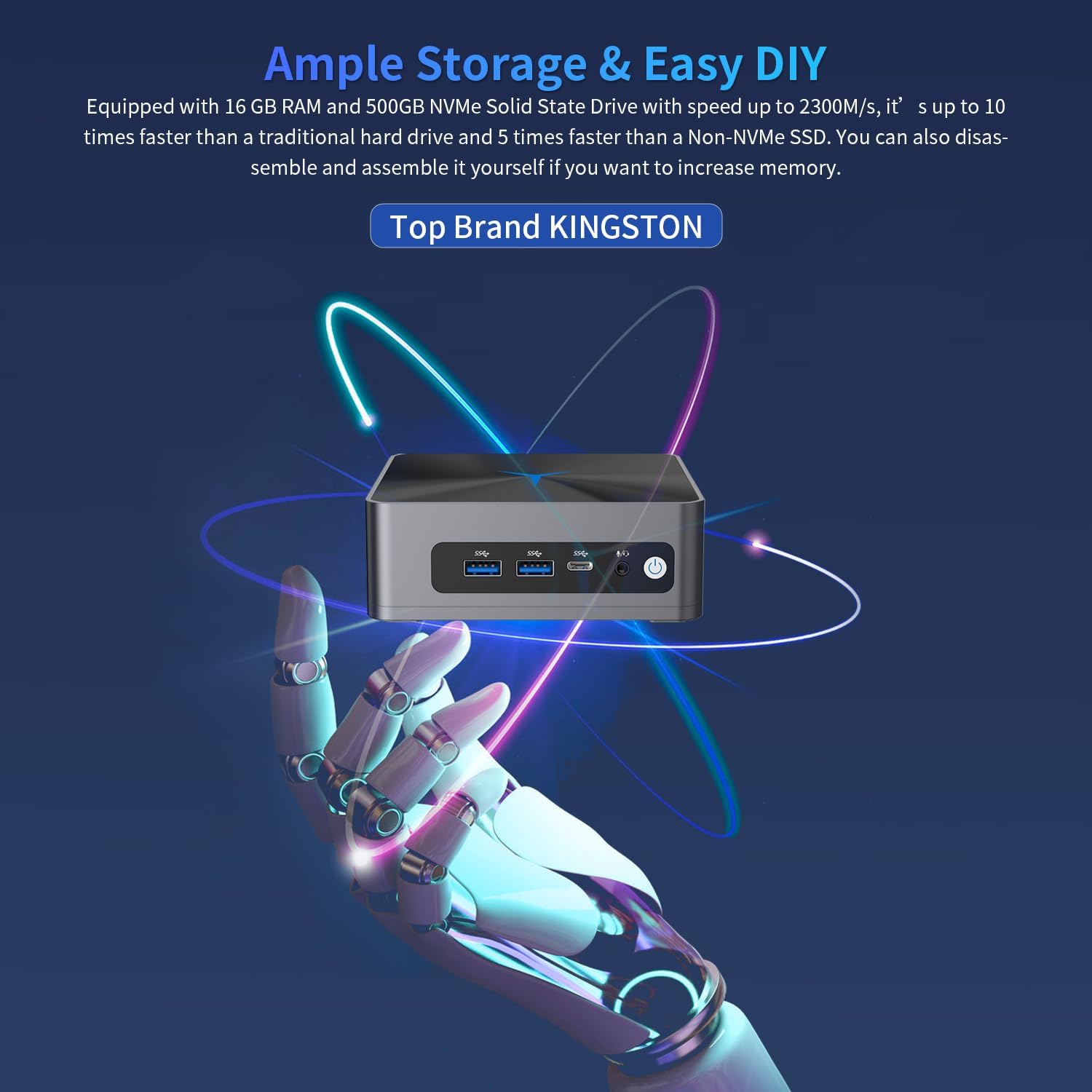
Image: A conceptual image suggesting the ease of upgrading storage and memory in the YLIMPC M3 Mini PC.
The device comes with 16GB RAM and a 500GB NVMe SSD pre-installed. It supports:
- RAM: 2 x SODIMM RAM slots, expandable up to 64GB.
- M.2 SSD: 1 x M.2 2280 SSD slot, expandable up to 8TB.
- 2.5" SSD/HDD: 1 x 2.5" SSD/HDD slot, expandable up to 2TB.
Warning: Opening the device for upgrades should be done with caution. Refer to specific instructions or seek professional assistance if unsure. Ensure the device is powered off and unplugged before performing any internal modifications.
8. Техникалык тейлөө
- Тазалоо: Use a soft, dry cloth to clean the exterior of the device. Do not use liquid cleaners or aerosols. Keep ventilation openings free of dust.
- Программалык камсыздоо жаңыртуулары: Оптималдуу иштөөнү жана коопсуздукту камсыз кылуу үчүн Windows жаңыртууларын жана драйвер жаңыртууларын үзгүлтүксүз текшерип жана орнотуп туруңуз.
- Сактагычты башкаруу: Мезгил-мезгили менен керексиз тазалоо files and applications to maintain system speed.
9. Кыйынчылыктарды
| Көйгөй | Мүмкүн чечим |
|---|---|
| Дисплейдин чыгышы жок. |
|
| Түзмөк күйбөйт. |
|
| Wi-Fi же Bluetooth иштебейт. |
|
| Система жай же жооп бербей жатат. |
|
If you encounter issues not listed here or require further assistance, please contact YLIMPC customer support.
10. Техникалык шарттар
| Өзгөчөлүк | Деталь |
|---|---|
| Бренд | YLIMPC |
| Модел | M3 (YPC-M3) |
| Операция системасы | Windows 11 Pro 64Bit |
| Процессор | Intel Core i7 10810U (6 Cores/12 Threads, 1.1GHz to 4.9GHz) |
| Процессордук графика | 10-муундагы Intel процессорлору үчүн Intel UHD графикасы |
| RAM | 16GB DDR4 SODIMM (Expandable up to 64GB) |
| Сактагыч | 500GB NVMe SSD (Expandable: M.2 up to 8TB, 2.5" SSD/HDD up to 2TB) |
| Зымсыз байланыш | Wi-Fi 2.4G/5G, Bluetooth 5.0 |
| Ethernet | 1 x 2.5Gbps RJ45 (Intel i225-V) |
| Video Output | 1 x HDMI 2.0, 1 x DisplayPort (Supports dual 4K@60Hz) |
| USB порттору | 4 x USB 3.0, 1 x USB-C |
| Аудио | 1 x 3.5 мм аудио уячасы |
| TPM | TPM 2.0 module onboard |
| Өлчөмдөр | 12.5 x 11.33 x 4.19 см |
| Салмагы | 871 г |
11. Кепилдик жана колдоо
YLIMPC products are covered by a limited warranty. For specific warranty terms and conditions, please refer to the documentation included with your purchase or visit the official YLIMPC webсайт.
For technical support, troubleshooting assistance, or warranty claims, please contact YLIMPC customer service through their official channels. Contact information can typically be found on the product packaging or the YLIMPC webсайт.
Note: If you cannot find the auto power settings in the BIOS, please contact YLIMPC support for assistance.


