1. Киришүү
The AnkerWork SR500 is a professional conference speaker and microphone designed to enhance your meeting experience with advanced audio technology. This manual provides essential information for setting up, operating, and maintaining your device.

Figure 1: AnkerWork SR500 Conference Speaker and Microphone unit.
2. Пакеттин мазмуну
Пакетиңизде бардык буюмдар бар экенин текшериңиз:
- AnkerWork SR500 Conference Speaker and Microphone
- USB-C - USB-A кабели
- User Manual
3. Орнотуу жана туташуу
3.1 Түзмөгүңүзгө туташуу
- Connect the provided USB-C to USB-A cable to the AnkerWork SR500.
- Plug the USB-A end of the cable into an available USB port on your computer (Laptop, Smartphone).
- Түзмөк "plug-and-play" режиминде иштейт жана аны операциялык системаңыз автоматтык түрдө таанышы керек.
- Select the AnkerWork SR500 as your audio input and output device in your preferred conference software (e.g., Zoom, Microsoft Teams).

Figure 2: The SR500 is compatible with various conferencing platforms like Zoom, Microsoft Teams, Skype, and Google Meet.
3.2 Бир нече бирдиктерди чынжырлоо
For larger conference rooms, up to 5 AnkerWork SR500 units can be daisy-chained together to expand audio coverage.
- Connect the first SR500 unit to your computer via USB.
- Use Ethernet cables (not included) to connect subsequent SR500 units to the previous one.
- Ensure all devices are updated to the latest firmware version via the AnkerWork Software for optimal performance.

Figure 3: Multiple SR500 units can be linked via PoE cable to cover large meeting spaces.
4. Иштөө нускамалары
4.1 Башкаруу каражаттары жана көрсөткүчтөр
The AnkerWork SR500 features intuitive touch controls on its surface:
- Кубат баскычы: Түзмөктү күйгүзүү/өчүрүү үчүн басыңыз.
- Көлөмдү өйдө / ылдый баскычтары: Динамиктин үнүн тууралаңыз.
- Үнсүз баскычы: Микрофондун үнүн өчүрүү же ачуу.
- Чалуу баскычы: Чалууларга жооп берүү же аларды бүтүрүү.
- Bluetooth баскычы: Initiate Bluetooth pairing (if supported by your model).
4.2 VoiceRadar 2.0 Technology
The exclusive VoiceRadar 2.0 technology uses deep learning to isolate your voice from background noise, ensuring clear communication.

Figure 4: VoiceRadar 2.0 pinpoints and amplifies your voice during meetings, filtering out background noise.
4.3 Microphone Performance
Equipped with 8 omnidirectional microphones, the SR500 can pick up voices from up to 16 feet (5 meters) away with 48 kHz quality.
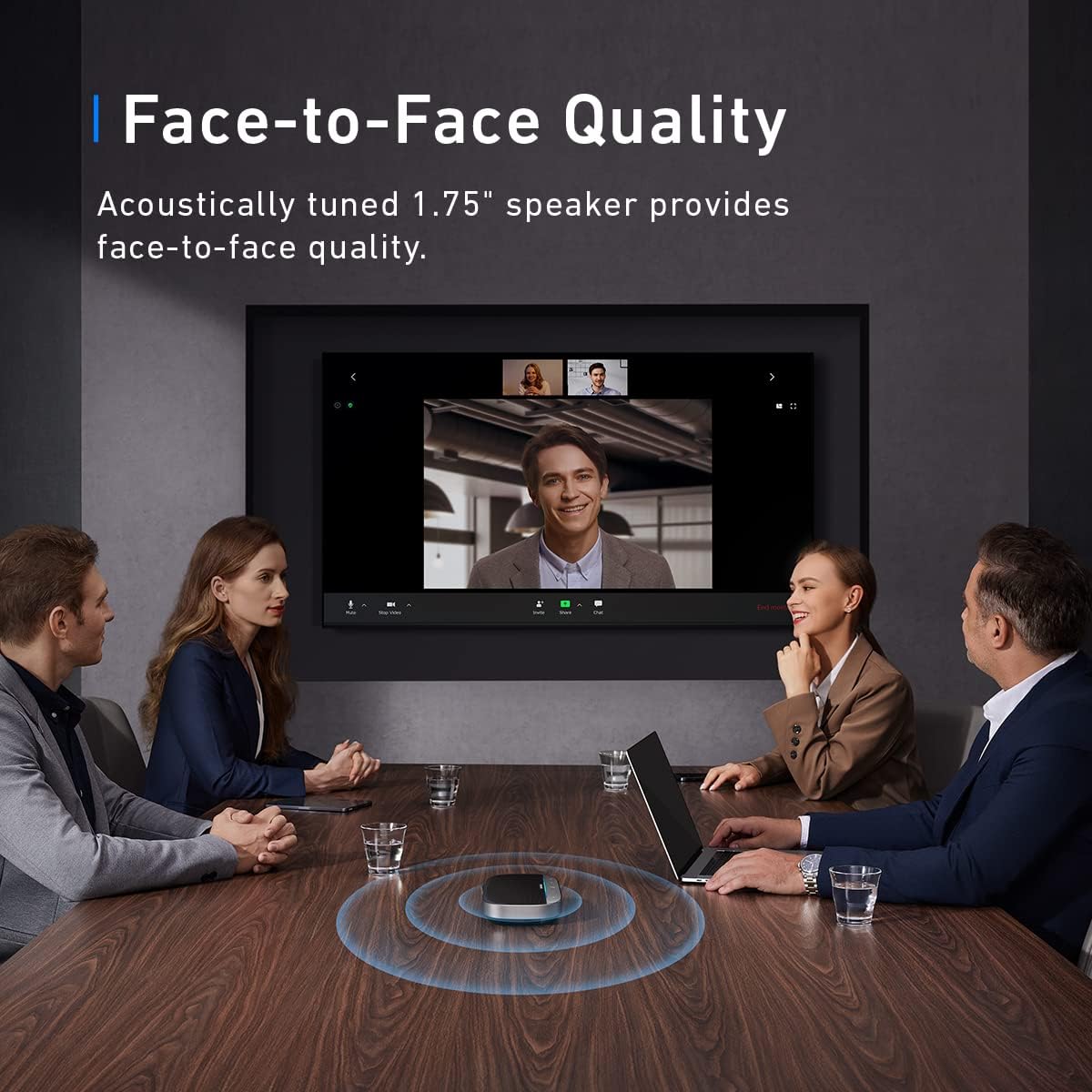
Figure 5: The SR500 features 8 omnidirectional microphones for high-quality voice pickup.

Figure 6: The SR500 can pick up voices from up to 16 feet (5 meters) away.
5. Техникалык тейлөө
- Аппаратты жумшак, кургак чүпүрөк менен тазалаңыз. Катуу химиялык заттарды же абразивдүү материалдарды колдонуудан алыс болуңуз.
- Аппаратты суудан, нымдан жана экстремалдык температурадан алыс кармаңыз.
- Аппаратты колдонбогондо салкын, кургак жерде сактаңыз.
6. Кыйынчылыктарды
6.1 Device Not Recognized / "Unrecognized USB Device" Error
- Ensure the USB cable is securely connected to both the SR500 and your computer.
- Try connecting the SR500 to a different USB port on your computer.
- Restart your computer and try connecting the device again.
- Check for any available driver updates for your computer's USB ports or the SR500 via the AnkerWork Software.
6.2 Mute Button Not Syncing with Microsoft Teams
- Ensure your AnkerWork SR500 firmware is up to date using the AnkerWork Software.
- Check Microsoft Teams settings to ensure the SR500 is correctly selected as the audio device and that no conflicting settings are enabled.
- Restart Microsoft Teams or your computer.
6.3 Poor Audio Quality or Low Volume
- Adjust the volume on the SR500 using the +/- buttons and also check your computer's system volume.
- Ensure the SR500 is placed centrally in the meeting space for optimal microphone pickup.
- Verify that VoiceRadar 2.0 is active for noise cancellation.
- If using multiple daisy-chained units, ensure all connections are secure and firmware is updated.
7. Техникалык шарттар
| Модель аты | A3311 |
| Монтаж түрү | Столдун үстү |
| Динамик түрү | Конференция |
| Шайкеш түзмөктөр | Ноутбук, смартфон |
| Түс | Кара |
| Продукциянын өлчөмдөрү | 8.03"D x 15.4"H |
| Элемент Салмагы | 1.26 фунт |
| Максималдуу диапазон | 5 метр (16 фут) |
| Башкаруу ыкмасы | Үн |
| Байланыш технологиясы | USB |
| Динамиктин максималдуу чыгаруу күчү | 10 Ватт |
| Frequency Response | 20 Гц |
| Аудио чыгаруу режими | Стерео |
| UPC | 194644113605 |
| Өндүрүүчү | Anker |
8. Кепилдик жана колдоо
8.1 Продукциянын кепилдиги
The AnkerWork SR500 comes with a limited warranty. Please refer to the product packaging or the official AnkerWork webатайын кепилдик шарттары жана шарттары үчүн сайт.
8.2 Программалык камсыздоо жаңыртуулары
Regularly update your device's firmware using the AnkerWork Software to ensure optimal performance and access to the latest features.
For further assistance or technical support, please visit the official AnkerWork support channels.


