1. Киришүү
Thank you for choosing the Soundcore by Anker Space Q45 Adaptive Active Noise Cancelling Headphones. These headphones are designed to provide an immersive audio experience with advanced noise cancellation, high-resolution sound, and extended battery life. This manual will guide you through the setup, operation, and maintenance of your new headphones.
2. Кутуда эмне бар
- Soundcore Space Q45 Noise Cancelling Headphones
- USB-C Cable
- 3.5mm AUX кабели
- Travel Case

3. Продукт бүтүп калдыview
The Soundcore Space Q45 headphones feature a foldable design for portability and intuitive controls for ease of use. Key components include:
- Кубат баскычы: Located on the right earcup, used for turning the headphones on/off.
- NC баскычы: Located on the left earcup, cycles through Noise Cancellation, Normal, and Transparency modes.
- Көлөмдү өйдө / ылдый баскычтары: Аудионун үнүн тууралайт.
- Ойнотуу/тындыруу баскычы: Controls media playback and call management.
- USB-C заряддоо порту: Наушниктерди заряддоо үчүн.
- 3.5 мм AUX порту: Зымдуу аудио туташуу үчүн.

Video demonstrating the operation and functions of the Soundcore Space Q45 headphones, including button usage and features.
4. Орнотуу
4.1. Күйгүзүү / Өчүрүү
- Күйгүзүү үчүн: Кубат баскычын 3 секунд басып, кармап туруңуз. LED индикатору күйөт.
- Өчүрүү үчүн: Кубат баскычын 3 секунд басып туруңуз. LED индикатору өчөт.
4.2. Bluetooth Жупташтыруу
- With the headphones powered off, press and hold the Power button for 5 seconds until the LED indicator flashes blue. This indicates pairing mode.
- On your device (smartphone, tablet, laptop), enable Bluetooth and search for "Soundcore Space Q45".
- Select the headphones from the list to connect. Once connected, the LED indicator will turn solid blue.
- The headphones support multipoint connection, allowing simultaneous connection to two devices. To connect a second device, repeat the pairing process.

4.3. Soundcore колдонмосун орнотуу
Download the Soundcore app from your device's app store to unlock full features, customize settings, and update firmware.
- Издөө "Soundcore" in the App Store (iOS) or Google Play Store (Android).
- Install the app and follow the on-screen instructions to connect your Space Q45 headphones.
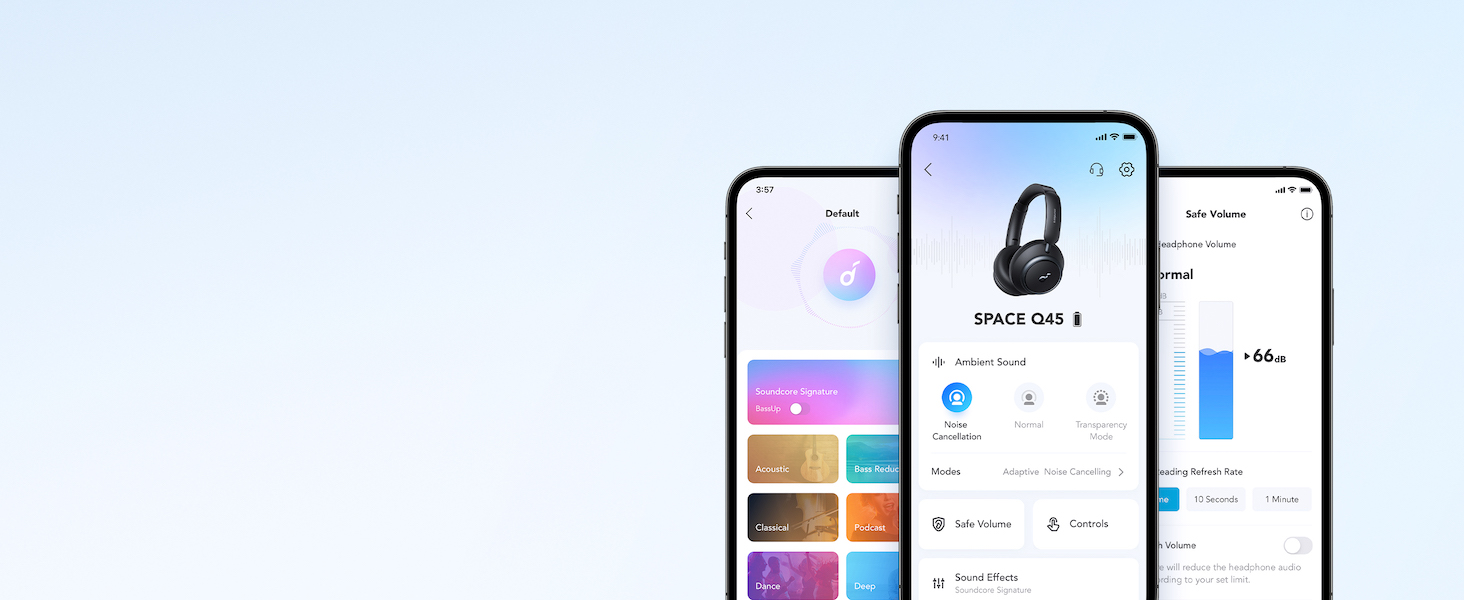
Video showcasing the features and listening controls available through the Soundcore app for the Space Q45 headphones.
5. Иштөө нускамалары
5.1. Негизги башкаруу элементтери
- Үнүн жогорулатуу/төмөндөтүү: '+' же '-' баскычтарын басыңыз.
- Ойнотуу/тындыруу: Play/Pause баскычын бир жолу басыңыз.
- Кийинки трек: '+' баскычын 2 секунд басып туруңуз.
- Мурунку трек: '-' баскычын 2 секунд басып туруңуз.
5.2. Чалууларды башкаруу
- Чалууга жооп берүү/аяктоо: Play/Pause баскычын бир жолу басыңыз.
- Чакырууну четке кагуу: Play/Pause баскычын 2 секунд басып туруңуз.
5.3. Switching Noise Cancellation Modes
Press the NC button on the left earcup to cycle through the following modes:
- Ызы -чууну жокко чыгаруу: Айланадагы ызы-чууну бөгөттөйт.
- Кадимки: жигердүү ызы-чууну жокко чыгаруу же ачыктык жок стандарттуу аудио ойнотуу.
- Ачыктык: Аудио угуп жатканда айланаңызды угууга мүмкүнчүлүк берет.
6. Adaptive Noise Cancellation
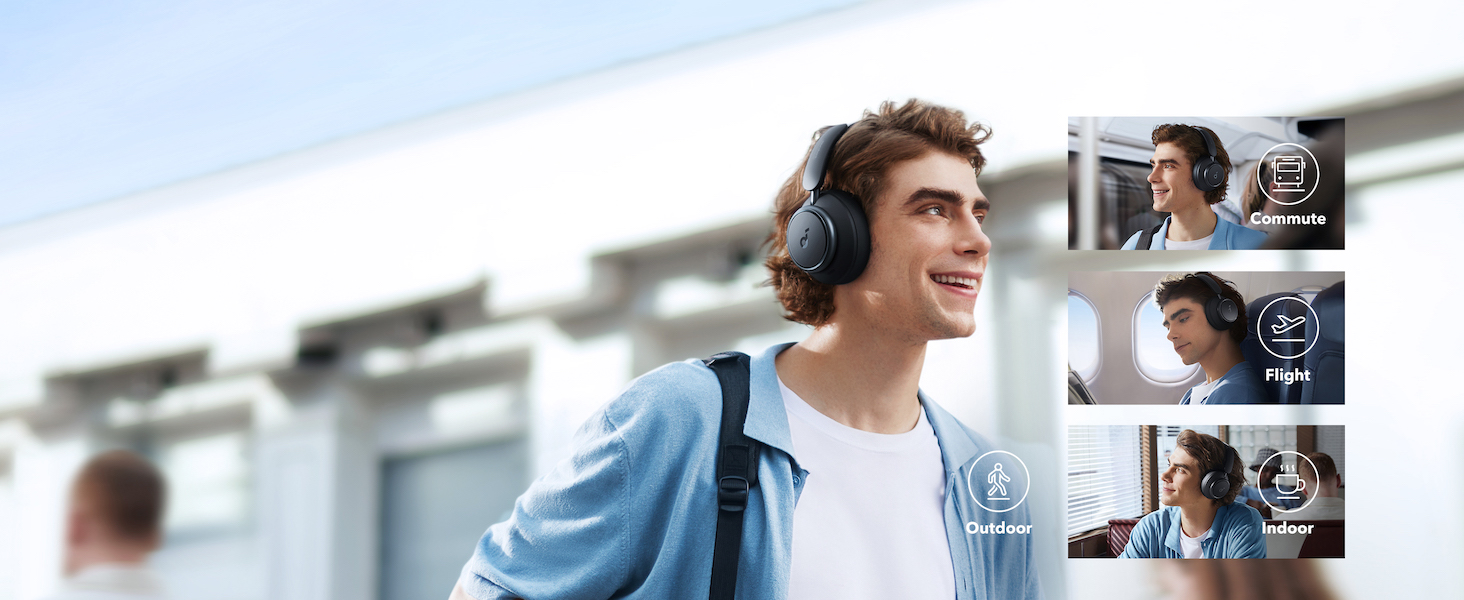
The Space Q45 headphones feature an advanced noise-cancelling system that reduces up to 98% of ambient noise. The adaptive noise cancellation automatically selects a suitable level based on your environment, whether you are indoors, outdoors, commuting, or on a flight. You can also manually select from 5 noise-cancelling levels via the Soundcore app.

7. Аудионун сапаты
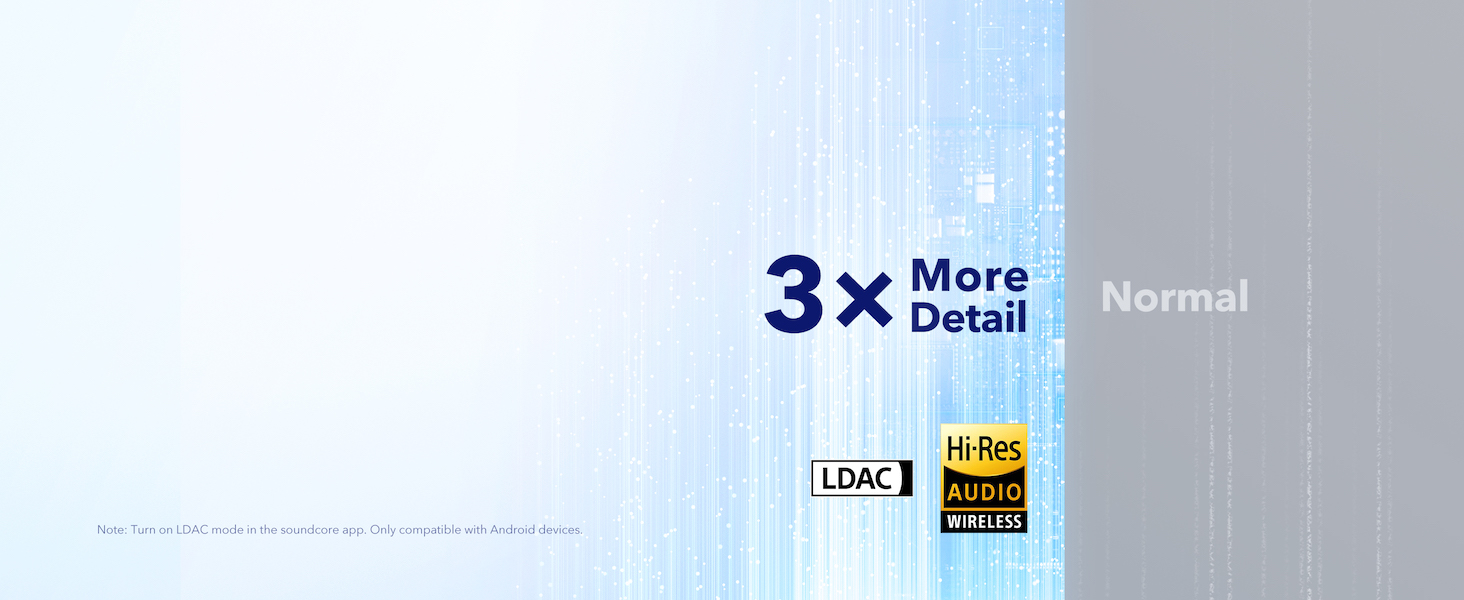
The Space Q45 headphones are equipped with 40mm double-layer diaphragm drivers, crafted from silk and ceramic materials. This innovative design produces sound with intense bass and crisp treble, ensuring every detail of your audio is heard. The headphones also support LDAC for Hi-Res Audio Wireless sound, delivering 3 times more detail than standard Bluetooth codecs.

8. Батареянын иштөө мөөнөтү жана заряддоо
The Space Q45 headphones offer impressive battery performance:
- Up to 50 hours of playtime with Noise Cancellation mode activated.
- Up to 65 hours of playtime in Normal mode.
- Тез кубаттоо: 5 мүнөттүк кубаттоо болжол менен 4 саат ойноону камсыз кылат.
- Толук кубаттоо убактысы: Болжол менен 2 саат.

9. Техникалык тейлөө
9.1. Тазалоо
- Use a soft, dry cloth to clean the earcups and headband.
- Катуу химиялык заттарды же абразивдүү материалдарды колдонуудан алыс болуңуз.
- Наушниктерди сууга салбаңыз.
9.2. Сактоо
- When not in use, store the headphones in their protective travel case to prevent damage.
- Ашыкча температурада же жогорку нымдуулукта сактоодон алыс болуңуз.
10. Кыйынчылыктарды
If you encounter any issues with your Soundcore Space Q45 headphones, please refer to the following common solutions:
- Кубат жок: Кулакчындар толук заряддалганын текшериңиз. Аларды USB-C кабели аркылуу кубат булагына туташтырыңыз.
- Үн жок: Check the volume levels on both the headphones and your connected device. Ensure the headphones are properly paired via Bluetooth or the 3.5mm AUX cable is securely connected.
- Жупташтыруу маселелери: Turn off Bluetooth on all other devices, then try re-pairing the headphones with your desired device. If issues persist, reset the headphones (refer to the Soundcore app or online support for specific reset instructions).
- Ызы-чууну жокко чыгаруу иштебейт: Ensure the Noise Cancellation mode is activated. Adjust the noise cancellation levels via the Soundcore app.
For further assistance, consult the Soundcore app or visit the official Soundcore support webсайт.
11. Техникалык шарттар
| Модель аты | A3040 |
| Noise Control | Адаптивдүү активдүү ызы-чууну жокко чыгаруу |
| Байланыш технологиясы | Зымсыз (Bluetooth 5.3) |
| Bluetooth диапазону | 10 метр |
| Аудио драйверинин өлчөмү | 40 миллиметр |
| Батареянын иштөө мөөнөтү (ANC күйүк) | 50 саат |
| Батареянын иштөө мөөнөтү (кадимки режим) | 65 саат |
| Заряддоо убактысы | 2 саат |
| Элемент Салмагы | 295 грамм (10.4 унция) |
| Продукциянын өлчөмдөрү | 6.34 x 3.46 x 7.44 дюйм |
| Наушник уясы | 3.5 мм Джек |
| Башкаруу ыкмасы | App, Media Control Buttons |
12. Кепилдик жана колдоо
Soundcore products are backed by a limited warranty. For detailed warranty information, frequently asked questions, and customer support, please visit the official Soundcore website or contact their customer service team. You can also find support resources within the Soundcore app.
Webсайт: www.soundcore.com
Электрондук почта: service@soundcore.com