1. Киришүү
This manual provides essential information for the setup, operation, and maintenance of your CHiQ L40H7C Smart TV. Please read it thoroughly before using the product to ensure proper functionality and safety.
The CHiQ L40H7C is a 40-inch Full HD Smart TV featuring Android 11, HDR10 technology, DBX-TV audio, a Quad-Core CPU, and a frameless design. It includes dual-band Wi-Fi, Bluetooth 5.0, Google Assistant, and Chromecast built-in, providing access to a wide range of applications and content.
2. Пакеттин мазмуну
Таңгактан чыгарганда, бардык буюмдардын бар экенин жана бузулбаганын текшериңиз:
- CHiQ L40H7C Smart TV Unit
- Алыстан башкаруу пульту (2 AAA батарейка талап кылынат, комплектте бар)
- Колдонуучунун Колдонмосу (бул документ)
- Электр кабели
- Столдун стенди (2 даана)
- Стол тирөөчү үчүн бурамалар

Figure 2.1: Package contents and TV dimensions. The image displays the 40-inch TV with its dimensions (898mm width, 560mm height with stand, 515mm height without stand, 180mm stand depth). The remote control is also shown, highlighting voice control capabilities. The VESA mount support is 200 x 200 mm.
3. Орнотуу
3.1 Телевизордун стендин орнотуу
- Телевизордун экранын кылдаттык менен ылдый каратып жумшак, тегиз жерге коюңуз.
- Align the stand pieces with the mounting holes on the bottom of the TV.
- Берилген бурамалар менен стенддерди бекитиңиз. Алардын бекем кысылганын текшериңиз.
Alternatively, the TV supports VESA wall mounting (200 x 200 mm). Wall mount hardware is sold separately.
3.2 Перифериялык түзүлүштөрдү туташтыруу
Сыналгы ар кандай байланыш параметрлерин сунуш кылат:
- HDMI 1.4 (x3): For connecting external devices like Blu-ray players, game consoles, or set-top boxes.
- USB (x2): For media playback from USB drives or connecting USB accessories.
- CI+ (x1): Common Interface Plus slot for conditional access modules.
- АНТ (x2): Antenna inputs for terrestrial/cable and satellite signals.
- Digital Audio Out (x1): Тышкы аудио системаларына туташуу үчүн.
- Кулакчын (x1): Кулакчындар үчүн 3.5 мм уяча.
- LAN (x1): зымдуу интернет байланышы үчүн Ethernet порту.
- AV (x1): Композиттик видео жана стерео аудио киргизүү.
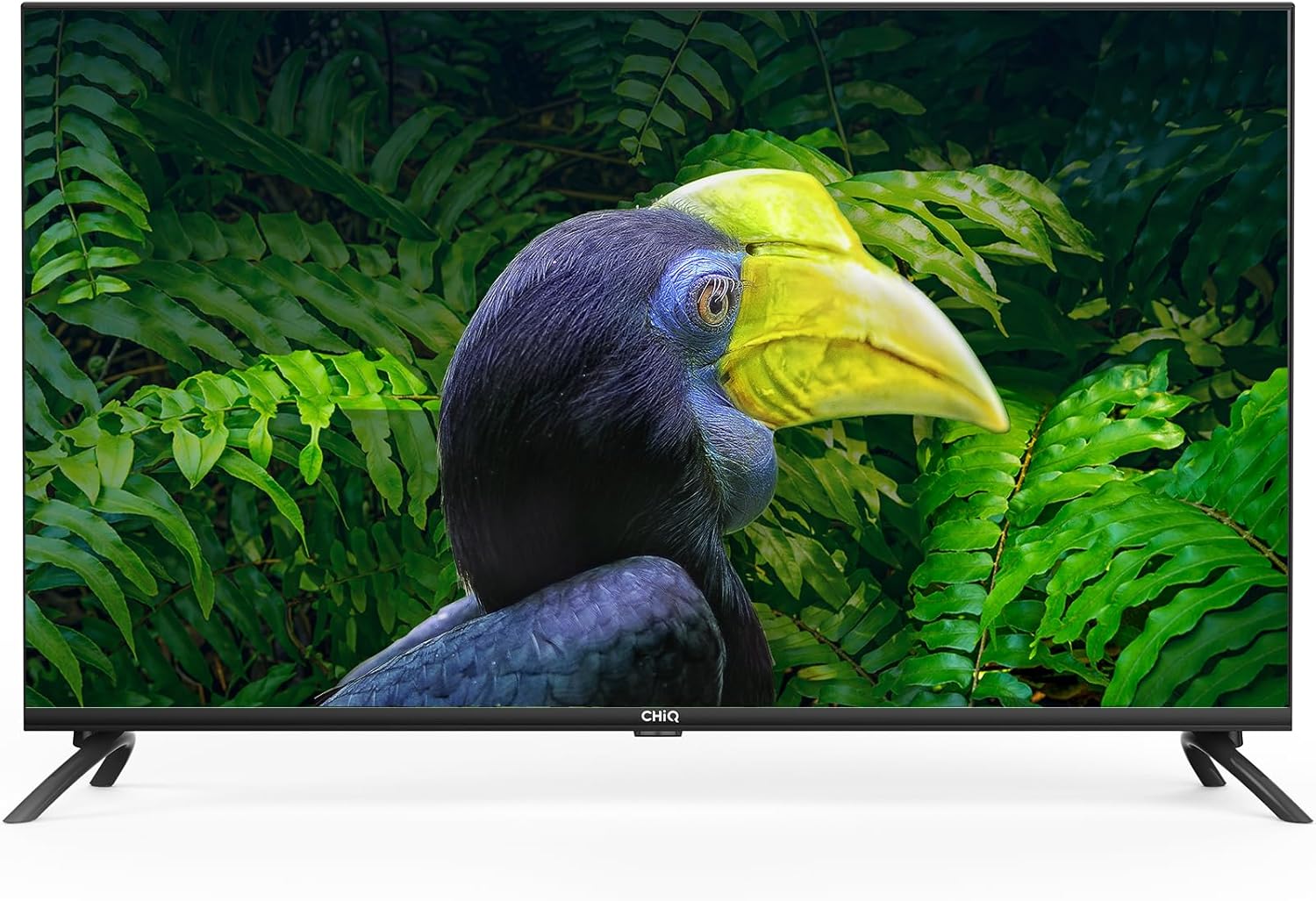
Figure 3.1: Rear and side panel connections. This image illustrates the location of HDMI, USB, CI+, ANT, Digital Audio Out, Earphone, LAN, and AV ports on the television.
3.3 Initial Power-On and Network Configuration
- Электр кабелин сыналгыга жана розеткага туташтырыңыз.
- Пульттун же сыналгыдагы кубат баскычын басыңыз.
- Follow the on-screen instructions to select your language, region, and connect to your Wi-Fi network (2.4/5G dual-band supported) or via Ethernet.
- Log in with your Google account to access Android TV features and the Google Play Store.
4. Smart сыналгыңызды иштетүү
4.1 Android 11 TV Interface
Your CHiQ L40H7C runs on Android 11, providing a user-friendly interface for accessing apps, streaming services, and live TV. Navigate using the remote control's directional pad and select button.

Figure 4.1: Key features of the CHiQ L40H7C Smart TV, including Android 11 operating system, HDR10 support for enhanced visuals, DBX-TV for superior audio, and integrated Google Assistant.
4.2 Smart өзгөчөлүктөрү
- Google Play дүкөнү: Download thousands of apps, games, and content.
- Алдын ала орнотулган колдонмолор: Access popular streaming services like Netflix, Prime Video, and YouTube directly.
- Google Жардамчысы: Мазмунду издөө, акылдуу үй түзмөктөрүн башкаруу жана маалымат алуу үчүн алыстан башкаруу пульту аркылуу үн буйруктарын колдонуңуз.
- Chromecast камтылган: Смартфонуңуздан, планшетиңизден же компьютериңизден түздөн-түз сыналгы экранына мазмунду чыгарыңыз.
- Bluetooth 5.0: Зымсыз гарнитураларды, саундбарларды же Bluetooth иштетилген башка түзмөктөрдү туташтырыңыз.

Figure 4.2: The H7C series offers access to over 5000 apps via Google Play, built-in Chromecast, HDMI 1.4, Wi-Fi, and Bluetooth 5.0 for comprehensive connectivity and entertainment.
4.3 Сүрөт жана үн орнотуулары
- Full HD токтому (1920x1080): Так жана деталдуу сүрөттөрдү берет.
- HDR10 and HLG: Enhances contrast and color accuracy for a more dynamic viewтажрыйбасы.
- DBX-TV Audio: Professional audio processing for improved sound quality.
- Dolby Audio: Certified for rich, clear, and powerful sound.

Figure 4.3: Visual comparison demonstrating the enhanced clarity and detail of Full HD (1920x1080) resolution compared to standard HD.

Figure 4.4: Demonstration of HDR10 and HLG technology, illustrating how it provides high contrast and sharp details for a more immersive visual experience.
5. Техникалык тейлөө
5.1 Телевизорду тазалоо
- Тазалоодон мурун дайыма сыналгыдан ажыратыңыз.
- Экранды жана шкафты сүртүү үчүн жумшак, кургак, түксүз чүпүрөктү колдонуңуз.
- өжөр белгилери үчүн, жеңил гampчүпүрөккө суу же атайын экран тазалоочу каражат. Эч качан суюктукту түздөн-түз сыналгыга чачпаңыз.
- Абразивдүү тазалагычтарды, момдорду же эриткичтерди колдонуудан алыс болуңуз, анткени алар финишке зыян келтириши мүмкүн.
5.2 Алыстан башкаруу пульту батареясын алмаштыруу
When the remote control's response becomes sluggish, replace the two AAA batteries. Ensure correct polarity when inserting new batteries.
6. Кыйынчылыктарды
Телевизоруңузда көйгөйлөргө туш болсоңуз, төмөнкү жалпы чечимдерди караңыз:
| Көйгөй | Мүмкүн чечим |
|---|---|
| Күч жок |
|
| Сүрөт жок, бирок үн бар |
|
| Үн жок, бирок сүрөт бар |
|
| Пульт иштебей жатат |
|
| Тармакка туташуу маселелери |
|
7. Техникалык шарттар
| Өзгөчөлүк | Деталь |
|---|---|
| Бренд | CHiQ |
| Модел | L40H7C |
| Screen Size | 40 дюйм |
| Дисплей түрү | LED |
| Резолюция | 1080p (Full HD, 1920x1080) |
| Жаңыртуу ылдамдыгы | 60 Гц |
| Операция системасы | Android 11 |
| Өзгөчөлүктөр | Түс Amplifier, Chromecast Built-in, Frameless Design, USB Recording (DVR), HDR10, HLG, DBX-TV, Dolby Audio, Google Assistant |
| Байланыш технологиясы | Bluetooth 5.0, HDMI (x3), USB (x2), Wi-Fi (Dual Band 2.4/5G), LAN, CI+, ANT (x2), Digital Audio Out, Earphone, AV |
| Колдоого алынган интернет кызматтары | Amazon Prime Video, Google Assistant, Netflix, YouTube, Google Play Store |
| Монтаж түрү | Wall Mount (VESA 200x200mm), Table Stand |
| Продукциянын өлчөмдөрү (стенд менен) | 89.8 x 18 x 56 см |
| Продукт Салмагы | 7.62 кг |
| Алыстан башкаруунун батареялары | 2 AAA (кошулган) |
8. Колдоо жана кепилдик
For technical assistance, troubleshooting beyond this manual, or warranty inquiries, please contact CHiQ customer support. Refer to the product packaging or the official CHiQ webаймакка тиешелүү байланыш маалыматы үчүн сайт.
Warranty information is typically provided with the product at the time of purchase. Please retain your proof of purchase for warranty claims.


