1. Киришүү
This manual provides essential information for setting up, operating, and maintaining your Aiwa Smart TV 50-inch 4K Android TV. Please read it thoroughly before using your television to ensure proper function and safety. This television features a 4K Ultra HD display, HDR10 technology for enhanced colors, Dolby Audio for immersive sound, and the Android TV operating system for access to a wide range of applications.
2. Пакеттин мазмуну
Төмөнкү нерселердин баары пакетиңизге камтылганын текшериңиз:
- 1x LCD Television Unit
- 2x Pedestals (TV Stands)
- 1x Кубат кабели
- 1x Алыстан башкаруу
- 2x AAA Батареялар (алыстан башкаруу үчүн)
- 6x Screws (for pedestal assembly)
- 1x Instruction Manual (бул документ)
3. Орнотуу
3.1. Attaching the Pedestals
- Телевизордун экранын кылдаттык менен ылдый каратып жумшак, тегиз жерге коюңуз.
- Align each pedestal with the corresponding slots on the bottom of the TV.
- Secure each pedestal using the provided screws. Ensure they are tightened firmly.
3.2. Түзмөктөрдү туташтыруу
Your Aiwa Smart TV features multiple connection ports conveniently located on a single lateral side for easy access.

Сүрөт: каптал view of the Aiwa Smart TV highlighting the various input and output ports, including HDMI, USB, and network connections, all located on one side for convenience.
- HDMI порттору (x3): Blu-ray ойноткучтары, оюн консолдору же приставкалар сыяктуу тышкы түзмөктөрдү туташтырыңыз.
- USB порттору (x2): Медиа ойнотуу же программалык камсыздоону жаңыртуу үчүн USB сактагыч түзмөктөрдү туташтырыңыз.
- Ethernet (LAN) порту: Зымдуу интернет байланышы үчүн.
- AV кирүү/чыгуу: For connecting older audio/video equipment.
- Оптикалык аудио чыгышы: Тышкы үн системаларына туташуу үчүн.
- Телевизор антеннасы: Connect your antenna for over-the-air broadcasts.
- Wi-Fi: Зымсыз интернет байланышы үчүн.
- Bluetooth: For connecting wireless audio devices like speakers or headphones.
3.3. Баштапкы күйгүзүү жана орнотуу
- Электр кабелин сыналгыга, андан кийин розеткага туташтырыңыз.
- Пульттагы же сыналгыдагы кубат баскычын басыңыз.
- Follow the on-screen instructions to complete the initial setup, including language selection, network connection (Wi-Fi or Ethernet), and Google account login for Android TV features.
4. Иштөө нускамалары
4.1. Android TV Features
Your Aiwa Smart TV runs on Android TV, providing access to a vast ecosystem of applications and services.

Image: The Android TV interface showing popular streaming applications available for download and use.
- Башкы экран: Navigate through recommended content, installed apps, and settings.
- Google Play дүкөнү: Download and install over 10,000 applications, including streaming services, games, and utilities.
- Агым кызматтары: Access popular platforms like Netflix, Prime Video, YouTube, Disney+, and more (subscriptions may be required).
4.2. Үн менен башкаруу
The included remote control features voice command capabilities, allowing you to control your TV and search for content using your voice.

Image: The remote control for the Aiwa Smart TV, highlighting its voice command button and 'Ok Google' integration.
- Press the dedicated voice assistant button on your remote.
- Speak clearly into the remote to search for movies, TV shows, news, weather, or control TV functions.
4.3. Chromecast камтылган
Easily cast content from your smartphone, tablet, or computer directly to your TV screen.

Image: A user casting content from a smartphone to the Aiwa Smart TV using the Chromecast built-in feature.
- Ensure your mobile device or computer is connected to the same Wi-Fi network as your TV.
- Open a Chromecast-enabled app (e.g., YouTube, Netflix) on your device.
- "Тышкы экранга чыгаруу" сүрөтчөсүн таптаңыз (адатта, Wi-Fi символу бар тик бурчтук) and select your Aiwa TV.
4.4. Сүрөт жана үн орнотуулары
Сиздин оптималдаштыруу viewing and listening experience with advanced picture and sound technologies.

Image: A visual comparison demonstrating the enhanced color and contrast provided by HDR10 technology.
- 4K Ultra HD: Experience stunning clarity with over 8 million pixels, offering four times the resolution of Full HD.
- HDR10: High Dynamic Range technology enhances colors and contrasts for more lifelike images.
- Көк коргоо: This technology filters harmful blue light, reducing eye strain and providing greater comfort during extended viewing.

Image: The Blue Protect feature illustrated, showing how it safeguards your vision by filtering blue light.

Image: The Dolby Audio feature depicted with sound waves, indicating an immersive surround sound experience.
- Dolby Audio: Enjoy a cinematic sound experience with optimized audio across all your devices, ensuring you don't miss any detail.
5. Техникалык тейлөө
To ensure the longevity and optimal performance of your Aiwa Smart TV, follow these maintenance guidelines:
- Экранды тазалоо: Экранды жумшак, кургак, түксүз чүпүрөк менен акырын сүртүңүз. өжөр белгилери үчүн, бир аз гampчүпүрөккө суу же электроника үчүн атайын иштелип чыккан экранды тазалоо эритмеси. Суюктукту экранга түз чачпаңыз.
- Денени тазалоо: Use a soft, dry cloth to wipe the TV's frame and back. Avoid abrasive cleaners or solvents.
- Вентиляция: Ашыкча ысып кетүүнүн алдын алуу үчүн телевизордун желдетүү тешиктери жабылбагандыгын текшериңиз.
- Өчүрүү: Unplug the TV from the power outlet during electrical storms or when it will be left unattended for long periods.
6. Кыйынчылыктарды
Телевизоруңузда көйгөйлөргө туш болсоңуз, төмөнкү жалпы көйгөйлөрдү жана аларды чечүү жолдорун караңыз:
| Көйгөй | Мүмкүн чечим |
|---|---|
| Күч жок | Кубат кабелинин телевизорго да, розеткага да бекем туташтырылганын текшериңиз. Розетканын иштеп турганын текшериңиз. |
| Сүрөт жок, бирок үн бар | Туура киргизүү булагы тандалганын текшериңиз. Тышкы түзмөктөргө кабелдик байланыштарды текшериңиз. |
| Үн жок, бирок сүрөт бар | Үн деңгээлин текшерип, сыналгынын үнү өчүрүлбөгөнүн текшериңиз. Тышкы динамиктерди колдонсоңуз, аудио кабелдик байланыштарды текшериңиз. |
| Пульт иштебей жатат | Пульттагы батарейкаларды алмаштырыңыз. Пульт менен сыналгынын IR сенсорунун ортосунда эч кандай тоскоолдуктар жок экенин текшериңиз. |
| Wi-Fi туташуу маселелери | Restart your router and the TV. Ensure the Wi-Fi password is entered correctly. Move the TV closer to the router if possible. |
Бул чечимдерди колдонуп көргөндөн кийин көйгөй чечилбесе, кардарларды колдоо менен байланышыңыз.
7. Техникалык шарттар
Detailed technical specifications for the Aiwa Smart TV 50-inch (Model AWS-TV-50-BL-02-A):
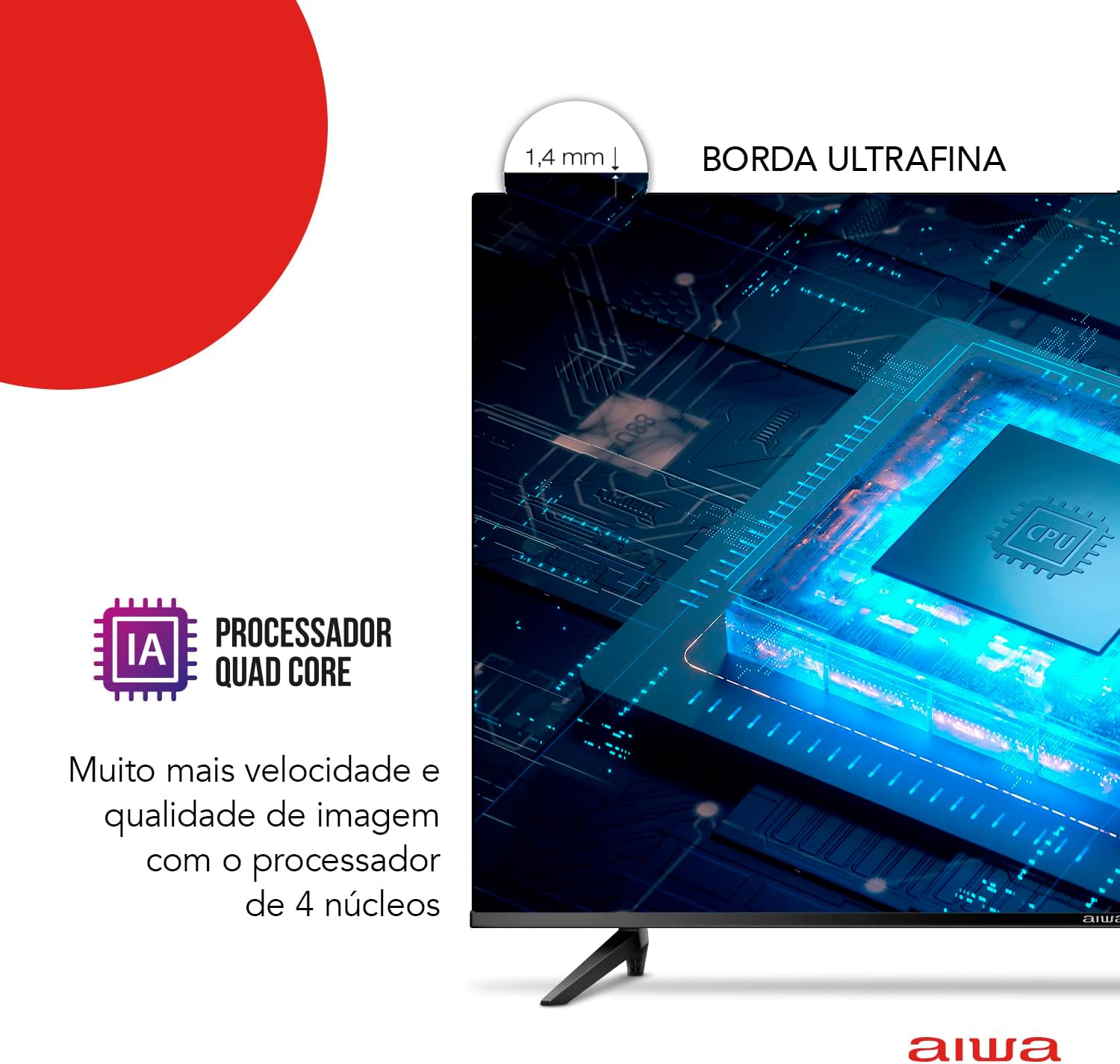
Image: Physical dimensions of the Aiwa Smart TV 50-inch, including width, height, and depth.
- Бренд: Айва
- Модел: AWS-TV-50-BL-02-A
- Экрандын өлчөмү: 50 дюйм
- Дисплей технологиясы: LED, VA панели
- Чечим: 3840 x 2160 Pixels (4K Ultra HD)
- Жаңыртуу ылдамдыгы: 60 Гц
- Аспект катышы: 16:9
- Контраст катышы: 4000:1
- Операция системасы: Android TV
- Процессор: Quad Core with Artificial Intelligence
- Өзгөчөлүктөр: HDR10, Dolby Audio, Blue Protect, Chromecast Built-in, Voice Control
- Байланыш: 3x HDMI, 2x USB, Ethernet, Wi-Fi, Bluetooth
- Колдоого алынган аудио форматтары: AC3/EAC3/AC4/DTS/DOLBY DIGITAL/DOLBY DIGITAL PLUS
- Тtage: 110-220 Volts (Bivolt)
- Кубат булагы: Электр энергиясы
- Продукт Салмагы: 12.2 килограмм
- Продукциянын өлчөмдөрү (стенд менен): 111.3 см (W) x 70.1 см (H) x 22.8 см (D)
- Түсү: Кара
8. Кепилдик жана колдоо
Your Aiwa Smart TV 50-inch (Model AWS-TV-50-BL-02-A) comes with a 12 айлык өндүрүүчүнүн кепилдиги сатып алынган күндөн тартып. Бул кепилдик нормалдуу колдонуудагы өндүрүш кемчиликтерин камтыйт.
For warranty claims, technical support, or service inquiries, please refer to the contact information provided with your purchase documentation or visit the official Aiwa support webсайт.