1. Киришүү
The Hama MyVoice1300 is a mono Bluetooth headset designed for comfortable communication and media playback. It features a compact design, voice control capabilities, and a dedicated USB charging station for convenience. This manual provides detailed instructions for setting up, operating, maintaining, and troubleshooting your headset.
2. Пакеттин мазмуну
Сураныч, пакеттин мазмунун текшерип, бардык буюмдар бар экенин текшериңиз:
- 1 x Hama MyVoice1300 Mono Bluetooth Headset
- 1 x USB Charging Station
- 3 x Pairs of Silicone Earplugs (Sizes S, M, L)
- 1 x Instruction Manual
3. Продукт бүтүп калдыview
The Hama MyVoice1300 headset features an in-ear design with a built-in microphone and controls for easy access. The included USB charging station serves as a convenient dock when the headset is not in use.

Image: The Hama MyVoice1300 headset and its USB charging station, shown connected to a laptop for charging or use.
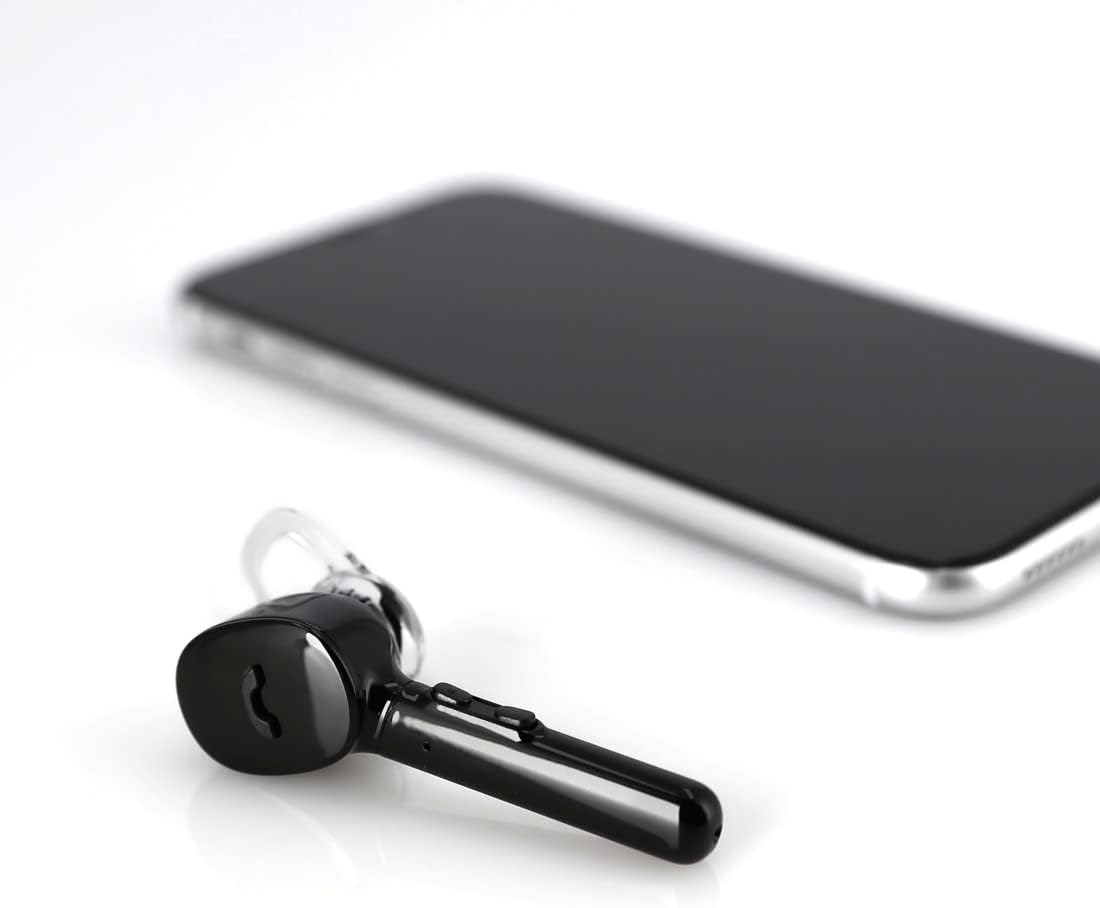
Image: The Hama MyVoice1300 headset positioned beside a smartphone, illustrating its primary use case.
Негизги өзгөчөлүктөрү:
- Көп функциялуу баскыч: Controls calls (answer/reject/repeat last call) and activates smartphone functions.
- Үндү көзөмөлдөө: Adjust audio levels directly on the headset.
- Камтылган микрофон: Omni-directional microphone with CVC 6.0 technology for clear voice quality.
- USB заряддоо станциясы: Provides a convenient charging and storage solution.
- Үн менен башкаруу: Supports Siri, Google Assistant, and Microsoft Cortana.
- MultiPoint Technology: Connects to two smartphones simultaneously.
4. Орнотуу
4.1. Гарнитураны заряддоо
Before first use, fully charge the headset. The USB charging station allows you to charge the headset conveniently via any USB power source, such as a laptop, power adapter, or car charger.
- Place the MyVoice1300 headset into the USB charging station. Ensure the charging contacts align.
- Connect the USB charging station to a powered USB port.
- The headset will begin charging. A full charge takes approximately 2 hours.
- The charging status can be checked on compatible iOS and Android devices.
A fully charged headset provides up to 4 hours of communication time and up to 80 hours of standby time.

Image: The Hama MyVoice1300 headset securely docked in its USB charging station within a car interior, demonstrating convenient charging on the go.
4.2. Bluetooth түзмөгү менен жупташуу
The MyVoice1300 headset uses Bluetooth 5.0 for wireless connection to your smartphone or other Bluetooth-enabled devices.
- Гарнитура заряддалганын жана күйгүзүлгөнүн текшериңиз.
- Смартфонуңузда же түзмөгүңүздө Bluetooth'ду жандырыңыз.
- Издөө available Bluetooth devices. The headset will appear as 'MyVoice1300'.
- Select 'MyVoice1300' to initiate the pairing process.
- Once paired, the headset will provide a successful connection announcement.
The headset has a transmission range of up to 10 meters.
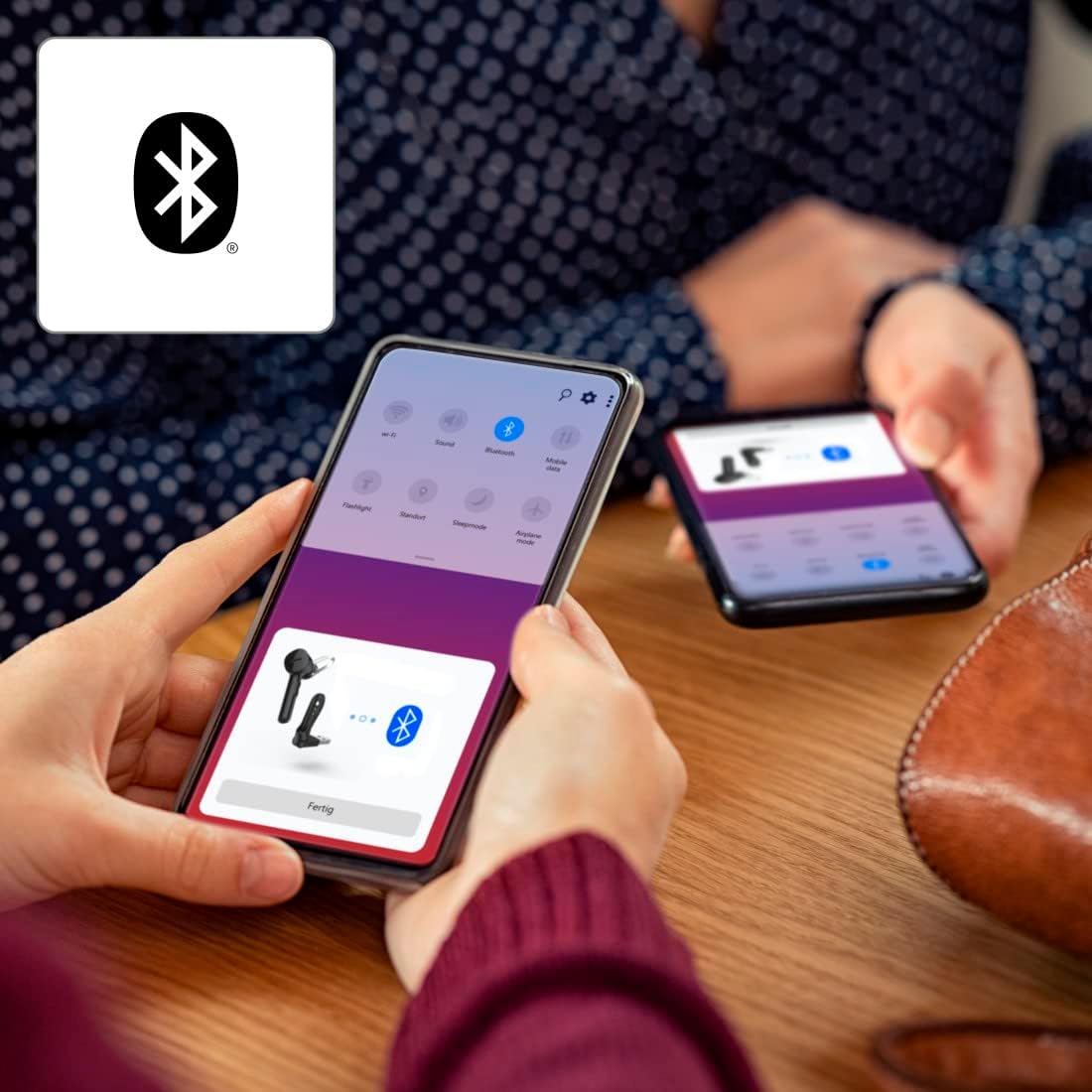
Image: A smartphone screen showing the Bluetooth pairing interface, with the Hama MyVoice1300 headset icon and 'Fertig' (Done) button, indicating a successful or pending connection.
4.3. MultiPoint Technology
The MyVoice1300 supports MultiPoint technology, allowing you to connect the headset to two smartphones simultaneously. This enables seamless switching between calls or audio from two different devices.

Image: An individual in an office environment using the Hama MyVoice1300 headset, with an overlay icon representing MultiPoint connectivity, suggesting use with multiple devices.
5. Гарнитураны иштетүү
5.1. Чакыруу функциялары
- Чалууларга жооп берүү: Simply remove the headset from the charging station to answer an incoming call, or press the multi-function button.
- Чалууларды четке кагуу: Көп функциялуу баскычты басып, кармап туруңуз.
- Аяктаган чалуулар: Көп функциялуу баскычты басыңыз.
- Redialing Last Call: Көп функциялуу баскычты эки жолу басыңыз.
5.2. Музыкалык башкаруу
- Ойнотуу/тындыруу: Press the multi-function button to play or pause music playback.
5.3. Үндү башкаруу
Adjust the volume directly on the headset using the dedicated volume buttons, or via your connected device's volume controls.
5.4. Үн жардамчысы
The MyVoice1300 headset supports popular voice assistants such as Apple Siri, Google Assistant, and Microsoft Cortana. Activate your device's voice assistant via the multi-function button or through voice commands.
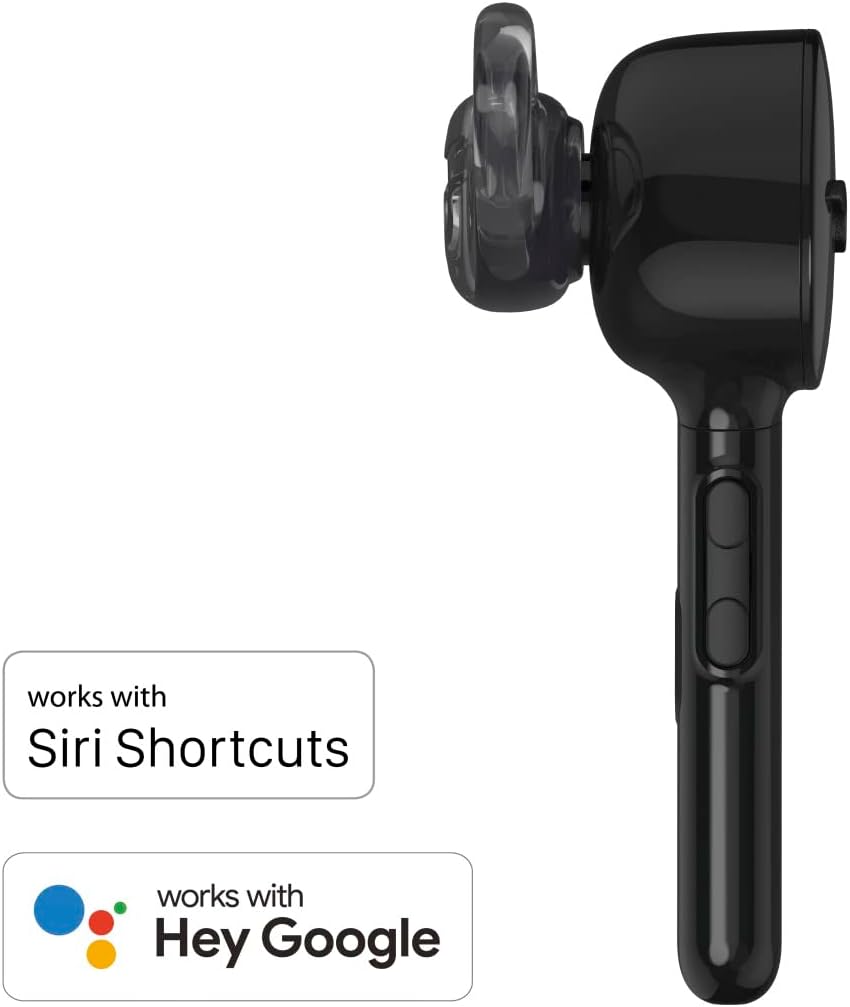
Image: The Hama MyVoice1300 headset displayed alongside logos indicating compatibility with Siri Shortcuts and Hey Google, highlighting its voice assistant integration.
6. Техникалык тейлөө
6.1. Тазалоо
- Clean the headset and charging station with a soft, dry, lint-free cloth.
- Катуу тазалоочу каражаттарды же эриткичтерди колдонбоңуз.
- Regularly clean the silicone earplugs with a damp чүпүрөк менен жумшак самын, анан кайра кийер алдында жакшылап кургатып алыңыз.
6.2. Сактоо
- Store the headset in its charging station or a protective case when not in use to prevent damage.
- Гарнитураны экстремалдык температурага, нымдуулукка же тике күн нуруна тийгизүүдөн сактаңыз.
6.3. Earplug Replacement
The headset comes with three sizes (S, M, L) of silicone earplugs to ensure a perfect custom fit. If the current earplugs are uncomfortable or damaged, replace them with a suitable size.
7. Кыйынчылыктарды
If you encounter issues with your Hama MyVoice1300 headset, refer to the following common solutions:
- Гарнитура күйбөй жатат: Ensure the headset is fully charged. Connect it to the USB charging station and allow it to charge for at least 30 minutes before attempting to power it on again.
- Түзмөк менен жупташтыруу мүмкүн эмес:
- Ensure Bluetooth is enabled on your device and the headset is in pairing mode.
- Make sure the headset is within the 10-meter transmission range of your device.
- Turn off and on both the headset and your device, then try pairing again.
- If previously paired, remove the headset from your device's Bluetooth list and attempt to pair again.
- Poor audio quality or static:
- Ensure the headset is within range and there are no significant obstructions between the headset and your device.
- Башка зымсыз аппараттардын кийлигишүүсүн текшериңиз.
- The CVC 6.0 technology actively inhibits ambient noise for clearer calls; however, extreme noise environments may still affect performance.
- Батарейканын кыска мөөнөтү:
- Ensure the headset is fully charged for the recommended 2 hours.
- Battery performance can degrade over time with usage.
- Operating at maximum volume or in areas with weak Bluetooth signals can consume more power.
- Үн жок:
- Гарнитурадагы жана туташкан түзмөгүңүздүн үнүнүн деңгээлин текшериңиз.
- Ensure the headset is correctly paired and connected to your device.
- Verify that the audio output on your device is set to the Bluetooth headset.
8. Техникалык шарттар
| Өзгөчөлүк | Спецификация |
|---|---|
| Модель аты | MyVoice1300 |
| Модель номери | 00184149 |
| Байланыш | Bluetooth 5.0 |
| Bluetooth Profiles | A2DP/AVRCP/HFP/HSP compatible |
| Берүүнүн диапазону | 10 м |
| Headphone Bandwidth | 20 Гц - 20 кГц |
| Microphone Bandwidth | 100 Гц - 8 кГц |
| Наушник импедансы | 16 Ом |
| Микрофон импедансы | 0.4 кОм |
| Наушниктин сезгичтиги | 109 дБ +/- 3 дБ |
| Микрофондун сезгичтиги | -44 дБ +/- 3 дБ |
| Заряддоо убактысы | Болжол менен 2 саат |
| Max. Communication Time | 4 саат |
| Макс. Күтүү убактысы | 80 саат |
| Батарея түрү | Литий полимери (кошулган) |
| Салмагы | 12g (headset) / 33.28 Grams (item weight) |
| Материал | Silicone (earplugs) |
| Өзгөчөлүктөр | Voice Control, MultiPoint Technology, CVC 6.0 Noise Cancellation |
9. Кепилдик жана колдоо
Hama products are covered by a manufacturer's warranty. For detailed warranty information, please refer to the warranty card included in your product packaging or visit the official Hama webсайт. Техникалык колдоо же тейлөө боюнча суроолоруңуз болсо, Hama кардарларды тейлөө кызматына алардын расмий каналдары аркылуу кайрылыңыз.


