1. Киришүү
Thank you for choosing the Cherry KW 9100 Slim Wireless Rechargeable Keyboard. This extra-slim, low-profile keyboard is designed for Mac computers, offering versatile connectivity options and a comfortable typing experience. This manual provides essential information for setting up, operating, maintaining, and troubleshooting your new keyboard.
The keyboard features dual wireless connectivity (Bluetooth and 2.4 GHz wireless USB receiver), allowing you to easily switch between devices. It incorporates high-quality CHERRY SC scissor technology for quiet and precise keystrokes, and includes AES-128 encryption for secure data transmission. The integrated rechargeable battery provides weeks of use on a single charge, and the keyboard can be charged while in use via the included USB-A to USB-C cable.

Image 1.1: The Cherry KW 9100 Slim Wireless Rechargeable Keyboard, showcasing its full layout and slim profile.
2. Коопсуздук маалыматы
- Do not expose the keyboard to liquids, excessive moisture, or extreme temperatures.
- Баскычтопту түшүрүүдөн же катуу таасирлерге дуушар кылуудан качыңыз.
- Клавиатураны күчтүү магниттик талаалардан алыс кармаңыз.
- Баскычтопту ажыратууга же өзгөртүүгө аракет кылбаңыз. Бул кепилдикти жокко чыгарат.
- Кубаттоо үчүн берилген USB-Aдан USB-Cге чейинки кабелди гана колдонуңуз.
3. Пакеттин мазмуну
Пакетиңизде бардык буюмдар бар экенин текшериңиз:
- Cherry KW 9100 Slim Wireless Rechargeable Keyboard
- USB-A - USB-C кабели
- 2.4 GHz Wireless USB Receiver
- Magnetic Strip (for angle adjustment)
- Колдонуучунун Колдонмосу (бул документ)
4. Орнотуу
4.1. Баскычтопту заряддоо
Before first use, or when the battery indicator shows low power, connect the keyboard to a USB power source (e.g., computer USB port, USB wall adapter) using the provided USB-A to USB-C cable. The keyboard can be used while charging.
4.2. Connecting via 2.4 GHz Wireless USB Receiver
- Locate the 2.4 GHz wireless USB receiver.
- Insert the USB receiver into an available USB-A port on your Mac computer.
- On the keyboard, slide the connectivity switch (located on the side) to the 'RF' position.
- Баскычтоп сиздин компьютериңизге автоматтык түрдө кошулушу керек.
4.3. Bluetooth аркылуу туташуу
Ensure your Mac computer has Bluetooth 4.0 or higher.
- On the keyboard, slide the connectivity switch (located on the side) to the 'BT' position.
- Сиздин Mac жөнүндө, барып, Системалык орнотуулар (же Системанын артыкчылыктары) > Bluetooth.
- Bluetooth күйгүзүлгөнүн текшериңиз.
- The keyboard should appear in the list of discoverable devices (e.g., "CHERRY KW 9100"). Select it to pair.
- Жупташтыруу процессин аяктоо үчүн экрандагы көрсөтмөлөрдү аткарыңыз.

Сүрөт 4.1: Каптал view of the keyboard, highlighting the RF/BT connectivity switch and the USB-C charging port.
4.4. Баскычтоптун бурчун жөндөө
The keyboard includes a removable magnetic strip that can be attached to the underside to adjust the typing angle for improved ergonomics. Simply attach the strip to the designated area on the bottom of the keyboard.
5. Баскычтопту иштетүү
5.1. Switching Between Connectivity Modes
Use the slide switch on the side of the keyboard to toggle between 'RF' (2.4 GHz wireless) and 'BT' (Bluetooth) modes. This allows you to seamlessly switch between two connected devices, for example, a laptop via Bluetooth and a desktop PC via the USB receiver.
5.2. Key Functions and Mac Layout
The keyboard features a Mac-specific layout, including Command, Option, and Control keys. The function keys (F1-F15) provide quick access to various system functions such as brightness, media control, and volume. Some function keys may require pressing the 'Fn' key simultaneously depending on your Mac's system settings.
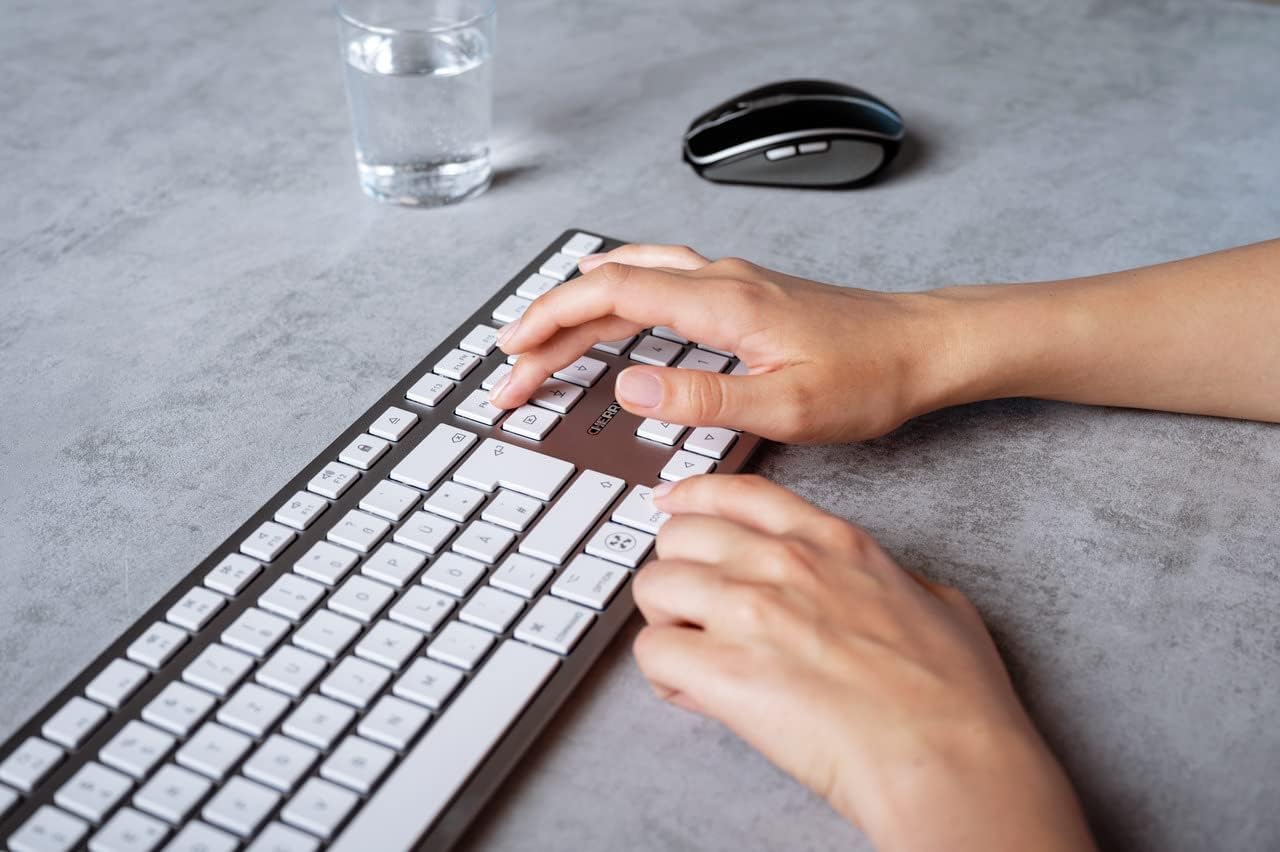
Image 5.1: A user typing on the Cherry KW 9100 keyboard, demonstrating its ergonomic design and key spacing.
5.3. Электр энергиясын башкаруу
To conserve battery life, the keyboard will enter a sleep mode after a period of inactivity. To wake it up, simply press any key. The keyboard will reconnect automatically to the last active device.
6. Техникалык тейлөө
6.1. Тазалоо
To clean the keyboard, gently wipe the surface with a soft, lint-free cloth. For stubborn dirt, slightly dampen the cloth with water or a mild, non-abrasive cleaning solution. Ensure no liquid enters the keyboard. Do not use harsh chemicals or abrasive materials.
6.2. Сактоо
When not in use for extended periods, store the keyboard in a dry, cool place. It is recommended to fully charge the battery before long-term storage.
7. Кыйынчылыктарды
| Көйгөй | Мүмкүн себеп | Чечим |
|---|---|---|
| Keyboard not connecting via 2.4 GHz. | USB receiver not properly inserted; keyboard switch in 'BT' mode; low battery. | Ensure receiver is fully inserted. Slide keyboard switch to 'RF'. Charge the keyboard. Try a different USB port. |
| Баскычтоп Bluetooth аркылуу туташпай жатат. | Keyboard switch in 'RF' mode; Bluetooth off on Mac; low battery; pairing issue. | Slide keyboard switch to 'BT'. Ensure Bluetooth is enabled on your Mac. Charge the keyboard. Remove and re-pair the keyboard in Mac's Bluetooth settings. |
| Ачкычтар жооп бербейт же кечигип жатат. | Low battery; interference; keyboard in sleep mode. | Charge the keyboard. Move closer to the receiver/Mac. Press any key to wake the keyboard. |
| Function keys (F1-F15) not working as expected. | System settings; 'Fn' key usage. | Check your Mac's Keyboard settings (System Settings > Keyboard) for function key behavior. Try pressing the 'Fn' key simultaneously with the desired function key. |
| Батарея бат эле түгөнөт. | Frequent use; keyboard not entering sleep mode. | Ensure the keyboard is allowed to enter sleep mode when idle. Fully charge the keyboard. |
8. Техникалык шарттар
| Өзгөчөлүк | Деталь |
|---|---|
| Модель номери | JK-9110US-1 |
| Бренд | Cherry |
| Байланыш технологиясы | Bluetooth, USB-A (for receiver), USB-C (for charging) |
| Шайкеш түзмөктөр | Mac computers with Bluetooth 4.0 or higher and USB-A connections |
| Keyboard Description | Төмөн профессионалfile, extra-slim, wireless, scissor-switch keyboard with adjustable angle and rechargeable battery |
| Өзгөчө өзгөчөлүк | Magnetic (for angle adjustment), Travel |
| Түс | Silver |
| Материал | Металл, пластик |
| Продукциянын өлчөмдөрү | 17.32 x 5.12 x 0.59 дюйм (44 x 13 x 1.5 см) |
| Элемент Салмагы | 1.94 фунт (0.88 кг) |
| Өндүрүүчү | CHERRY |
9. Кепилдик жана колдоо
Your Cherry KW 9100 Slim Wireless Rechargeable Keyboard is covered by a manufacturer's warranty. For detailed warranty information, technical support, or service inquiries, please visit the official Cherry webсайтка же түздөн-түз кардарларды колдоо менен байланышыңыз. Кепилдик дооматтар үчүн сатып алганыңыздын далилин сактаңыз.
Онлайн колдоо: www.cherry.de


