1. Киришүү
The Irfora PC210 is a portable digital thermal camera designed for industrial applications, offering advanced thermal imaging capabilities. It features a 256x192 infrared resolution, a wide temperature measurement range, and a long-lasting battery. This manual provides essential information for the safe and effective use of your device.
2. Коопсуздук маалыматы
Please read all safety warnings and instructions before using the device to prevent injury or damage. Keep this manual for future reference.
- Do not point the camera directly at strong light sources, such as the sun or high-power lasers, as this may damage the infrared sensor.
- Түзмөктү өтө жогорку температурага, нымдуулукка же коррозиялуу чөйрөлөргө дуушар кылбаңыз.
- Түзмөктү бөлүктөргө бөлүүгө же өзгөртүүгө аракет кылбаңыз. Оңдоо иштерин ыйгарым укуктуу кызматкерлер гана жүргүзүшү керек.
- Заряддоо үчүн берилген USB Type-C кабелин гана колдонуңуз.
- Аппаратты суудан жана башка суюктуктардан алыс кармаңыз.
3. Пакеттин мазмуну
Пакетте бардык буюмдар бар экенин текшериңиз:
- Irfora PC210 Thermal Imager
- USB Type-C кабели
- Lanyard
- Ыкчам баштоо колдонмосу (англисче)

Figure 3.1: Package Contents. The image displays the Irfora PC210 Thermal Imager, a USB Type-C charging cable, a lanyard for secure handling, and a printed Quick Start Guide.
4. Продукт бүтүп калдыview
The Irfora PC210 features a robust design with an integrated LCD display for real-time thermal imaging. Key components include the infrared lens, visible light camera, trigger button, navigation buttons, and a USB Type-C port.

Figure 4.1: Irfora PC210 Thermal Camera. This image shows the front of the thermal camera with its LCD screen displaying a thermal image, and the back side highlighting the lens and caution label.
Негизги өзгөчөлүктөрү:
- SharpIR Composite Image Enhancement: Utilizes advanced deep learning technology for image optimization, including defogging, sharpening, contrast enhancement, and lossless magnification of low-resolution images.
- Бир нече сүрөт режимдери: Supports IR, Visible Light, MIF, and PIP (Picture-in-Picture) modes.
- Температура дисплейи: All palettes can display temperature data, including maximum, minimum, and central spot temperatures in full-screen mode.
- PC Projection: Real-time image transfer to a computer via USB Type-C cable.
- Temperature Tracking & Alarm: Features full-screen maximum/minimum temperature tracking and a full-screen temperature threshold alarm (visual and flash).
- Батареянын узак иштөө мөөнөтү: Up to 16 hours of operation with a 2000 mAh battery.
- Тез кубаттоо: 2.5 hours for a full charge via USB Type-C.
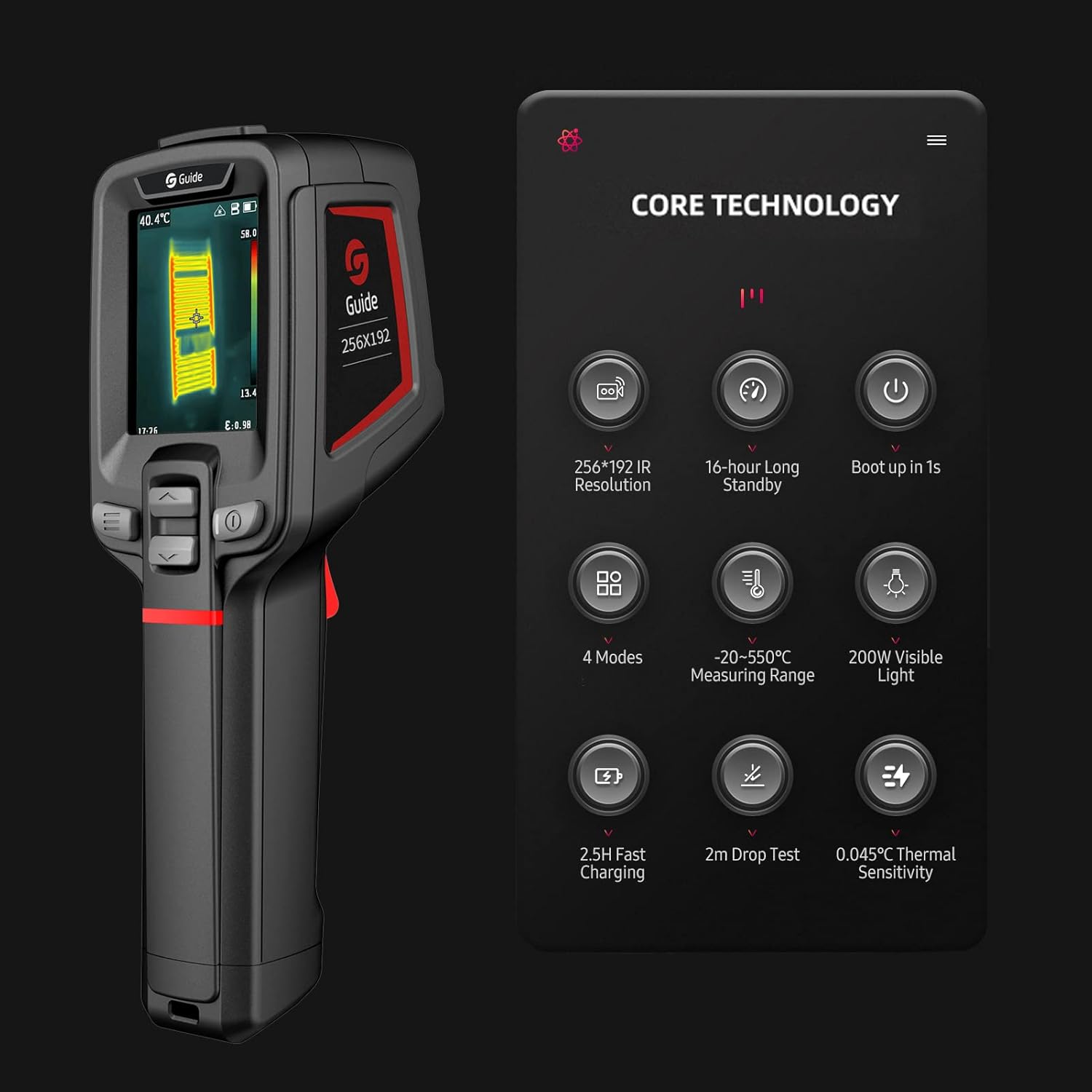
Figure 4.2: Core Technology Features. This image illustrates the key technical specifications and capabilities of the Irfora PC210, such as its 256x192 IR resolution, 16-hour standby, 1-second boot-up, 4 modes, -20 to 550°C measuring range, 200W visible light, 2.5-hour fast charging, 2m drop test, and 0.045°C thermal sensitivity.
5. Орнотуу
5.1 Батареяны заряддоо
Before initial use, fully charge the device. Connect the provided USB Type-C cable to the camera's charging port and to a compatible USB power adapter (not included). A full charge takes approximately 2.5 hours and provides up to 16 hours of operating time.
5.2 Күйгүзүү/өчүрүү
Press and hold the power button to turn the device on or off. The camera is designed for quick startup, booting up in approximately 1 second.

Figure 5.1: Fast Boot-up. This image highlights the camera's ability to boot up in 1 second, attributed to hardware upgrades and program optimization.
6. Иштөө нускамалары
6.1 Негизги иштетүү жана навигация
Use the navigation buttons located below the screen to move through menus and select options. The trigger button is typically used to capture images or activate specific functions depending on the selected mode.
6.2 Image Modes and Temperature Display
The camera supports various image modes (IR, Visible Light, MIF, PIP) to suit different inspection needs. In any mode, the device can display critical temperature data, including the highest, lowest, and central spot temperatures across the full screen.

Figure 6.1: Thermal Imaging Examples. This image displays three different thermal scans: a human hand, electrical wiring, and a circuit breaker panel, demonstrating the camera's ability to visualize temperature differences in various scenarios.
6.3 Температураны көзөмөлдөө жана сигнализация
The PC210 can track the maximum and minimum temperatures across the entire screen or within a specific analyzed target area. A full-screen temperature threshold alarm can be set, which provides both visual and flash notifications when the threshold is exceeded.
6.4 PC Projection
үчүн view images on a larger screen, connect the camera to a computer using the USB Type-C cable. The device supports real-time image projection to the connected computer.
6.5 Тиркемелер
The Irfora PC210 is suitable for a wide range of industrial applications, including:
- Electrical equipment testing
- Automobile testing
- HVAC system testing
- Air conditioning testing

Figure 6.2: Diverse Applications. This collage of images demonstrates the Irfora PC210 being utilized in different professional environments, such as inspecting electrical panels, automotive engines, and HVAC systems, highlighting its versatility.

Figure 6.3: Clear Imaging Comparison. This image compares the thermal output of the Irfora PC210 ('Ours') with other devices ('Others'), illustrating the PC210's enhanced clarity and detail in thermal imaging.
7. Техникалык тейлөө
Туура тейлөө сиздин термикалык камераңыздын узак мөөнөттүү жана оптималдуу иштешин камсыз кылат.
- Тазалоо: Камера корпусун тазалоо үчүн жумшак, кургак чүпүрөктү колдонуңуз. Линза үчүн атайын линза тазалоочу чүпүрөктү жана эритмени колдонуңуз. Абразивдүү тазалоочу каражаттарды же эриткичтерди колдонбоңуз.
- Сактагыч: Аппаратты түз күн нурунан жана экстремалдык температурадан алыс салкын, кургак жерде сактаңыз.
- Батареяга кам көрүү: Эгер батареяны узак убакытка сактасаңыз, анын иштөө мөөнөтүн сактоо үчүн аны үч ай сайын болжол менен 50% га чейин кубаттап туруңуз.
8. Кыйынчылыктарды
If you encounter issues with your Irfora PC210, refer to the following common problems and solutions:
| Көйгөй | Мүмкүн себеп | Чечим |
|---|---|---|
| Түзмөк күйбөйт. | Батарея аз же түгөнүп калган. | Түзмөктү USB Type-C кабели аркылуу кубаттаңыз. |
| Сүрөт бүдөмүк же түшүнүксүз. | Объектив кир же бузулган. | Clean the lens with a soft, lint-free cloth. If damaged, contact support. |
| Температураны туура эмес көрсөткүчтөр. | Incorrect emissivity setting or environmental interference. | Adjust the emissivity setting for the target material. Ensure no obstructions or strong air currents. |
| Түзмөк токтоп калат же жооп бербей жатат. | Программанын катасы. | Perform a soft reset by holding the power button for 10 seconds. If the issue persists, contact support. |
9. Техникалык шарттар
Technical specifications for the Irfora PC210 Thermal Camera:
- Инфракызыл чечилиш: 256 x 192 пиксель
- Температураны өлчөө диапазону: -20°Cден 550°Cге чейин
- Жылуулук сезгичтиги (NETD): 0.045°C
- Батарея сыйымдуулугу: 2000 мАч
- Батареянын иштөө мөөнөтү: 16 саатка чейин
- Заряддоо убактысы: USB Type-C аркылуу болжол менен 2.5 саат
- Drop Test Rating: 2 метр
- Сүрөт режимдери: IR, Visible Light, MIF, PIP
- Дисплей: LCD
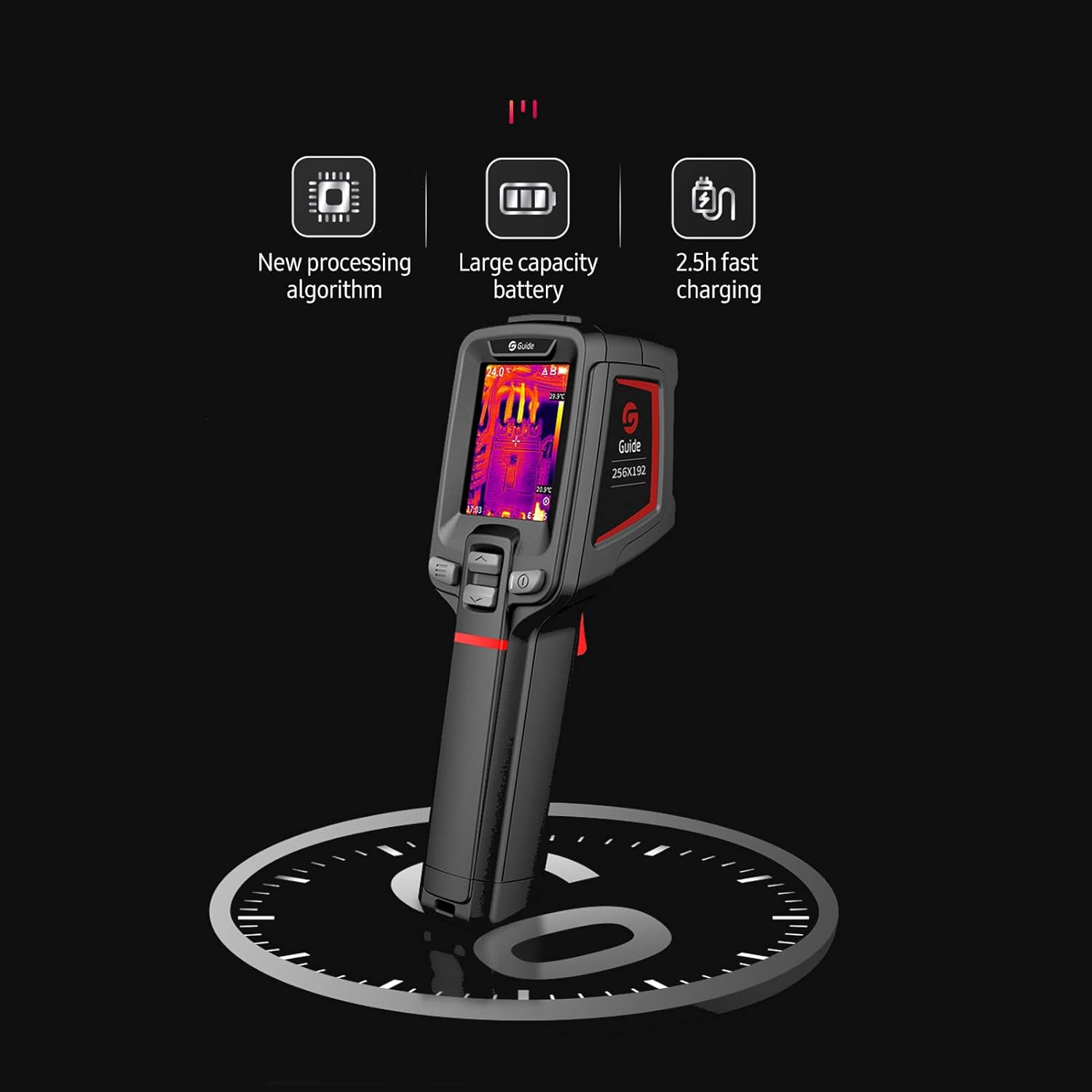
Figure 9.1: Performance Features. This image emphasizes the camera's new processing algorithm, large capacity battery, and 2.5-hour fast charging capability, contributing to its overall performance.
10. Кепилдик жана колдоо
Кепилдик жөнүндө маалымат же техникалык колдоо алуу үчүн, сатып алуу документтериңиз менен берилген байланыш маалыматтарын караңыз же расмий Irfora веб-сайтына кириңиз. webсайт. Кепилдик дооматтар үчүн сатып алганыңыздын далилин сактаңыз.


