Introduction
This manual provides comprehensive instructions for the iFLYTEK Translator 2.0 easytrans 800. It covers device setup, operation, maintenance, and troubleshooting to ensure optimal performance and user experience. The iFLYTEK Translator 2.0 is designed for seamless communication across language barriers, offering advanced voice and camera translation capabilities.
Пакеттин мазмуну
Пакетте бардык буюмдар бар экенин текшериңиз:
- iFLYTEK Translator 2.0 easytrans 800 Device
- USB заряддоо кабели
- Quick колдонмо
- Көрсөтмө (бул документ)
- Боо/Таякча

Image: The iFLYTEK Translator 2.0 easytrans 800 device, its charging cable, and documentation laid out next to the product box.
Продукт бүттүview
The iFLYTEK Translator 2.0 easytrans 800 features a compact design with a user-friendly interface.

Сүрөт: алдыңкы view of the iFLYTEK Translator 2.0 easytrans 800 showing the screen, navigation buttons, and speaker. Rear view shows the camera lens and SOS button.
Түзмөктүн компоненттери:
- Алдыңкы панели: Touchscreen display, navigation buttons (ABC, O, 中文), speaker.
- Арткы Panel: Camera lens, SOS button.
- Каптал баскычтары: Power button, volume controls.
- Порттор: USB charging port, 3.5mm headphone jack.
Жайгашуу
1. Аппаратты заряддоо
Before first use, fully charge the translator. Connect the provided USB cable to the device's charging port and a compatible USB power adapter (not included).
- Толук кубаттоо адатта болжол менен 2-3 саатты талап кылат.
- Экрандагы батареянын индикатору заряддоо абалын көрсөтөт.
2. Күйгүзүү / Өчүрүү
- Күйгүзүү үчүн: Экран жарыктанганга чейин Кубат баскычын (адатта капталда) басып туруңуз.
- Өчүрүү үчүн: Press and hold the Power button, then select "Power Off" on the screen.
3. Initial Language Selection
Upon first power-on, you will be prompted to select the device's interface language. Follow the on-screen instructions.
4. Тармакка кошулуу
The iFLYTEK Translator requires an internet connection for optimal translation accuracy. Connect to a Wi-Fi network or utilize the built-in global communication feature.
- Wi-Fi: Navigate to Settings > Wi-Fi, select your network, and enter the password.
- Global Communication: The device includes 2 years of global communication coverage in 98 countries. This feature activates automatically when a Wi-Fi connection is not available.
Иштөө нускамалары
The iFLYTEK Translator 2.0 easytrans 800 offers two primary translation modes: Voice Translation and Camera Translation.
1. Voice Translation (59 Languages)
This mode allows for real-time spoken language translation.
- Select the source and target languages on the device screen.
- Press and hold the designated voice input button (e.g., "ABC" for language A, "中文" for language B).
- Түзмөктүн микрофонуна даана сүйлөңүз.
- Release the button. The device will process your speech and provide the translation audibly and on-screen.
The device features advanced noise reduction technology and four microphones for high accuracy even in noisy environments, with a response time of approximately 0.5 seconds.

Image: The iFLYTEK Translator 2.0 device screen showing a Japanese phrase and its translation, demonstrating voice translation functionality.
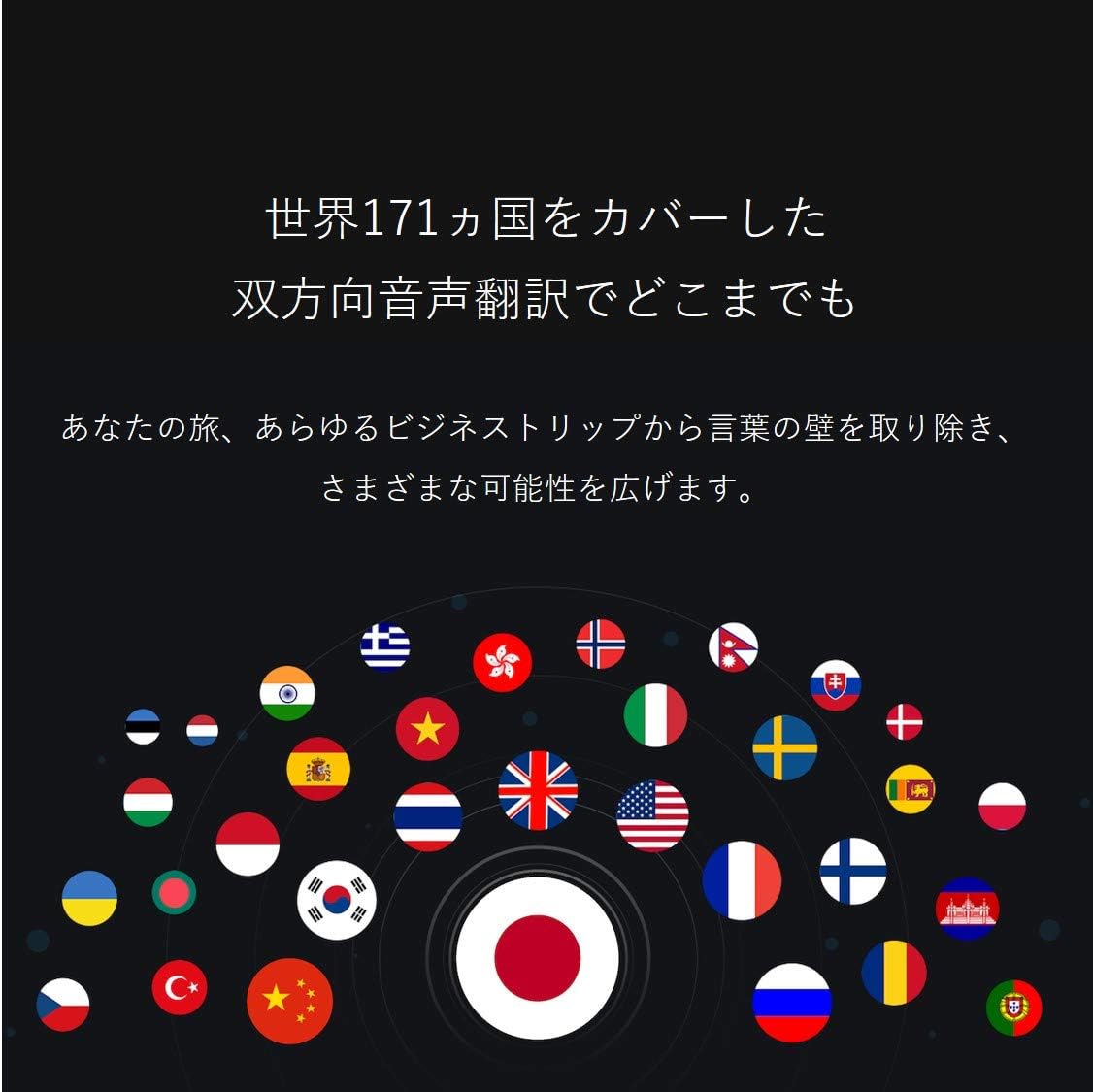
Image: A collection of national flags, symbolizing the extensive language support of the iFLYTEK Translator 2.0 across 171 countries.
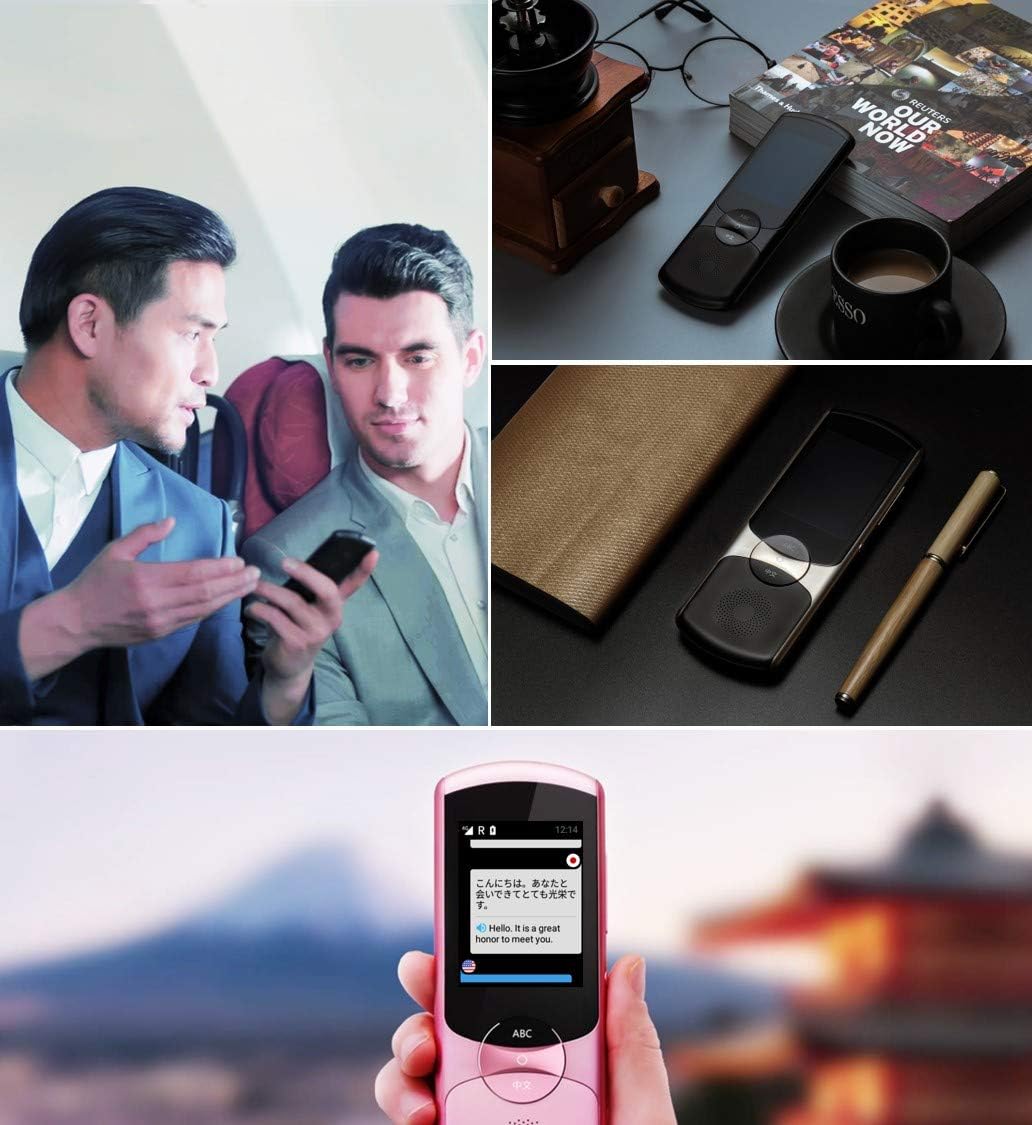
Image: A collage showing the iFLYTEK Translator 2.0 being used in different scenarios, including a business meeting and a travel setting, highlighting its versatility.
2. Camera Translation (11 Languages)
This mode translates text captured by the device's camera.
- Select Camera Translation mode from the main menu.
- Point the device's camera at the text you wish to translate (e.g., signs, menus, documents).
- Ensure the text is well-lit and within the camera's frame.
- Tap the capture button on the screen. The device will process the image and display the translated text.

Image: A user holding the iFLYTEK Translator 2.0 to translate text on a map, demonstrating the camera translation feature.
3. Pronunciation Scoring and Accent Check
The device includes an AI-powered feature to help users improve their pronunciation and check accents.
- Access the Pronunciation Scoring feature from the menu.
- Select the language for practice.
- Speak the displayed phrases or words into the microphone.
- The device will provide feedback on your pronunciation and accent.

Image: An adult and a child interacting with the iFLYTEK Translator 2.0, illustrating its use for pronunciation scoring and language learning.
Техникалык тейлөө
- Тазалоо: Аппаратты тазалоо үчүн жумшак, кургак чүпүрөктү колдонуңуз. Суюк тазалагычтарды же аэрозолдорду колдонбоңуз.
- Сактагыч: Аппаратты түз күн нурунан жана экстремалдык температурадан алыс салкын, кургак жерде сактаңыз.
- Батареяга кам көрүү: Батареянын иштөө мөөнөтүн узартуу үчүн, бат-баттан батарейканы толук зарядсыздандырбаңыз. Аппаратты узак убакыт бою колдонбосо дагы, үзгүлтүксүз заряддаңыз.
- Программалык камсыздоо жаңыртуулары: Оптималдуу иштөөнү жана жаңы функцияларга жетүүнү камсыз кылуу үчүн программалык камсыздоонун жаңыртууларын мезгил-мезгили менен текшерип жана орнотуп туруңуз.
Проблемаларды чечүү
| Көйгөй | Мүмкүн себеп | Чечим |
|---|---|---|
| Түзмөк күйбөйт. | Батареянын аздыгы; аппарат катып калган. | Түзмөктү жок дегенде 30 мүнөт кубаттаңыз. Кубат баскычын 10-15 секунд басып туруп, күч менен өчүрүп-күйгүзүңүз. |
| Котормо туура эмес же жай. | Poor internet connection; unclear speech; incorrect language selection. | Ensure a stable Wi-Fi or cellular connection. Speak clearly and directly into the microphone. Verify that the correct source and target languages are selected. |
| Camera translation not working. | Insufficient lighting; blurry image; text too small. | Ensure adequate lighting. Hold the device steady to avoid blur. Position the device closer to the text if it's too small. |
| Динамиктен үн жок. | Үнү өтө төмөн; динамик жабык. | Increase the volume using the side buttons. Check if the speaker is blocked by debris. |
Техникалык шарттар
| Өзгөчөлүк | Деталь |
|---|---|
| Бренд | iFLYTEK |
| Модель номери | EASYTRANS 800 |
| Voice Translation Support | 59 Тилдер |
| Camera Translation Support | 11 Тилдер |
| Ызы-чууну азайтуу технологиясы | Yes, with 4 microphones |
| Global Communication | 2 years coverage in 98 countries |
| Жооп убактысы | Болжол менен 0.5 секунд |
| Шайкеш түзмөктөр | Laptop, Personal Computer (for data transfer/updates) |
| Аппараттык интерфейс | 802.11 b/g/n (Wi-Fi) |
| Аудио формат | WAV |
| Наушник уясы | 3.5 миллиметр |
| Батарея түрү | 1 литий-иондук батарейка (кошулган) |
| Элемент Салмагы | 120 грамм |
| Screen Size | 5.8 дюйм |
| Батареянын иштөө мөөнөтү | 6 саатка чейин |
| Санарип жазуу убактысы | 120 мүнөт |
Кепилдик жана колдоо
For warranty information and technical support, please refer to the official iFLYTEK webсайтка же кардарларды тейлөөгө кайрылыңыз. Сатып алуу квитанциясын кепилдик дооматтары үчүн сатып алуунун далили катары сактаңыз.
The device includes 2 years of global communication, which is a service feature rather than a warranty.


