1. Киришүү
This manual provides essential information for setting up, operating, and maintaining your Headwolf WPad3 Android 12 Tablet. Please read this manual thoroughly before using your device to ensure optimal performance and longevity.
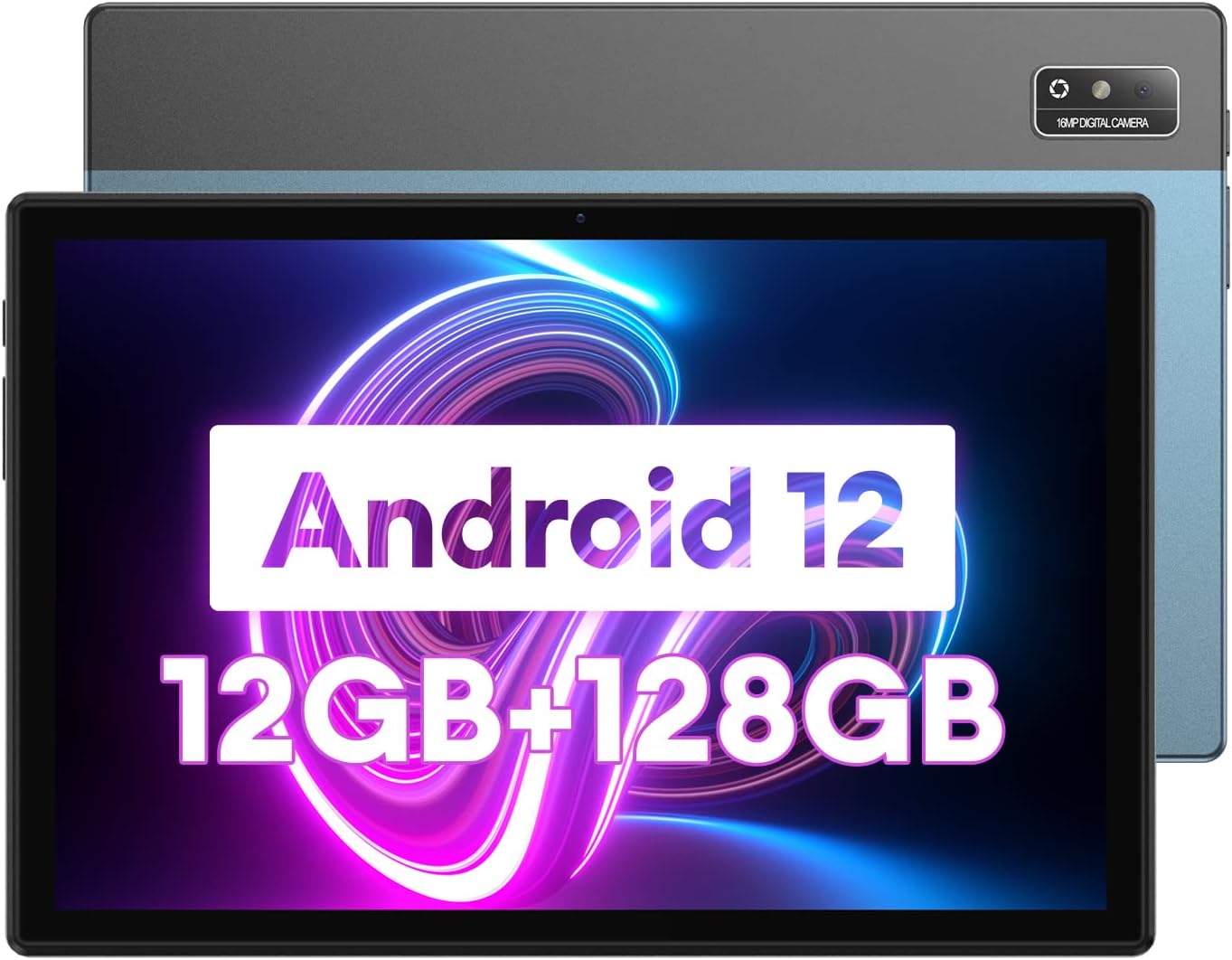
Image 1.1: Headwolf WPad3 Android 12 Tablet.
2. Пакеттин мазмуну
Пакетте бардык буюмдар бар экенин текшериңиз:
- Headwolf WPad3 планшети
- 5V2A кубат адаптери
- White USB Cable (31.5 inches)
- User Manual
- Micro SD Ejector Tool

Image 2.1: Contents of the Headwolf WPad3 package.
For a visual guide on unboxing, refer to the video below:
Video 2.1: Headwolf WPad3 Android Tablet 10 inch Unboxing. This video demonstrates the unboxing process and shows the included items.
3. Продукт бүтүп калдыview
3.1 Физикалык жайгашуу
The Headwolf WPad3 features a thin and light metal body for portability.

Image 3.1: Thin and light metal body design of the Headwolf WPad3.
3.2 Негизги өзгөчөлүктөрү
- Процессор: MT8183 Octa-core CPU for fast application launching and smooth gaming.
- Эстутум жана сактоо: 12GB RAM (6GB + 6GB expansion) and 128GB ROM, expandable up to 512GB via Micro SD.
- Операция системасы: Android 12 with upgraded privacy and security management.
- Дисплей: 10.1-inch HD IPS display with 189 PPI and 178° viewбурч.
- Камералар: 8MP front camera and 16MP rear camera with autofocus.
- Батарея: 7700mAh cobalt lithium battery, providing up to 10 hours of use.
- Байланыш: 2.4G/5G dual-band WiFi, Bluetooth 5.0, GPS+BDS+GALILEO navigation system.
- Аудио: Dual BOX speakers.

Сүрөт 3.2: Бүттүview of Headwolf WPad3 features.
4. Орнотуу
4.1 Күйгүзүү/өчүрүү
To power on the tablet, press and hold the power button located on the side until the Headwolf logo appears. To power off, press and hold the power button, then select 'Power off' from the options.
4.2 Баштапкы орнотуу устасы
Upon first use, the tablet will guide you through an initial setup process. This includes selecting your language, connecting to a Wi-Fi network, and setting up your Google account.
4.3 Wi-Fiга туташуу
- барыңыз Орнотуулар > Тармак жана интернет > Wi-Fi.
- Wi-Fi которуштуруу On.
- Тизмеден каалаган тармакты тандаңыз.
- Эгер суралса, сырсөздү киргизиңиз, андан кийин таптаңыз Туташуу.
4.4 Google Каттоо эсебин орнотуу
A Google account is required to download apps from the Google Play Store and access Google services. During initial setup, you will be prompted to sign in or create a new Google account.
5. Планшетиңизди иштетүү
5.1 Navigation Basics
Планшет навигация үчүн тийүү жаңсоолорун колдонот:
- таптаңыз: Бир нерсени тандаңыз же колдонмону ачыңыз.
- Серпүү: Экрандарды же тизмелерди сыдырыңыз.
- Чымчып чоңойтуу: Сүрөттөрдү чоңойтуу же кичирейтүү жана web барактар.
5.2 Тиркемелерди колдонуу
The tablet comes pre-installed with essential Google applications. Additional applications can be downloaded from the Google Play Store.

Image 5.1: Android 12 interface on the Headwolf WPad3.
5.3 Камеранын функциялары
Планшет 8 МП алдыңкы камера жана 16 МП арткы камера менен жабдылган. Сүрөттөрдү жана видеолорду тартуу үчүн Камера колдонмосун ачыңыз.

Image 5.2: Headwolf WPad3 dual camera system.
5.4 Батареяны башкаруу
The 7700mAh battery provides extended usage. Charge the tablet using the provided 5V2A power adapter and Type-C cable.

Image 5.3: Headwolf WPad3 battery and charging.
5.5 Сактагычты башкаруу
The tablet has 128GB of internal storage and supports Micro SD card expansion up to 512GB. To insert a Micro SD card, use the ejector tool to open the card slot.

Image 5.4: Headwolf WPad3 memory and storage expansion.
5.6 Зымсыз проекция
The tablet supports wireless projection to compatible displays, allowing you to extend your viewтажрыйбасы.

Image 5.5: Wireless projection feature.
5.7 GPS функциясы
The tablet integrates GPS, BDS, and GALILEO navigation systems for accurate location services.
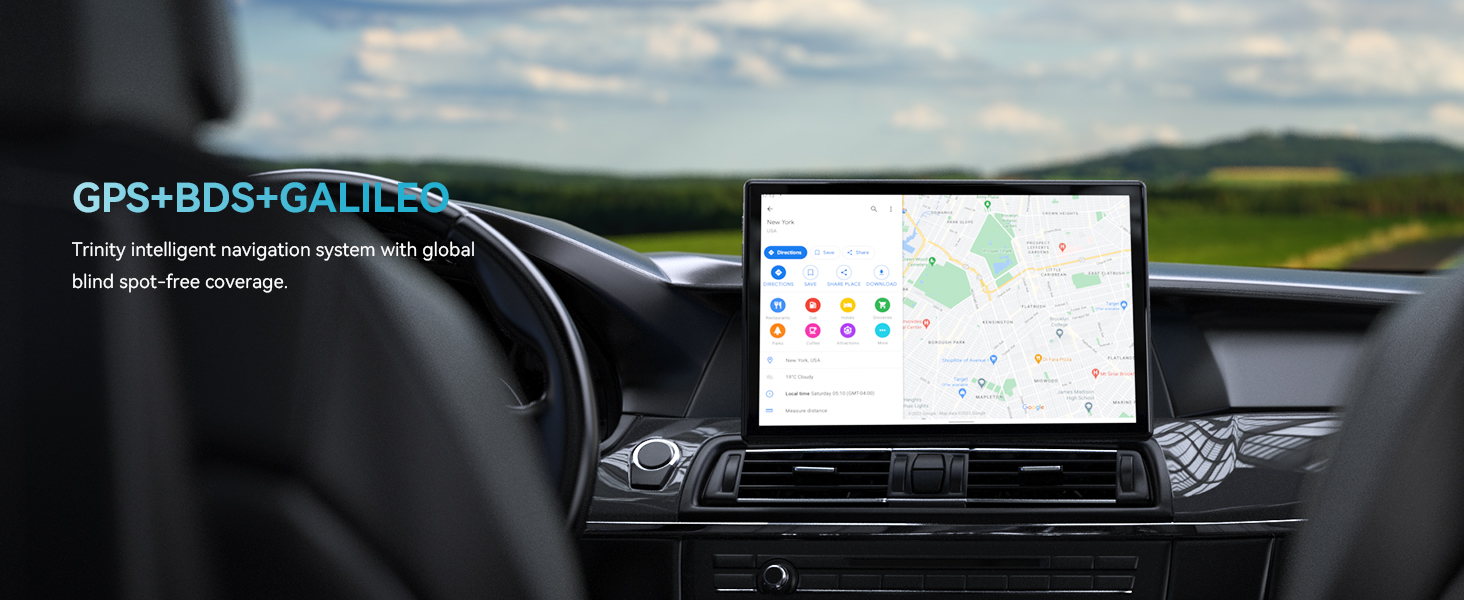
Image 5.6: GPS navigation on the Headwolf WPad3.
5.8 аудио
Enjoy audio through the tablet's dual BOX speakers or connect headphones via the 3.5mm headphone jack.

Image 5.7: Dual BOX speakers for enhanced audio.
For a demonstration of the tablet's performance and features, refer to the video below:
Video 5.8: Headwolf WPad3 6+6GB RAM 128GB ROM Android 12 Tablet. This video highlights the tablet's speed and memory capabilities.
Video 5.9: Headwolf WPad3 10 Inch Tablet, 6GB+128GB Large Memory. This video showcases the tablet's large memory and display.
6. Техникалык тейлөө
6.1 Тазалоо
Use a soft, lint-free cloth to clean the tablet screen and body. Avoid using harsh chemicals or abrasive materials.
6.2 Программалык камсыздоо жаңыртуулары
Regularly check for and install software updates to ensure your tablet has the latest features and security patches. Go to Орнотуулар > Система > Системаны жаңыртуу.
7. Кыйынчылыктарды
This section addresses common issues you might encounter with your Headwolf WPad3 tablet.
7.1 Display Issues (e.g., Dead Pixels)
If you observe a dead pixel or other display anomalies upon unboxing, contact customer support immediately. While rare, manufacturing defects can occur.
7.2 Заряддоо көйгөйлөрү
Ensure you are using the provided 5V2A power adapter and Type-C cable. Some Type-C to Type-C cables or chargers may not be compatible. If the tablet is not charging, try a different power outlet or cable. If the issue persists, contact customer support.
7.3 Performance Lags or App Crashes
If the tablet experiences occasional lags or app crashes, try the following:
- Колдонулбаган фон колдонмолорун жабуу.
- Көйгөйлүү колдонмолор үчүн кэшти тазалоо (Орнотуулар > Колдонмолор > [Колдонмонун аты] > Сактоо жана кэш > Кэшти тазалоо).
- жетиштүү бош орун камсыз кылуу.
- Perform a factory reset as a last resort (Орнотуулар > Система > Параметрлерди баштапкы абалга келтирүү > Бардык дайындарды өчүрүү (дескриптке кайтаруу)). Back up your data before performing a factory reset.
8. Техникалык шарттар
| Өзгөчөлүк | Деталь |
|---|---|
| Модель аты | W3 |
| Операция системасы | Android 12 |
| Screen Size | 10.1 дюйм |
| Screen Resolution | 1280 x 800 пиксел (HD IPS) |
| Процессор бренди | MediaTek (MT8183 Octa-core) |
| RAM | 12GB (6GB + 6GB expansion) |
| Ички сактагыч (ROM) | 128 ГБ |
| Кеңейтүүчү сактагыч | 512 ГБ чейин (Micro SD) |
| Арткы Webcam Resolution | 16MP |
| Фронт Webcam Resolution | 8MP |
| Батарея сыйымдуулугу | 7700mAh |
| Зымсыз түрү | 802.11ac (2.4G/5G WiFi) |
| Bluetooth | Bluetooth 5.0 |
| Навигация | GPS+BDS+GALILEO |
| Элемент Салмагы | 2.07 фунт |
| Продукциянын өлчөмдөрү | 9 x 5 x 3 дюйм |
9. Кепилдик жана колдоо
Headwolf provides a one-year repair and replacement warranty for the WPad3 tablet. Dedicated customer service and technical support are available 24 hours a day. If you encounter any problems with your Android tablet, you can contact us through Amazon "Your Order - Get Help" for assistance. We are committed to providing a satisfactory solution.


