1. Продукт бүтүп калдыview
The JAMJAKE Stylus Pen ID716 is designed to enhance your interaction with compatible Apple iPad models. It offers features such as tilt sensitivity, palm rejection, and pixel-level precision for a natural writing and drawing experience. The pen is constructed from durable aluminum and includes a fast-charging capability.

Image 1.1: The JAMJAKE Stylus Pen ID716, showcasing its sleek design, included replacement tips, and fast-charging capability.
2. Шайкештик
The JAMJAKE Stylus Pen ID716 is specifically designed for Apple iPad models released from 2018 to 2025. Please verify your iPad model before use.
Шайкеш моделдер:
- iPad Pro 13 дюйм (M4)
- iPad Pro 12.9 inches (3rd, 4th, 5th, 6th Gen)
- iPad Pro 11 inch (all versions)
- iPad Air (3rd, 4th, 5th, M2, M3 Gen)
- iPad (6-, 7-, 8-, 9-, 10-, 11-муун)
- iPad Mini (5, 6-муундагы)
Шайкеш келбеген түзмөктөр:
This stylus is ЖОК compatible with iPad models released before 2018, iPhone devices, Android devices, or Microsoft devices.
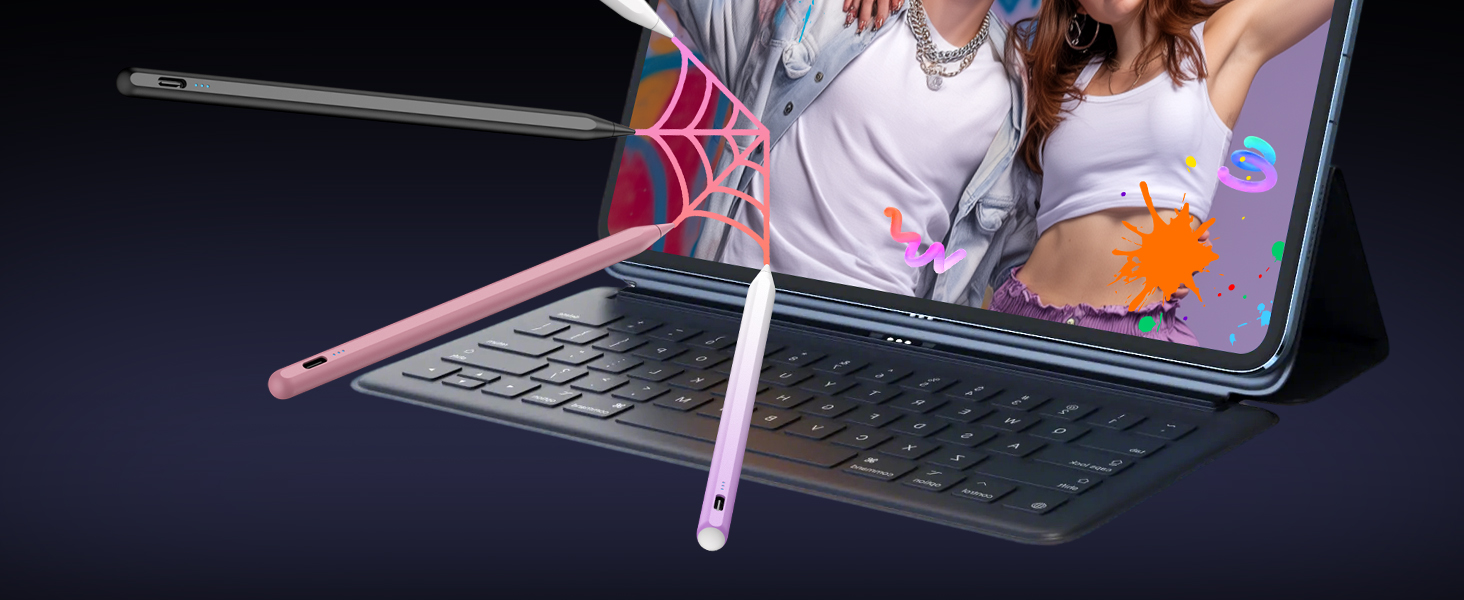
Image 2.1: Detailed compatibility chart for the JAMJAKE Stylus Pen, listing specific iPad models and their corresponding model numbers, along with incompatible devices.
3. Орнотуу жана иштетүү
3.1 Күйгүзүү/өчүрүү
To power on the stylus, simply double-tap the top of the pen. Double-tap again to power it off. No Bluetooth pairing is required for basic functionality; however, ensure your iPad's Bluetooth is enabled for optimal performance.
3.2 Батарея көрсөткүчү
The stylus features three LED indicator lights to display the battery level:
- All lights on: 70% -100% күч
- Эки жарык күйөт: 30% -70% күч
- Бир жарык күйүп: 5% -30% күч
- One light flashing: 5% дан азыраак кубаттуулук
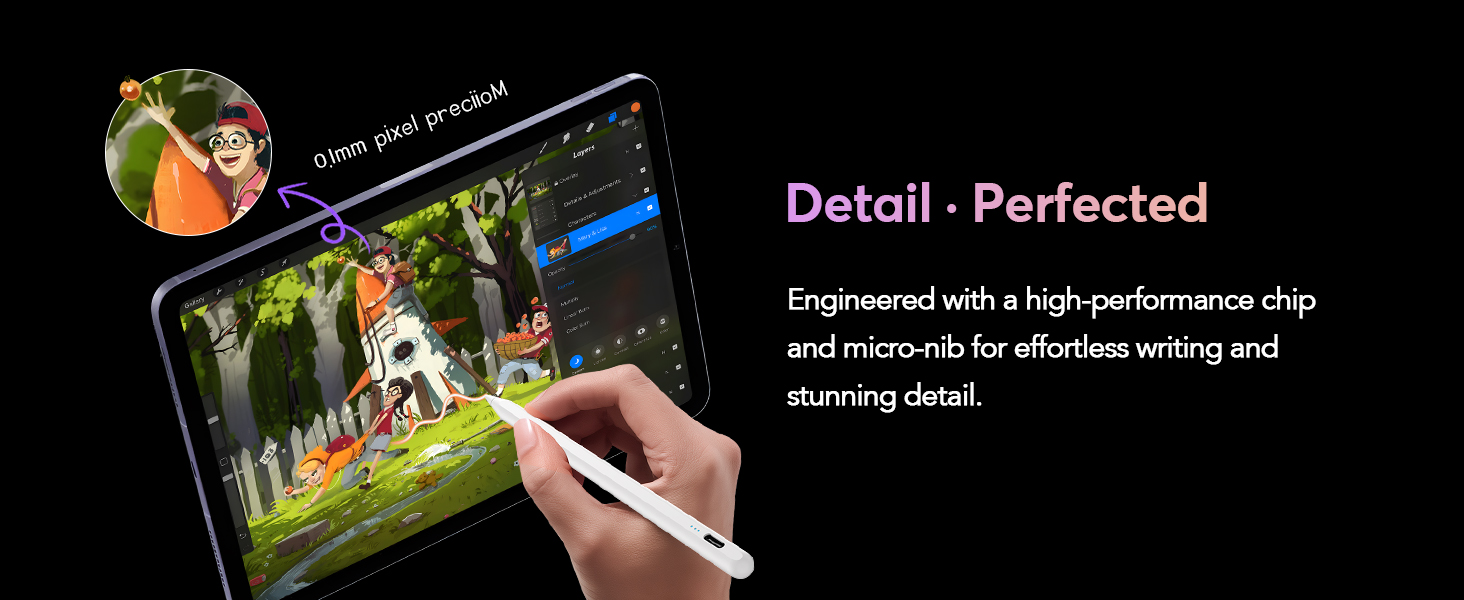
Image 3.1: Visual guide for the stylus's indicator light power display, tip replacement process, and the double-tap function for powering on/off.
3.3 Тез кубаттоо
The stylus charges via a USB-C port. A full charge takes approximately 10 minutes and provides up to 10 hours of continuous use.

Image 3.2: The stylus connected to a USB-C charger, highlighting its rapid charging capability and extended battery life.
3.4 Пальмадан баш тартуу
The palm rejection feature allows you to rest your hand comfortably on the iPad screen while writing or drawing without unintended marks. This provides a natural and comfortable user experience.

Image 3.3: A user comfortably resting their hand on the iPad screen while using the stylus, illustrating the palm rejection functionality.
3.5 Тилт сезгичтиги
The stylus supports tilt sensitivity, allowing you to vary line thickness and shading by adjusting the angle at which the pen tip touches the screen. This feature is ideal for artistic applications and detailed drawing.

Image 3.4: The stylus demonstrating its tilt sensitivity, allowing for varied line weights and shading based on the angle of contact.
3.6 Pixel-Level Precision
Equipped with an upgraded smart chip, the stylus delivers 0.1 mm pixel-level accuracy with high responsiveness, ensuring no breakpoints or delays. This allows for precise writing of small characters and detailed drawing.
Эскертүү: This stylus does not support pressure sensitivity.

Image 3.5: The stylus in use, demonstrating its fine 0.1mm pixel precision for detailed drawing and writing.
3.7 Магниттик адсорбция
The stylus can securely attach to the side of your compatible iPad for convenient storage and access.
Эскертүү: This feature does not support wireless charging.

Image 3.6: The stylus magnetically adhering to the side of an iPad for easy storage.
4. Техникалык тейлөө
4.1 Калемдин учунун алмаштыруу
The stylus comes with replacement tips. To replace a tip, gently unscrew the old tip counter-clockwise and screw on a new tip clockwise until secure.
Image 4.1: Instructions for replacing the stylus tip by unscrewing and screwing in new tips.
4.2 Стилусту заряддоо
Connect the included USB-C cable to the charging port on the stylus and to a compatible USB power source. Refer to the battery indicator lights for charging status.
5. Кыйынчылыктарды
- Стилус жооп бербей жатат: Ensure the stylus is charged and powered on (double-tap the top). Check that your iPad's Bluetooth is enabled.
- Inaccurate input or lag: Verify your iPad model is compatible. Ensure the pen tip is securely fastened. Restart both the stylus and your iPad.
- Алаканды четке кагуу иштебейт: Confirm your iPad model supports palm rejection with third-party styluses.
- Tip wear: If the tip feels rough or less responsive, replace it with one of the included spare tips.
6. Техникалык шарттар
| Өзгөчөлүк | Деталь |
|---|---|
| Модель номери | ID716 |
| Өлчөмдөр | 7.5 x 2.2 x 0.6 дюйм |
| Элемент Салмагы | 3.21 унция (91 грамм) |
| Материал | Алюминий |
| Батарея түрү | 1 литий-иондук батарейка (талап кылынат) |
| Заряддоо убактысы | Болжол менен 10 мүнөт |
| Үзгүлтүксүз колдонуу убактысы | 10 саатка чейин |
| Күтүү режиминдеги батареянын иштөө мөөнөтү | 8760 саат |
| Шайкештик | Apple iPad models 2018-2025 |
7. Кепилдик жана колдоо
7.1 Кепилдик маалыматы
The JAMJAKE Stylus Pen ID716 comes with an 18-month warranty period from the date of purchase. This warranty covers manufacturing defects and ensures hassle-free replacement or return.
7.2 Кардарларды колдоо
For any inquiries, technical assistance, or warranty claims, please contact our customer support team. We offer 24/7 professional service.
- Электрондук почта: support@jamjake.com


